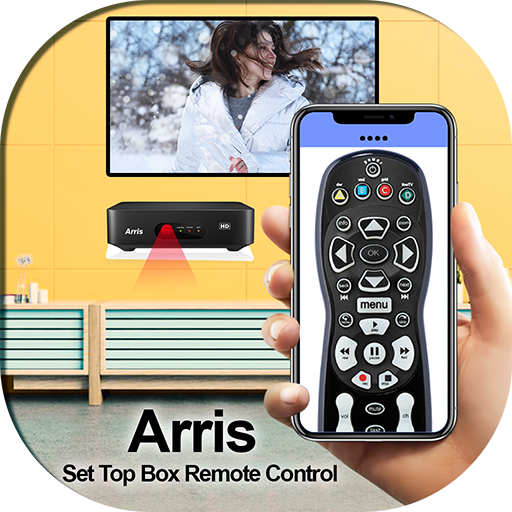
Set Up Box Remote Control For Arris PC
Autovity Infotech
GameLoopエミュレーターを使用してPCにSet Up Box Remote Control For Arrisをダウンロードします
Set Up Box Remote Control For Arris PC版
開発者Autovity InfotechからのSet Up Box Remote Control For Arrisは、過去にAndroidsystermで実行されています。
これで、GameLoopを搭載したPCでSet Up Box Remote Control For Arrisをスムーズにプレイできます。
GameLoopライブラリまたは検索結果にダウンロードしてください。 バッテリーに目を向けたり、間違った時間にイライラしたりすることはもうありません。
大画面でSet Up Box Remote Control For ArrisPCを無料でお楽しみください!
Set Up Box Remote Control For Arris 序章
What is special in Set Up Box Remote Control For Arris ..?
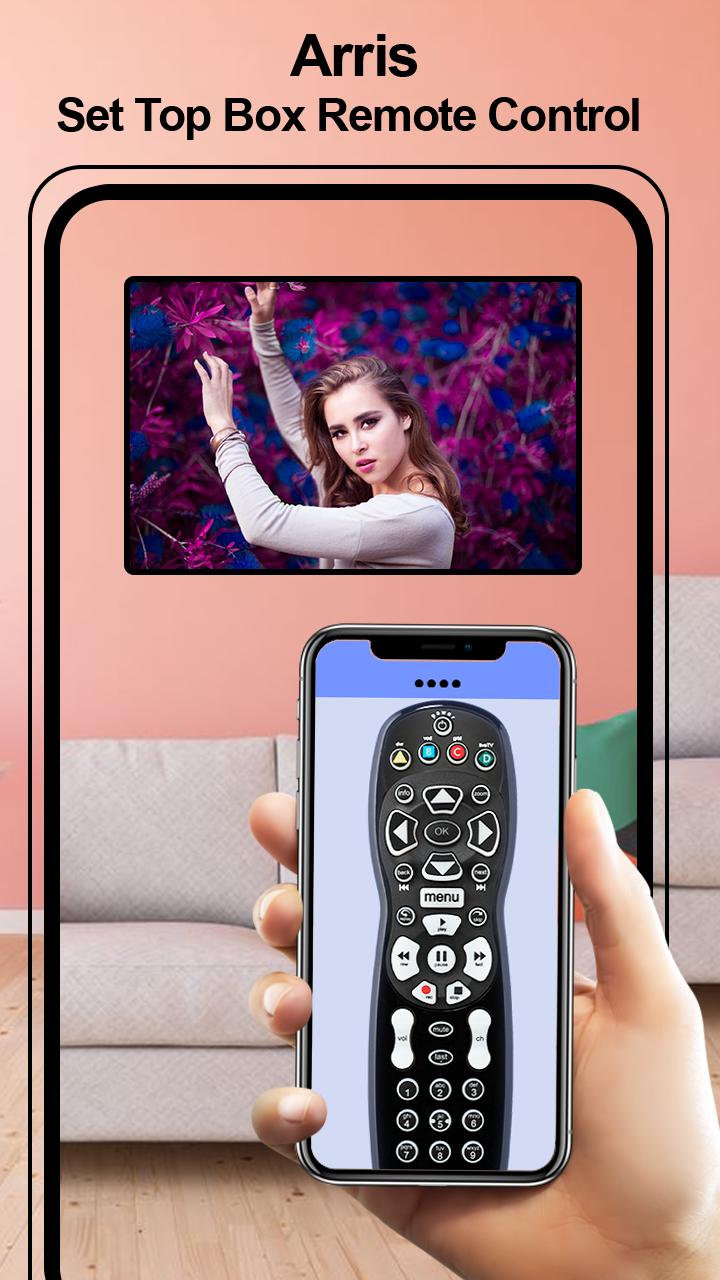
=>Keep anytime Remote with you
=>Mini pocket Remote controller
=>Power ON / OFF Control
=>Mute / Un-mute
=>Channel Digits buttons
=>Channel index and lists
=>Volume Up Control
=>Volume Down Control
=>Channel Up Control
=>Menu Button with Up / Down and Left / Right controls
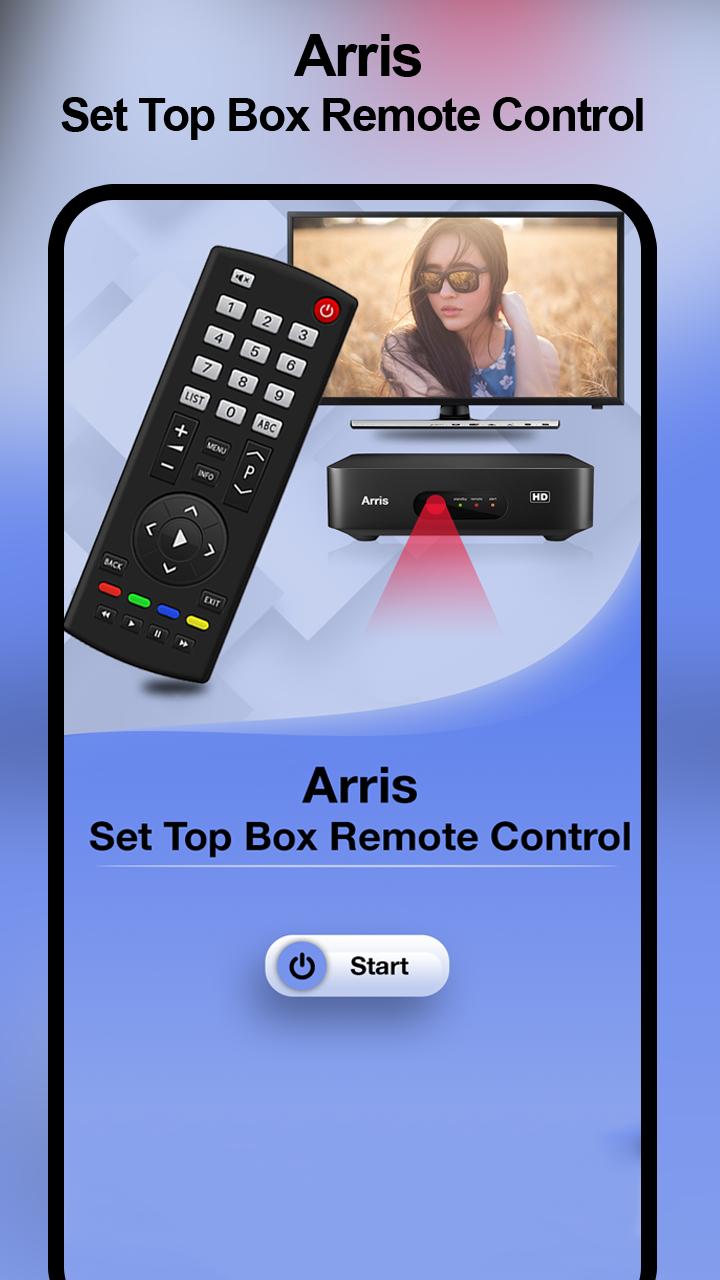
Easily change your smartphone into a remote control by using this Arris Remote Control app. Install this Set Up Box Remote Control For Arris application and convert your smartphone into TV Remote Control without paying any little amount. It is work same as your TV remote just needs to keep your WIFI connection same and it will connect automatically with your TV.
Features of Set Up Box Remote Control For Arris
=>Instant to use in emergency situations
=>Change mobile into Set-Up Box remote
=>Nice design with Simple Interface
=>Handle Arris TV with mobile remote
=>Allow getting remote of Arris TV
=>Awesome Features of Remote Control for Tv
=>Power ON / OFF Control buttons
=>TV remote all keys
=>Simple to use app
=>FREE!!!
プレビュー
情報
デベロッパー
Autovity Infotech
最新バージョン
1.0
最終更新
2019-11-08
カテゴリー
仕事効率化
上で利用可能
Google Play
もっと見せる
PCでGameLoopを使用してSet Up Box Remote Control For Arrisをプレイする方法
1. 公式WebサイトからGameLoopをダウンロードし、exeファイルを実行してGameLoopをインストールします
2. GameLoopを開いて「Set Up Box Remote Control For Arris」を検索し、検索結果でSet Up Box Remote Control For Arrisを見つけて、「インストール」をクリックします。
3. GameLoopでSet Up Box Remote Control For Arrisを楽しんでください
Minimum requirements
OS
Windows 8.1 64-bit or Windows 10 64-bit
GPU
GTX 1050
CPU
i3-8300
Memory
8GB RAM
Storage
1GB available space
Recommended requirements
OS
Windows 8.1 64-bit or Windows 10 64-bit
GPU
GTX 1050
CPU
i3-9320
Memory
16GB RAM
Storage
1GB available space