
Sensitivity Finder PC
Luke C Nelson
GameLoopエミュレーターを使用してPCにSensitivity Finderをダウンロードします
Sensitivity Finder PC版
開発者Luke C NelsonからのSensitivity Finderは、過去にAndroidsystermで実行されています。
これで、GameLoopを搭載したPCでSensitivity Finderをスムーズにプレイできます。
GameLoopライブラリまたは検索結果にダウンロードしてください。 バッテリーに目を向けたり、間違った時間にイライラしたりすることはもうありません。
大画面でSensitivity FinderPCを無料でお楽しみください!
Sensitivity Finder 序章
(This app is designed to be used with the game CS:GO, however, there is no affiliation between this app and Valve Corporation or Counter-Strike Global Offensive)
Need a better sensitivity in CS:GO, but don't where to start?
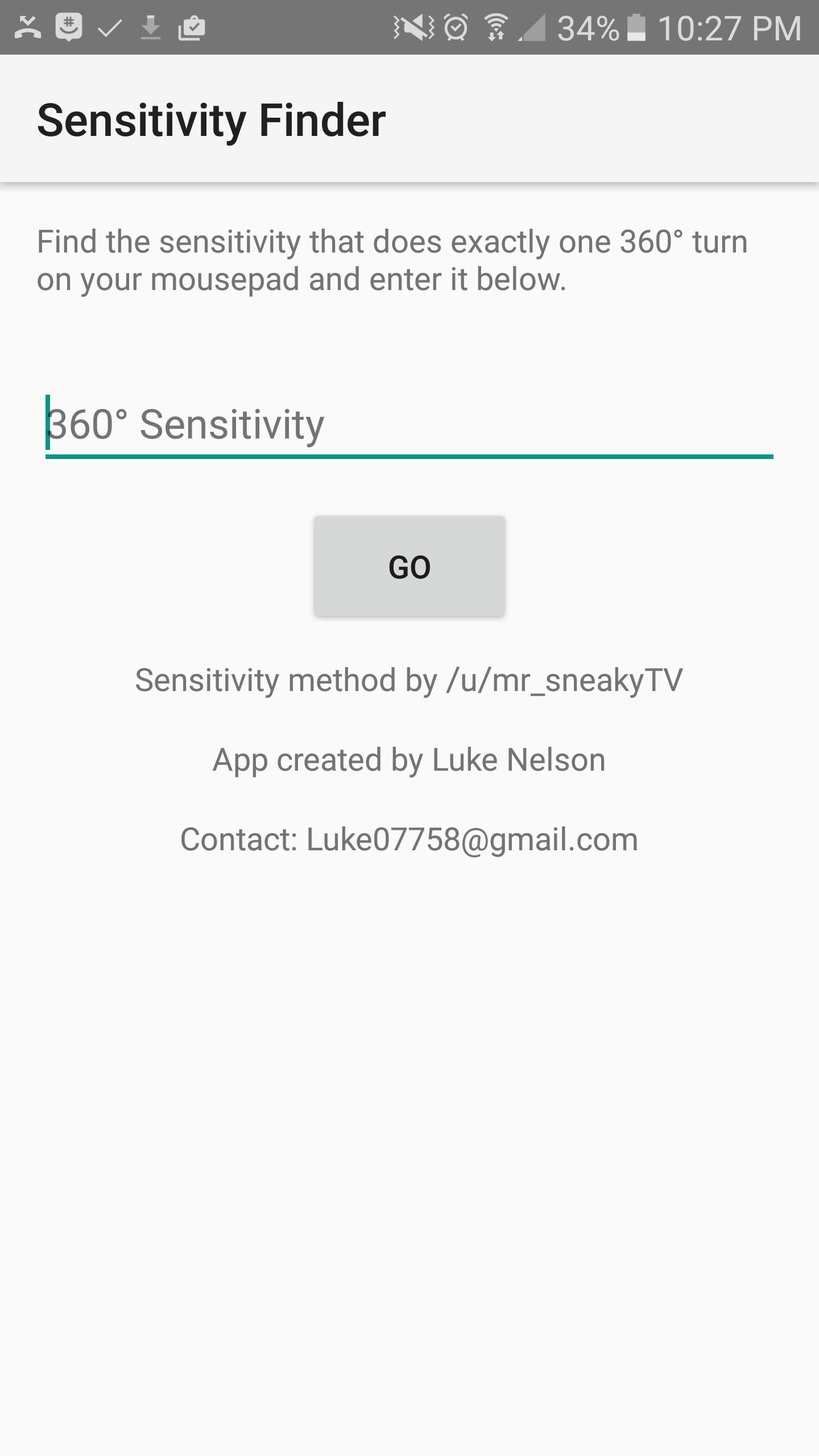
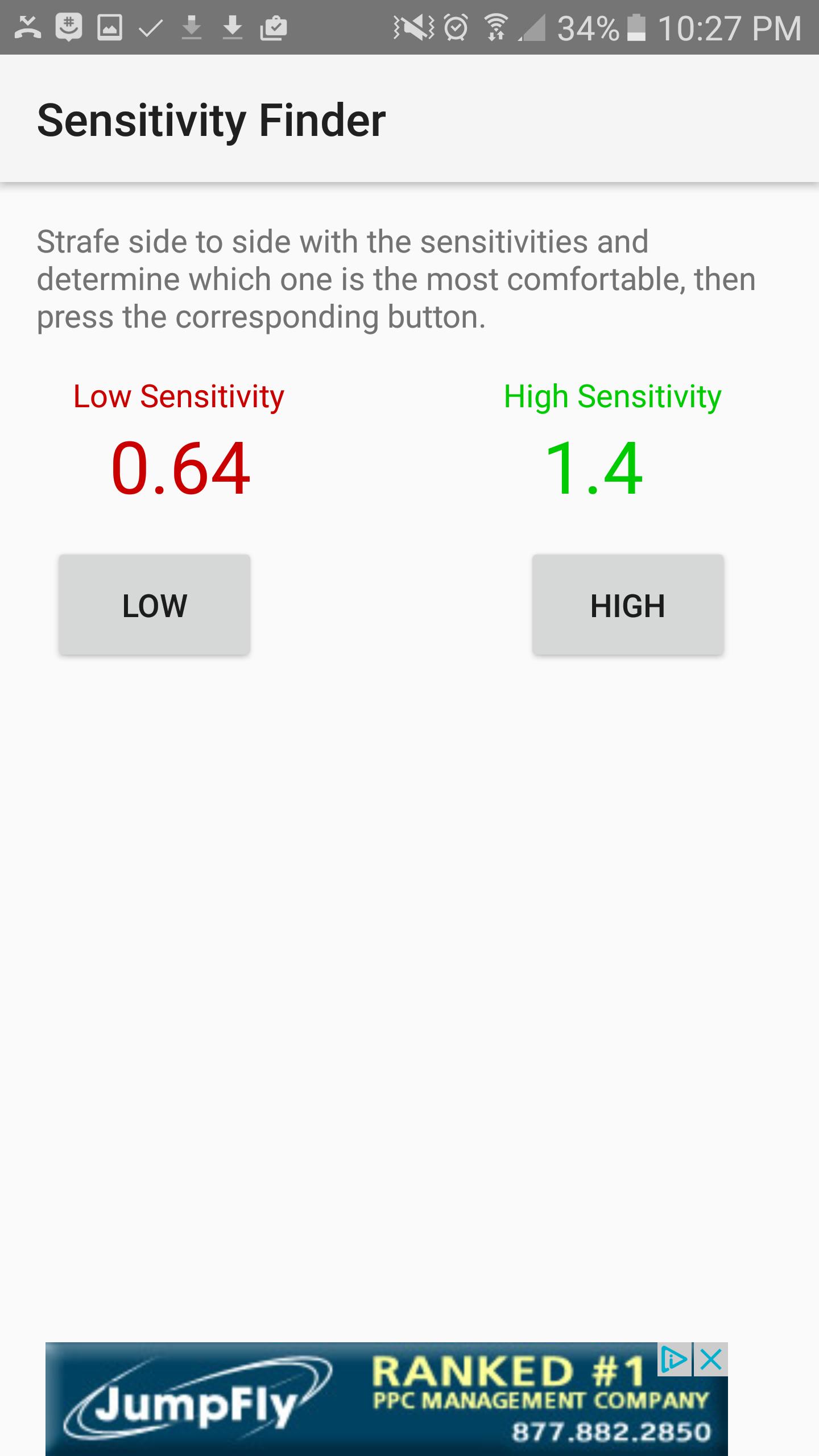
This app will help you find your PERFECT sensitivity to get better at the game. How it works is, you first open the game and find which sensitivity it is that does exactly one 360 degree turn from one side of your mouse pad to the other, and you will enter that sensitivity into the first screen. Next, the app will show you two sensitivities, a Low, colored in red, and a High colored in green. Try each of these sensitivities out and determine which one you like better. I recommend strafing back and forth and trying to keep your crosshair fixed on one point on a wall. Once you figure out which one you like better, select the corresponding High or low button, and the app will show you updated sensitivities, and then you try those sensitivities. Repeat the process over and over until the app finds the perfect sensitivity for you. The entire process takes up to an hour, but it is worth it, and your sensitivity will be much better.
プレビュー
情報
デベロッパー
Luke C Nelson
最新バージョン
1.0
最終更新
2017-01-28
カテゴリー
仕事効率化
上で利用可能
Google Play
もっと見せる
PCでGameLoopを使用してSensitivity Finderをプレイする方法
1. 公式WebサイトからGameLoopをダウンロードし、exeファイルを実行してGameLoopをインストールします
2. GameLoopを開いて「Sensitivity Finder」を検索し、検索結果でSensitivity Finderを見つけて、「インストール」をクリックします。
3. GameLoopでSensitivity Finderを楽しんでください
Minimum requirements
OS
Windows 8.1 64-bit or Windows 10 64-bit
GPU
GTX 1050
CPU
i3-8300
Memory
8GB RAM
Storage
1GB available space
Recommended requirements
OS
Windows 8.1 64-bit or Windows 10 64-bit
GPU
GTX 1050
CPU
i3-9320
Memory
16GB RAM
Storage
1GB available space