Punjabi Voice Typing Keyboard - Speech To Text PC
Indic Voice Typing Keyboard
GameLoopエミュレーターを使用してPCにPunjabi Voice Typing Keyboard - Speech To Textをダウンロードします
Punjabi Voice Typing Keyboard - Speech To Text PC版
開発者Indic Voice Typing KeyboardからのPunjabi Voice Typing Keyboard - Speech To Textは、過去にAndroidsystermで実行されています。
これで、GameLoopを搭載したPCでPunjabi Voice Typing Keyboard - Speech To Textをスムーズにプレイできます。
GameLoopライブラリまたは検索結果にダウンロードしてください。 バッテリーに目を向けたり、間違った時間にイライラしたりすることはもうありません。
大画面でPunjabi Voice Typing Keyboard - Speech To TextPCを無料でお楽しみください!
Punjabi Voice Typing Keyboard - Speech To Text 序章
Write anything you want with your VOICE, no need to look up for characters.
Punjabi Voice Typing Keyboard - Speech To Text
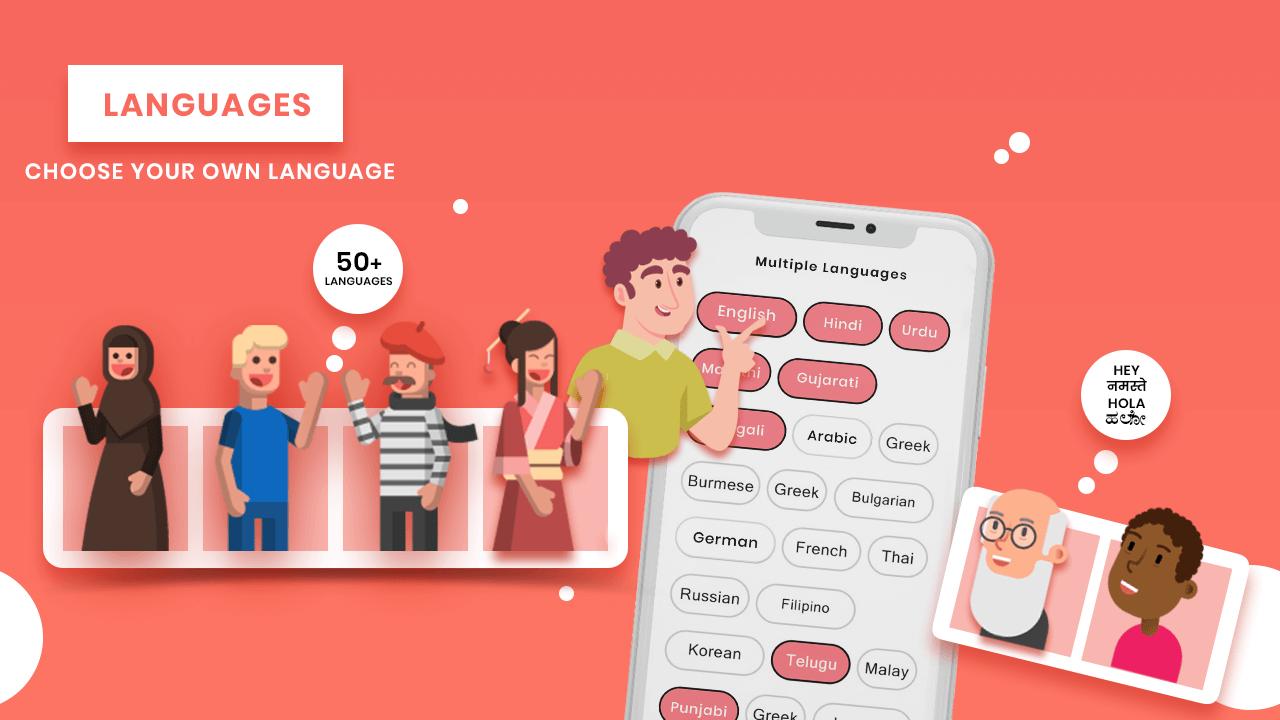
Punjabi Voice Typing Keyboard - Speech To Text can Easily type your native language, Just Type Punjabi with use of many functions like Voice Typing Keyboard, Punjabi Voice & Indic Typing Keyboard, Indic Typing Keyboard.
Use of Punjabi Voice Typing Keyboard - Speech To Text, (ਪੰਜਾਬੀ):
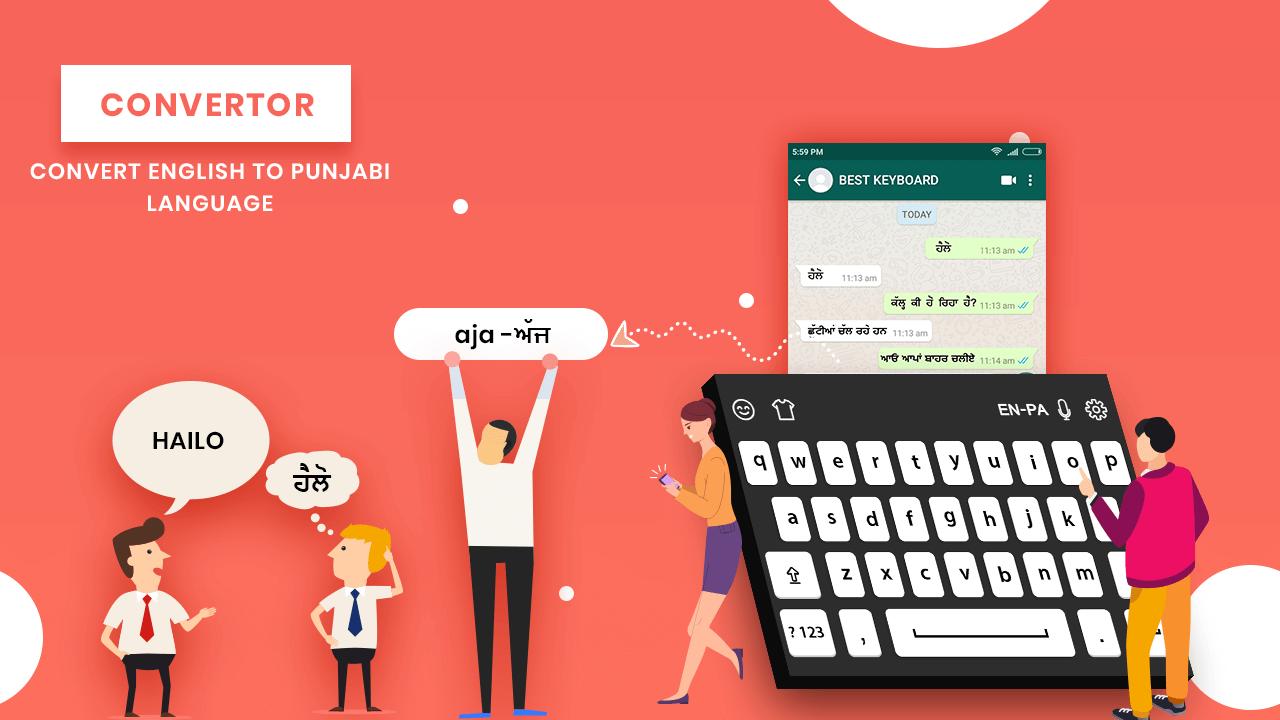
>> Punjabi Voice & Indic Typing Keyboard - Speech To Text used to get Punjabi typed smooth and automatically on speaking Punjabi sentences or typing direct as HINGLISH.
>> Press MIC button and speak in Punjabi to get Punjabi text automatically typed.
>> Punjabi Voice & Indic Typing Keyboard to share using different application as text message, use it to chat on chatting application.
>> Use with many ways like you can tweet in Punjabi, draft a text message in Punjabi, send message on social websites in Punjabi, learn how to write Punjabi and many more ways.
>> Type using voice or indic anywhere you like.
Some Key Features Of Punjabi Voice Typing Keyboard - Speech To Text:
+ No memorizing key positions.
- Simple and intuitive typing in Punjabi keyboard using regular English (QWERTY) keyboard.
+ No fluency in Punjabi is required.
- Voice Typing Keyboard encourages users to think in their language.
Punjabi Voice Typing Keyboard - Speech To Text will help you to write your articles faster and this will provide you a good quality speech recognition.
プレビュー
情報
デベロッパー
Indic Voice Typing Keyboard
最新バージョン
1.0
最終更新
2019-03-11
カテゴリー
仕事効率化
上で利用可能
Google Play
もっと見せる
PCでGameLoopを使用してPunjabi Voice Typing Keyboard - Speech To Textをプレイする方法
1. 公式WebサイトからGameLoopをダウンロードし、exeファイルを実行してGameLoopをインストールします
2. GameLoopを開いて「Punjabi Voice Typing Keyboard - Speech To Text」を検索し、検索結果でPunjabi Voice Typing Keyboard - Speech To Textを見つけて、「インストール」をクリックします。
3. GameLoopでPunjabi Voice Typing Keyboard - Speech To Textを楽しんでください
Minimum requirements
OS
Windows 8.1 64-bit or Windows 10 64-bit
GPU
GTX 1050
CPU
i3-8300
Memory
8GB RAM
Storage
1GB available space
Recommended requirements
OS
Windows 8.1 64-bit or Windows 10 64-bit
GPU
GTX 1050
CPU
i3-9320
Memory
16GB RAM
Storage
1GB available space