PDF Converter- PNG to PDF PC
AppsCaps
GameLoopエミュレーターを使用してPCにPDF Converter- PNG to PDFをダウンロードします
PDF Converter- PNG to PDF PC版
開発者AppsCapsからのPDF Converter- PNG to PDFは、過去にAndroidsystermで実行されています。
これで、GameLoopを搭載したPCでPDF Converter- PNG to PDFをスムーズにプレイできます。
GameLoopライブラリまたは検索結果にダウンロードしてください。 バッテリーに目を向けたり、間違った時間にイライラしたりすることはもうありません。
大画面でPDF Converter- PNG to PDFPCを無料でお楽しみください!
PDF Converter- PNG to PDF 序章
All-in-one PDF viewer, reader, and scanner app manage PDF files, i.e., view, read, scan docx, convert JPG to PDF, merge or combine, compress, split, magnify, and read aloud PDF.
With PDF Editor for Android, you can edit PDF files, i.e., add text or watermark, add images to PDF, and sign PDF documents. PDF Reader or ebook reader annotates PDF documents, i.e., pen, highlights text, erases or removes text from docx, underlines sentences, and adds line strikes to text.
PDF viewer, reader, and converter app is your one solution for all docx, from arranging and viewing to advanced AI tools, i.e., auto-dewarp PDFs, summarize lengthy PDF documents, and ask any question to AI Chat about your documents.
📕 Key Features of PDF Viewer, Reader, and Scanner:
👉 PDF Reader and Viewer:
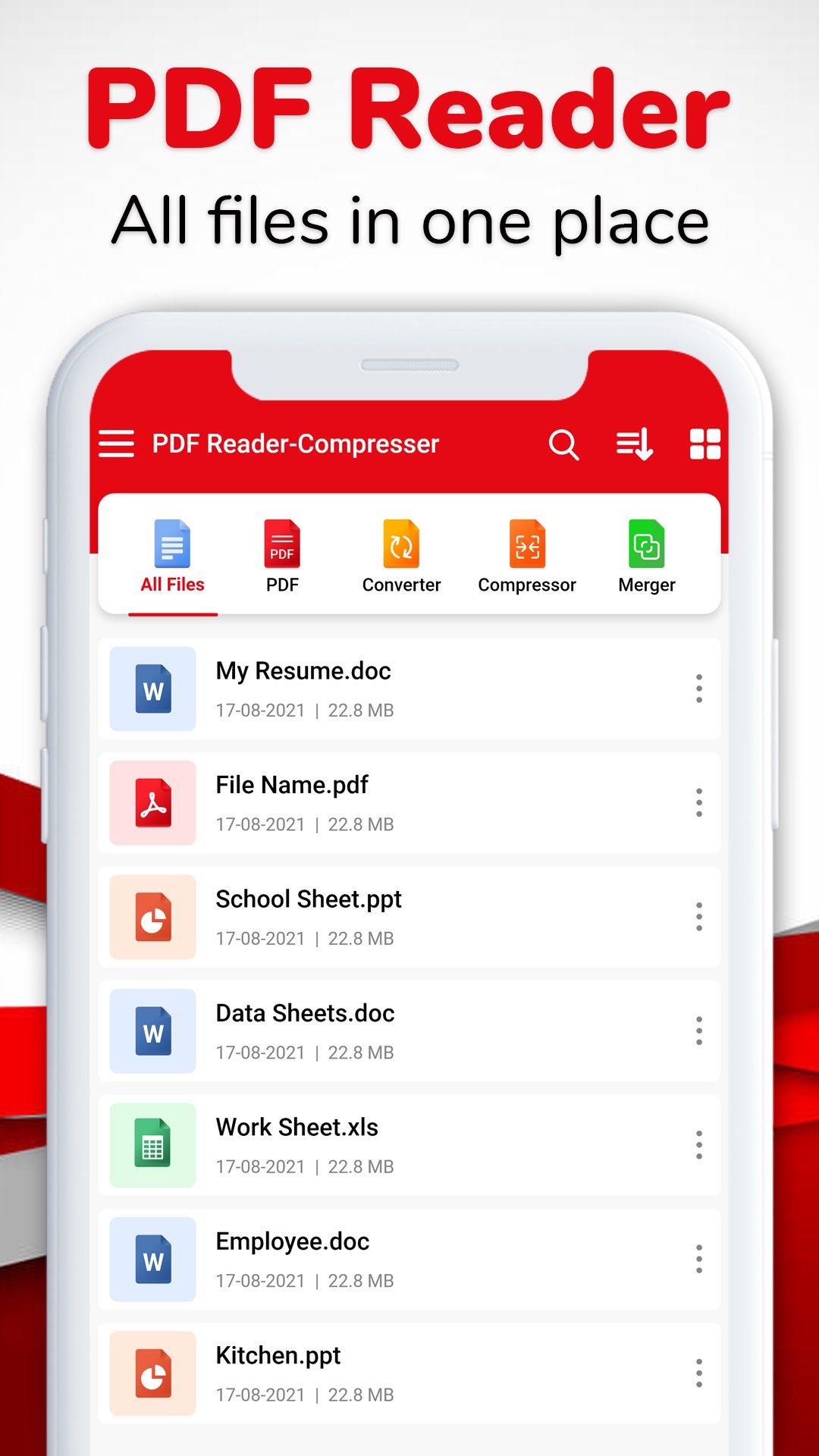
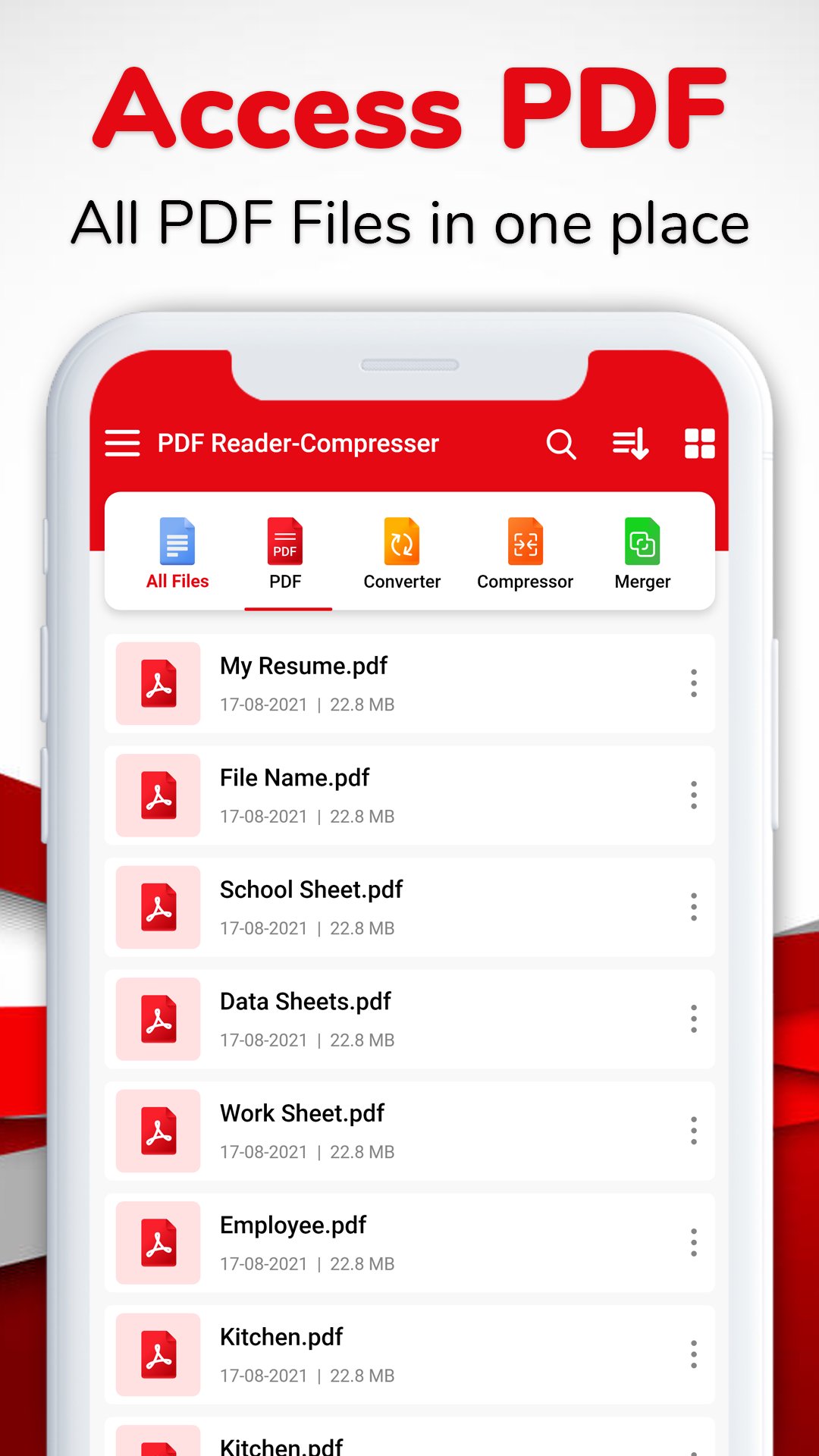
Open, view, and read PDFs, Word, Excel, and PPT files effortlessly.
👉PDF Scanner:
Turn anything into a PDF. Scan documents (PDFs, Word, Excel, or PPT), images, ID cards, books, and even QR codes effortlessly.
👉 PDF Converter:
Convert your documents, i.e., Word, Excel, PPT, and PNG or JPG to PDF format.
👉PDF Editor:
Edit all your PDF documents with the PDF editing feature, i.e., add text to PDF, watermarks, and images to PDF.
👉 PDF Annotator:
Markup your PDFs with annotation tools, i.e., pen PDFs, highlight text, erase or remove text from docx, underline sentences, and add strikethrough on text, to emphasize and organize important information.
👉 PDF Signature:
Add signatures to PDF documents with various colors and text styles.
👉PDF Merger:
Merge multiple PDFs into a single document. Streamline your workflow and simplify document management by organizing and combining PDFs.
👉 PDF Compressor:
Reduce the size of your PDF files, Word documents, Excel, and PPT files without compromising quality.
👉 Split PDF:
Divide a single document (PDF, Word, Excel, or PPT file) into multiple smaller and more manageable files.
👉 PDF Magnifier:
Zoom in or zoom out on intricate details with the PDF magnifier. Enhance your reading and editing experience by focusing on specific sections of your docx.
👉 Listen to PDFs (Voice Aloud Reader):
Experience a hands-free way of reading documents (PDF, Word, Excel, and PPT) with the Voice Aloud Reader. Listen to your PDFs aloud while on the go.
👉 Lock PDF:
Secure PDF files with password protection. Prevent unauthorized access and ensure that sensitive information is confidential. Share your PDF files privately with anyone you want.
👉 Recent and Favorite Files:
Bookmark your favorite document to access and quickly locate the most recent files.
👉 View Mode:
Customize your viewing document experience with options such as zoom and pan, fit-to-screen, and rotation control. Switch between dark and bright modes to reduce eye strain during extended usage.
👉 Keep the screen on:
Prevent the device screen from turning off during document viewing and reading for uninterrupted focus.
📕 Advanced AI Features of PDF Editor:
👉 PDF Summary:
Get quick summaries of lengthy PDF documents, Word, Excel, or PPT files.
👉 PDF AI Chat:
Benefit from AI chat for answering any questions you may have about your documents.
👉 Auto-Dewarp PDFs:
Auto-correct distortions in scanned documents with the Auto-Dewarp feature. Ensure your PDF files are clear and legible after scanning.
The PDF Viewer, Reader, and Scanner help to make your document workflow more efficient and enjoyable. For anyone who wants to make changes in PDFs, i.e., edit (add text or watermark, add images to PDF, and sign to PDF documents) or annotate (pen, highlight text, erase or remove text from docx, underline sentences, and add line strikes on text), this app will help you. From basic viewing to AI features, i.e., auto-dewarp PDF, summarise PDF, and PDF AI chat, the PDF Viewer, Reader, and Scanner app is the ultimate companion for handling all your documents.
プレビュー
タグ
仕事効率化Books-&情報
デベロッパー
AppsCaps
最新バージョン
3.1.13
最終更新
2026-07-29
カテゴリー
仕事効率化
上で利用可能
Google Play
もっと見せる
PCでGameLoopを使用してPDF Converter- PNG to PDFをプレイする方法
1. 公式WebサイトからGameLoopをダウンロードし、exeファイルを実行してGameLoopをインストールします
2. GameLoopを開いて「PDF Converter- PNG to PDF」を検索し、検索結果でPDF Converter- PNG to PDFを見つけて、「インストール」をクリックします。
3. GameLoopでPDF Converter- PNG to PDFを楽しんでください
Minimum requirements
OS
Windows 8.1 64-bit or Windows 10 64-bit
GPU
GTX 1050
CPU
i3-8300
Memory
8GB RAM
Storage
1GB available space
Recommended requirements
OS
Windows 8.1 64-bit or Windows 10 64-bit
GPU
GTX 1050
CPU
i3-9320
Memory
16GB RAM
Storage
1GB available space