MyClass Student's App PC
Gotisheel Technologies LLP
GameLoopエミュレーターを使用してPCにMyClass Student's Appをダウンロードします
MyClass Student's App PC版
開発者Gotisheel Technologies LLPからのMyClass Student's Appは、過去にAndroidsystermで実行されています。
これで、GameLoopを搭載したPCでMyClass Student's Appをスムーズにプレイできます。
GameLoopライブラリまたは検索結果にダウンロードしてください。 バッテリーに目を向けたり、間違った時間にイライラしたりすることはもうありません。
大画面でMyClass Student's AppPCを無料でお楽しみください!
MyClass Student's App 序章
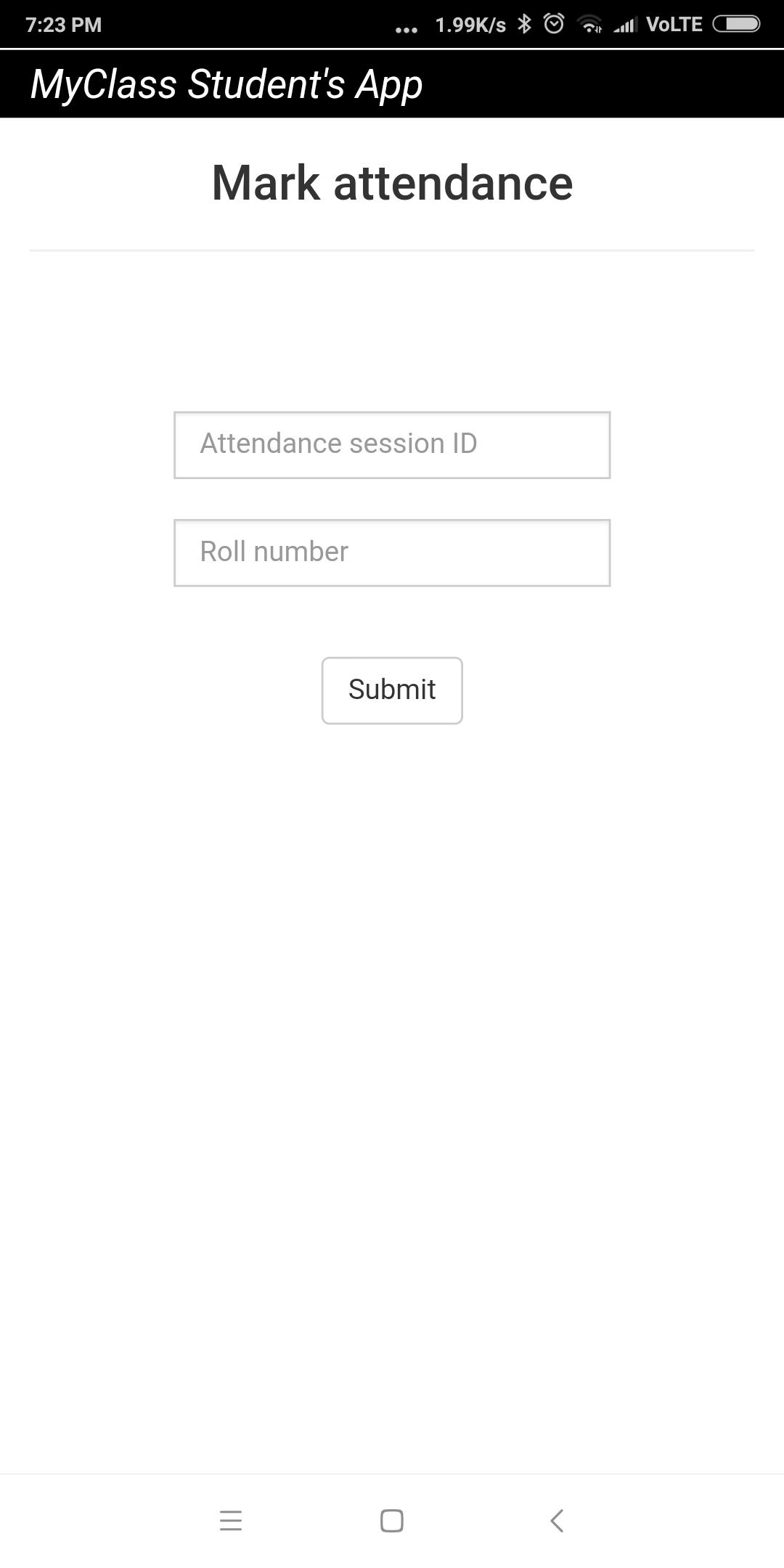
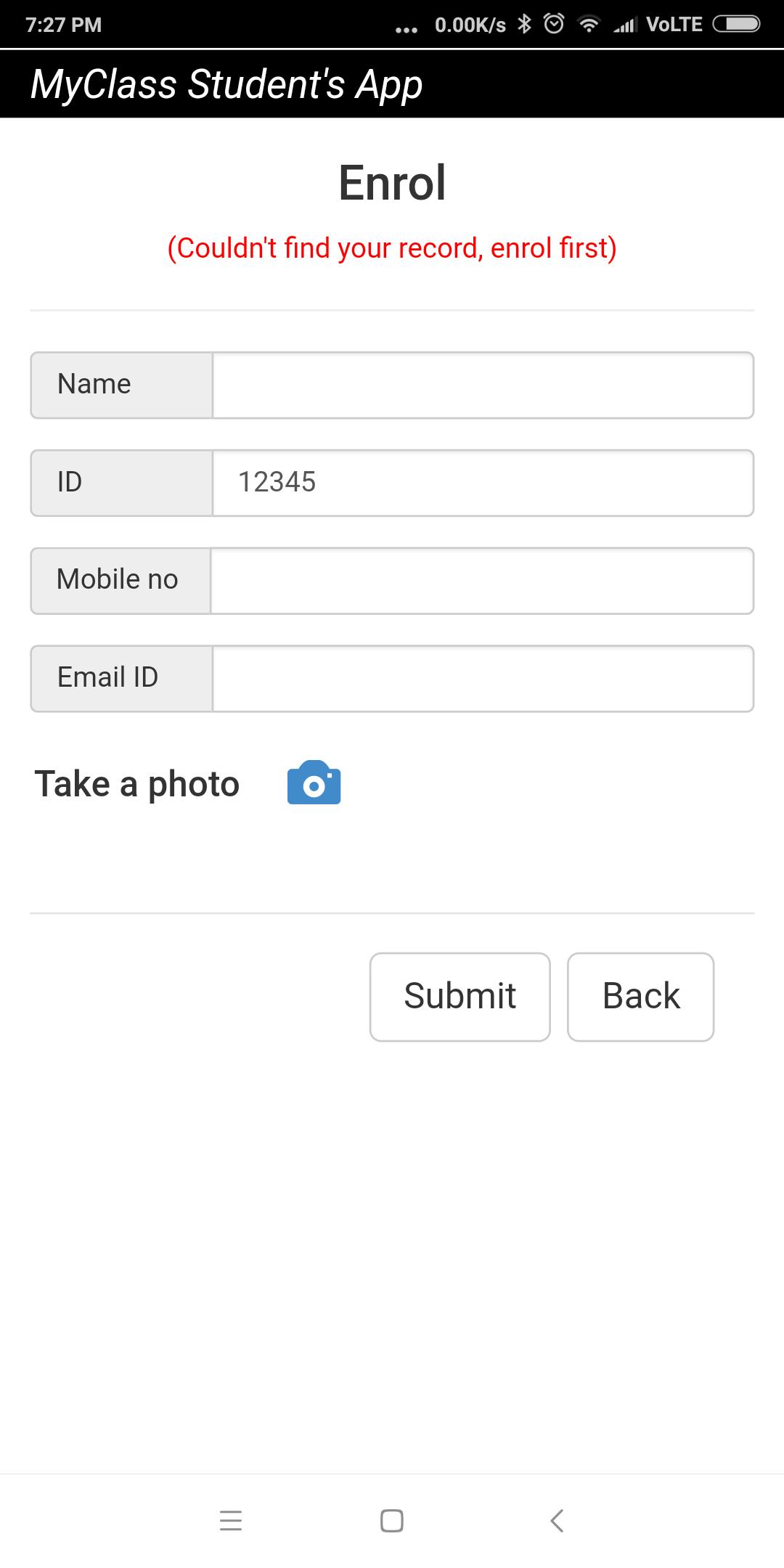
This app must to be used in conjunction with MyClass Attendance teacher's app. Using this app, students or attendees can mark their attendance remotely using their smart phones. The teacher or trainer needs to use MyClass Attendance app and start a remote attendance session. The students or attendees need to enter the attendance session id given by the teacher in order to mark attendance using this app. For the first-time user, the app initiates an enrollment session too. During enrollment, the app prompts user to enter details like name, phone no, email id and photo which get saved in teacher or trainer's app as records.
プレビュー
情報
デベロッパー
Gotisheel Technologies LLP
最新バージョン
1.3.2
最終更新
2020-12-17
カテゴリー
仕事効率化
上で利用可能
Google Play
もっと見せる
PCでGameLoopを使用してMyClass Student's Appをプレイする方法
1. 公式WebサイトからGameLoopをダウンロードし、exeファイルを実行してGameLoopをインストールします
2. GameLoopを開いて「MyClass Student's App」を検索し、検索結果でMyClass Student's Appを見つけて、「インストール」をクリックします。
3. GameLoopでMyClass Student's Appを楽しんでください
Minimum requirements
OS
Windows 8.1 64-bit or Windows 10 64-bit
GPU
GTX 1050
CPU
i3-8300
Memory
8GB RAM
Storage
1GB available space
Recommended requirements
OS
Windows 8.1 64-bit or Windows 10 64-bit
GPU
GTX 1050
CPU
i3-9320
Memory
16GB RAM
Storage
1GB available space