
Cospaces PC
ABLworkspaces
GameLoopエミュレーターを使用してPCにCospacesをダウンロードします
Cospaces PC版
開発者ABLworkspacesからのCospacesは、過去にAndroidsystermで実行されています。
これで、GameLoopを搭載したPCでCospacesをスムーズにプレイできます。
GameLoopライブラリまたは検索結果にダウンロードしてください。 バッテリーに目を向けたり、間違った時間にイライラしたりすることはもうありません。
大画面でCospacesPCを無料でお楽しみください!
Cospaces 序章
Introducing Cospaces!
Cospaces app helps members share their personal experiences, collaborate with each other, book meeting rooms conveniently and avail member only discounts.
Features of Cospaces
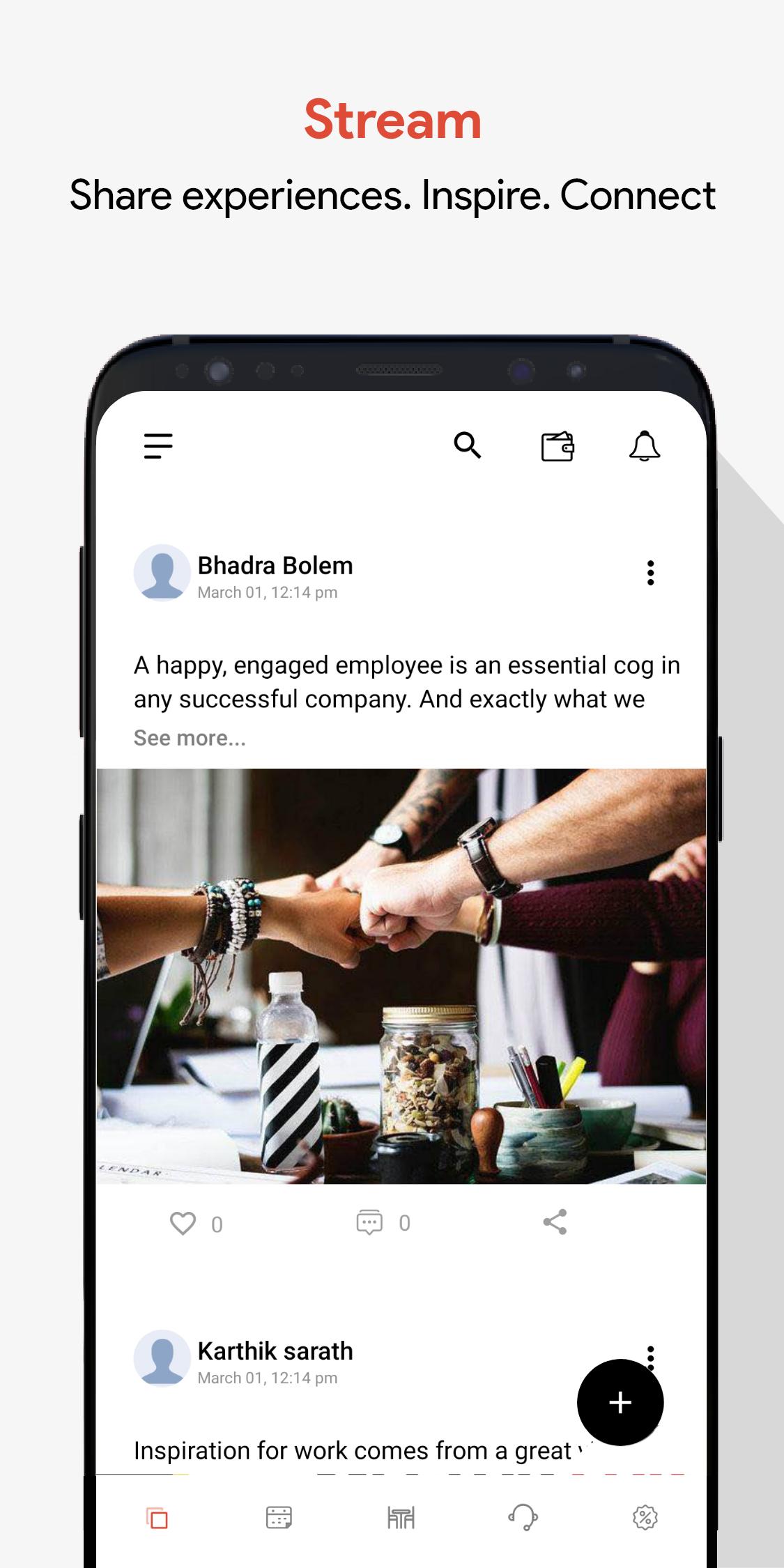
1. Socialize
2. Book Meeting Rooms
3. Member only offers
4. Events!
1. Socialize
Share your experiences. Announce what you are upto and engage with fellow coworkers.
2. Events
Lookout for upcoming events in your work spaces and a chance to connect with your fellow coworkers.
3. Book Meeting Rooms
Easily book meeting rooms with credits assigned. No more fighting, only productive meetings!
4. Offers
We team up with hundreds of players from tech, hospitality, recreations and finance to get members exclusive discounts.
プレビュー
タグ
仕事効率化情報
デベロッパー
ABLworkspaces
最新バージョン
1.0.1
最終更新
2021-03-05
カテゴリー
仕事効率化
上で利用可能
Google Play
もっと見せる
PCでGameLoopを使用してCospacesをプレイする方法
1. 公式WebサイトからGameLoopをダウンロードし、exeファイルを実行してGameLoopをインストールします
2. GameLoopを開いて「Cospaces」を検索し、検索結果でCospacesを見つけて、「インストール」をクリックします。
3. GameLoopでCospacesを楽しんでください
Minimum requirements
OS
Windows 8.1 64-bit or Windows 10 64-bit
GPU
GTX 1050
CPU
i3-8300
Memory
8GB RAM
Storage
1GB available space
Recommended requirements
OS
Windows 8.1 64-bit or Windows 10 64-bit
GPU
GTX 1050
CPU
i3-9320
Memory
16GB RAM
Storage
1GB available space