BarTender Mobile App PC
Seagull Scientific, Inc.
GameLoopエミュレーターを使用してPCにBarTender Mobile Appをダウンロードします
BarTender Mobile App PC版
開発者Seagull Scientific, Inc.からのBarTender Mobile Appは、過去にAndroidsystermで実行されています。
これで、GameLoopを搭載したPCでBarTender Mobile Appをスムーズにプレイできます。
GameLoopライブラリまたは検索結果にダウンロードしてください。 バッテリーに目を向けたり、間違った時間にイライラしたりすることはもうありません。
大画面でBarTender Mobile AppPCを無料でお楽しみください!
BarTender Mobile App 序章
BarTenderモバイルアプリ
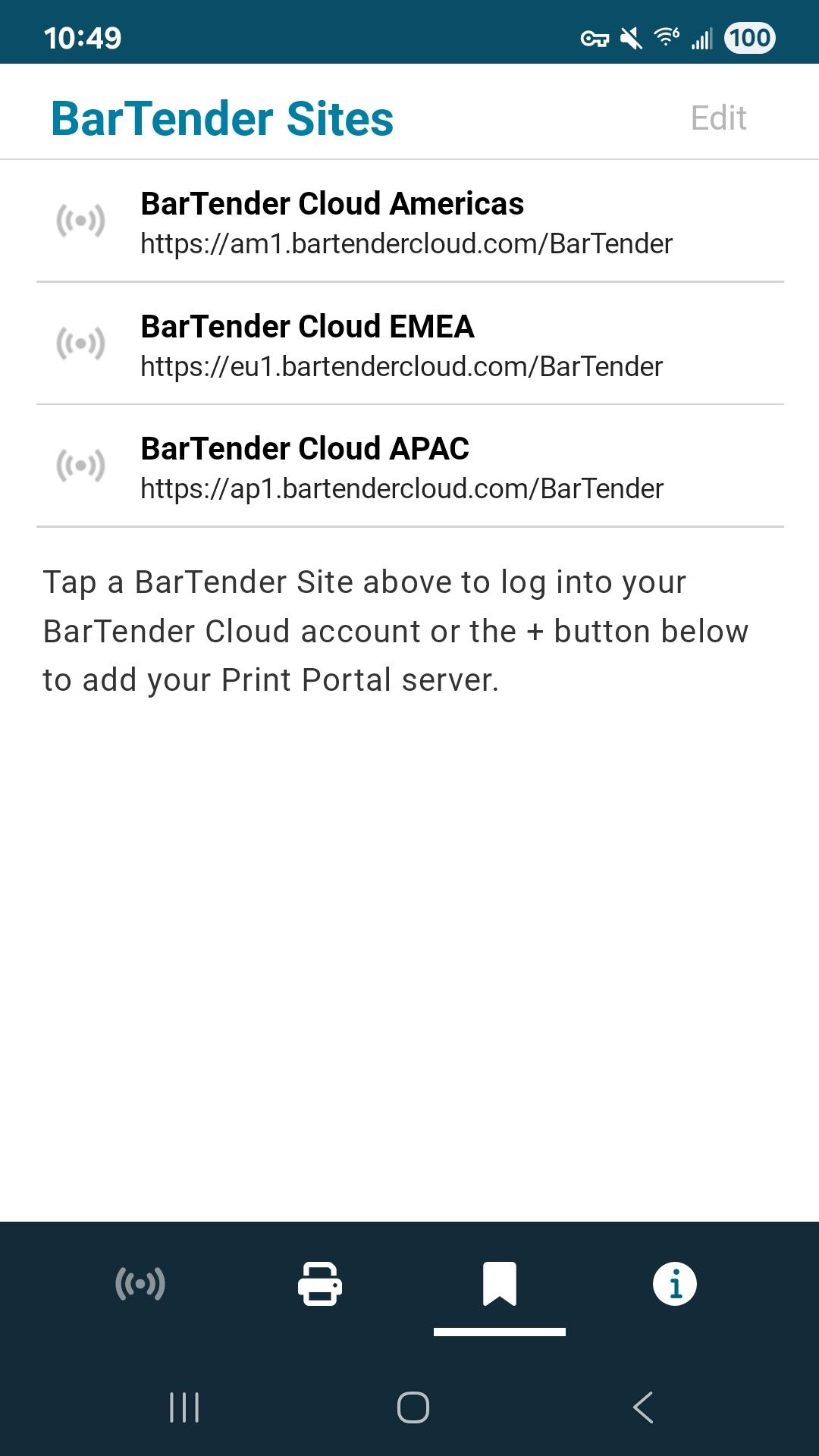
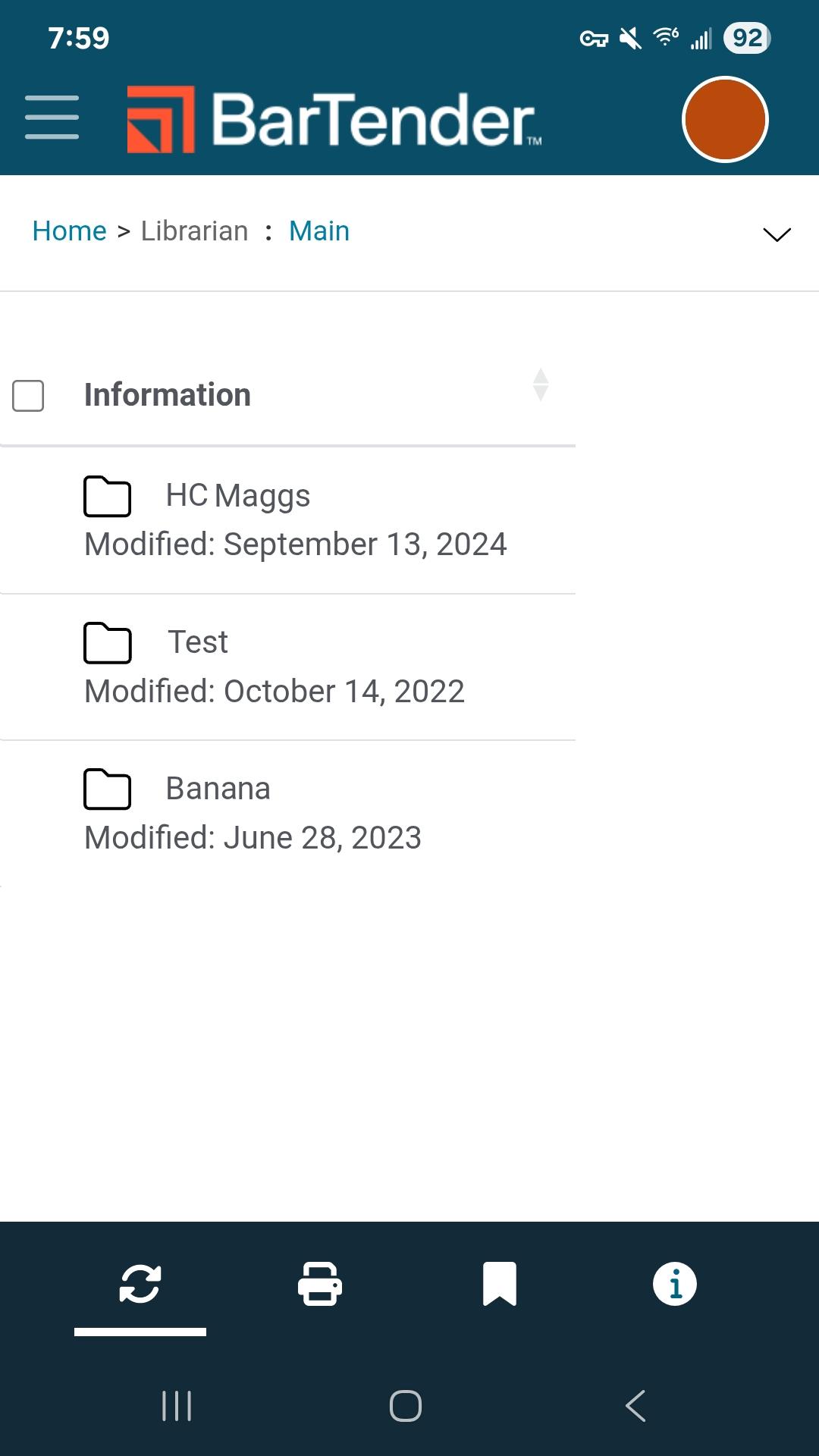
BarTenderは、作業現場で文書、バーコードラベル、RFIDタグを簡単、高速、かつ安全にモバイル印刷できます。このアプリは、アクティブなBarTender Print Portal(BarTender 11.4、2022、2021)またはBarTender Cloudと連携し、既存のラベルをモバイルデバイスから直接印刷できます。
• 印刷オペレーターフォームや定義済みのデータ入力オプションを含む、作業現場での印刷
• ラベル文書の選択と印刷
• リアルタイムデータの追加
• ラベルテンプレートの一元管理
• あらゆるBluetoothプリンターの自動検出と接続
• ミッションクリティカルなセキュリティの維持
• 自動ログインの有効化
• 文書フォルダの設定
• プリンターの設定
サポートについては、https://support.seagullscientific.comをご覧ください。
Print Portalへの接続方法については、https://help.seagullscientific.com/BarTenderMobile/をご覧ください。
Seagull Software
開発者
プレビュー
タグ
仕事効率化情報
デベロッパー
Seagull Scientific, Inc.
最新バージョン
2.2.5
最終更新
2025-08-05
カテゴリー
仕事効率化
上で利用可能
Google Play
もっと見せる
PCでGameLoopを使用してBarTender Mobile Appをプレイする方法
1. 公式WebサイトからGameLoopをダウンロードし、exeファイルを実行してGameLoopをインストールします
2. GameLoopを開いて「BarTender Mobile App」を検索し、検索結果でBarTender Mobile Appを見つけて、「インストール」をクリックします。
3. GameLoopでBarTender Mobile Appを楽しんでください
Minimum requirements
OS
Windows 8.1 64-bit or Windows 10 64-bit
GPU
GTX 1050
CPU
i3-8300
Memory
8GB RAM
Storage
1GB available space
Recommended requirements
OS
Windows 8.1 64-bit or Windows 10 64-bit
GPU
GTX 1050
CPU
i3-9320
Memory
16GB RAM
Storage
1GB available space