
Any Task: To Do List , Planner & Reminders PC
Video Downloader - Download Videos - Video Saver
GameLoopエミュレーターを使用してPCにAny Task: To Do List , Planner & Remindersをダウンロードします
Any Task: To Do List , Planner & Reminders PC版
開発者Video Downloader - Download Videos - Video SaverからのAny Task: To Do List , Planner & Remindersは、過去にAndroidsystermで実行されています。
これで、GameLoopを搭載したPCでAny Task: To Do List , Planner & Remindersをスムーズにプレイできます。
GameLoopライブラリまたは検索結果にダウンロードしてください。 バッテリーに目を向けたり、間違った時間にイライラしたりすることはもうありません。
大画面でAny Task: To Do List , Planner & RemindersPCを無料でお楽しみください!
Any Task: To Do List , Planner & Reminders 序章
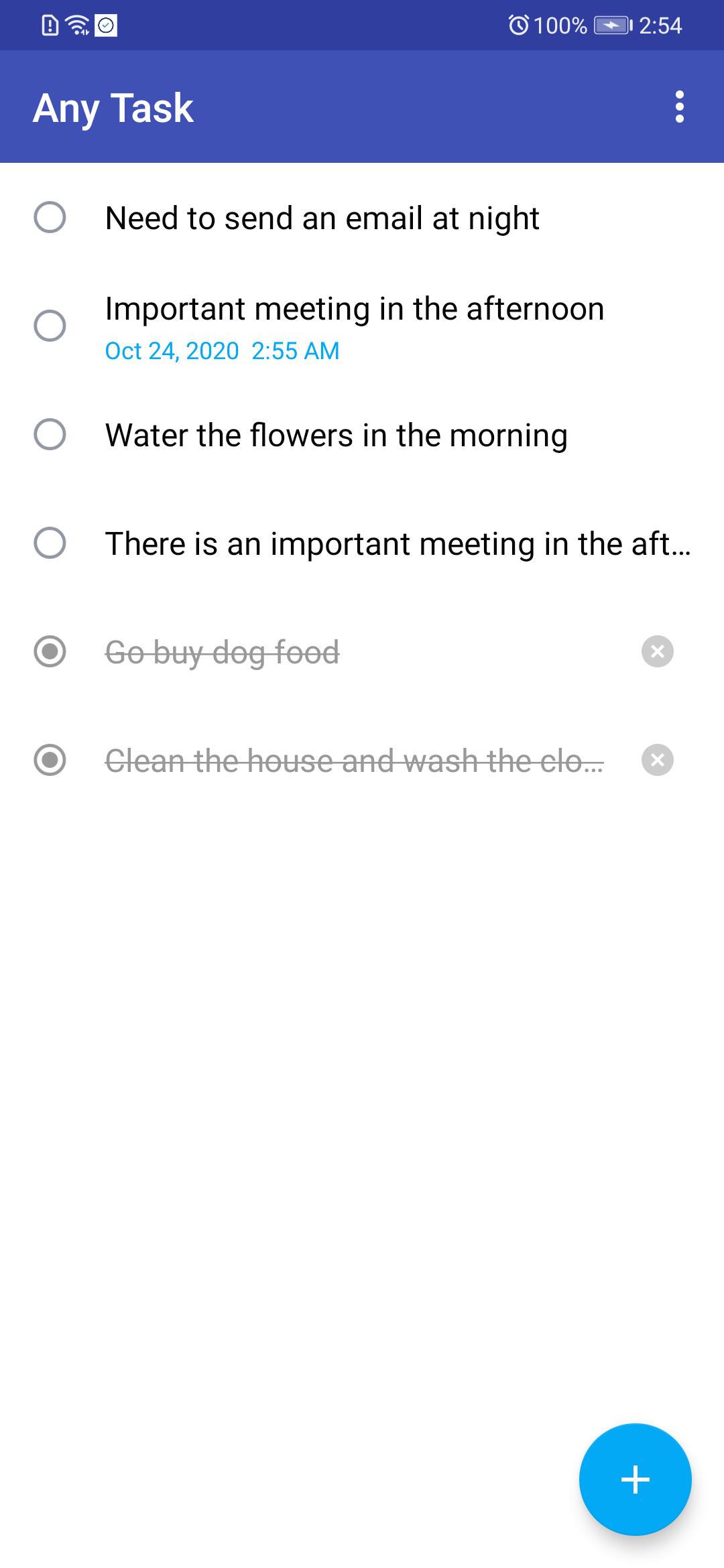
Any Task is an ultra-simple task management application that can help you work efficiently.
It allows you to organize tasks, meetings, events, trips, ideas, notes, places and other things that are important to you.
"To-do" synchronizes all content between all devices, so no matter where you are, you can access the list even when you are offline.
organization
• Create any lists you want and use them on your phone, tablet and computer at the same time.
• Add images, PDFs, presentations, photos, links and other documents to your tasks.
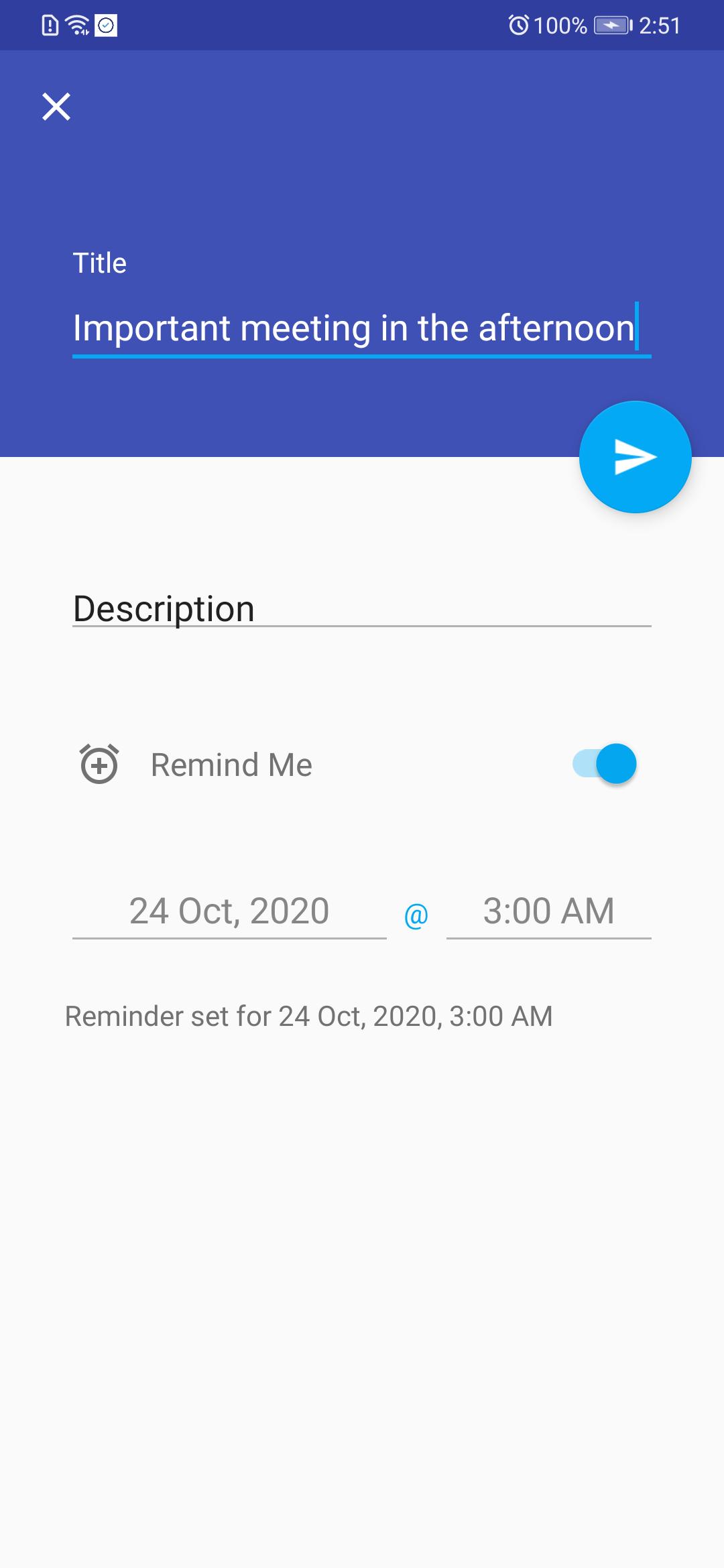
• Set reminders so that you will never miss important appointments.
• Use folders to help you organize the list.
プレビュー
情報
デベロッパー
Video Downloader - Download Videos - Video Saver
最新バージョン
1.0
最終更新
2020-10-23
カテゴリー
仕事効率化
上で利用可能
Google Play
もっと見せる
PCでGameLoopを使用してAny Task: To Do List , Planner & Remindersをプレイする方法
1. 公式WebサイトからGameLoopをダウンロードし、exeファイルを実行してGameLoopをインストールします
2. GameLoopを開いて「Any Task: To Do List , Planner & Reminders」を検索し、検索結果でAny Task: To Do List , Planner & Remindersを見つけて、「インストール」をクリックします。
3. GameLoopでAny Task: To Do List , Planner & Remindersを楽しんでください
Minimum requirements
OS
Windows 8.1 64-bit or Windows 10 64-bit
GPU
GTX 1050
CPU
i3-8300
Memory
8GB RAM
Storage
1GB available space
Recommended requirements
OS
Windows 8.1 64-bit or Windows 10 64-bit
GPU
GTX 1050
CPU
i3-9320
Memory
16GB RAM
Storage
1GB available space