Square Art Photo Editor-Selfie Cam PC
Photo Editor Pixels Studio
GameLoopエミュレーターを使用してPCにSquare Art Photo Editor-Selfie Camをダウンロードします
Square Art Photo Editor-Selfie Cam PC版
開発者Photo Editor Pixels StudioからのSquare Art Photo Editor-Selfie Camは、過去にAndroidsystermで実行されています。
これで、GameLoopを搭載したPCでSquare Art Photo Editor-Selfie Camをスムーズにプレイできます。
GameLoopライブラリまたは検索結果にダウンロードしてください。 バッテリーに目を向けたり、間違った時間にイライラしたりすることはもうありません。
大画面でSquare Art Photo Editor-Selfie CamPCを無料でお楽しみください!
Square Art Photo Editor-Selfie Cam 序章
Square Art Photo Editor-Selfie Cam is very nice photo editing and photo filter application in play store. This application provide best Background ,Border, emoji,sticker,Gogals and many different Photo filter effects. In this application you an make Blur Image Background for your photos. This application layout is very attractive and make beautiful image with this application.
40+ effects, stickers and features to apply to your photos! Add photo effects, frames, filters and fun stickers! Enhance Photo with face booth: emoji, meme troll, tattoo, dragon fire, anime Add comic stickers: BOOM, BOMB, LOL
Feature :
• Easily Crop,Rotate photo
• Insta Square Effects
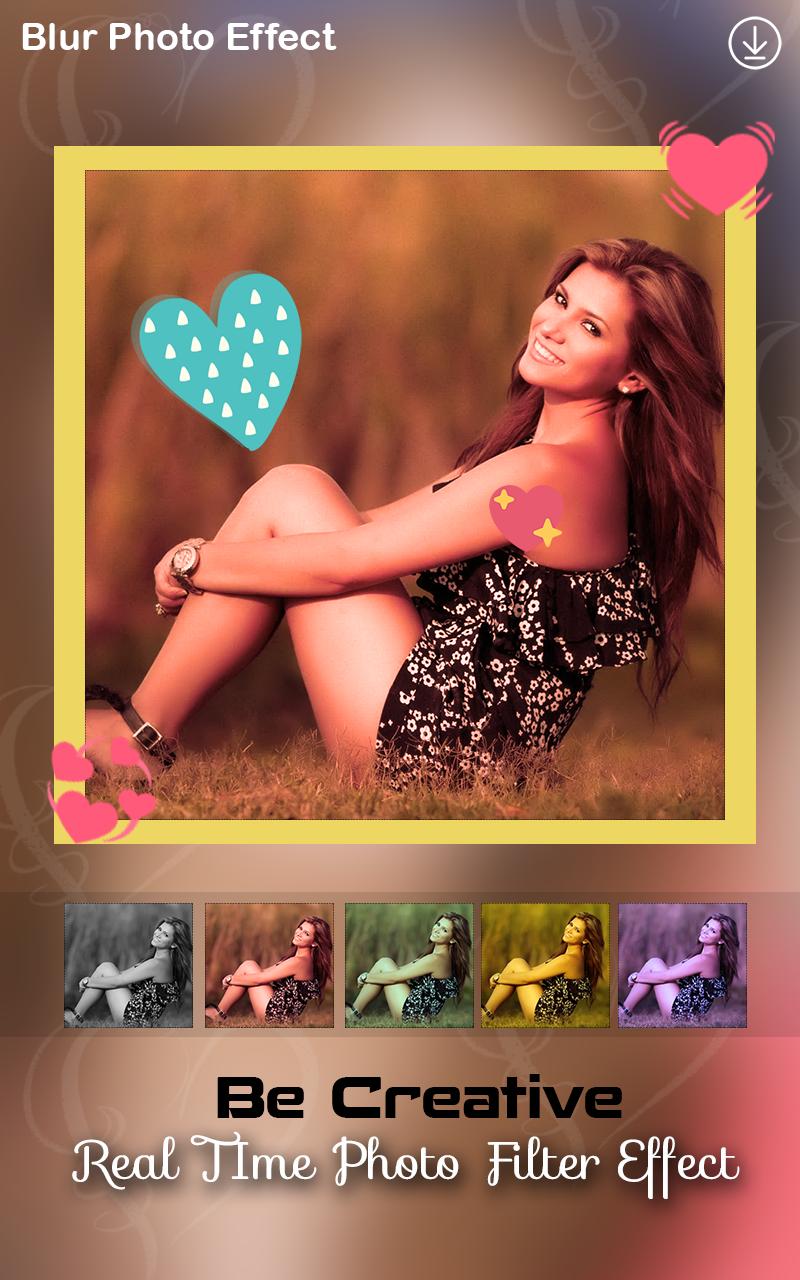
• 50+ Photo Filters effects
• 100+ Emoji & Sticker
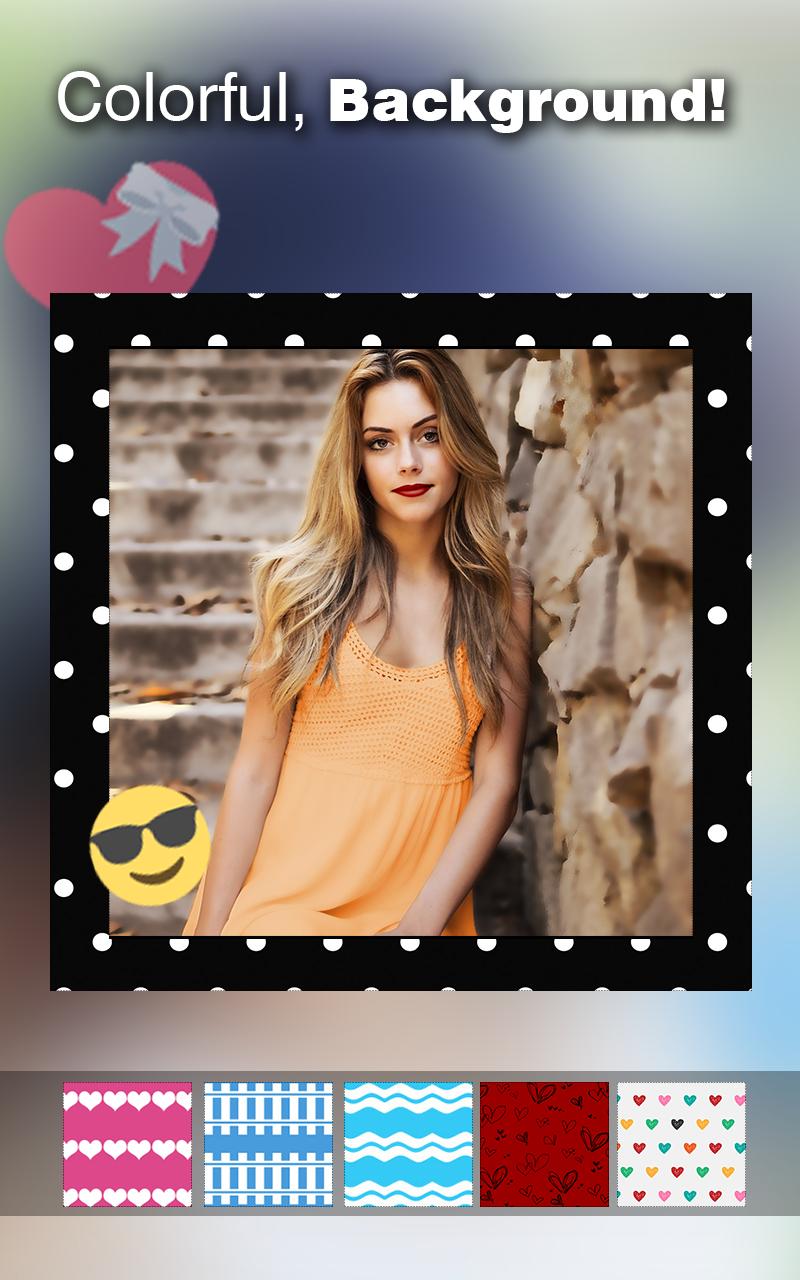
• 20 + Background
• 20+ Frames
• Easily Make Creative Photos
• Make Blur Background to Your Photos
• save and share easily with your friends on socila media.
You set many type of background behinde your photos & Set border Stickers Gogals etc. this application layout is very faboules and nice perfect edit your photo with this application. This application designed by our experience developer and designer.
With this app you can post the full size photo to Instagram without cropping and resize. Insta Square app give unique filters, overlays and typography to your photos. you can create in your beautiful photos and many effect you can create easily by effect tool that is very easy to use.
✔ Add filters and text to your pictures
Add great filters and typography to your photos.
We have high quality filters so your selfie picture will truly stand out from the rest!
✔ No Crop feature
The easiest way to post high quality insta size picture on Instagram without cropping them! No more frustration when you have to crop your great full size photos before posting them on social networks.
✔ Adjustments
Fine-tune your pictures with Contrast, Brightness and Saturation etc.
✔ Simple and easy to use interface
Simple, but powerful user interface helps you to get job done much quicker.
This application is very fabulous & give proper review, suggestion & tips for this application.
プレビュー
情報
デベロッパー
Photo Editor Pixels Studio
最新バージョン
1.1
最終更新
2018-10-15
カテゴリー
写真
上で利用可能
Google Play
もっと見せる
PCでGameLoopを使用してSquare Art Photo Editor-Selfie Camをプレイする方法
1. 公式WebサイトからGameLoopをダウンロードし、exeファイルを実行してGameLoopをインストールします
2. GameLoopを開いて「Square Art Photo Editor-Selfie Cam」を検索し、検索結果でSquare Art Photo Editor-Selfie Camを見つけて、「インストール」をクリックします。
3. GameLoopでSquare Art Photo Editor-Selfie Camを楽しんでください
Minimum requirements
OS
Windows 8.1 64-bit or Windows 10 64-bit
GPU
GTX 1050
CPU
i3-8300
Memory
8GB RAM
Storage
1GB available space
Recommended requirements
OS
Windows 8.1 64-bit or Windows 10 64-bit
GPU
GTX 1050
CPU
i3-9320
Memory
16GB RAM
Storage
1GB available space