
Resize Camera PC
Neon Infinity Studio
GameLoopエミュレーターを使用してPCにResize Cameraをダウンロードします
Resize Camera PC版
開発者Neon Infinity StudioからのResize Cameraは、過去にAndroidsystermで実行されています。
これで、GameLoopを搭載したPCでResize Cameraをスムーズにプレイできます。
GameLoopライブラリまたは検索結果にダウンロードしてください。 バッテリーに目を向けたり、間違った時間にイライラしたりすることはもうありません。
大画面でResize CameraPCを無料でお楽しみください!
Resize Camera 序章
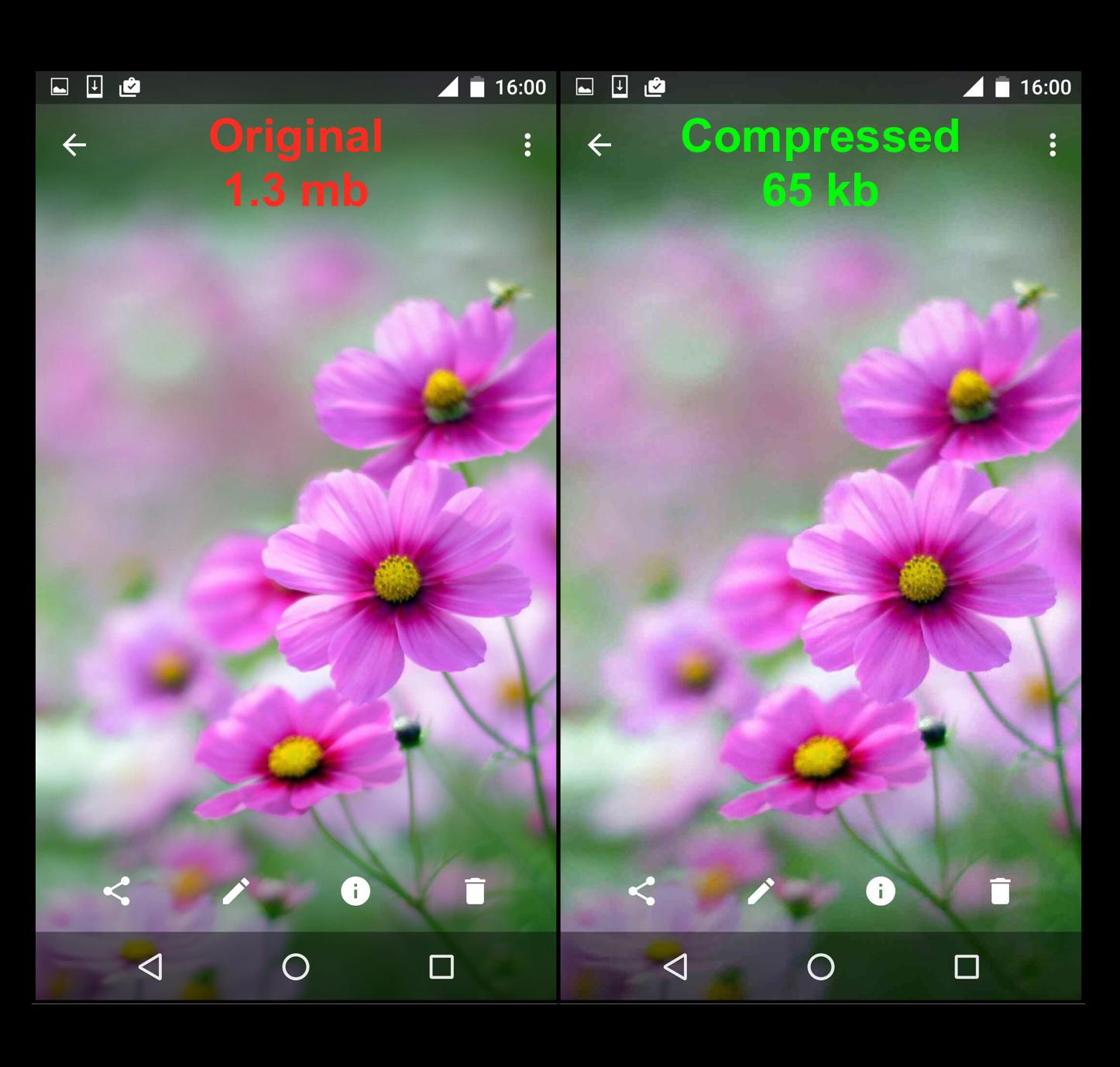
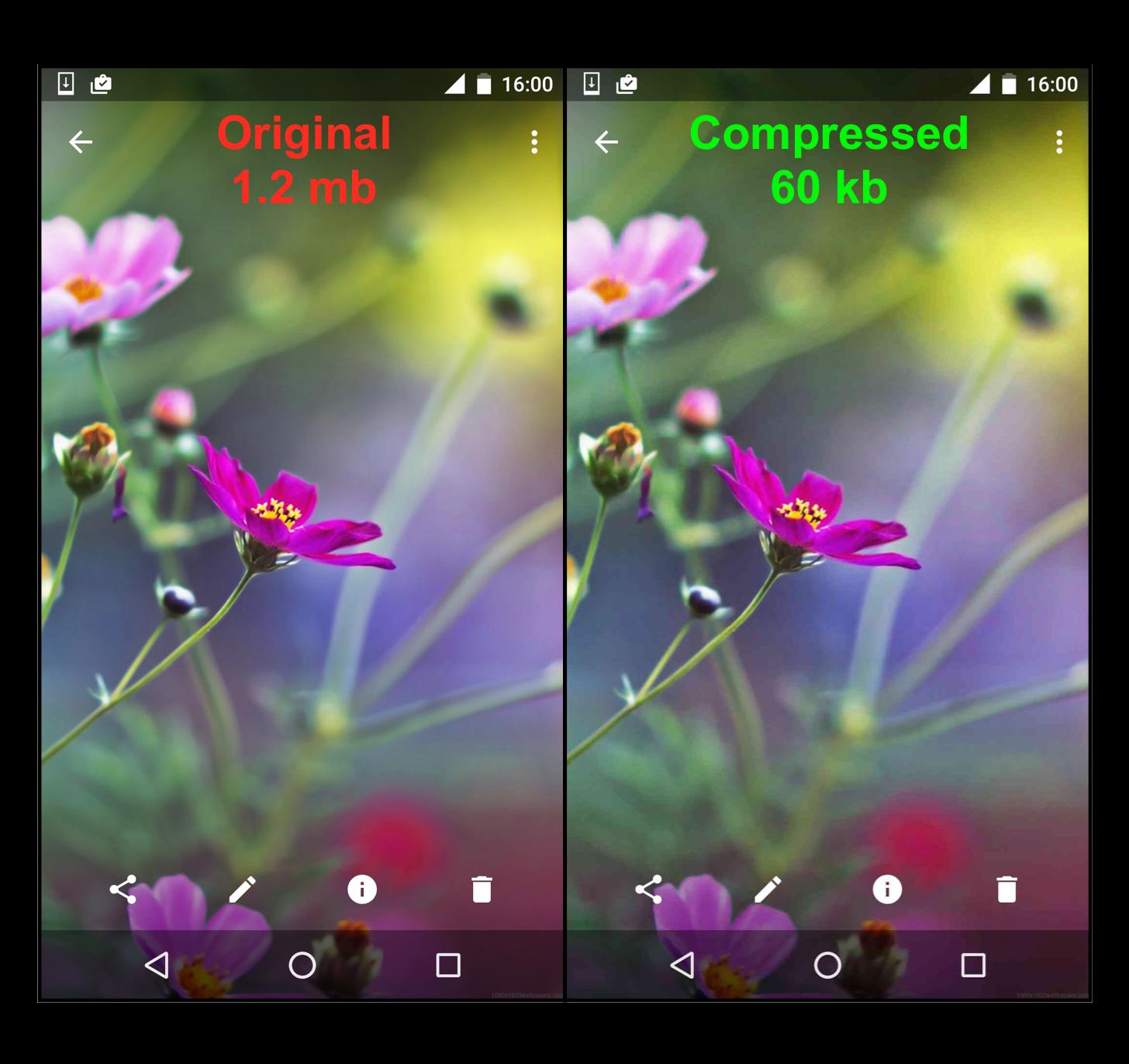
Resize Camera is a perfect solution to help saving storage of your phone to 10 times by minimising your photo to the smallest size with a very small effect to the quality of your photos. The app is an intermediary app connecting to all other camera applications on your phone which allow you selfie with any favourite camera applications.
By compressing size of the taken pictures/videos, the app provides a Mb-to-Kb solution to your phone which will save a lot of storage memory. Thus, you can have more photos, increase the working efficiency for your phone to 10 times, and have more space for other applications.
Simple, easy, and effective you do not need to spend money to buy an expensive phone to get more storage, and stop being frustrated whenever your phone gets warning message of low storage.
If you're a selfie person, you don't want to miss us. Download Resize Camera now to improve the capacity storage of your phone.
プレビュー
タグ
写真情報
デベロッパー
Neon Infinity Studio
最新バージョン
1.6.4
最終更新
2019-03-10
カテゴリー
写真
上で利用可能
Google Play
もっと見せる
PCでGameLoopを使用してResize Cameraをプレイする方法
1. 公式WebサイトからGameLoopをダウンロードし、exeファイルを実行してGameLoopをインストールします
2. GameLoopを開いて「Resize Camera」を検索し、検索結果でResize Cameraを見つけて、「インストール」をクリックします。
3. GameLoopでResize Cameraを楽しんでください
Minimum requirements
OS
Windows 8.1 64-bit or Windows 10 64-bit
GPU
GTX 1050
CPU
i3-8300
Memory
8GB RAM
Storage
1GB available space
Recommended requirements
OS
Windows 8.1 64-bit or Windows 10 64-bit
GPU
GTX 1050
CPU
i3-9320
Memory
16GB RAM
Storage
1GB available space