
Quick Video Editor PC
YumW
GameLoopエミュレーターを使用してPCにQuick Video Editorをダウンロードします
Quick Video Editor PC版
開発者YumWからのQuick Video Editorは、過去にAndroidsystermで実行されています。
これで、GameLoopを搭載したPCでQuick Video Editorをスムーズにプレイできます。
GameLoopライブラリまたは検索結果にダウンロードしてください。 バッテリーに目を向けたり、間違った時間にイライラしたりすることはもうありません。
大画面でQuick Video EditorPCを無料でお楽しみください!
Quick Video Editor 序章
Quick Video Editor is a FREE HD Video Editor and Video Maker with all features, trim & cut video/movie/footage, blur the background and crop, add music, sticker, multi-layer timeline, chroma key, green screen and video effects! Simple, but powerful as a desktop editor, Quick Video Editor is suitable for both beginners and professional users. It is a movie maker and HD pro video editor with music, helps you create a video with ease, edit video for YouTube, Instagram, Tik Tok, Facebook, Messenger, Whatsapp, Twitter, etc.
You could visualize the video section to help you choose the best parts to cut video, trim video and merge video in just a few steps.
Easily share video after cut video, crop video and merge video extremely fast, Support for most android apps available in the current market
Produce fast-forward or slow-motion videos with speed adjustment
It supports a Multi-layer timeline. An intuitive and sleek editing interface with zoom for frame by frame precision. Trim and cut clips with great accuracy.
Top trending stickers and fonts let you fully express your videos
All the photo editing tools are available offline, so you don't need network connection in order to use this app.
Simple and easy operation.Preview the audio video mixer before saving it.You can share the created file on social media like whatsapp , facebook etc and delete the created files from the app itself.
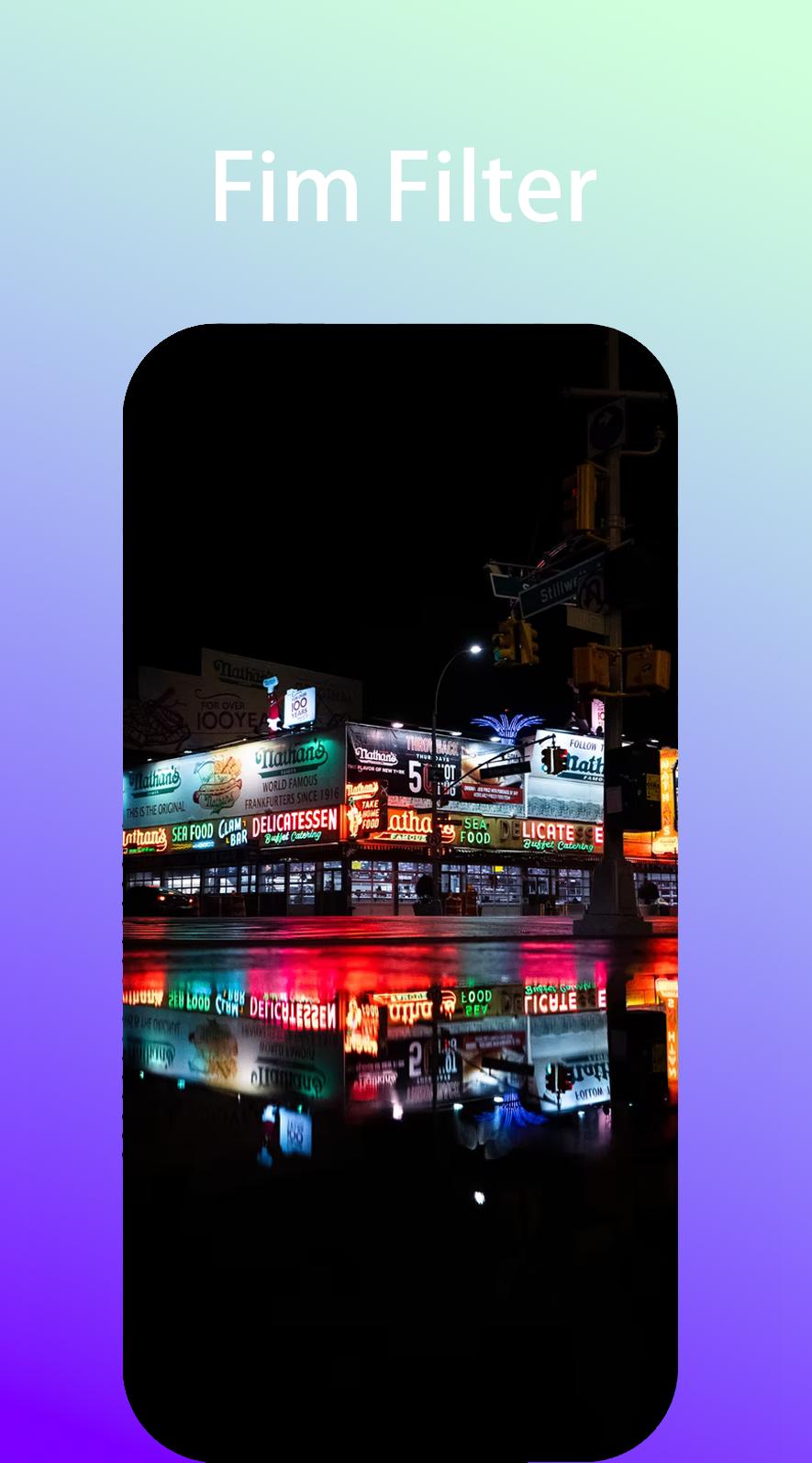
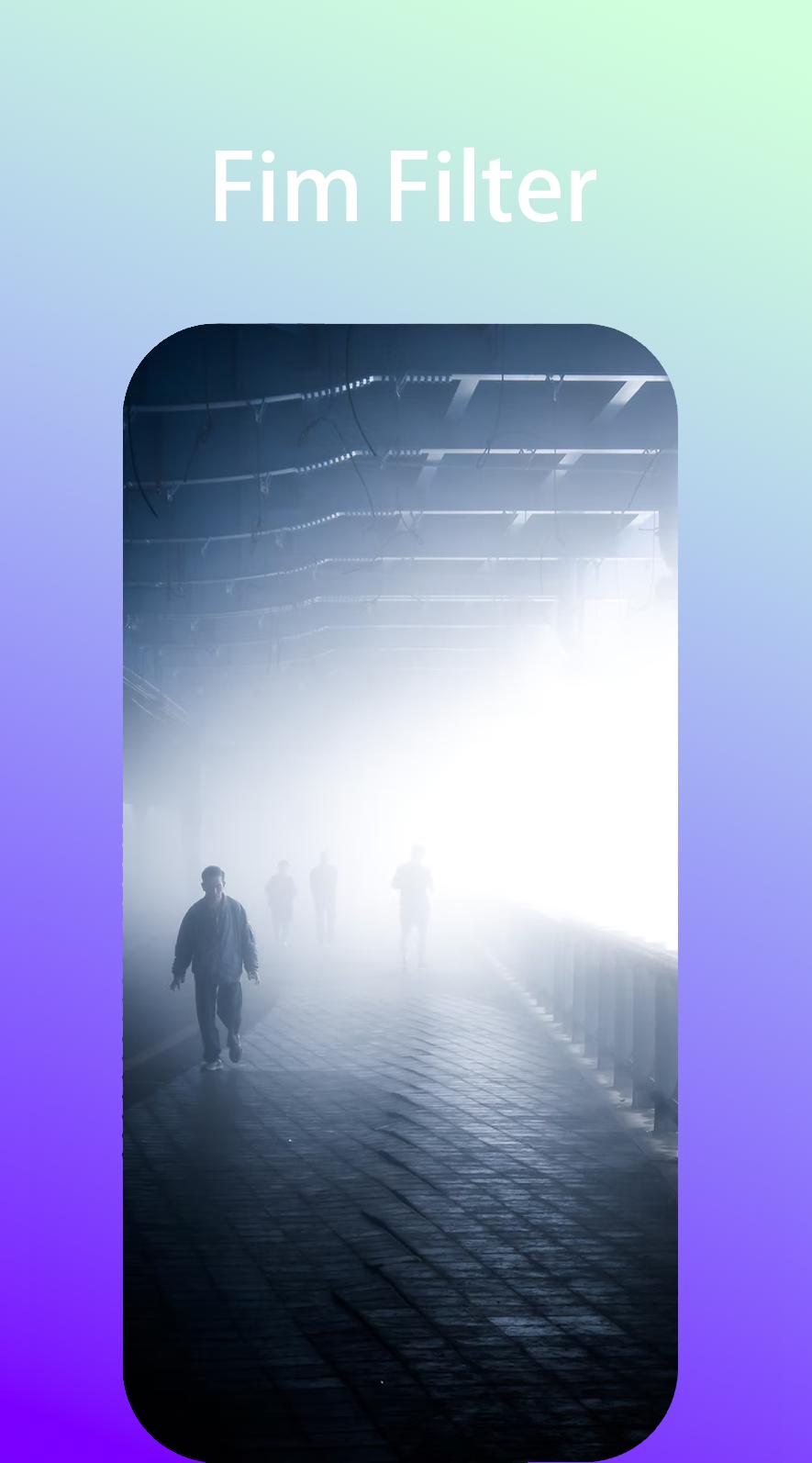
プレビュー
タグ
写真情報
デベロッパー
YumW
最新バージョン
1.15
最終更新
2022-02-28
カテゴリー
写真
上で利用可能
Google Play
もっと見せる
PCでGameLoopを使用してQuick Video Editorをプレイする方法
1. 公式WebサイトからGameLoopをダウンロードし、exeファイルを実行してGameLoopをインストールします
2. GameLoopを開いて「Quick Video Editor」を検索し、検索結果でQuick Video Editorを見つけて、「インストール」をクリックします。
3. GameLoopでQuick Video Editorを楽しんでください
Minimum requirements
OS
Windows 8.1 64-bit or Windows 10 64-bit
GPU
GTX 1050
CPU
i3-8300
Memory
8GB RAM
Storage
1GB available space
Recommended requirements
OS
Windows 8.1 64-bit or Windows 10 64-bit
GPU
GTX 1050
CPU
i3-9320
Memory
16GB RAM
Storage
1GB available space