
Pixie Studio - Photo Editor PC
Groax Technology
GameLoopエミュレーターを使用してPCにPixie Studio - Photo Editorをダウンロードします
Pixie Studio - Photo Editor PC版
開発者Groax TechnologyからのPixie Studio - Photo Editorは、過去にAndroidsystermで実行されています。
これで、GameLoopを搭載したPCでPixie Studio - Photo Editorをスムーズにプレイできます。
GameLoopライブラリまたは検索結果にダウンロードしてください。 バッテリーに目を向けたり、間違った時間にイライラしたりすることはもうありません。
大画面でPixie Studio - Photo EditorPCを無料でお楽しみください!
Pixie Studio - Photo Editor 序章
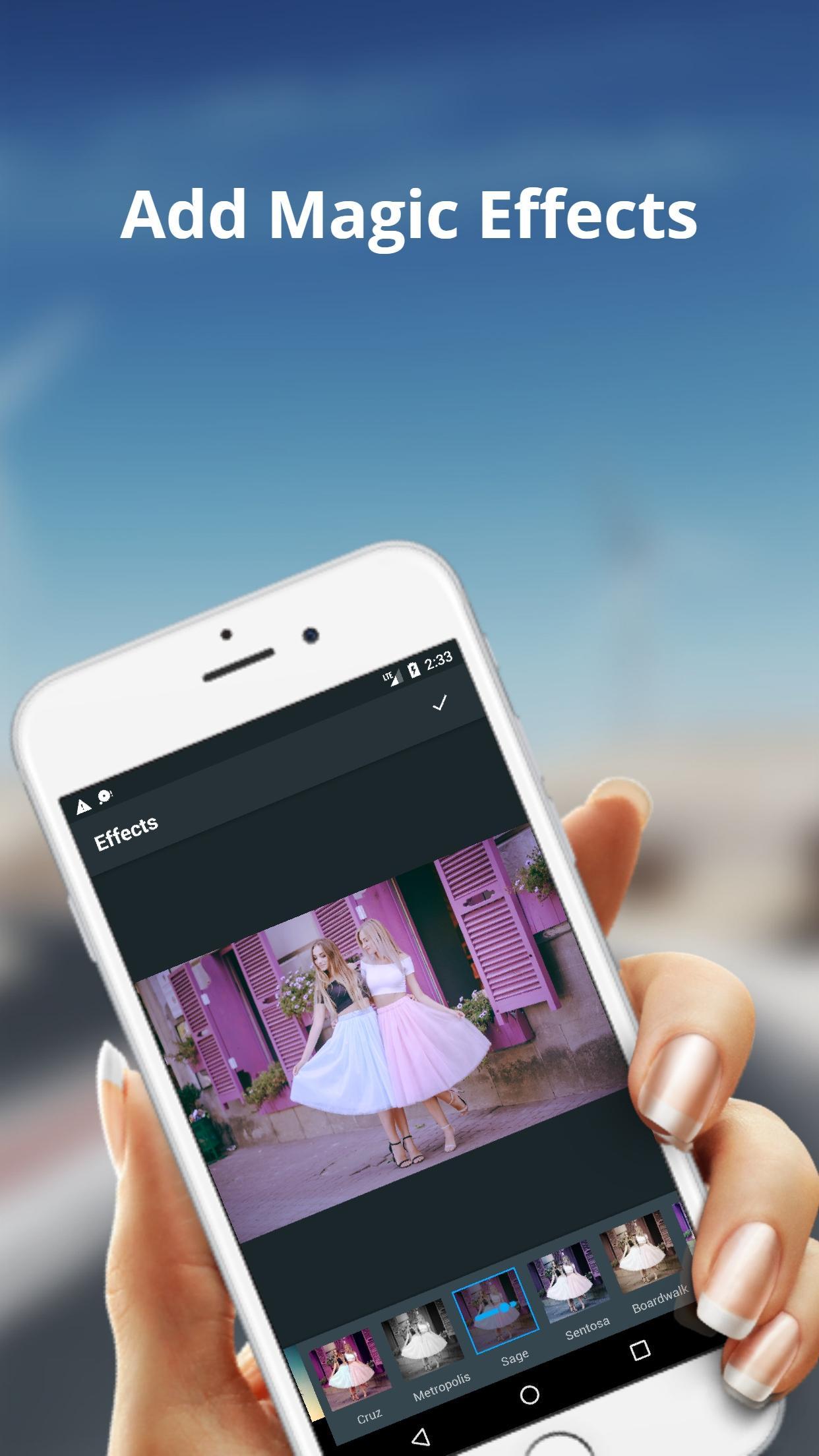
Our Pixie Studio photo editing app combines a feature-rich photo editor with a richly creative collage maker and photo optimization with tools like filters add text, add stickers , add frames, optimize brightness,contrast and color saturation and more features
Pixie Studio Photo Editor lets you edit photos, apply photo effects, and add frames, graphics, and text.
Features:
Hundreds of layouts and frames to choose from!
Easy to use fluid design.
Awesome photo effects & filters
Easy to change colors, backgrounds and patterns!
Simple techniques gestures to rotate, resize, flip
thousands of backgrounds and fun stickers!
A full-featured photo editor included!
Easy to add text and stickers!
プレビュー

情報
デベロッパー
Groax Technology
最新バージョン
1.01
最終更新
2017-07-22
カテゴリー
写真
上で利用可能
Google Play
もっと見せる
PCでGameLoopを使用してPixie Studio - Photo Editorをプレイする方法
1. 公式WebサイトからGameLoopをダウンロードし、exeファイルを実行してGameLoopをインストールします
2. GameLoopを開いて「Pixie Studio - Photo Editor」を検索し、検索結果でPixie Studio - Photo Editorを見つけて、「インストール」をクリックします。
3. GameLoopでPixie Studio - Photo Editorを楽しんでください
Minimum requirements
OS
Windows 8.1 64-bit or Windows 10 64-bit
GPU
GTX 1050
CPU
i3-8300
Memory
8GB RAM
Storage
1GB available space
Recommended requirements
OS
Windows 8.1 64-bit or Windows 10 64-bit
GPU
GTX 1050
CPU
i3-9320
Memory
16GB RAM
Storage
1GB available space