
PhotoMe - Edit, Effects and Text PC
MyApple
GameLoopエミュレーターを使用してPCにPhotoMe - Edit, Effects and Textをダウンロードします
PhotoMe - Edit, Effects and Text PC版
開発者MyAppleからのPhotoMe - Edit, Effects and Textは、過去にAndroidsystermで実行されています。
これで、GameLoopを搭載したPCでPhotoMe - Edit, Effects and Textをスムーズにプレイできます。
GameLoopライブラリまたは検索結果にダウンロードしてください。 バッテリーに目を向けたり、間違った時間にイライラしたりすることはもうありません。
大画面でPhotoMe - Edit, Effects and TextPCを無料でお楽しみください!
PhotoMe - Edit, Effects and Text 序章
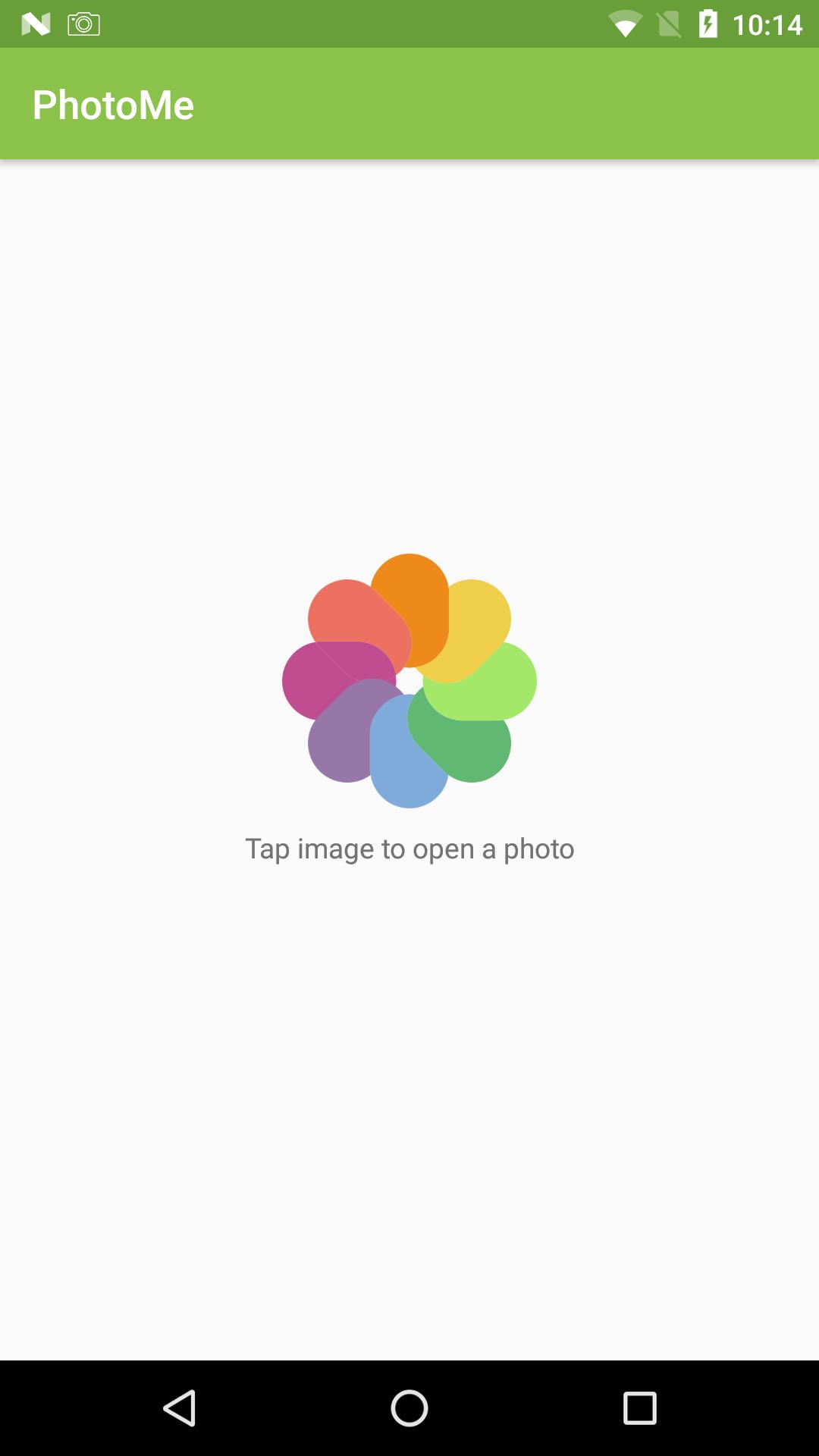
Get the best photography art in your photos with large number of amazing photo effects.
Photo Edit and Effect everything you need to make every picture awesome. It makes your photos beautiful with easy and powerful editing tools. Pic effects is an effective photo editor with some stunning photo effects and various photo editing options like layer editing, Lens, Flare, Shape, pixel effect.
Add text, filter, stickers and custom text and paint featuresab39f8c85f
プレビュー

情報
デベロッパー
MyApple
最新バージョン
2.0
最終更新
2017-09-09
カテゴリー
写真
上で利用可能
Google Play
もっと見せる
PCでGameLoopを使用してPhotoMe - Edit, Effects and Textをプレイする方法
1. 公式WebサイトからGameLoopをダウンロードし、exeファイルを実行してGameLoopをインストールします
2. GameLoopを開いて「PhotoMe - Edit, Effects and Text」を検索し、検索結果でPhotoMe - Edit, Effects and Textを見つけて、「インストール」をクリックします。
3. GameLoopでPhotoMe - Edit, Effects and Textを楽しんでください
Minimum requirements
OS
Windows 8.1 64-bit or Windows 10 64-bit
GPU
GTX 1050
CPU
i3-8300
Memory
8GB RAM
Storage
1GB available space
Recommended requirements
OS
Windows 8.1 64-bit or Windows 10 64-bit
GPU
GTX 1050
CPU
i3-9320
Memory
16GB RAM
Storage
1GB available space