Photo with GPS Location - Geo Tag PC
Pratham Tech
GameLoopエミュレーターを使用してPCにPhoto with GPS Location - Geo Tagをダウンロードします
Photo with GPS Location - Geo Tag PC版
開発者Pratham TechからのPhoto with GPS Location - Geo Tagは、過去にAndroidsystermで実行されています。
これで、GameLoopを搭載したPCでPhoto with GPS Location - Geo Tagをスムーズにプレイできます。
GameLoopライブラリまたは検索結果にダウンロードしてください。 バッテリーに目を向けたり、間違った時間にイライラしたりすることはもうありません。
大画面でPhoto with GPS Location - Geo TagPCを無料でお楽しみください!
Photo with GPS Location - Geo Tag 序章
Geo Location Camera is camera App combined with GPS information (including today's date, current time, current location and temperature), time, and comments. It can leave a message and put all information together into a photograph. When you browse the photos, you can quickly know their location and their further information.
Geo Location Camera is easy to get/set GPS location and GPS coordination for GPS Tag request.
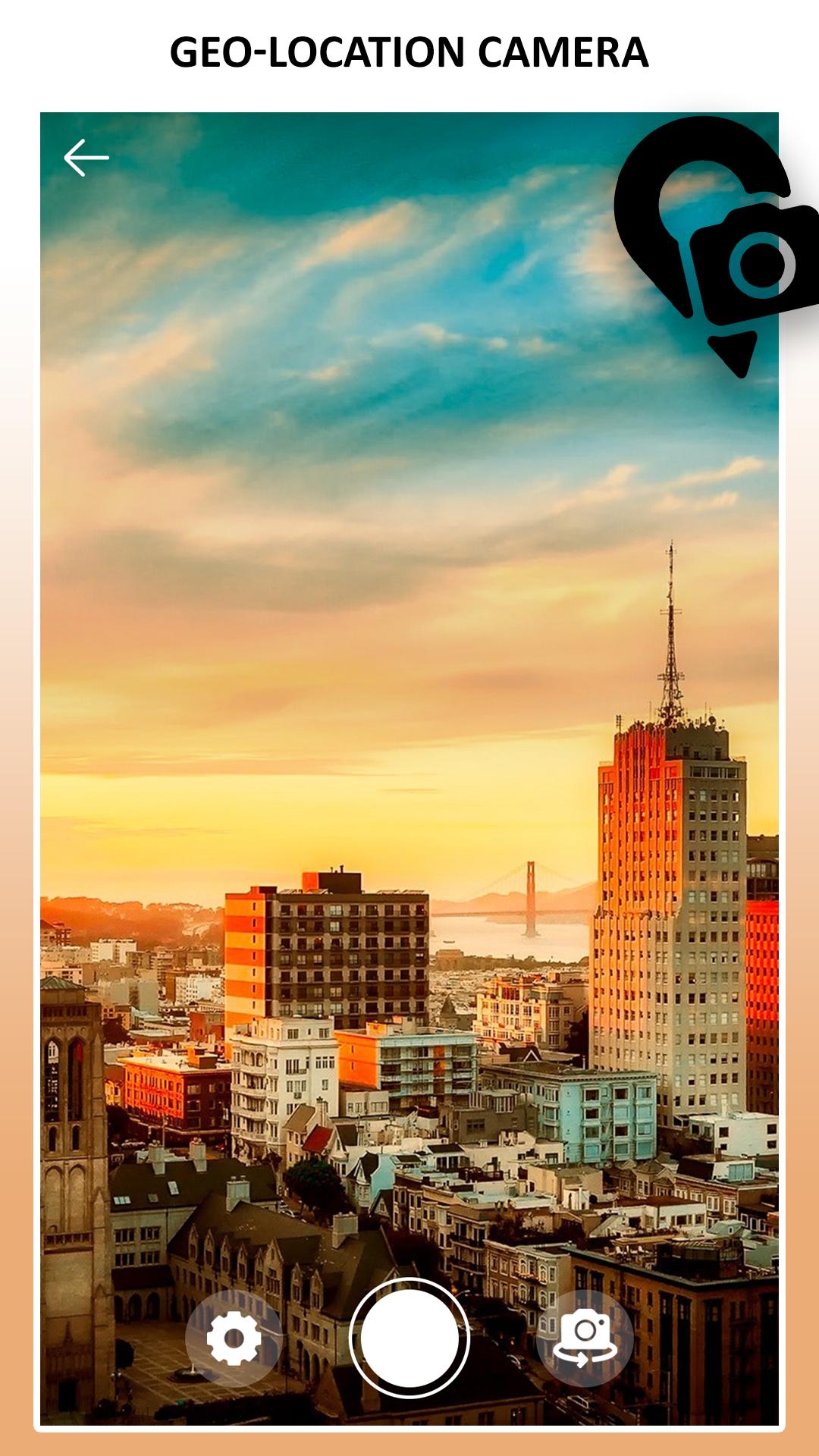
When GPS Map Camera start, map/address/weather will be displayed on the camera preview. You can check the location/coordination before camera capture.
Geo Location Camera app will help you to print location details on a photo while you take pictures of a location or a person so that it's easy for you to remember the location forever.
While using GPS Camera - Location on Photo app you can use both front and back cameras to take pictures, you can use flash and zoom too. You have all camera controls to take a perfect picture with location information. Now you will never forget where you took the picture by seeing GPS location values on the picture. It’s easy to capture pictures with GPS coordinates on the picture.
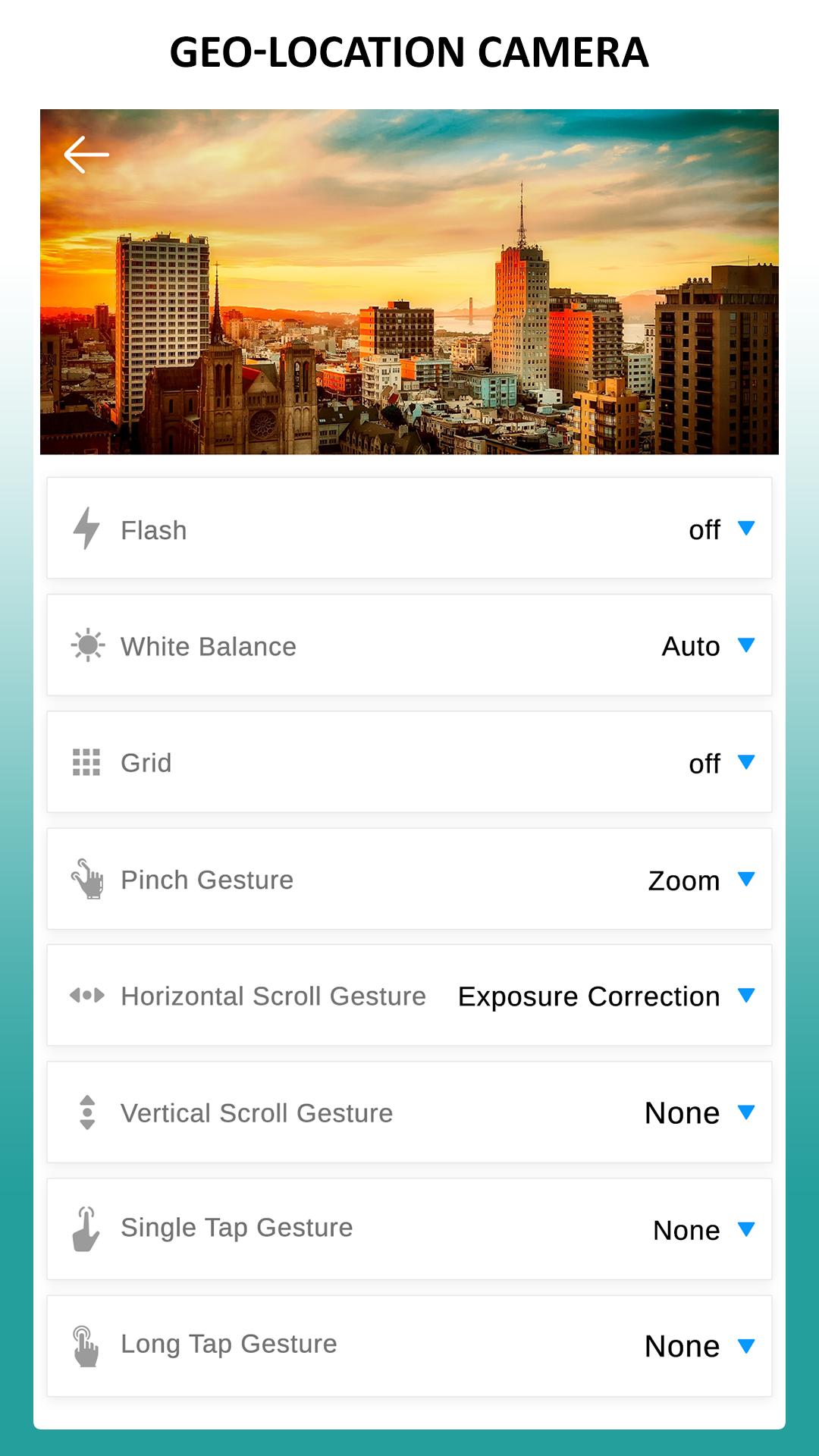
In the camera setting page::
- Flash on-off
- White Balance
- Grid
- Pinch Gesture
- Zoom
- Exposure Correction
- Single tap Gesture
- Long tap Gesture
FEATURES::
- View picture location
- Address of the location
- Time & Date
- Weather and Temperature
プレビュー
タグ
写真情報
デベロッパー
Pratham Tech
最新バージョン
7.2
最終更新
2022-01-19
カテゴリー
写真
上で利用可能
Google Play
もっと見せる
PCでGameLoopを使用してPhoto with GPS Location - Geo Tagをプレイする方法
1. 公式WebサイトからGameLoopをダウンロードし、exeファイルを実行してGameLoopをインストールします
2. GameLoopを開いて「Photo with GPS Location - Geo Tag」を検索し、検索結果でPhoto with GPS Location - Geo Tagを見つけて、「インストール」をクリックします。
3. GameLoopでPhoto with GPS Location - Geo Tagを楽しんでください
Minimum requirements
OS
Windows 8.1 64-bit or Windows 10 64-bit
GPU
GTX 1050
CPU
i3-8300
Memory
8GB RAM
Storage
1GB available space
Recommended requirements
OS
Windows 8.1 64-bit or Windows 10 64-bit
GPU
GTX 1050
CPU
i3-9320
Memory
16GB RAM
Storage
1GB available space