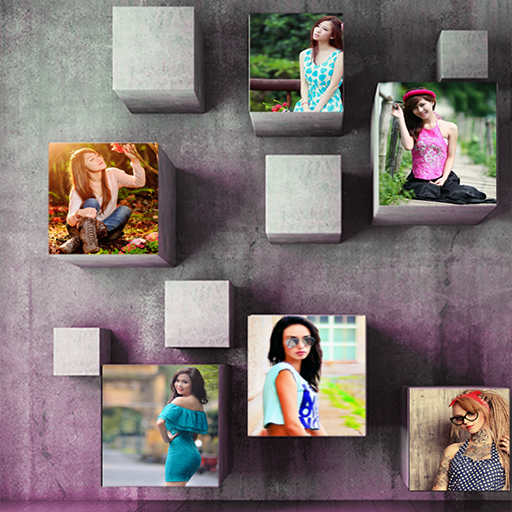
photo mixer and editor 3d PC
Reverse Gear
GameLoopエミュレーターを使用してPCにphoto mixer and editor 3dをダウンロードします
photo mixer and editor 3d PC版
開発者Reverse Gearからのphoto mixer and editor 3dは、過去にAndroidsystermで実行されています。
これで、GameLoopを搭載したPCでphoto mixer and editor 3dをスムーズにプレイできます。
GameLoopライブラリまたは検索結果にダウンロードしてください。 バッテリーに目を向けたり、間違った時間にイライラしたりすることはもうありません。
大画面でphoto mixer and editor 3dPCを無料でお楽しみください!
photo mixer and editor 3d 序章
Make collage photo you have to just Select a few photos and instantly get an awesome photo mixer and editor.
photo mixer and editor Combine photos into one special Collage Maker- Photo Grid Editor grid.
photo mixer and editor has a simple user interface with a powerful photo editor that gives you everything to create amazing collage of your photos.
Features of photo mixer and editor:
Grid:
Now you can combine many photos in single memorable collage photo.
Photo editor tool:
Edit your picture with amazing photo editing tool and make your picture more beautiful.
3D Collage :
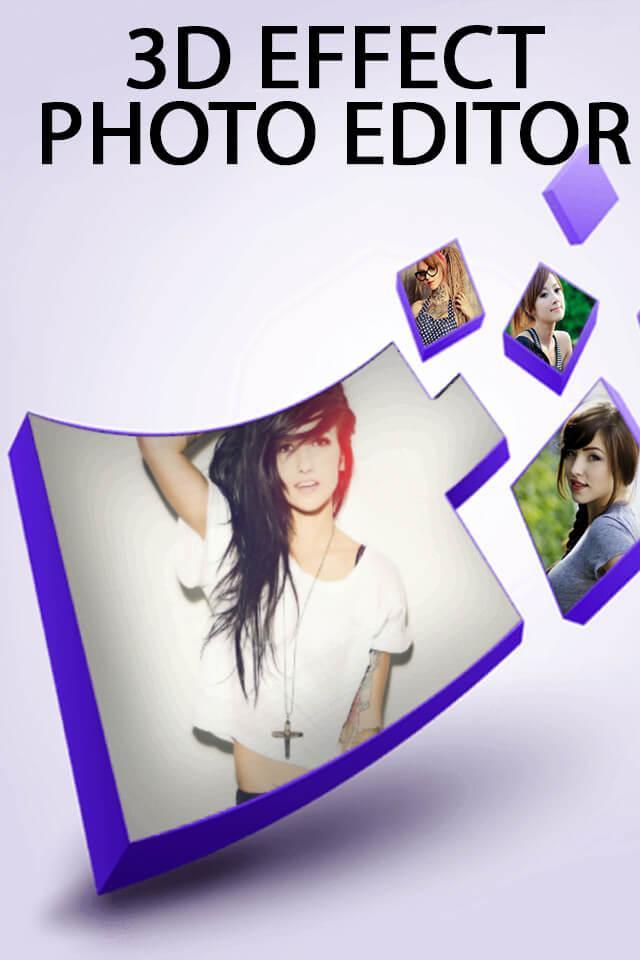
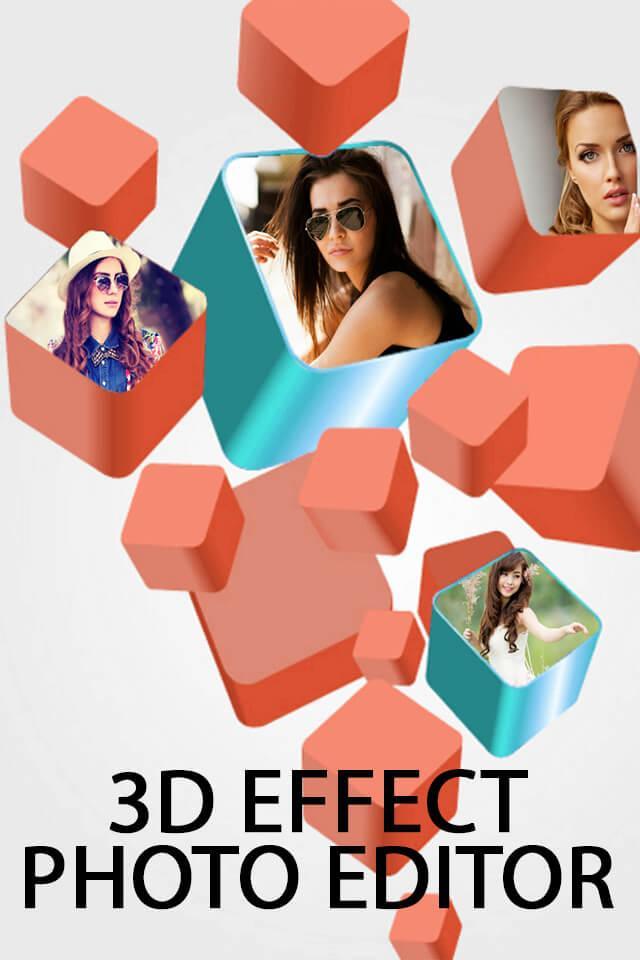
You can make your 3d photo mixer and editor from this collage maker app.
Scrapbook:
You can combine many photos in one book and decorate them with text , emoji , frames and hd background.
Love text photo mixer and editor:
You can make your photo in word with this function.
Unique layouts:
Many unique and stunning photo layout available in this.So you have to just select as per your need and make your collage photo.
More than 300+ layout available in this application and all kind of photo grid are available like 2d layout , 3d layout etc.
Latest Stickers:
500+ stickers available in this photo collage.So you can decorate your photo with funny and stylish emoji.
Hd photo frames and text:
40+ frame are available and also you can write text on that editing photo.
So, Make your first incredible collage photo with this photo mixer and editor and share with your friends and family on social media.
プレビュー
情報
デベロッパー
Reverse Gear
最新バージョン
1.8
最終更新
2019-12-25
カテゴリー
写真
上で利用可能
Google Play
もっと見せる
PCでGameLoopを使用してphoto mixer and editor 3dをプレイする方法
1. 公式WebサイトからGameLoopをダウンロードし、exeファイルを実行してGameLoopをインストールします
2. GameLoopを開いて「photo mixer and editor 3d」を検索し、検索結果でphoto mixer and editor 3dを見つけて、「インストール」をクリックします。
3. GameLoopでphoto mixer and editor 3dを楽しんでください
Minimum requirements
OS
Windows 8.1 64-bit or Windows 10 64-bit
GPU
GTX 1050
CPU
i3-8300
Memory
8GB RAM
Storage
1GB available space
Recommended requirements
OS
Windows 8.1 64-bit or Windows 10 64-bit
GPU
GTX 1050
CPU
i3-9320
Memory
16GB RAM
Storage
1GB available space