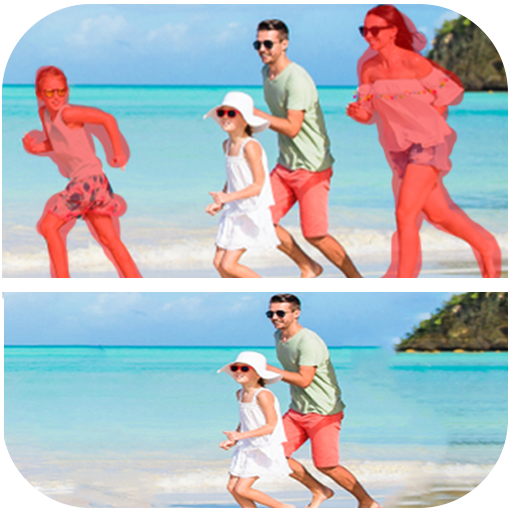
photo eraser : remove unwanted PC
photo:momo lab
GameLoopエミュレーターを使用してPCにphoto eraser : remove unwantedをダウンロードします
photo eraser : remove unwanted PC版
開発者photo:momo labからのphoto eraser : remove unwantedは、過去にAndroidsystermで実行されています。
これで、GameLoopを搭載したPCでphoto eraser : remove unwantedをスムーズにプレイできます。
GameLoopライブラリまたは検索結果にダウンロードしてください。 バッテリーに目を向けたり、間違った時間にイライラしたりすることはもうありません。
大画面でphoto eraser : remove unwantedPCを無料でお楽しみください!
photo eraser : remove unwanted 序章
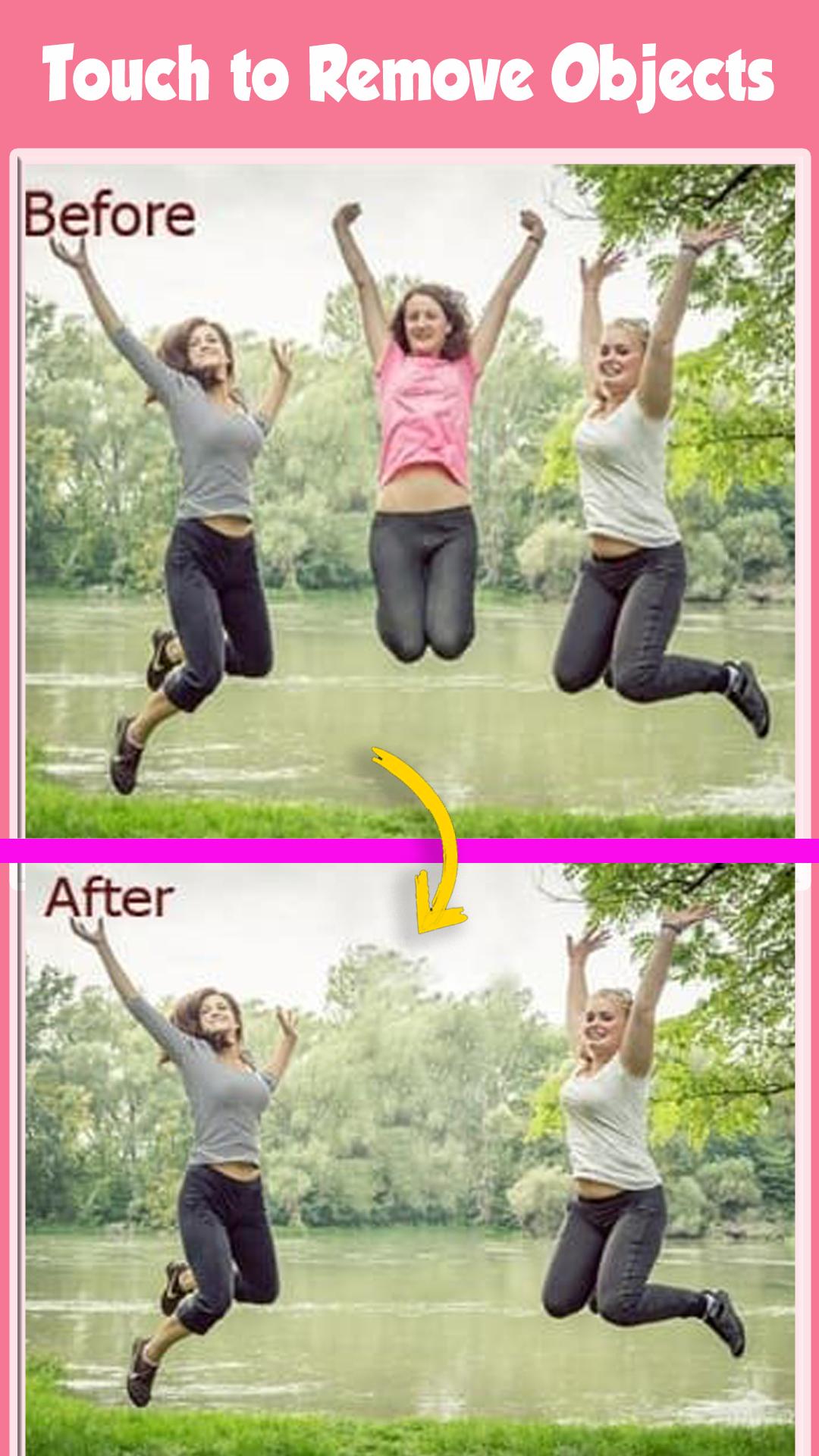
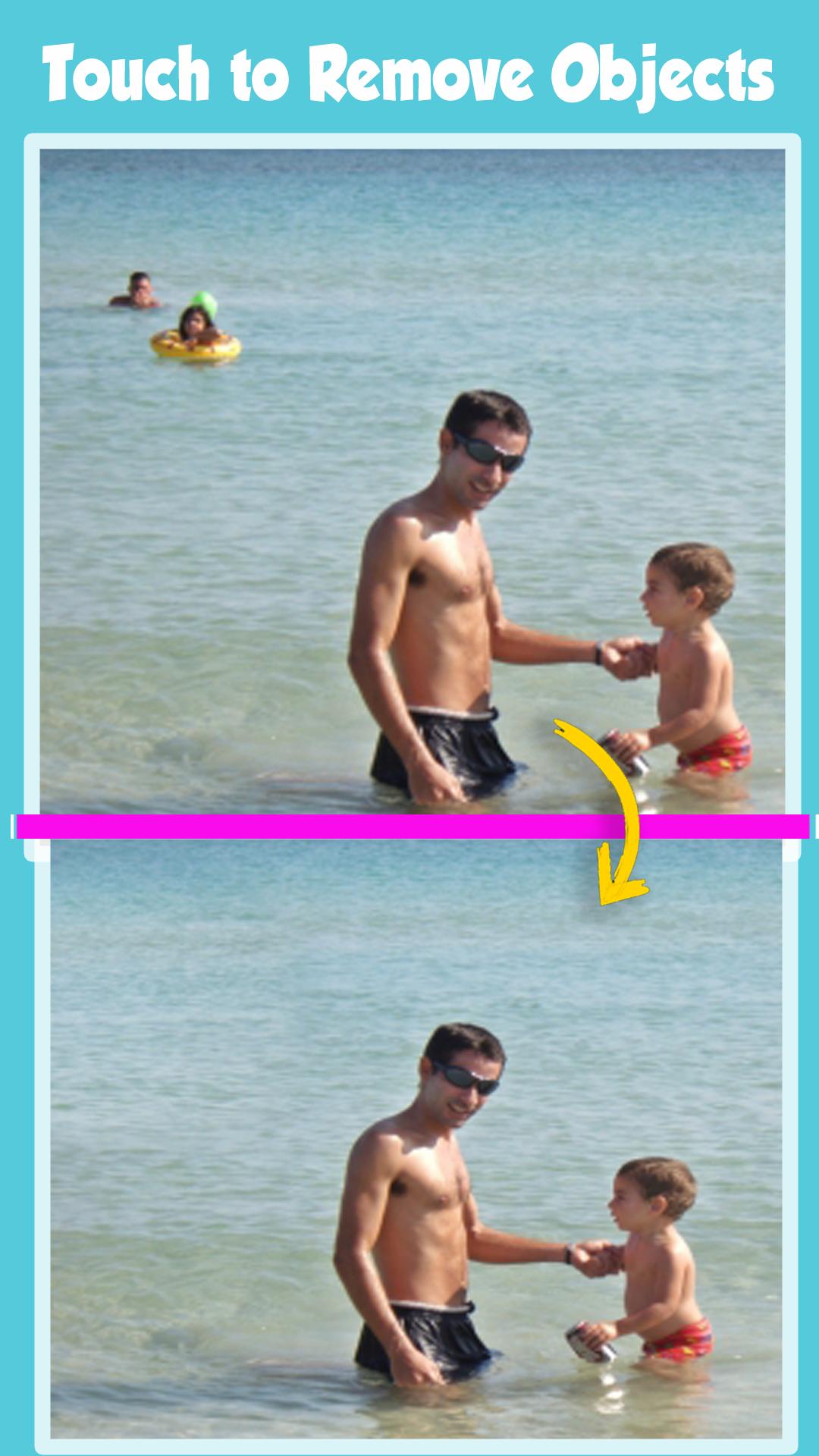
Photo Eraser - Remove Objects is the best Mobile Photo Editor to remove content from Photos.
delete any unwanted content in the photo with Erase Unwanted Content From Photo.
Erase Unwanted Content From Photos, remove unwanted objects and people from pics provides a fast and easy way to change photos backgrounds.
Just touch the area you want to erase and auto eraser tool will do the rest of the work for you. You can also erase your photos background manually by finger touch.
The app comes with the most advanced photo cutting technologies.
You can use the Magic Brush to draw on a photo.
The app auto-magically figures out which part you like to remove. You can pinch and zoom the photo and use the normal Bruch and Eraser to fine-tune the cut out.
You want to get rid of some unwanted objects or person in an otherwise perfect photo?
Now you can with this Erase Unwanted Content From Photo powerful Object Remover app right here at your palm in your Smartphone.
select your Photo from gallery using photo Retouch- remove items from photo app and remove lines from photo. Using your finger,
select the Brush or Lasso tool to mark snapheal, remove unwanted picture, remove object photo, clone object, remove objects,
unwanted photos that you want to erase from picture, then hit the ‘Go’ button now your processing complete within a seconds.
you’re done and it’s now safe image/drawing into your gallery and share your picture-perfect memories with friends.
Eliminate distractions from photos with the Object Removal tool — select either Brush or Lasso, mark the content to be removed, and then tap the Go button.
Erase Unwanted Content From Photo - Remove Objects defects or duplicate objects by using the Clone Stamp tool. Adjust Stamp Size, Hardness, and Opacity as desired. Use Eraser to wipe out what has just been cloned.
Set Eraser Size, Hardness, and Opacity as needed.
Photo Retouch is allows you to remove unwanted content or objects from any photo, using just your finger and your phone.Photo editing has never been so quick,
easy and convenient.Removing unwanted content from images is as easy as one, two, three with the Retouch tool, object remove.
What magic can you do with TouchRetouch?
- Remove telephone wires and posts, power lines
- Remove surface breaks and scratches — both straight and curved
FREE 100% to enjoy it
プレビュー
タグ
写真情報
デベロッパー
photo:momo lab
最新バージョン
7.1
最終更新
2022-08-15
カテゴリー
写真
上で利用可能
Google Play
もっと見せる
PCでGameLoopを使用してphoto eraser : remove unwantedをプレイする方法
1. 公式WebサイトからGameLoopをダウンロードし、exeファイルを実行してGameLoopをインストールします
2. GameLoopを開いて「photo eraser : remove unwanted」を検索し、検索結果でphoto eraser : remove unwantedを見つけて、「インストール」をクリックします。
3. GameLoopでphoto eraser : remove unwantedを楽しんでください
Minimum requirements
OS
Windows 8.1 64-bit or Windows 10 64-bit
GPU
GTX 1050
CPU
i3-8300
Memory
8GB RAM
Storage
1GB available space
Recommended requirements
OS
Windows 8.1 64-bit or Windows 10 64-bit
GPU
GTX 1050
CPU
i3-9320
Memory
16GB RAM
Storage
1GB available space