
Photo Editor 360 PC
Tornado Studio
GameLoopエミュレーターを使用してPCにPhoto Editor 360をダウンロードします
Photo Editor 360 PC版
開発者Tornado StudioからのPhoto Editor 360は、過去にAndroidsystermで実行されています。
これで、GameLoopを搭載したPCでPhoto Editor 360をスムーズにプレイできます。
GameLoopライブラリまたは検索結果にダウンロードしてください。 バッテリーに目を向けたり、間違った時間にイライラしたりすることはもうありません。
大画面でPhoto Editor 360PCを無料でお楽しみください!
Photo Editor 360 序章
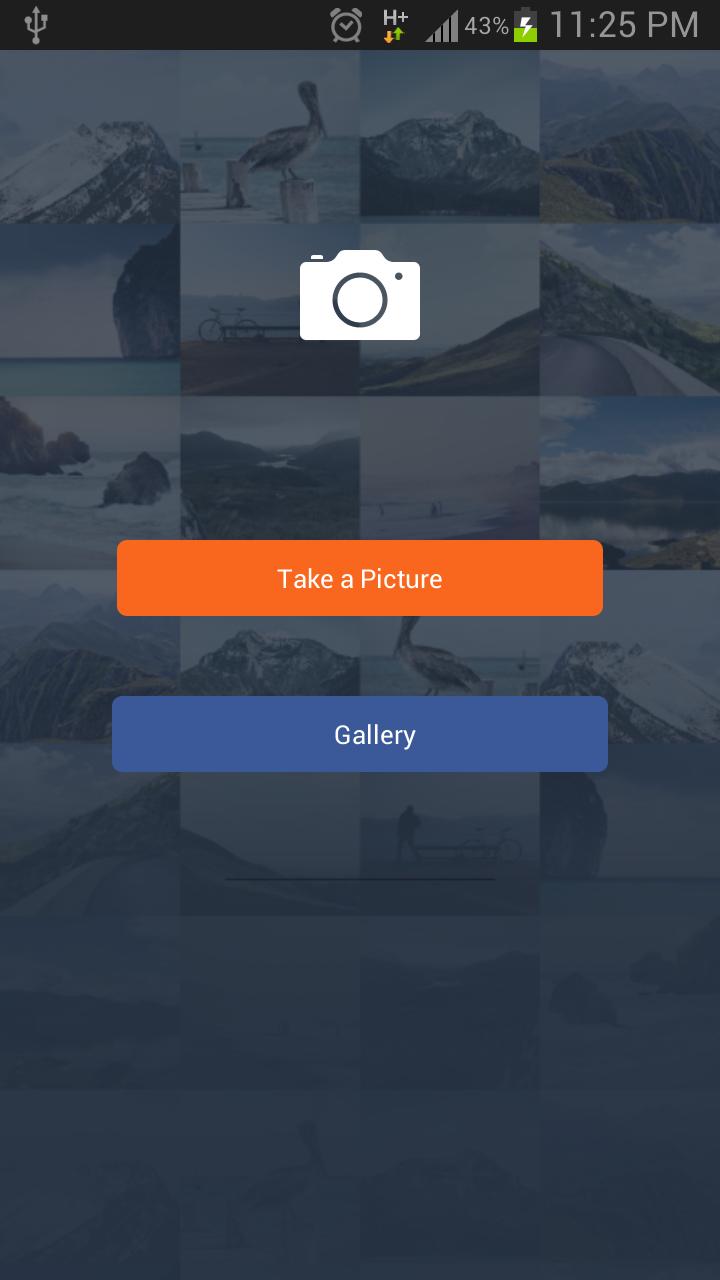
Photo Editor 360 is a simple and free image editor. With this application, users can turn their mobile device into a small studio for editing photos. It makes your photos beautiful with easy and powerful editing tools. Lots of filters and effects, easy to use, easy to share. It takes no time at all to make good photos look great.
Applications are mainly four major functions:
Picture editing , Portrait processing , image effects, photo management
I ) Picture editing
* Picture rotation
* Image Cut
* Picture size adjustment
* Painting and graffiti, can freely set the brush size and hardness
* Adjust image color and brightness
* Adjust brightness, contrast , color temperature, saturation
II ) Picture effects
* Photo effects
* Color splash
* Picture frame
* Picture Scene
* Focus and blur function
* Warmth
* Sharpness
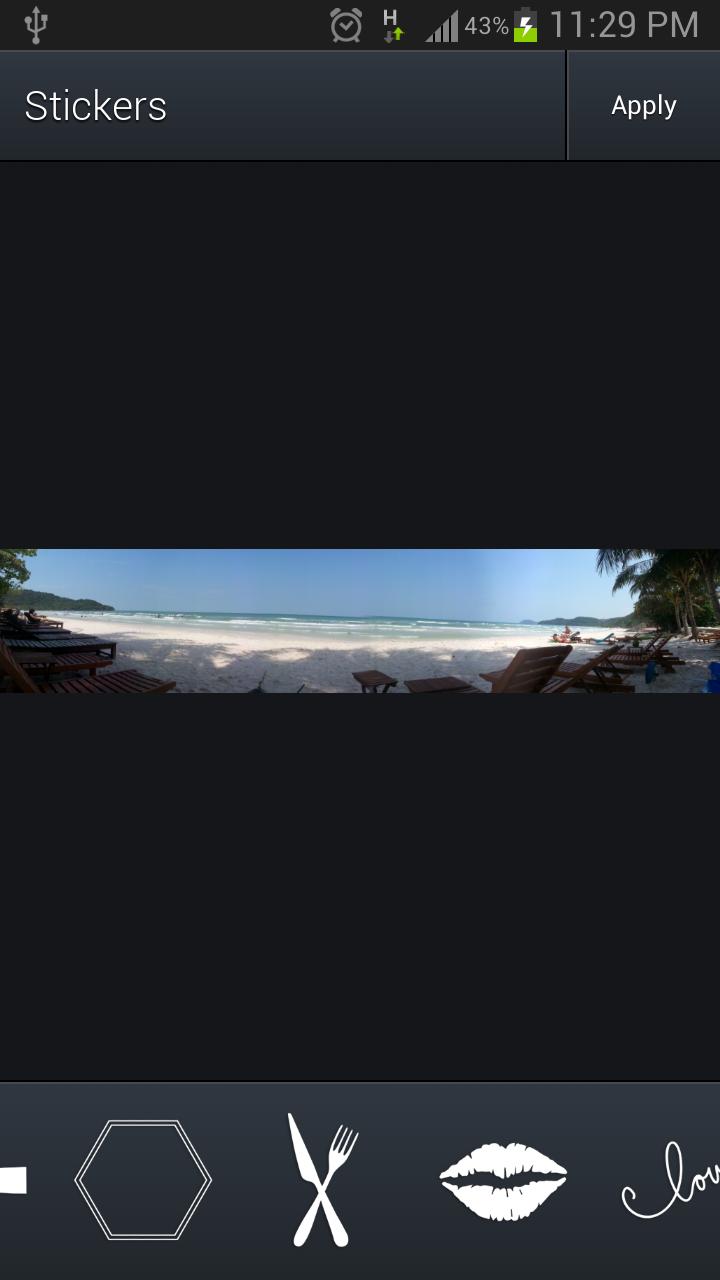
* Sticker
III ) Portrait processing
* Acne
* Eliminate stains and whiten teeth
* Red-eye reduction
IV ) Photo management
* Easily from the gallery , camera import photos
* Edited pictures saved to my gallery , allowing you to edit and view again
Note: the edited image is saved in "Photo Editor 360" folder
プレビュー
情報
デベロッパー
Tornado Studio
最新バージョン
2.0
最終更新
2016-04-24
カテゴリー
写真
上で利用可能
Google Play
もっと見せる
PCでGameLoopを使用してPhoto Editor 360をプレイする方法
1. 公式WebサイトからGameLoopをダウンロードし、exeファイルを実行してGameLoopをインストールします
2. GameLoopを開いて「Photo Editor 360」を検索し、検索結果でPhoto Editor 360を見つけて、「インストール」をクリックします。
3. GameLoopでPhoto Editor 360を楽しんでください
Minimum requirements
OS
Windows 8.1 64-bit or Windows 10 64-bit
GPU
GTX 1050
CPU
i3-8300
Memory
8GB RAM
Storage
1GB available space
Recommended requirements
OS
Windows 8.1 64-bit or Windows 10 64-bit
GPU
GTX 1050
CPU
i3-9320
Memory
16GB RAM
Storage
1GB available space