One Pic:Photo animation editor PC
onelab
GameLoopエミュレーターを使用してPCにOne Pic:Photo animation editorをダウンロードします
One Pic:Photo animation editor PC版
開発者onelabからのOne Pic:Photo animation editorは、過去にAndroidsystermで実行されています。
これで、GameLoopを搭載したPCでOne Pic:Photo animation editorをスムーズにプレイできます。
GameLoopライブラリまたは検索結果にダウンロードしてください。 バッテリーに目を向けたり、間違った時間にイライラしたりすることはもうありません。
大画面でOne Pic:Photo animation editorPCを無料でお楽しみください!
One Pic:Photo animation editor 序章
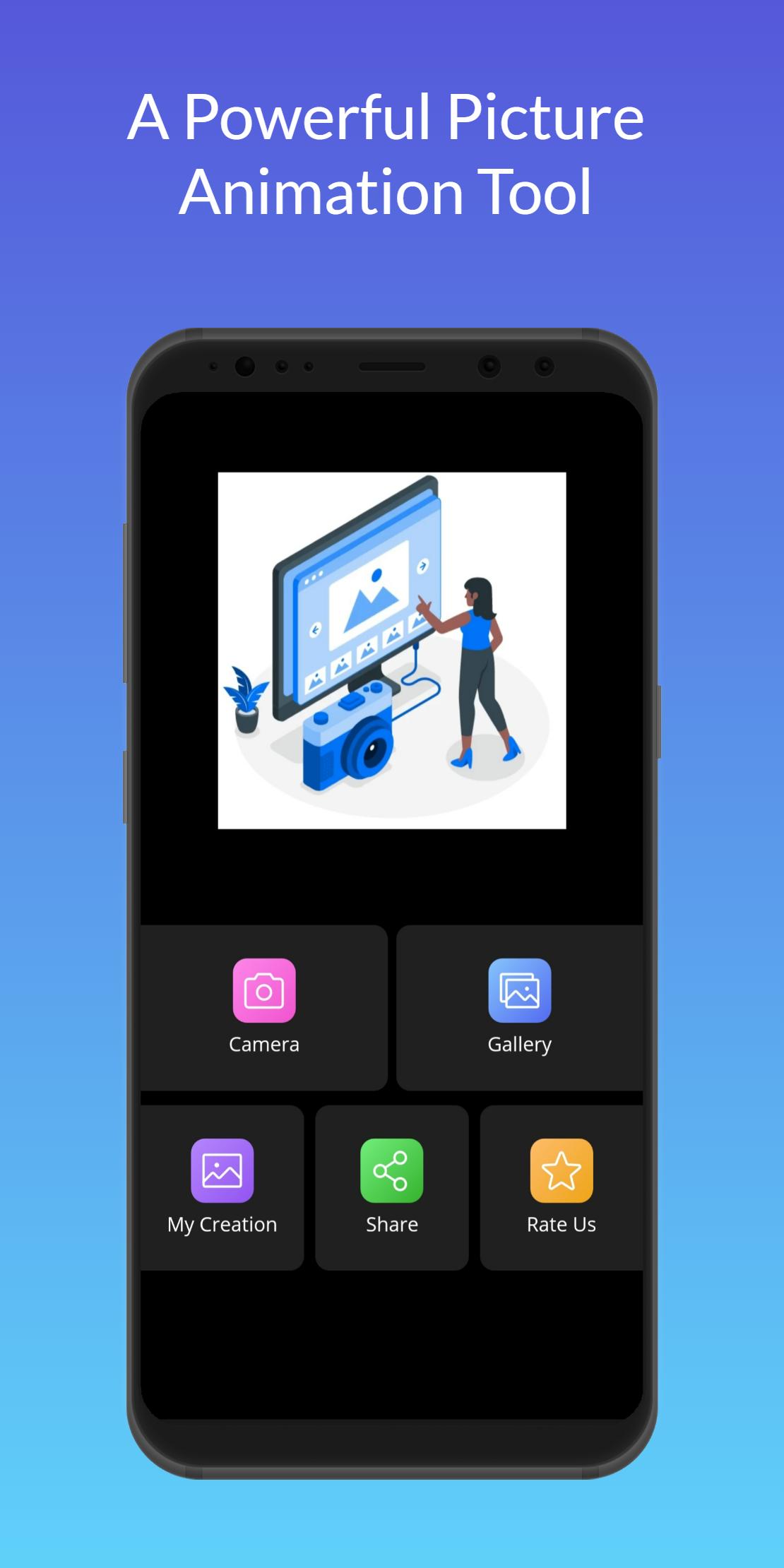
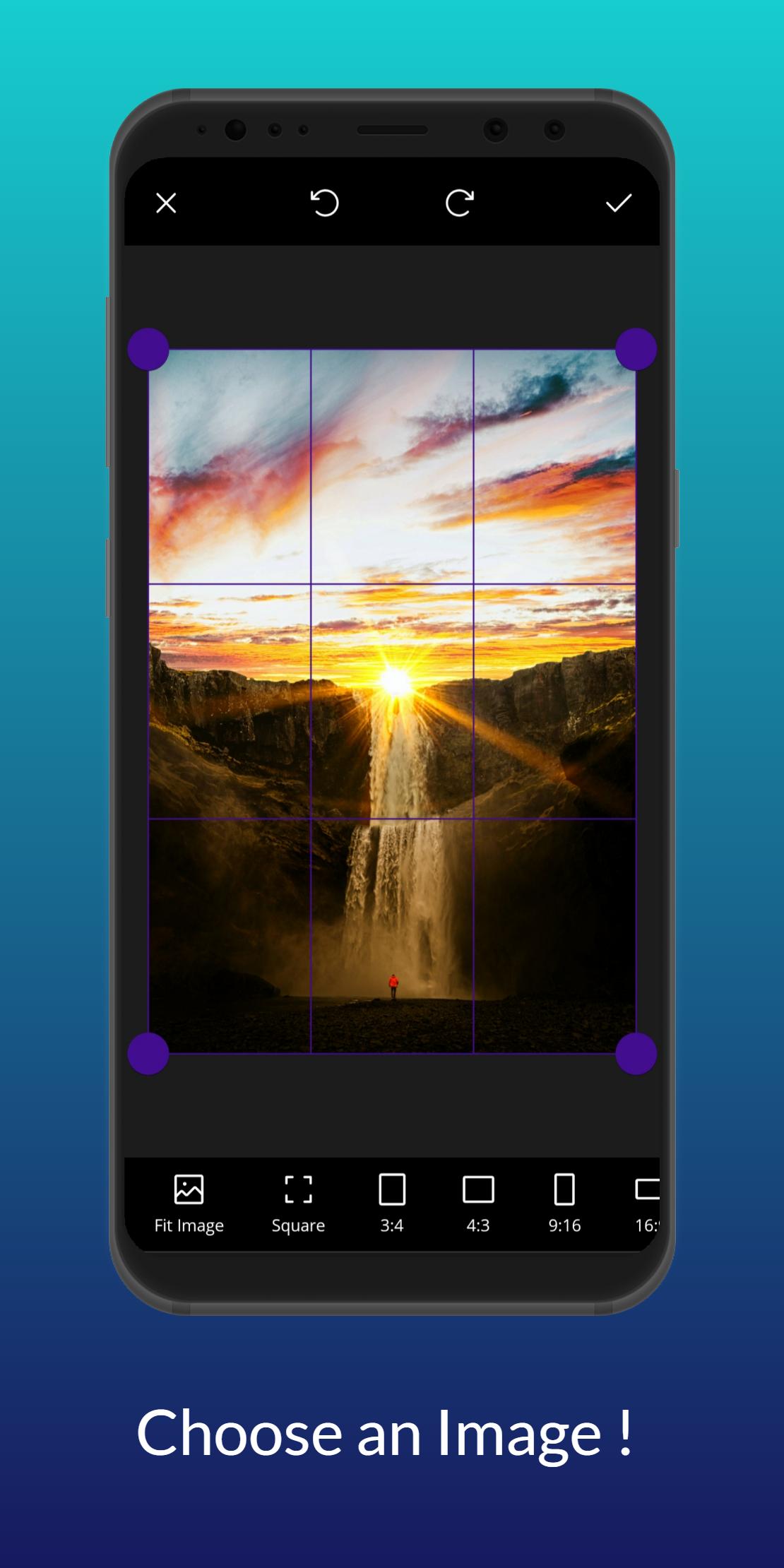
Animate your photos on the go! Intuitive and ultralight 3D picture editor with filters for adding motion to your pictures and loads of other features!
Photo animation and editing are made easy with Motionleap (formerly Pixaloop) by Lightricks (the developer behind Lightleap, Videoleap, Facetune, Photoleap, and others), chosen as one of Google Play’s Best Apps! Animate and edit photos with the Creative Kit’s amazing photo editing tools!
Motionleap is an ultralight PRO 3d photo app for Android! It offers everything you need to edit a picture on the go. Includes an array of stylish effects, filters, and tools to help you create a stunning image using amazing 3D live image filters and effects. With Motionleap, you can directly post your photo artwork to Facebook, or Instagram
Motionleap Key Features
Animation creator with intuitive arrows sets photo motion direction — move the still image!
Background changer with stunning filters
Animation effects for pictures with overlays, sparkles, velocity control and more
Picture effect editor for making all necessary 3D photo adjustments
A wide variety of automated sky backgrounds resembling timelapse — decorate photos with amazing skies
Easily Create 3D Photos
Edit pictures into animated 3D photos. Use arrows to add movement, choose the velocity, replace the background. AI-powered tools and effects for pictures make it easier than ever to define entire areas of a picture or fine-tune for more control.
Add Overlays and Effects
Add motion to photos with overlays. Motionleap makes it easy to add unique overlays and effects to still images that will engage your followers and wow your friends. So whether you want to create a professionally finished animation or simply add fun effects to your pictures, you can do it all with Motionleap.
Motionleap GIF maker feature brings flowing life and motion to images, creating animations and cinematographic effects that will wow everyone, from your friends to your followers. And, best of all, it’s a free picture animation app and editor! Animate pictures and add 3D picture effects to watch your still image come to life as incredible 24 fps videos that boomerang back and forth or flow like a GIF.
Photo Effect Creator
Highlight your image with amazing picture effects. With a powerful and intuitive application at your fingertips, watch as each picture is set to a boomerang motion and becomes a moving live 3D picture with the help of amazing filters and effects that will bring out your inner creative genius. With Motionleap, you can enjoy the ease of one-touch smooth transformation and 3D photo animation that brings your creations to life.
Creative Photo Editor
Add awesome effects to your images with the creative photo editor. Start your photo editor adventure with a wide range of filters and effects at your fingertips. Use the airbrush photo editor tool to create perfect effects for your moving live 3D picture.
Your Masterpiece
Motionleap allows you to easily edit images with artistic, powerful, precise, and easy-to-use 3D picture animation tools. Use the picture editor to revolutionize your images with a real-time editor that lets you create mesmerizing art in a moment. Motionleap lets you create and edit moving photos with easy and powerful editing tools, including background changer, 3D Live, 3D motion, and picture overlays.
Let your creativity run free with tons of fun effects, overlays, and animation tools. Post your animated pictures on TikTok or YouTube, share your cinemagraph with friends on Twitter & Facebook.
Motionleap is part of the Creative Kit (ex-Enlight), which includes a wide range of video and image editing solutions. Among them:
- Boosted, the Marketing Video Maker
- Videoleap, the Powerful Video Editor
- Facetune2, the Selfie Editor
- Lightleap, the Professional Image Editor
Privacy Policy :- https://pages.flycricket.io/one-pic/privacy.html
Terms and Conditions :- https://pages.flycricket.io/one-pic/terms.html
プレビュー
タグ
写真情報
デベロッパー
onelab
最新バージョン
1.0
最終更新
2022-07-09
カテゴリー
写真
上で利用可能
Google Play
もっと見せる
PCでGameLoopを使用してOne Pic:Photo animation editorをプレイする方法
1. 公式WebサイトからGameLoopをダウンロードし、exeファイルを実行してGameLoopをインストールします
2. GameLoopを開いて「One Pic:Photo animation editor」を検索し、検索結果でOne Pic:Photo animation editorを見つけて、「インストール」をクリックします。
3. GameLoopでOne Pic:Photo animation editorを楽しんでください
Minimum requirements
OS
Windows 8.1 64-bit or Windows 10 64-bit
GPU
GTX 1050
CPU
i3-8300
Memory
8GB RAM
Storage
1GB available space
Recommended requirements
OS
Windows 8.1 64-bit or Windows 10 64-bit
GPU
GTX 1050
CPU
i3-9320
Memory
16GB RAM
Storage
1GB available space