
MiniPrint PC
PRINICS Co., Ltd
GameLoopエミュレーターを使用してPCにMiniPrintをダウンロードします
MiniPrint PC版
開発者PRINICS Co., LtdからのMiniPrintは、過去にAndroidsystermで実行されています。
これで、GameLoopを搭載したPCでMiniPrintをスムーズにプレイできます。
GameLoopライブラリまたは検索結果にダウンロードしてください。 バッテリーに目を向けたり、間違った時間にイライラしたりすることはもうありません。
大画面でMiniPrintPCを無料でお楽しみください!
MiniPrint 序章
Note: A genuine XSories MiniPrint printer is required to print using this application.
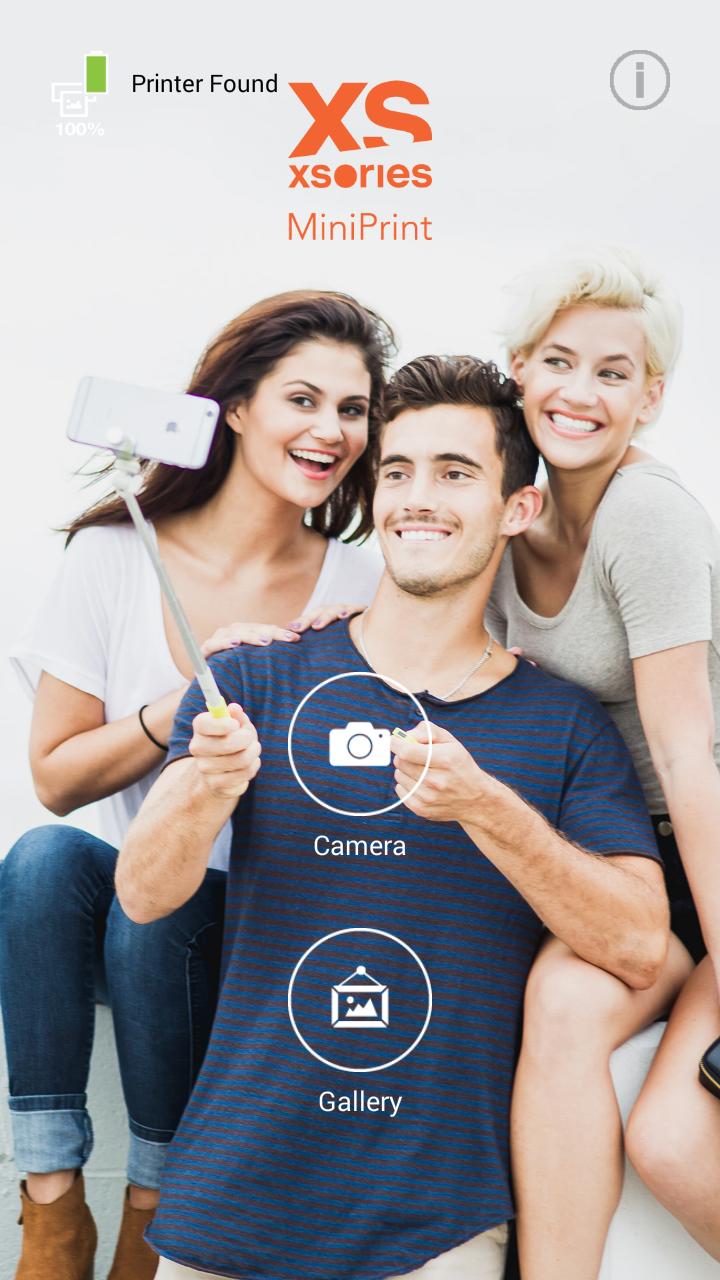
Easily print amazing photos with the XSories MiniPrint printer via WiFi-Direct or WiFi using this application.
The "XSories MiniPrint" photo printer can be used to print images from smartphones by NFC tag scanning (*NFC enabled device ONLY). For non-NFC featured smartphones, simply print via Wi-Fi. You can take and edit pictures on smartphones or tablets. This portable PICKIT printer will instantly print your precious moments.
1. Turn on the printer.
2. Tap your smartphone on the NFC tag or manually connect to the WiFi (DIRECT-Cube-xxxx)
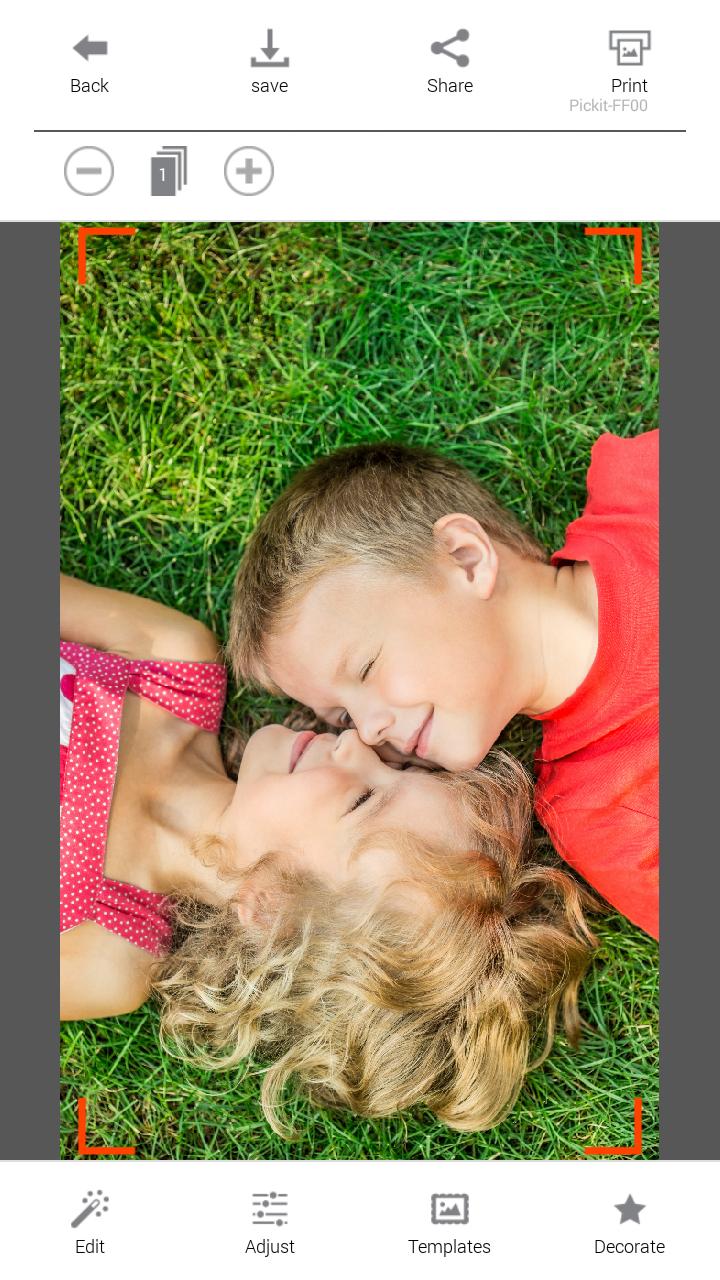
3. Select an image from the Gallery or take a photo with your smartphone.
4. Once image has been selected, edit the image with your personal preference.
5. Now press print when editting is completed.
6. When you print for the first time, it may need to update the firmware. Please follow the instruction shown on the screen of your smartphone.
7. I will take about a minute to fully print. Please do not pull the photo until it is completely printed.
Thank you for purchasing XSories MiniPrint photo printer
プレビュー
情報
デベロッパー
PRINICS Co., Ltd
最新バージョン
9.79
最終更新
2016-08-24
カテゴリー
写真
上で利用可能
Google Play
もっと見せる
PCでGameLoopを使用してMiniPrintをプレイする方法
1. 公式WebサイトからGameLoopをダウンロードし、exeファイルを実行してGameLoopをインストールします
2. GameLoopを開いて「MiniPrint」を検索し、検索結果でMiniPrintを見つけて、「インストール」をクリックします。
3. GameLoopでMiniPrintを楽しんでください
Minimum requirements
OS
Windows 8.1 64-bit or Windows 10 64-bit
GPU
GTX 1050
CPU
i3-8300
Memory
8GB RAM
Storage
1GB available space
Recommended requirements
OS
Windows 8.1 64-bit or Windows 10 64-bit
GPU
GTX 1050
CPU
i3-9320
Memory
16GB RAM
Storage
1GB available space