mFotoGem PC
PROLiNK
GameLoopエミュレーターを使用してPCにmFotoGemをダウンロードします
mFotoGem PC版
開発者PROLiNKからのmFotoGemは、過去にAndroidsystermで実行されています。
これで、GameLoopを搭載したPCでmFotoGemをスムーズにプレイできます。
GameLoopライブラリまたは検索結果にダウンロードしてください。 バッテリーに目を向けたり、間違った時間にイライラしたりすることはもうありません。
大画面でmFotoGemPCを無料でお楽しみください!
mFotoGem 序章
mFotoGem is an application designed specifically for use with PROLiNK’s latest Smartphone Camera Remote devices. With its simple user interface and fast easy pairing via the latest Bluetooth v4.0 technology, you can have your selfies and wefies flawlessly taken from up to 30m away via a simple click of a button on your FotoGem Smartphone Camera Remote.
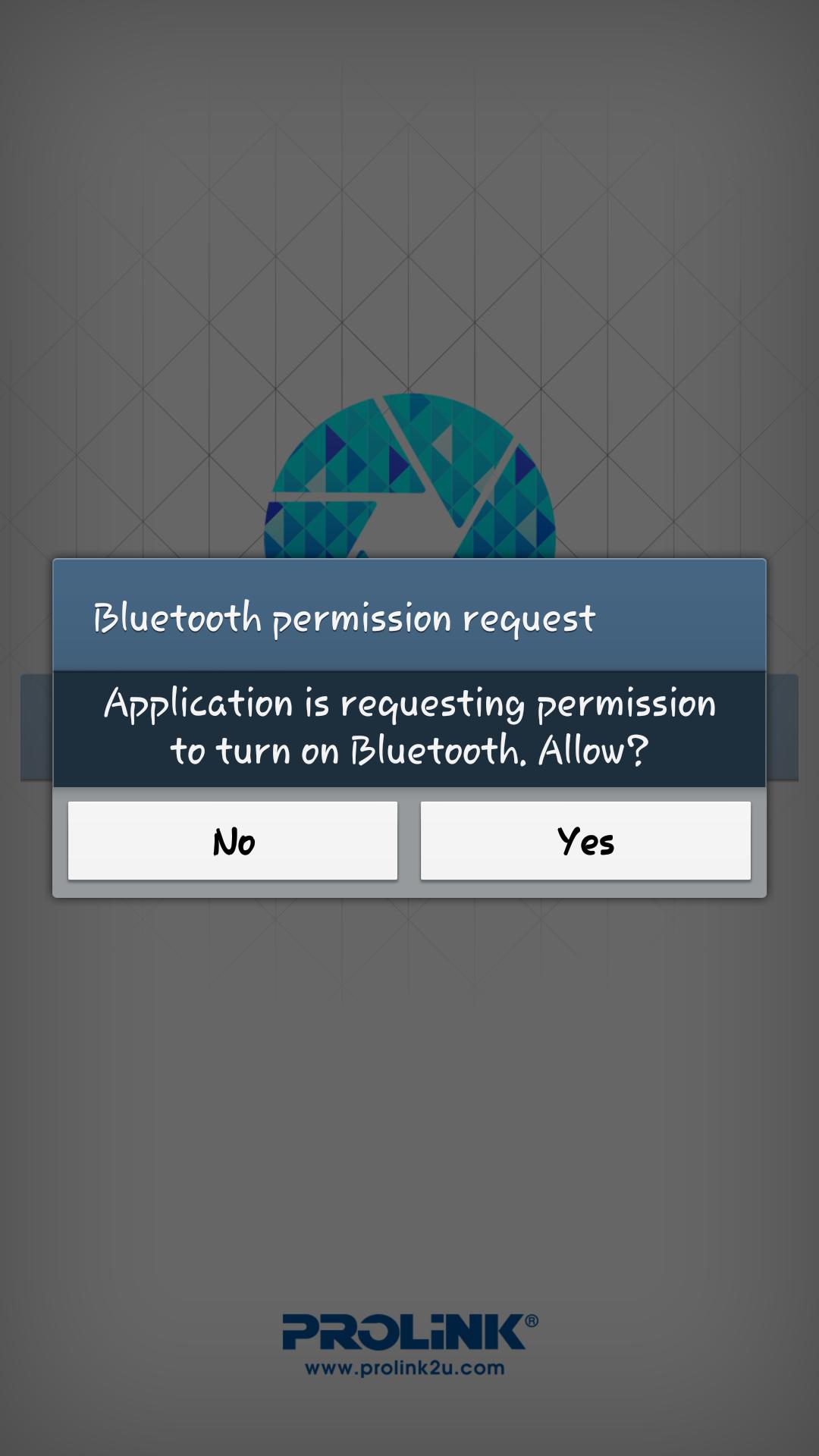
The application features easy Bluetooth pairing, flash (on/off) mode, swapping of cameras (front/rear) and a camera/video toggle.
For more information, visit www.prolink2u.com
Features
- Easy Bluetooth pairing
- Switch between front and back cameras as well as camera and video mode with ease
- Pair with up to 8 devices and remotely snap photos for all connected devices at the same time
- Conveniently toggle between flash on/off
- Save photos/videos in a separate folder
Note:
*Compatible with all Android OS 4.3 devices or higher supporting Bluetooth v4.0.
プレビュー
情報
デベロッパー
PROLiNK
最新バージョン
1.0
最終更新
2014-02-11
カテゴリー
写真
上で利用可能
Google Play
もっと見せる
PCでGameLoopを使用してmFotoGemをプレイする方法
1. 公式WebサイトからGameLoopをダウンロードし、exeファイルを実行してGameLoopをインストールします
2. GameLoopを開いて「mFotoGem」を検索し、検索結果でmFotoGemを見つけて、「インストール」をクリックします。
3. GameLoopでmFotoGemを楽しんでください
Minimum requirements
OS
Windows 8.1 64-bit or Windows 10 64-bit
GPU
GTX 1050
CPU
i3-8300
Memory
8GB RAM
Storage
1GB available space
Recommended requirements
OS
Windows 8.1 64-bit or Windows 10 64-bit
GPU
GTX 1050
CPU
i3-9320
Memory
16GB RAM
Storage
1GB available space