
Me Frame - Digital photo frame PC
Android_media
GameLoopエミュレーターを使用してPCにMe Frame - Digital photo frameをダウンロードします
Me Frame - Digital photo frame PC版
開発者Android_mediaからのMe Frame - Digital photo frameは、過去にAndroidsystermで実行されています。
これで、GameLoopを搭載したPCでMe Frame - Digital photo frameをスムーズにプレイできます。
GameLoopライブラリまたは検索結果にダウンロードしてください。 バッテリーに目を向けたり、間違った時間にイライラしたりすることはもうありません。
大画面でMe Frame - Digital photo framePCを無料でお楽しみください!
Me Frame - Digital photo frame 序章
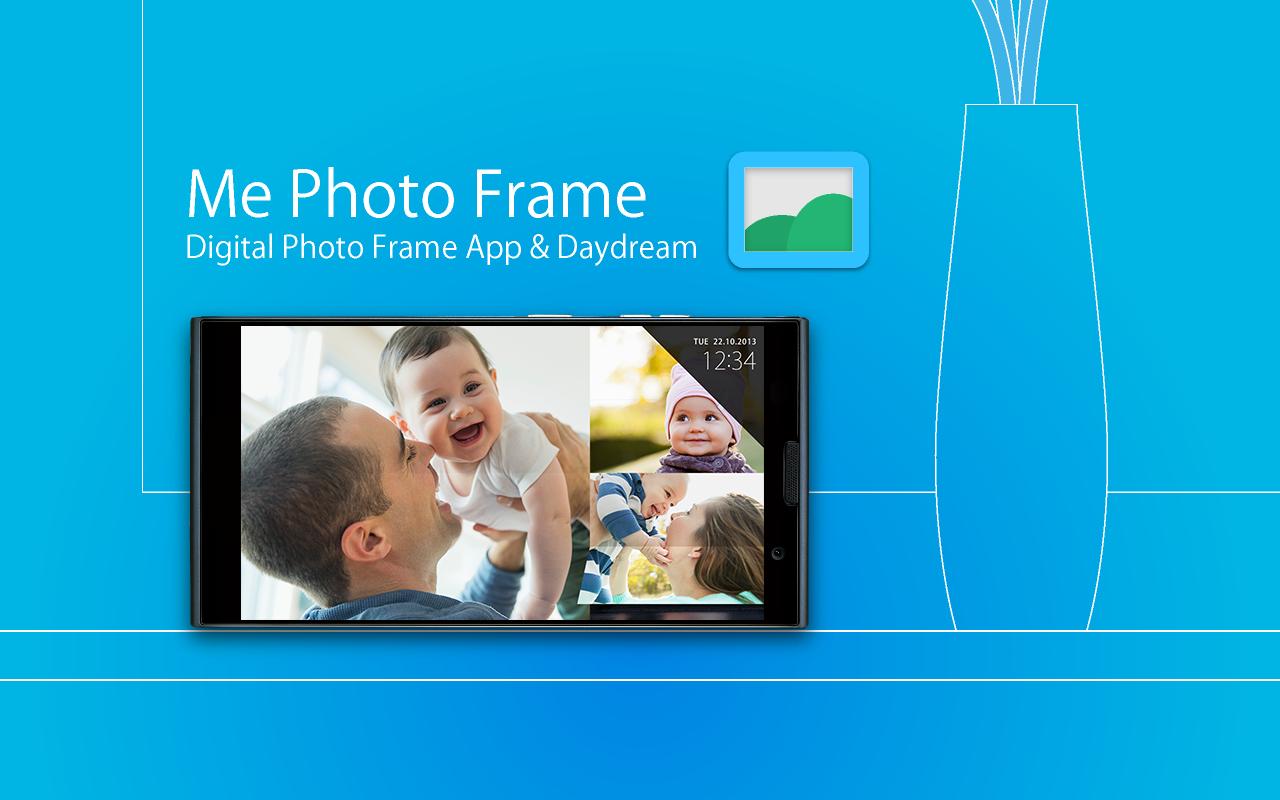
Smartphone and tablet makeover to digital photo frame.
"Me Photo Frame" is a digital photo frame app.
Beautiful design and rich functionality.
- Free and no ads.
- Beautiful slide show themes.(Simple / Flip /Colorful)
- Picasa (Google+ Photo) / External SD card / Internal storage folder.
- Automatic start and end can be at the set time.
- Launch by docked , charge.
- Brightness settings for slide show.
- Supported screen saver function. (Android4.2+ Daydream)
- Analog clock / digital clock display.
How to use: by Application
< Set the folders slide show image >
1. Tap the " Me Photo Frame " from the Apps list.
2. " File location " , select the storage.
3. " Image folder " , select the folder of images.
4. Can see the images at slide show.
How to use: by saver (Android4.2+ Daydream)
< Set the folders slide show image >
1. Android settings.
2. "Display"
3. "Screensaver"
4. Tap the " Me Photo Frame " by the list.
5. Tap the setting icon of " Me Photo Frame ".
6. " File location " , select the storage.
7. " Image folder " , select the folder of images.
8. Can see the images at slide show.
Q / A:
Q: The slide show does not start at the set time.
A: Auto start works when sleep.
Q: There are no settings to automatic start and automatic end of the setting time.
A: The screen saver (Android4.2+ Daydream), there is no auto-start time setting . Please use the application.
Q: Brightness of the screen does not change when i flick up and down during a slideshow
A: The screen saver (Android4.2 Daydream), there is no brightness setting . Please use the application.
Q: Takes a long time to start slide show.
A: If you set the image of Picasa (Google+ ), you may have a slow display depending on the communication state.
Test Devices:
Nexus4 , Nexus7 , Nexus10 , GalaxyNoteII , GalaxyNote3 , Fujitsu F-01F
From the team:
Thank you for using, Please rate it , and send me feedback.
プレビュー

情報
デベロッパー
Android_media
最新バージョン
1.0.2
最終更新
2014-07-17
カテゴリー
写真
上で利用可能
Google Play
もっと見せる
PCでGameLoopを使用してMe Frame - Digital photo frameをプレイする方法
1. 公式WebサイトからGameLoopをダウンロードし、exeファイルを実行してGameLoopをインストールします
2. GameLoopを開いて「Me Frame - Digital photo frame」を検索し、検索結果でMe Frame - Digital photo frameを見つけて、「インストール」をクリックします。
3. GameLoopでMe Frame - Digital photo frameを楽しんでください
Minimum requirements
OS
Windows 8.1 64-bit or Windows 10 64-bit
GPU
GTX 1050
CPU
i3-8300
Memory
8GB RAM
Storage
1GB available space
Recommended requirements
OS
Windows 8.1 64-bit or Windows 10 64-bit
GPU
GTX 1050
CPU
i3-9320
Memory
16GB RAM
Storage
1GB available space