
iPixel - Modern Image Editor PC
oneAppz
GameLoopエミュレーターを使用してPCにiPixel - Modern Image Editorをダウンロードします
iPixel - Modern Image Editor PC版
開発者oneAppzからのiPixel - Modern Image Editorは、過去にAndroidsystermで実行されています。
これで、GameLoopを搭載したPCでiPixel - Modern Image Editorをスムーズにプレイできます。
GameLoopライブラリまたは検索結果にダウンロードしてください。 バッテリーに目を向けたり、間違った時間にイライラしたりすることはもうありません。
大画面でiPixel - Modern Image EditorPCを無料でお楽しみください!
iPixel - Modern Image Editor 序章
ipixel is a best free powerful photo editing application.
If you have some knowledge of photography, you can do a lot with ipixel,
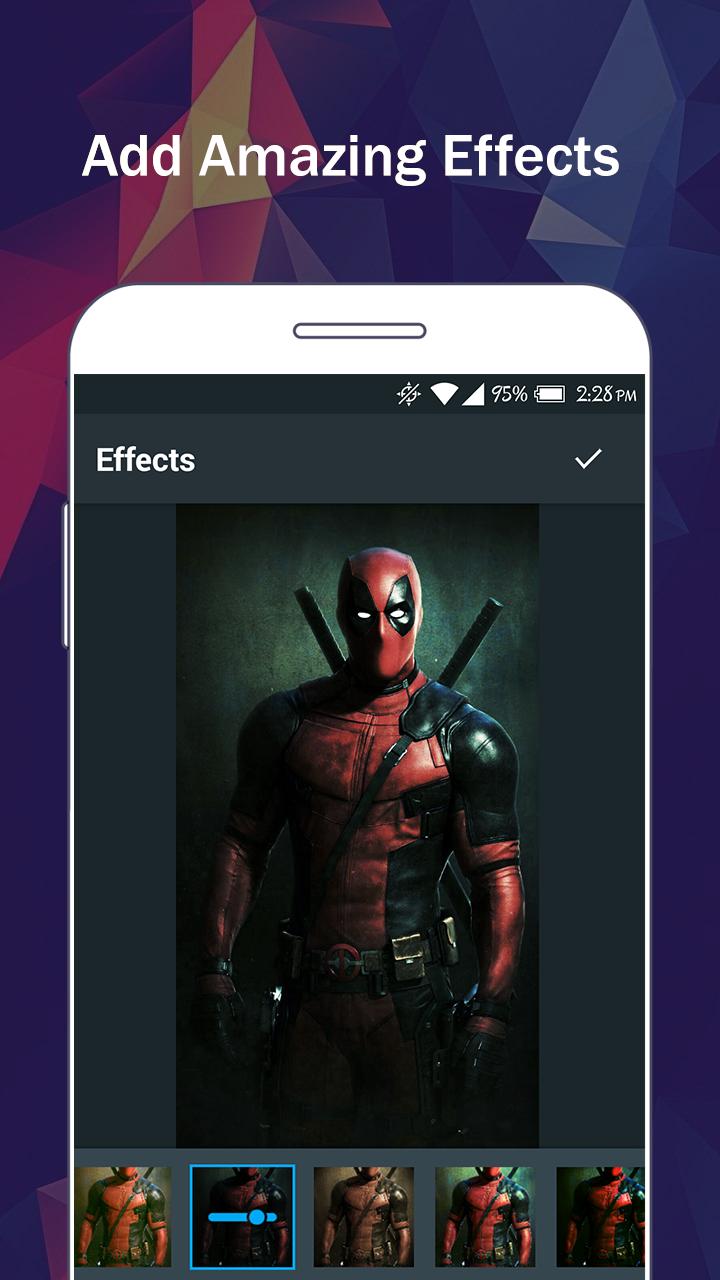
There are so many effects, stickers and features to apply to your photos!
Main Features:
- Photo filters
- Magic photo effects and frames
- Awesome stickers
- One-tap auto enhance
- Color balance
- Crop, rotate, and straighten your photo
- Adjust brightness, contrast, color temperature, and saturation
- Sharpen and blur
- Color : exposure, brightness, contrast, saturation, tint and hue
- Color temperature ("Warmth")
- Color Splash
- Easily edit with the touch and pinch-to-zoom interface
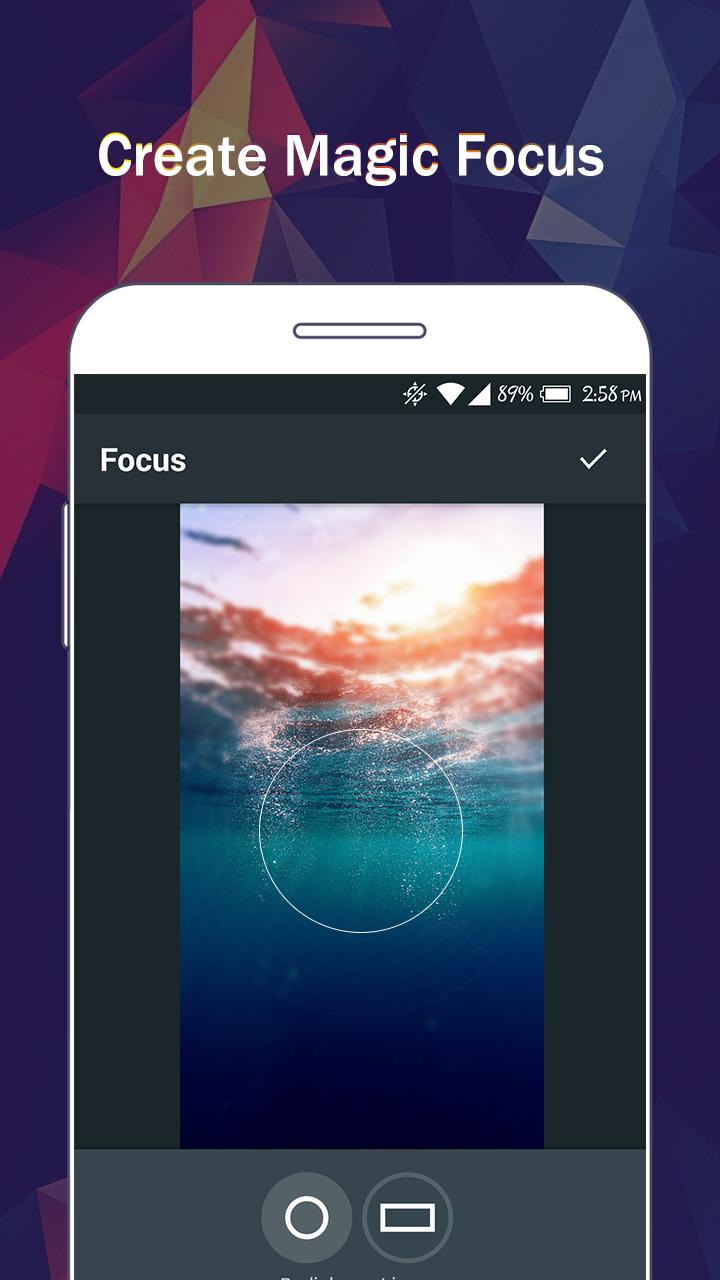
- Focus (Tilt Shift)
- Draw and add text
- Create your own memes
- Share photos with e-mail, SNS and more
プレビュー
タグ
写真情報
デベロッパー
oneAppz
最新バージョン
1.2.2000
最終更新
2019-12-23
カテゴリー
写真
上で利用可能
Google Play
もっと見せる
PCでGameLoopを使用してiPixel - Modern Image Editorをプレイする方法
1. 公式WebサイトからGameLoopをダウンロードし、exeファイルを実行してGameLoopをインストールします
2. GameLoopを開いて「iPixel - Modern Image Editor」を検索し、検索結果でiPixel - Modern Image Editorを見つけて、「インストール」をクリックします。
3. GameLoopでiPixel - Modern Image Editorを楽しんでください
Minimum requirements
OS
Windows 8.1 64-bit or Windows 10 64-bit
GPU
GTX 1050
CPU
i3-8300
Memory
8GB RAM
Storage
1GB available space
Recommended requirements
OS
Windows 8.1 64-bit or Windows 10 64-bit
GPU
GTX 1050
CPU
i3-9320
Memory
16GB RAM
Storage
1GB available space