Easy GIF - Video to GIF, Images to GIF, Edit GIF PC
Navneet Krishna
GameLoopエミュレーターを使用してPCにEasy GIF - Video to GIF, Images to GIF, Edit GIFをダウンロードします
Easy GIF - Video to GIF, Images to GIF, Edit GIF PC版
開発者Navneet KrishnaからのEasy GIF - Video to GIF, Images to GIF, Edit GIFは、過去にAndroidsystermで実行されています。
これで、GameLoopを搭載したPCでEasy GIF - Video to GIF, Images to GIF, Edit GIFをスムーズにプレイできます。
GameLoopライブラリまたは検索結果にダウンロードしてください。 バッテリーに目を向けたり、間違った時間にイライラしたりすることはもうありません。
大画面でEasy GIF - Video to GIF, Images to GIF, Edit GIFPCを無料でお楽しみください!
Easy GIF - Video to GIF, Images to GIF, Edit GIF 序章
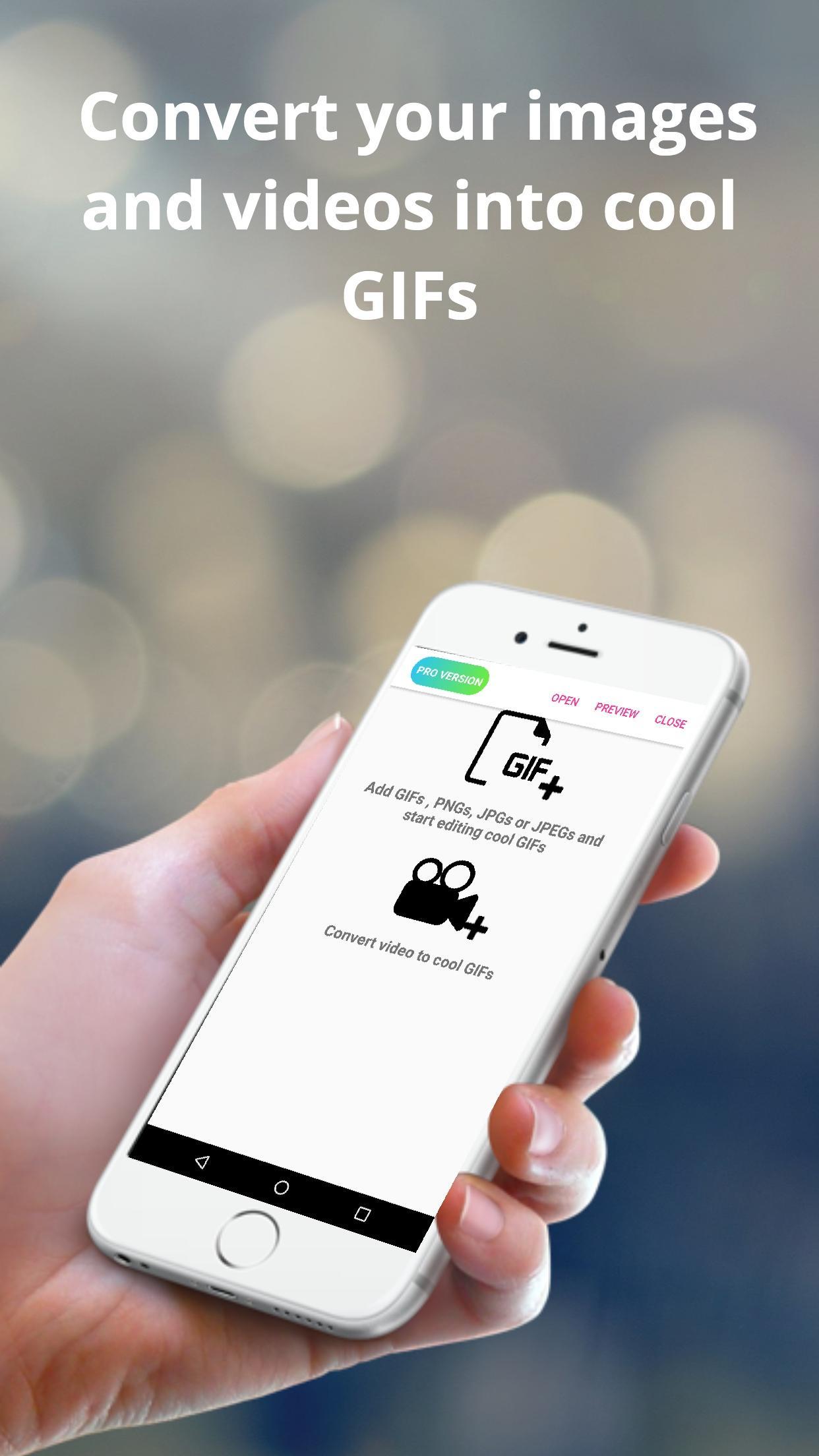
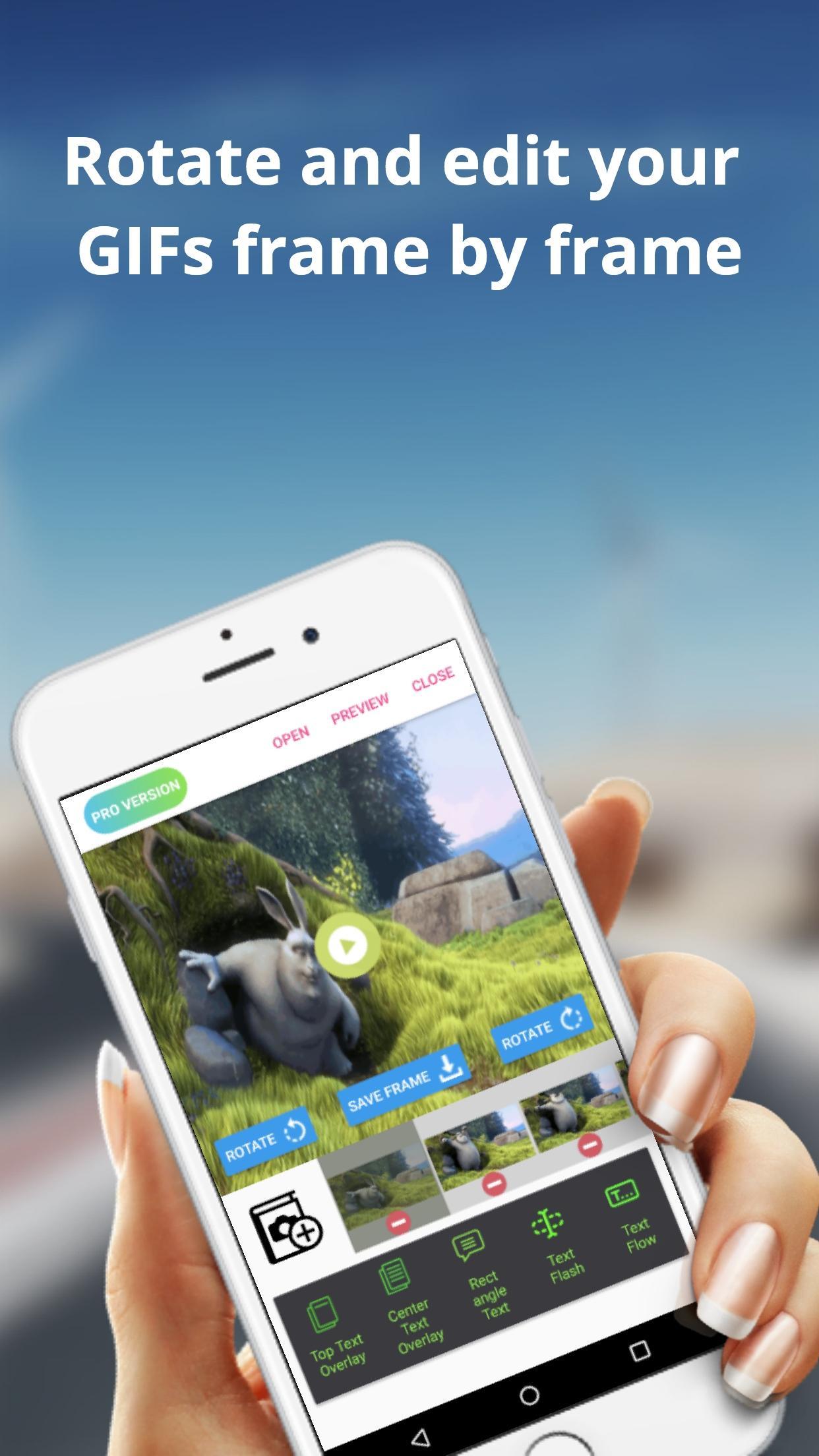
The Easy GIF app can assist you in building cool gifs by providing options like gif edit(add or remove gif frames),add animated text on gifs etc. With Easy GIF, you can package your favourite moments into a gif format and share with your friends family. You can also add text overlays on your GIFs.
The app also helps you to convert videos to GIF. For larger videos, the app helps to trim the videos to 10 sec clips and then convert to gif. You can also save images from the video to your gallery.
You can also batch import images to the app and then convert them to gif. You can finally save the created GIF to gallery or even share with friends and family using whatsapp, gmail etc.
Some features provided by the app includes :
> Convert images to GIF
> Browse multiple images at once from gallery and then convert images
> Edit already built GIFs
> Save rotated gif to gallery
> trim large videos to short videos automatically
> Convert GIF to images and save to gallery
> Convert Video to images and save to gallery
> Add text overlays in already built GIFs
> Add or Delete frames from GIFs
プレビュー
タグ
写真情報
デベロッパー
Navneet Krishna
最新バージョン
1.0.9
最終更新
2019-07-05
カテゴリー
写真
上で利用可能
Google Play
もっと見せる
PCでGameLoopを使用してEasy GIF - Video to GIF, Images to GIF, Edit GIFをプレイする方法
1. 公式WebサイトからGameLoopをダウンロードし、exeファイルを実行してGameLoopをインストールします
2. GameLoopを開いて「Easy GIF - Video to GIF, Images to GIF, Edit GIF」を検索し、検索結果でEasy GIF - Video to GIF, Images to GIF, Edit GIFを見つけて、「インストール」をクリックします。
3. GameLoopでEasy GIF - Video to GIF, Images to GIF, Edit GIFを楽しんでください
Minimum requirements
OS
Windows 8.1 64-bit or Windows 10 64-bit
GPU
GTX 1050
CPU
i3-8300
Memory
8GB RAM
Storage
1GB available space
Recommended requirements
OS
Windows 8.1 64-bit or Windows 10 64-bit
GPU
GTX 1050
CPU
i3-9320
Memory
16GB RAM
Storage
1GB available space