
Dazz Cam PC
Darrin Hamilton
GameLoopエミュレーターを使用してPCにDazz Camをダウンロードします
Dazz Cam PC版
開発者Darrin HamiltonからのDazz Camは、過去にAndroidsystermで実行されています。
これで、GameLoopを搭載したPCでDazz Camをスムーズにプレイできます。
GameLoopライブラリまたは検索結果にダウンロードしてください。 バッテリーに目を向けたり、間違った時間にイライラしたりすることはもうありません。
大画面でDazz CamPCを無料でお楽しみください!
Dazz Cam 序章
🥗Dazz Cam - Capture every valuable moment
- Makes each moment in lifestyles as treasured as it supposed
- Recreate reminiscences with image old use retro filter of Dazz camera app
- Bring you back to the images length of the 90s with romance, classic style, vintage film filter
- Help you can go away the modern-day photographic data like the old ones
🍋Dazz Cam - Best retro digicam consequences with vintage style
- Prominent with a classic style between modern-day glide just after a few touches
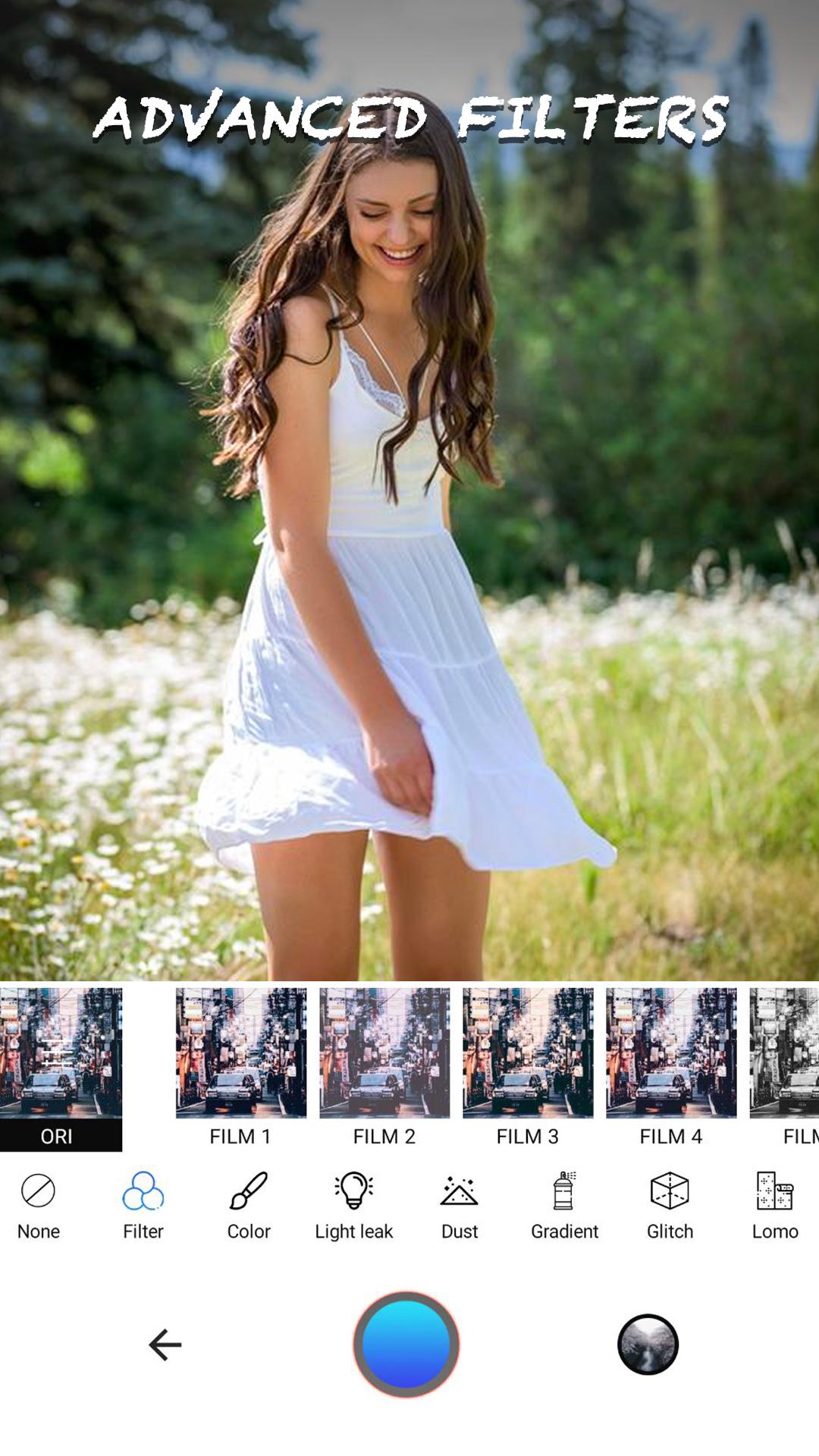
- Lots of live retro filters & vintage photograph effects will make your magnificent pix stand out
- Use the retro filters to make beautiful picture vintage
🎯Features
★ Auto-create images in an immediately with the old feeling
★ +50 professionally designed historic film filters
★ Nondestructive editing
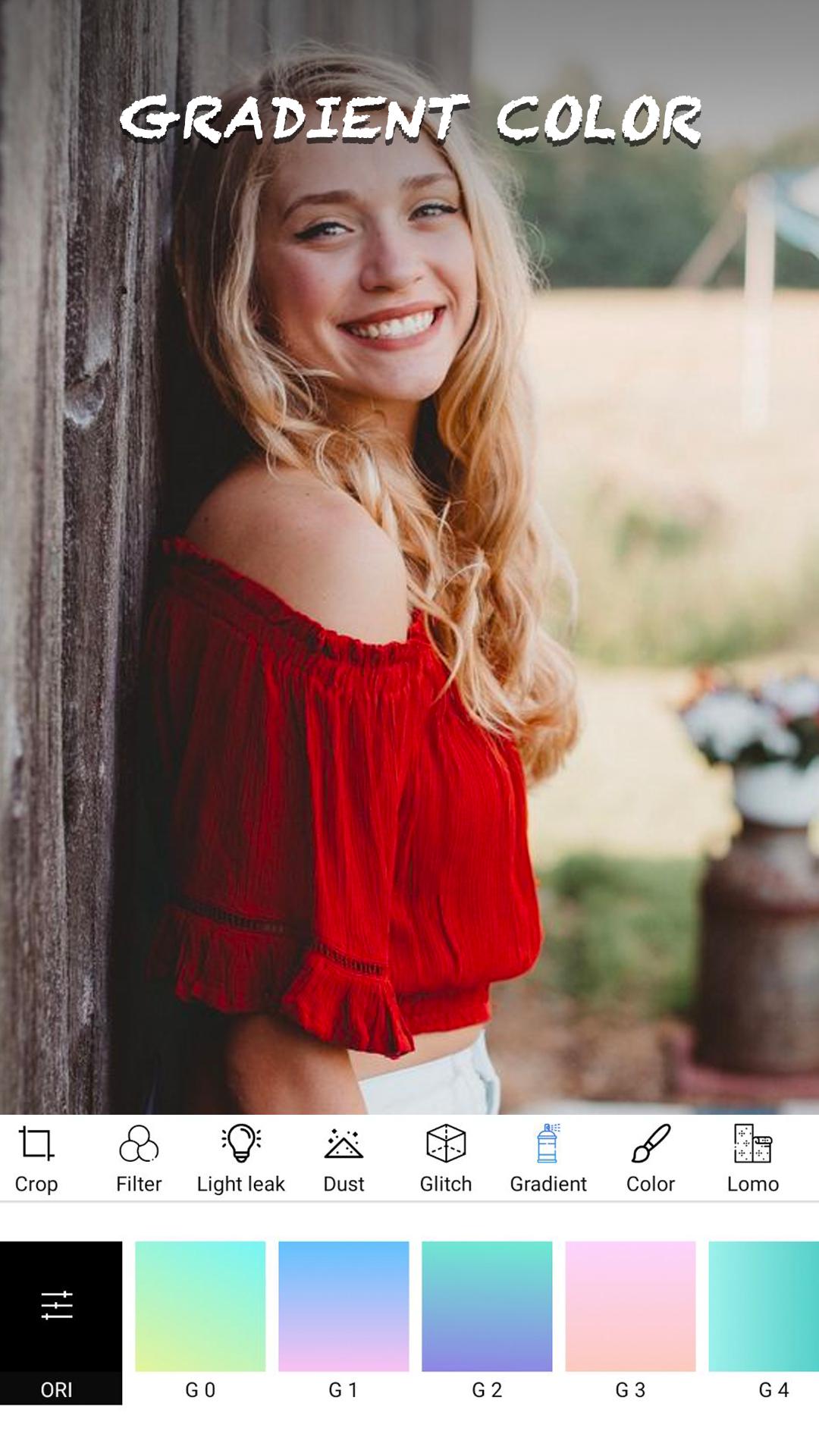
★ +60 light leak filters
★ Lomo filters. Adjustments
★ Go back & change whatever you want
★ Easy share tools
★ +50 film scratches & dust
★ Share perfect analogue pics on social media
プレビュー
情報
デベロッパー
Darrin Hamilton
最新バージョン
1.2
最終更新
2021-07-01
カテゴリー
写真
上で利用可能
Google Play
もっと見せる
PCでGameLoopを使用してDazz Camをプレイする方法
1. 公式WebサイトからGameLoopをダウンロードし、exeファイルを実行してGameLoopをインストールします
2. GameLoopを開いて「Dazz Cam」を検索し、検索結果でDazz Camを見つけて、「インストール」をクリックします。
3. GameLoopでDazz Camを楽しんでください
Minimum requirements
OS
Windows 8.1 64-bit or Windows 10 64-bit
GPU
GTX 1050
CPU
i3-8300
Memory
8GB RAM
Storage
1GB available space
Recommended requirements
OS
Windows 8.1 64-bit or Windows 10 64-bit
GPU
GTX 1050
CPU
i3-9320
Memory
16GB RAM
Storage
1GB available space