Photo Editor & Sticker: DBZ PC
Dardan Bala
GameLoopエミュレーターを使用してPCにPhoto Editor & Sticker: DBZをダウンロードします
Photo Editor & Sticker: DBZ PC版
開発者Dardan BalaからのPhoto Editor & Sticker: DBZは、過去にAndroidsystermで実行されています。
これで、GameLoopを搭載したPCでPhoto Editor & Sticker: DBZをスムーズにプレイできます。
GameLoopライブラリまたは検索結果にダウンロードしてください。 バッテリーに目を向けたり、間違った時間にイライラしたりすることはもうありません。
大画面でPhoto Editor & Sticker: DBZPCを無料でお楽しみください!
Photo Editor & Sticker: DBZ 序章
Photo Editor & Sticker: Dragon Ball is the best photo editor and stickers application to make CR designs.
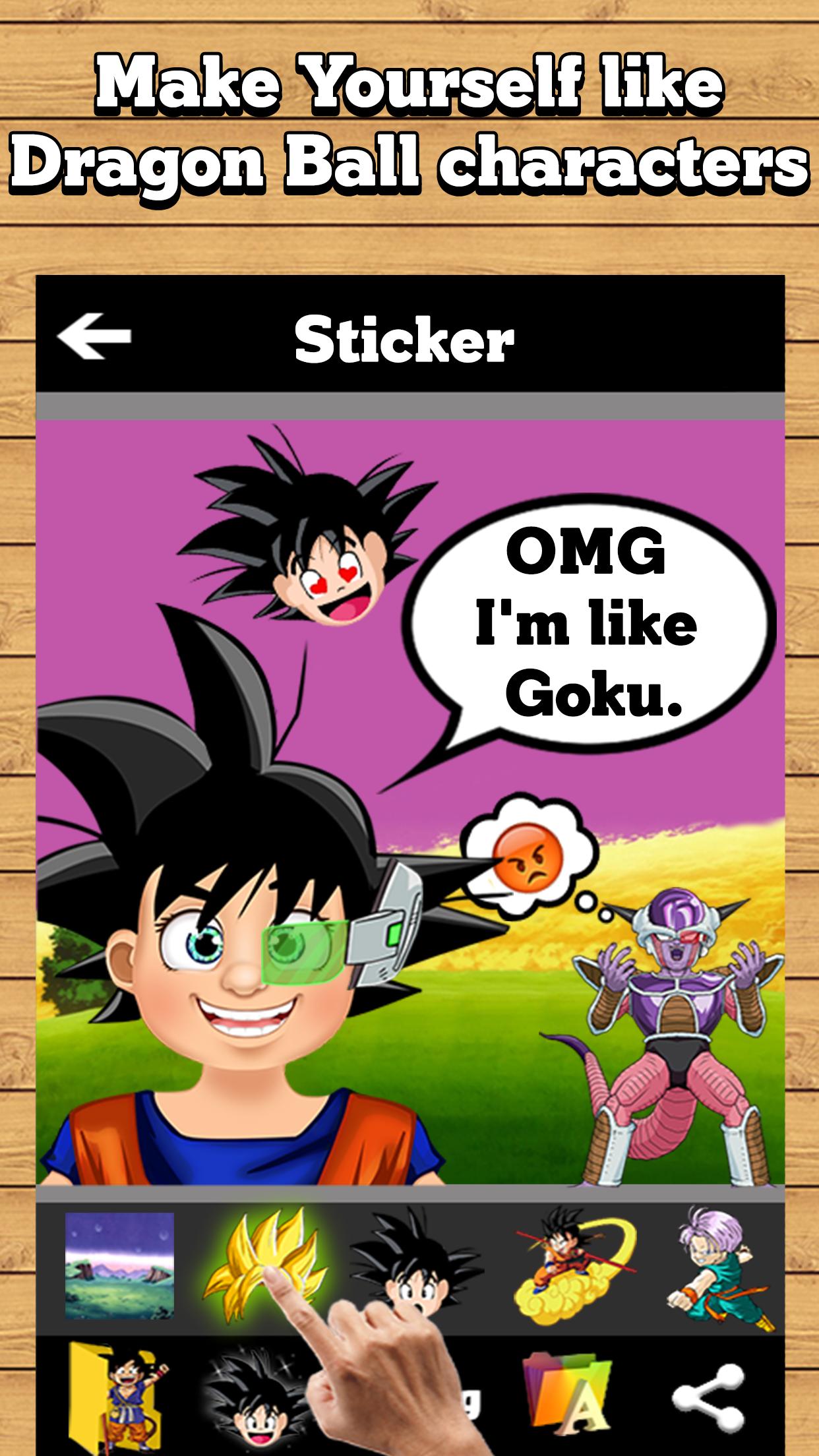
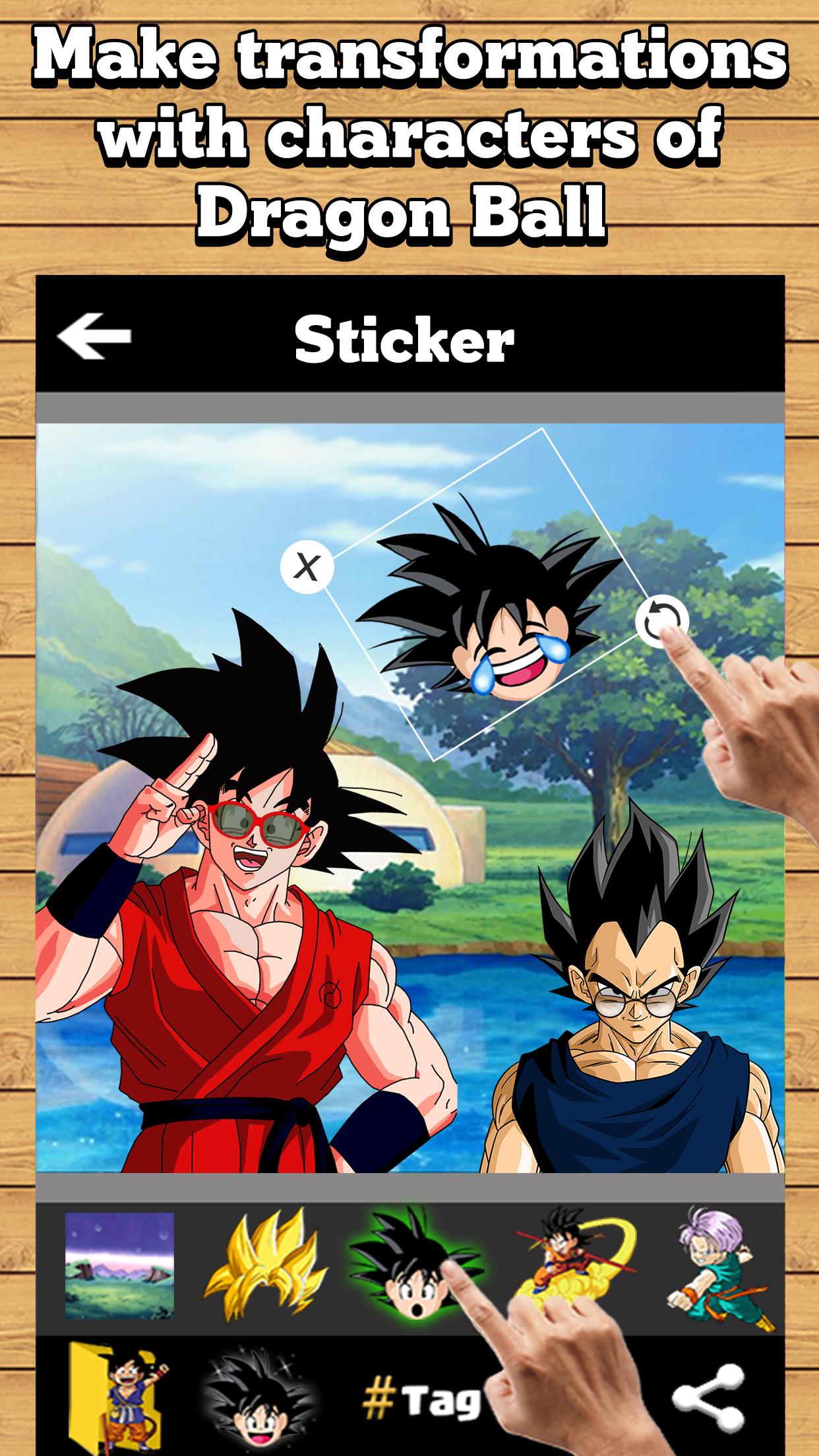
This app give you millions of options to make awesome Dragon Ball Z, GT, DBZ design you can make almost whatever you think, you can make awesome instagram photos, create meme, jokes & funny photos, make your face as Dragon Ball character, draw and paint, make your best photo montage, photo effects and filters, dbz styles, etc.
This app includes also our art work of our app "How to Draw: Dragon Ball" (Goku, Goku Super Sayan, Goku Mega Sayan, Vegeta, Vegeta Super Sayan, Gohan, Little Goten, Trunks, Master Roshi, Krillin, Piccolo, Majin Buu , Shenron, Frieza, Cell, Majin Buu , Gotenks, Android 18, East Kaio-shin, episode etc ).
Key Features:
▪ Select photo from gallery, backgrounds or camera.
▪ Add text on your photo.
▪ Add stickers in your photo (500+ Stickers).
▪ Add photo effects in your photo.
▪ Rotate, scale, pinch, spread, crop.
▪ Paint, pencil, eraser, undo, redo, color chooser etc.
▪ Save to your gallery ( sd card ).
▪ Share in social medias ( Facebook, instagram, whatsup, etc )
And many many features will be added very soon, and also other designs will be added.
Disclaimer:
How to Draw: Dragon Ball is not associated, affiliated, endorsed, sponsored or approved by "Dragon Ball Creators".
This application complies with the guiding principles of the US Copyright law "fair use".
This is a fan app made just "For Fans to Fans".
プレビュー
情報
デベロッパー
Dardan Bala
最新バージョン
1.0
最終更新
2018-02-09
カテゴリー
写真
上で利用可能
Google Play
もっと見せる
PCでGameLoopを使用してPhoto Editor & Sticker: DBZをプレイする方法
1. 公式WebサイトからGameLoopをダウンロードし、exeファイルを実行してGameLoopをインストールします
2. GameLoopを開いて「Photo Editor & Sticker: DBZ」を検索し、検索結果でPhoto Editor & Sticker: DBZを見つけて、「インストール」をクリックします。
3. GameLoopでPhoto Editor & Sticker: DBZを楽しんでください
Minimum requirements
OS
Windows 8.1 64-bit or Windows 10 64-bit
GPU
GTX 1050
CPU
i3-8300
Memory
8GB RAM
Storage
1GB available space
Recommended requirements
OS
Windows 8.1 64-bit or Windows 10 64-bit
GPU
GTX 1050
CPU
i3-9320
Memory
16GB RAM
Storage
1GB available space