
Blur Image Background and Blur Editor Photo PC
Allen Veneziano
GameLoopエミュレーターを使用してPCにBlur Image Background and Blur Editor Photoをダウンロードします
Blur Image Background and Blur Editor Photo PC版
開発者Allen VenezianoからのBlur Image Background and Blur Editor Photoは、過去にAndroidsystermで実行されています。
これで、GameLoopを搭載したPCでBlur Image Background and Blur Editor Photoをスムーズにプレイできます。
GameLoopライブラリまたは検索結果にダウンロードしてください。 バッテリーに目を向けたり、間違った時間にイライラしたりすることはもうありません。
大画面でBlur Image Background and Blur Editor PhotoPCを無料でお楽しみください!
Blur Image Background and Blur Editor Photo 序章
Blur Image Background and Blur Editor Photo App is the best app to blur half of the image that helps you add blur to photo in a variety of formats (jpg, png, ..). You can blur background of a picture in detail as you like. We offer a perfect photo blur tool for people who don’t know how to blur an image. Also, you do not need to worry if there is a blur face on picture because you can completely undo and fix the mistake right away.
I. Features of app to make image background blur
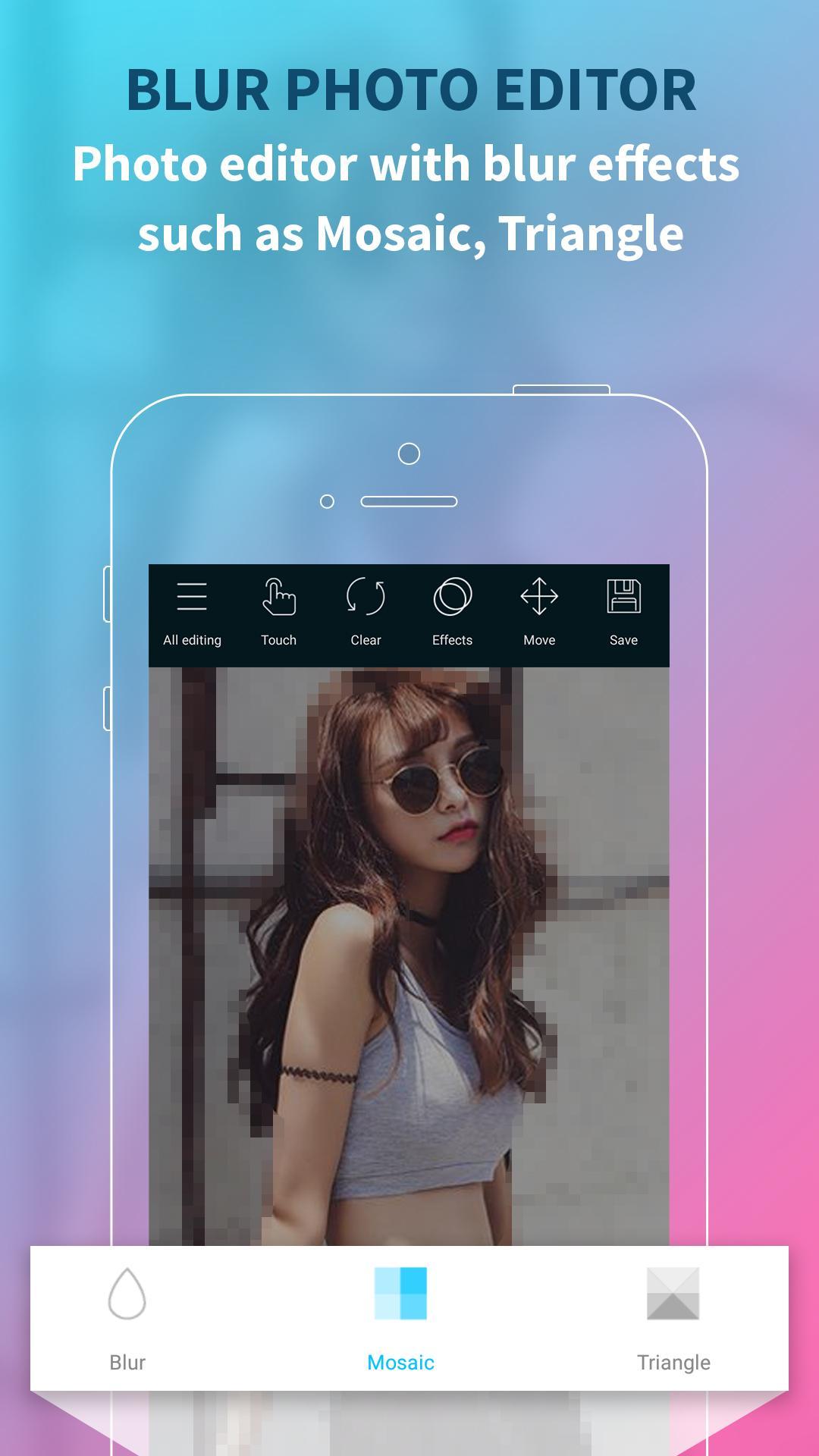
✔ Blur part of image with 3 different styles: Blur, Mosaic, Triangle
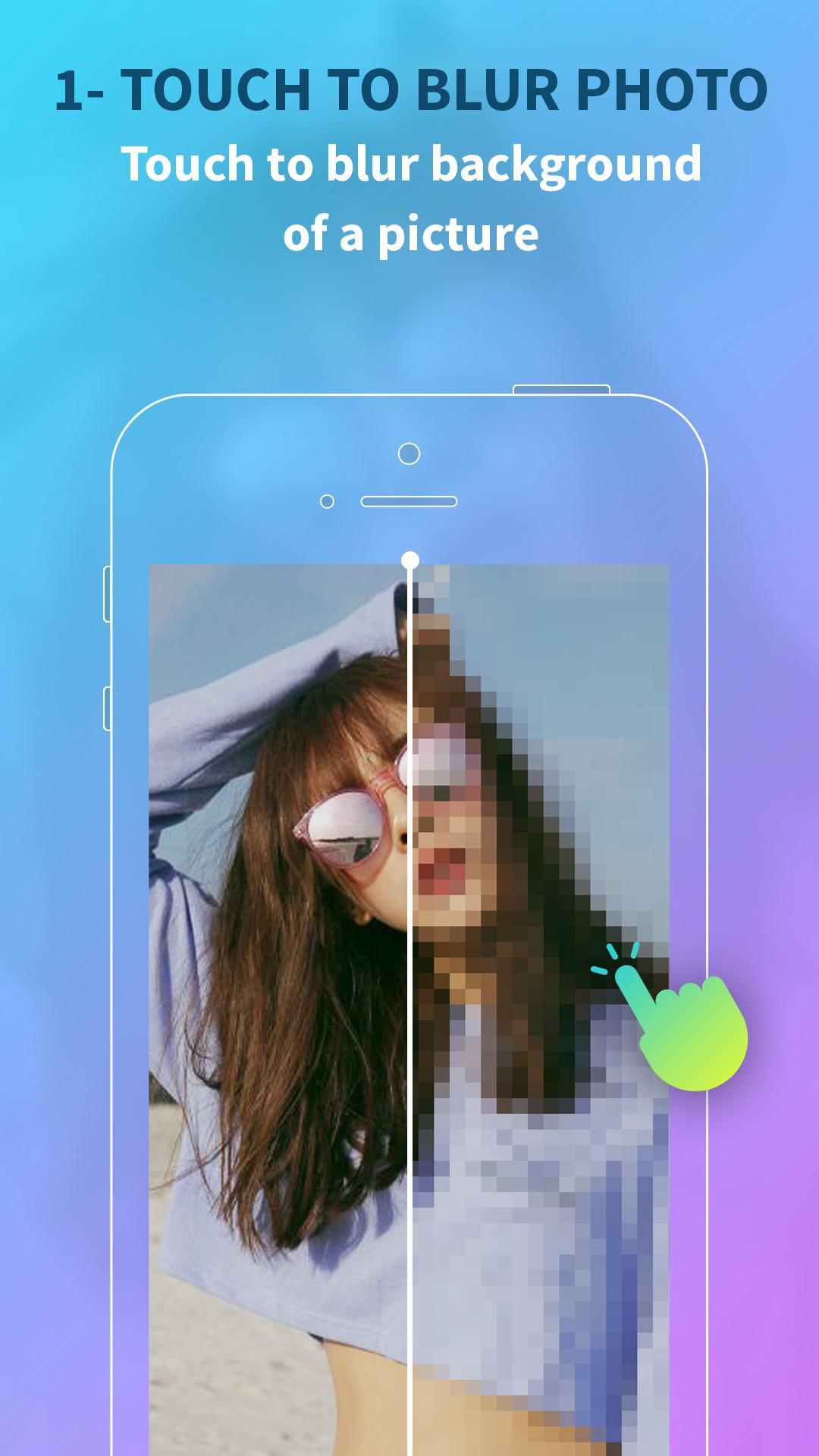
✔ Touch to blur pictures editor and resize the touch point according to need
✔ Background blur photo editor hd with the black and white photo effect
✔ Zoom in, zoom out the image to focus on the details
✔ Rotate the picture the way you want
✔ Undo and reset operation
✔ Save and share photos on social networks
II. How to use the blur image dslr focus effect app
[1] Loading photos from an album or library
[2] Touch to blurry picture editor or blur out certain parts of a picture
[3] Select the mosaic photo effect and change the level
[4] Save your photos and share them with your friends right away
III. Highlights of blurred photo editor app:
✔ 1- Touch to blur any place you want
✔ Change the blurr photo editor level to fit you need
✔ Simple interface, easy to sharpen blurry photos
✔ All in one picture editor with blur inside the photo background effect
✔ Image blur editor background in the funny way
✔ Completely FREE blur image to clear image
Not every picture is perfect and photo editor with blur effects is an indispensable. You can completely photo editor to blur background with just 1-touch of the screen.
Download the best photo editor with blur background and focus on pic application now to blurry photo editor and focus on the parts you like in the photo.
We look forward to commenting and rating from users so please feel free to comment or send email to the developer. Thank you and please rate 5 * for us if you love this photo editor new version 2017 blur background app.
プレビュー
情報
デベロッパー
Allen Veneziano
最新バージョン
1.0.3
最終更新
2017-10-26
カテゴリー
写真
上で利用可能
Google Play
もっと見せる
PCでGameLoopを使用してBlur Image Background and Blur Editor Photoをプレイする方法
1. 公式WebサイトからGameLoopをダウンロードし、exeファイルを実行してGameLoopをインストールします
2. GameLoopを開いて「Blur Image Background and Blur Editor Photo」を検索し、検索結果でBlur Image Background and Blur Editor Photoを見つけて、「インストール」をクリックします。
3. GameLoopでBlur Image Background and Blur Editor Photoを楽しんでください
Minimum requirements
OS
Windows 8.1 64-bit or Windows 10 64-bit
GPU
GTX 1050
CPU
i3-8300
Memory
8GB RAM
Storage
1GB available space
Recommended requirements
OS
Windows 8.1 64-bit or Windows 10 64-bit
GPU
GTX 1050
CPU
i3-9320
Memory
16GB RAM
Storage
1GB available space