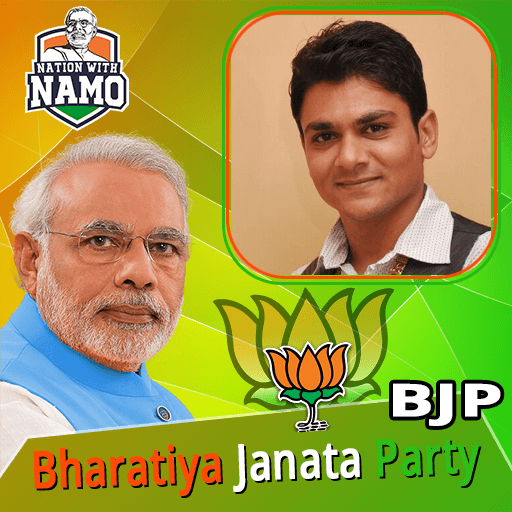
Bharatiya Janata Party BJP Photo Frame Editor 2019 PC
Photo Frame Editor Studio
GameLoopエミュレーターを使用してPCにBharatiya Janata Party BJP Photo Frame Editor 2019をダウンロードします
Bharatiya Janata Party BJP Photo Frame Editor 2019 PC版
開発者Photo Frame Editor StudioからのBharatiya Janata Party BJP Photo Frame Editor 2019は、過去にAndroidsystermで実行されています。
これで、GameLoopを搭載したPCでBharatiya Janata Party BJP Photo Frame Editor 2019をスムーズにプレイできます。
GameLoopライブラリまたは検索結果にダウンロードしてください。 バッテリーに目を向けたり、間違った時間にイライラしたりすることはもうありません。
大画面でBharatiya Janata Party BJP Photo Frame Editor 2019PCを無料でお楽しみください!
Bharatiya Janata Party BJP Photo Frame Editor 2019 序章
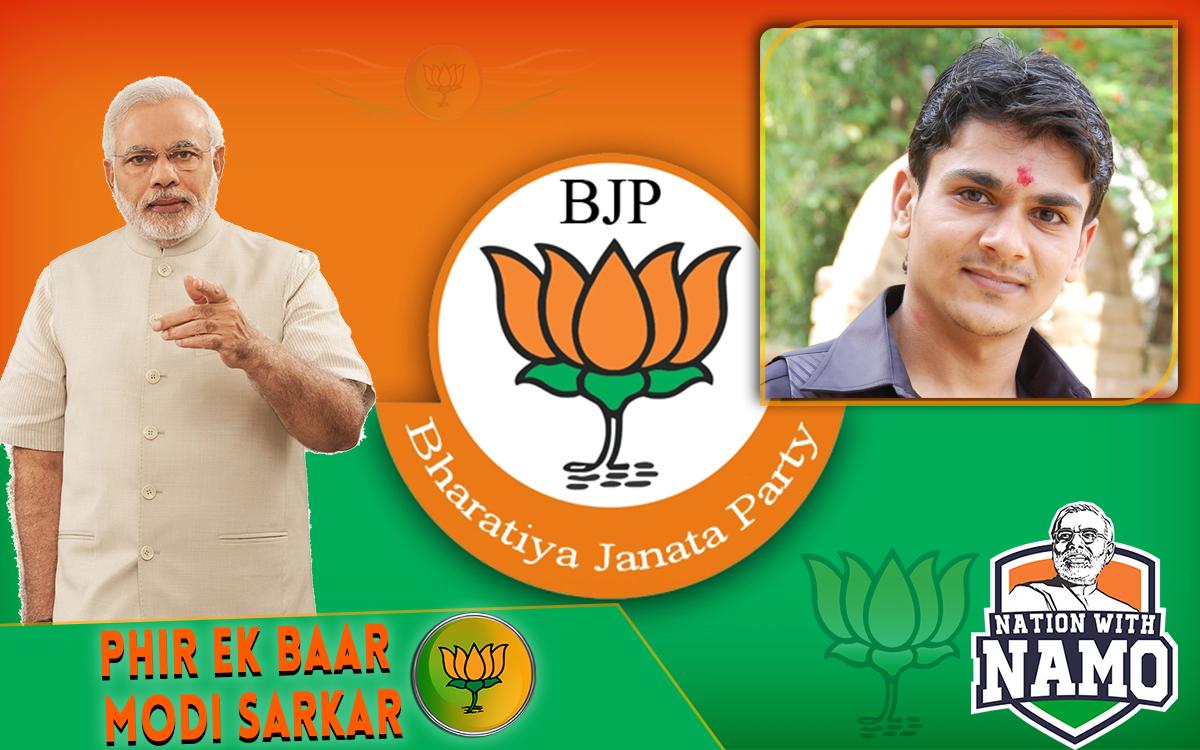
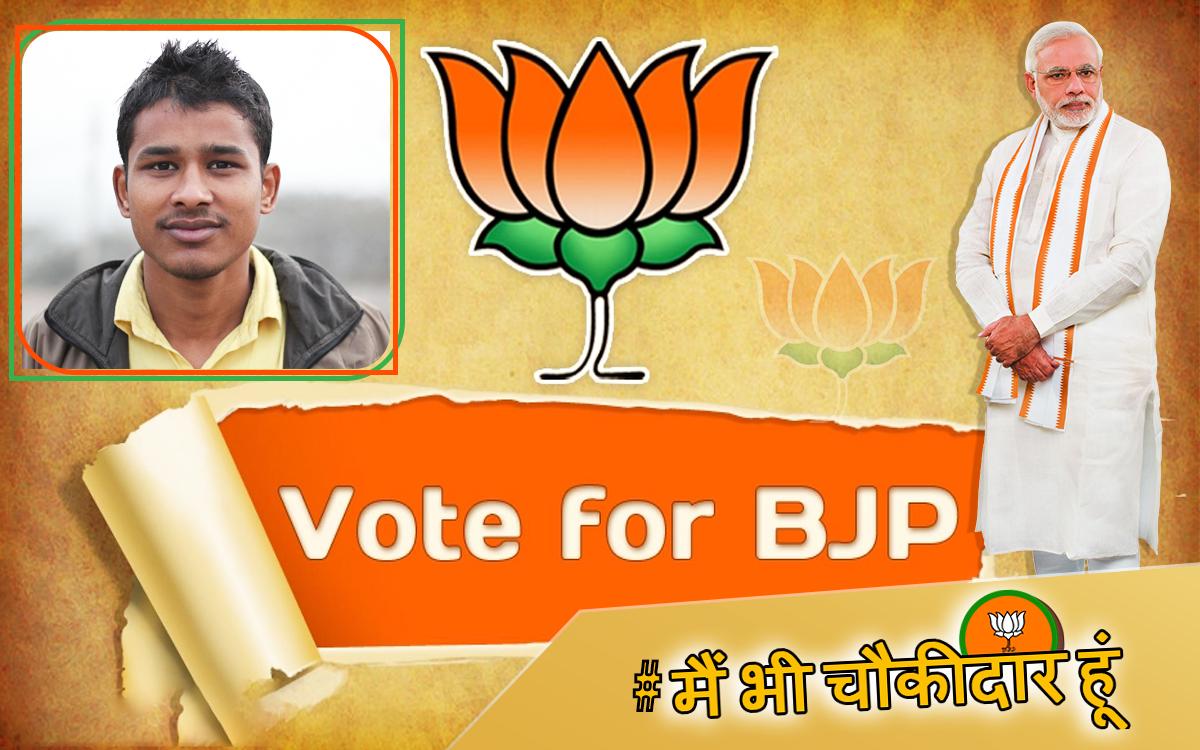
Bharatiya Janata Party BJP Flax Banner Photo Frame Editor 2019 app that fulfill your highest requirement for edit your normal photo to Bharatiya Janata Party BJP Flax Banner Photo Frame Editor 2019 to design your photos with valuable
massages and attractive stickers. This App that includes all functionalities in single app which are provided in different top downloaded apps.
In Our App Bharatiya Janata Party BJP Flax Banner Photo Frame Editor 2019 Includes Amazing Frames With awesome functionalities:
1. Different Unique Bharatiya Janata Party BJP Flax Banner Photo Frame Editor 2019 with Amazing Lovely HD EFFECTS and many more.
2. Lots of photo frame shapes.
3. Many exciting smiley and stickers.
4. Three Crop Options shape your ideas.
5. Feather Options for sharp your creativity.
6. Opacity Option for manage shine photo frames.
7. Text Option for awesome quotes.
8. Resize Option for perfect shape.
This App Gives Easy to create Unique Photo With Your True Love Family And friends.
Instructions For Use:
Step 1: Click On "Start" Button.
Step 2: Select Background i.e. "Bharatiya Janata Party BJP Flax Banner Photo Frame Editor 2019".
Step 3: Click "Add Photo" for choose your photo. Select Source Camera or Gallery.
Step 4: Choose Crop Method.*USE PEN OR STICK FOR BETTER SELECTION IN FREE HAND CROP.
Step 5: You can manage FEATHER ratio for hide crop edges.
Step 6: Resize your crop photo for perfect adjustment and place.
Note: You can set Opacity for perfect Shine.
Step 7: Add Stickers or Text as per your idea.
Step 8: SAVE and Share with your friends and family.
If you have any suggestion or doubt for Our App, Please feel free to mail Us.
Ads is supporting us and encourage for more updates.
We appreciates your valuable Comment and Full Review for Support Developers. It Help us to Develop Better and Beautiful App.
Thanking you !
ChanDiv
プレビュー
情報
デベロッパー
Photo Frame Editor Studio
最新バージョン
1.18
最終更新
2019-03-22
カテゴリー
写真
上で利用可能
Google Play
もっと見せる
PCでGameLoopを使用してBharatiya Janata Party BJP Photo Frame Editor 2019をプレイする方法
1. 公式WebサイトからGameLoopをダウンロードし、exeファイルを実行してGameLoopをインストールします
2. GameLoopを開いて「Bharatiya Janata Party BJP Photo Frame Editor 2019」を検索し、検索結果でBharatiya Janata Party BJP Photo Frame Editor 2019を見つけて、「インストール」をクリックします。
3. GameLoopでBharatiya Janata Party BJP Photo Frame Editor 2019を楽しんでください
Minimum requirements
OS
Windows 8.1 64-bit or Windows 10 64-bit
GPU
GTX 1050
CPU
i3-8300
Memory
8GB RAM
Storage
1GB available space
Recommended requirements
OS
Windows 8.1 64-bit or Windows 10 64-bit
GPU
GTX 1050
CPU
i3-9320
Memory
16GB RAM
Storage
1GB available space