Suga Kpop BTS Video Call & chat Simulator PC
DVlaap
GameLoopエミュレーターを使用してPCにSuga Kpop BTS Video Call & chat Simulatorをダウンロードします
Suga Kpop BTS Video Call & chat Simulator PC版
開発者DVlaapからのSuga Kpop BTS Video Call & chat Simulatorは、過去にAndroidsystermで実行されています。
これで、GameLoopを搭載したPCでSuga Kpop BTS Video Call & chat Simulatorをスムーズにプレイできます。
GameLoopライブラリまたは検索結果にダウンロードしてください。 バッテリーに目を向けたり、間違った時間にイライラしたりすることはもうありません。
大画面でSuga Kpop BTS Video Call & chat SimulatorPCを無料でお楽しみください!
Suga Kpop BTS Video Call & chat Simulator 序章
Hello fans for suga bts kpop video call simulator chat,
Fake call from suga is a simple application Enables the user to make a fake call that look so real.
Download Prank call suga bts simulator and make calls with suga by one click for thinking your friends are you call suga bts and receiving fake calls from kpop bts.
Prank call from suga bts - great suga bts prank!!
This app will allow you to receive a call video from your favorite Bangtan Boys,
When night time hits, turn on a fake call from bts suga and show a friend and you will see how he is scared!!
Make fun of a lot of fun! Night time is the best time for kpop calls!!
Bts suga ( calling, live chat, calling video ) and check your contacts to compos numbers of the hero
or the suga bts or best kpop and calling.
* Features:
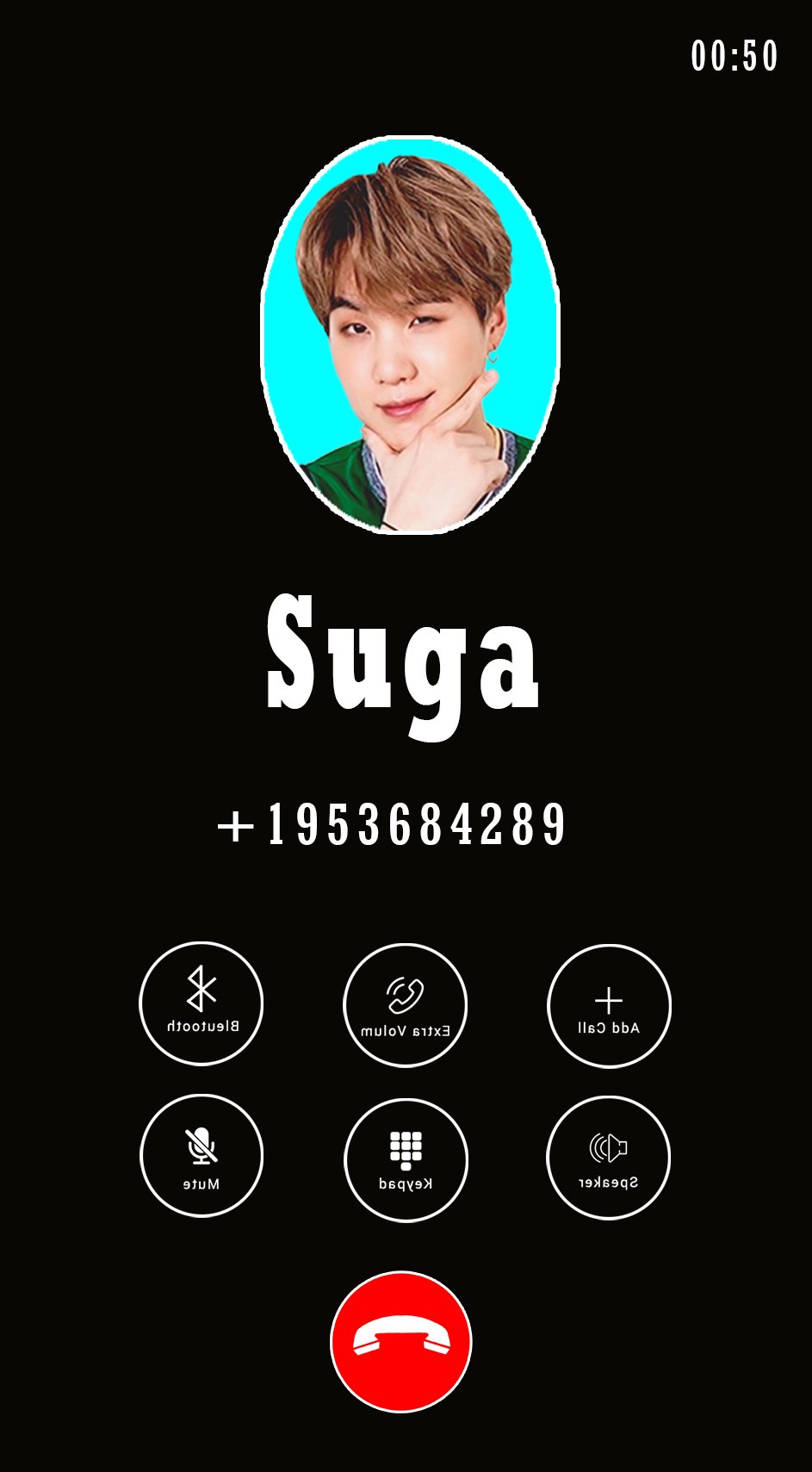
> Simulation incoming call from suga bts
> Choose your character suga bts
> Add your Own Voices
> Select phone ringtone
> Voice will be played when you will answer the Call
> Options to reject or accept a call
> Easy to use
> Cool and friendly Design
> Simulate Fake calling
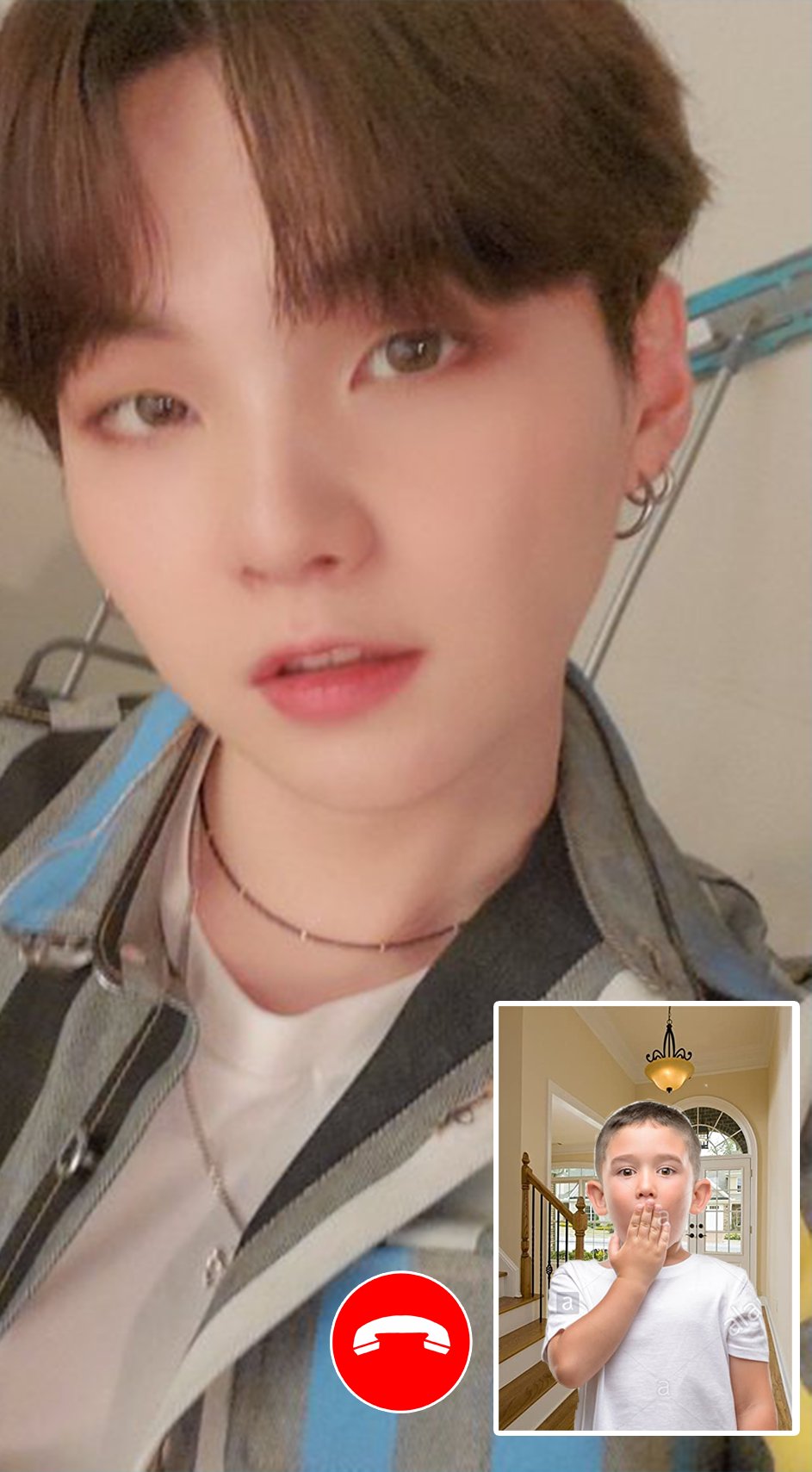
> bts call and call video
> bts message Simulator Prank
> suga call and call video
> suga message Simulator Prank
> Schedule a new fake call at a specific time
> The most professional and beautiful fake video caller id application in Android is prank calling suga bts!
* Disclaimer:
this app is a prank call. You will have an incoming call simulated by the idol.
This App is only for joking with your friends, have fun and if you like vote for it and share your friends! thank you..
プレビュー
情報
デベロッパー
DVlaap
最新バージョン
2
最終更新
2021-03-27
カテゴリー
カスタマイズ
上で利用可能
Google Play
もっと見せる
PCでGameLoopを使用してSuga Kpop BTS Video Call & chat Simulatorをプレイする方法
1. 公式WebサイトからGameLoopをダウンロードし、exeファイルを実行してGameLoopをインストールします
2. GameLoopを開いて「Suga Kpop BTS Video Call & chat Simulator」を検索し、検索結果でSuga Kpop BTS Video Call & chat Simulatorを見つけて、「インストール」をクリックします。
3. GameLoopでSuga Kpop BTS Video Call & chat Simulatorを楽しんでください
Minimum requirements
OS
Windows 8.1 64-bit or Windows 10 64-bit
GPU
GTX 1050
CPU
i3-8300
Memory
8GB RAM
Storage
1GB available space
Recommended requirements
OS
Windows 8.1 64-bit or Windows 10 64-bit
GPU
GTX 1050
CPU
i3-9320
Memory
16GB RAM
Storage
1GB available space