
DreamWake Next Launcher Theme PC
IceDesigner
GameLoopエミュレーターを使用してPCにDreamWake Next Launcher Themeをダウンロードします
DreamWake Next Launcher Theme PC版
開発者IceDesignerからのDreamWake Next Launcher Themeは、過去にAndroidsystermで実行されています。
これで、GameLoopを搭載したPCでDreamWake Next Launcher Themeをスムーズにプレイできます。
GameLoopライブラリまたは検索結果にダウンロードしてください。 バッテリーに目を向けたり、間違った時間にイライラしたりすることはもうありません。
大画面でDreamWake Next Launcher ThemePCを無料でお楽しみください!
DreamWake Next Launcher Theme 序章
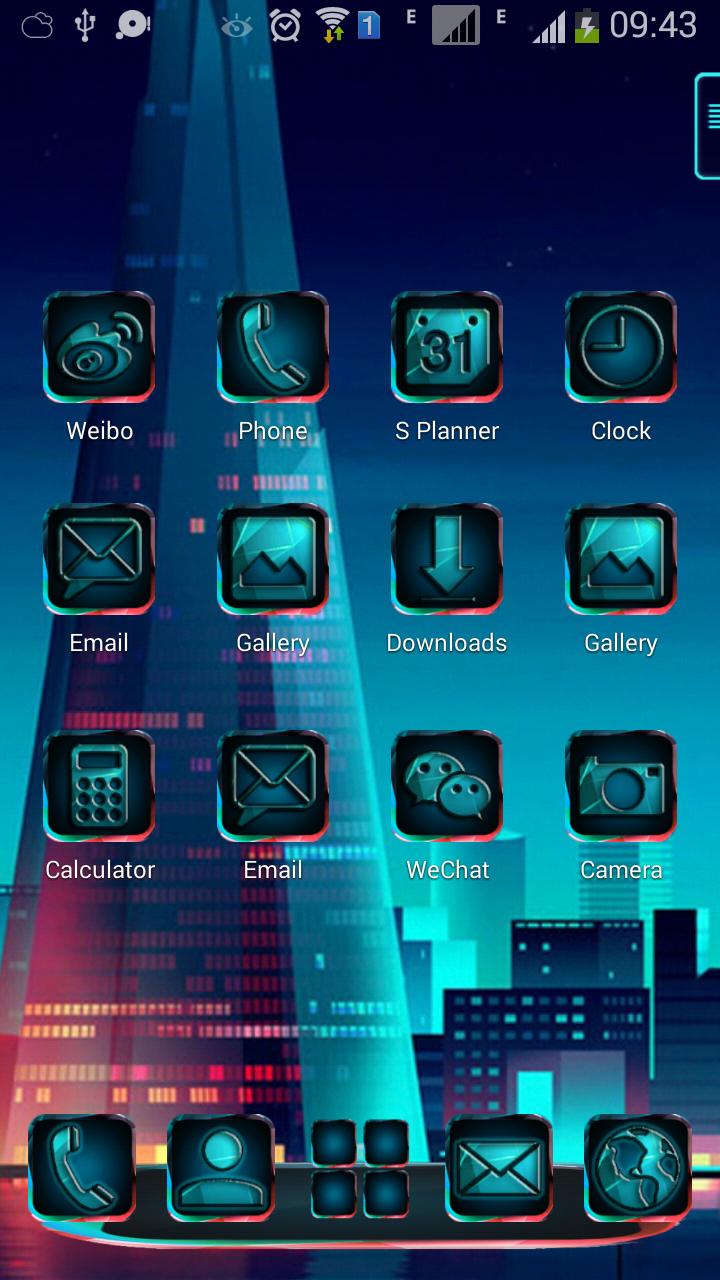
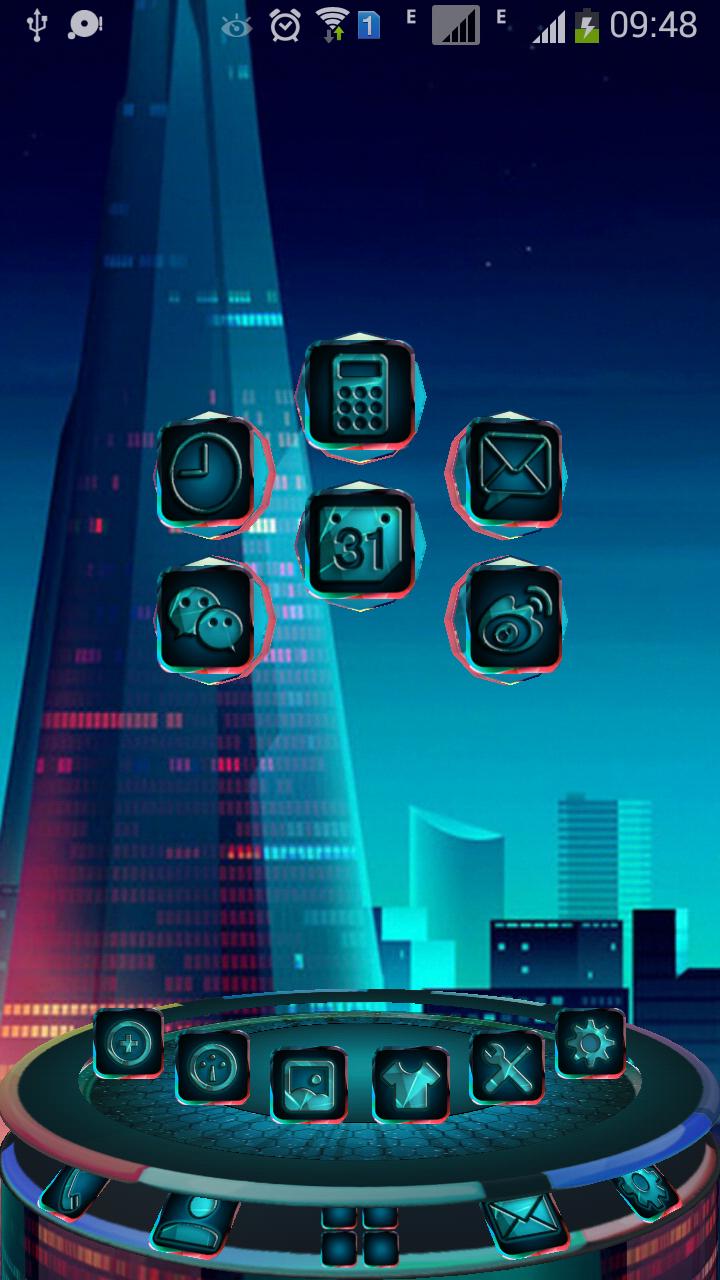
DreamWake Next Launcher 3D Theme Support 3D and 2D mode! 260 icons, HD wallpapers! If you like Dream Wake,you can use the theme in your phone.and you can download the DreamWake Pro Theme from the link:https://play.google.com/store/apps/details?id=com.gtp.nextlauncher.theme.dreamwakepro
■ Please read!
This application is free, and in order to keep it as such and to enable us to bring you more apps like this in the future, we have included a ads used the LeadBolt and use the ads platform by the StartApp. Click "Open" after installation to support the project.
Thank you!
■ Installation Instruction of theme:
1. Installing Next launcher as your home launcher
2. Use the theme:
- (2D mode): Мenu – Theme - Installed - click icon theme "DreamWake Theme" - Applay - Done
- (3D mode): Мenu – Preferences - Switch to 3D scene mode - ok - menu - theme - installed - click icon theme "DreamWake Theme" - Applay - Done
3. Use wallpapers: Menu - Wallpaper - Swipe - Click icon "DreamWake Theme" - View Wallpapers - Set Wallpaper - Done!
This theme is not affiliated with next launcher theme maker or zt.art com.gtp.nextlauncher.theme
If you have any questions,please write email to us.
■ Contact Us:
E-mail: liangrumiaos@163.com
プレビュー
情報
デベロッパー
IceDesigner
最新バージョン
1.1
最終更新
2017-03-21
カテゴリー
カスタマイズ
上で利用可能
Google Play
もっと見せる
PCでGameLoopを使用してDreamWake Next Launcher Themeをプレイする方法
1. 公式WebサイトからGameLoopをダウンロードし、exeファイルを実行してGameLoopをインストールします
2. GameLoopを開いて「DreamWake Next Launcher Theme」を検索し、検索結果でDreamWake Next Launcher Themeを見つけて、「インストール」をクリックします。
3. GameLoopでDreamWake Next Launcher Themeを楽しんでください
Minimum requirements
OS
Windows 8.1 64-bit or Windows 10 64-bit
GPU
GTX 1050
CPU
i3-8300
Memory
8GB RAM
Storage
1GB available space
Recommended requirements
OS
Windows 8.1 64-bit or Windows 10 64-bit
GPU
GTX 1050
CPU
i3-9320
Memory
16GB RAM
Storage
1GB available space