DashClock Widget PC
Roman Nurik and Ian Lake
GameLoopエミュレーターを使用してPCにDashClock Widgetをダウンロードします
DashClock Widget PC版
開発者Roman Nurik and Ian LakeからのDashClock Widgetは、過去にAndroidsystermで実行されています。
これで、GameLoopを搭載したPCでDashClock Widgetをスムーズにプレイできます。
GameLoopライブラリまたは検索結果にダウンロードしてください。 バッテリーに目を向けたり、間違った時間にイライラしたりすることはもうありません。
大画面でDashClock WidgetPCを無料でお楽しみください!
DashClock Widget 序章
** NOTE: The weather extension is currently not working due to changes in the Yahoo! Weather API. Stay tuned. **
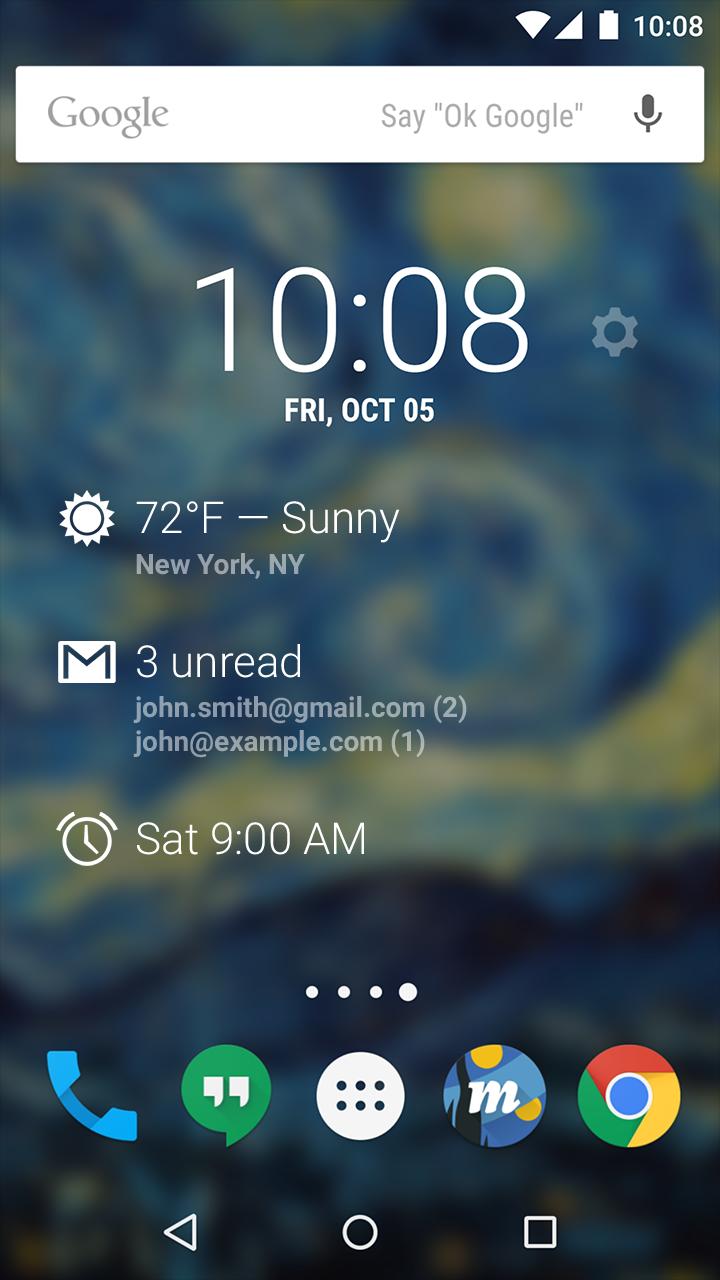
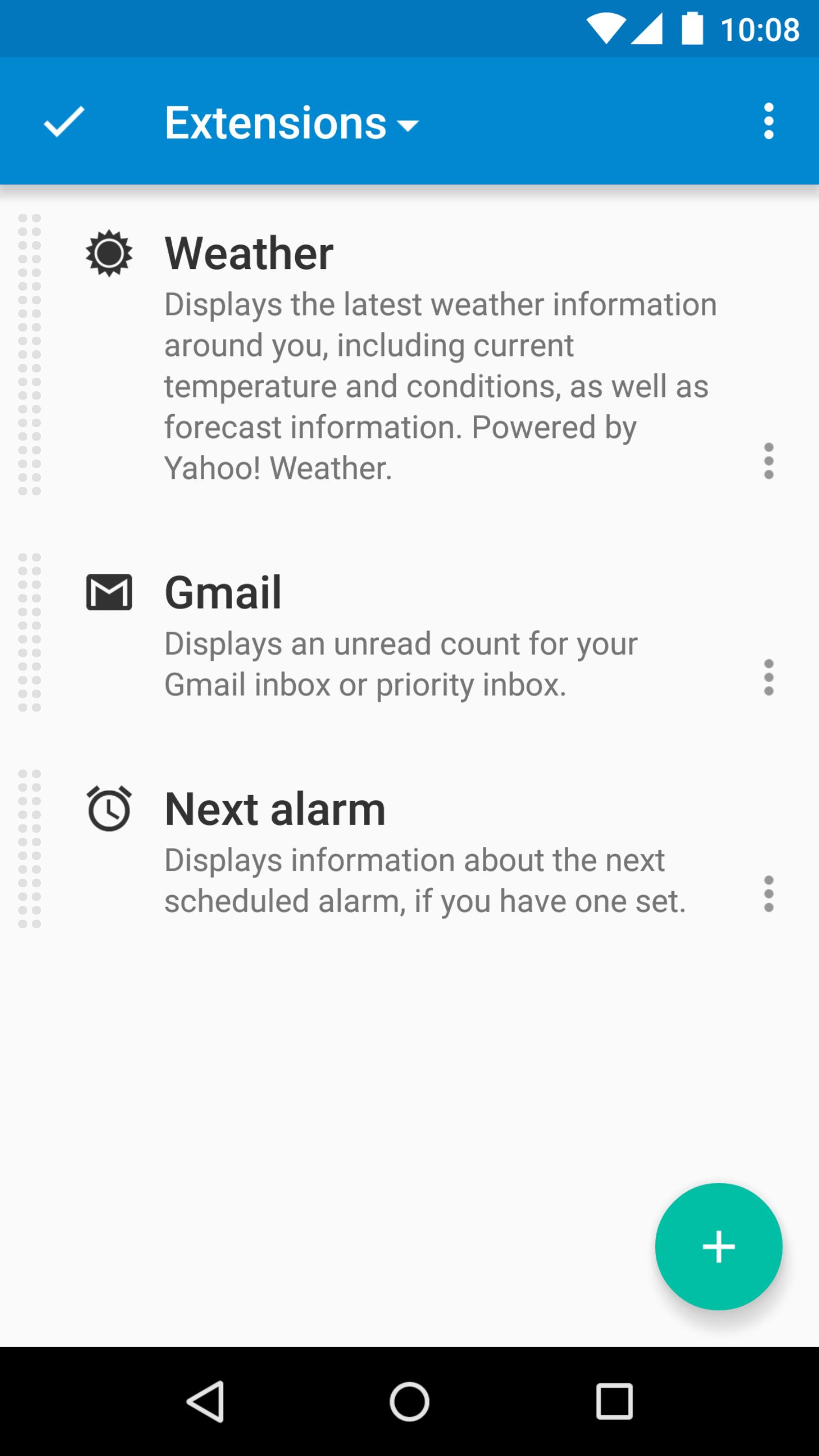
DashClock is a home screen clock widget for Android 4.2+ phones and tablets, with lock screen support for Android 4.2-4.4. It also exposes additional status items called extensions. The widget comes bundled with extensions that give you instant access to:
• Your current local weather
• Missed calls and unread text messages
• Your next calendar appointment
• Unread Gmail inbox or priority inbox conversations
• Your next scheduled alarm
To add the widget to your Android 4.2 device's lock screen, first make sure that "Enable widgets" is turned on in your security settings. Then, simply swipe to the left-most page of your lock screen and touch the "+" icon. Finally, select "DashClock" to customize and add the widget. You can make this the primary lock screen widget, replacing the default clock, by first touching-and-holding it and then dragging it horizontally to the very rightmost position.
Developers: DashClock is extensible! Visit the open source project at http://code.google.com/p/dashclock to learn more or just check out the source.
Have a bug report or feature request? Just find the issue or file a new one here: http://code.google.com/p/dashclock/issues/list
プレビュー
情報
デベロッパー
Roman Nurik and Ian Lake
最新バージョン
1.7.2
最終更新
2016-05-11
カテゴリー
カスタマイズ
上で利用可能
Google Play
もっと見せる
PCでGameLoopを使用してDashClock Widgetをプレイする方法
1. 公式WebサイトからGameLoopをダウンロードし、exeファイルを実行してGameLoopをインストールします
2. GameLoopを開いて「DashClock Widget」を検索し、検索結果でDashClock Widgetを見つけて、「インストール」をクリックします。
3. GameLoopでDashClock Widgetを楽しんでください
Minimum requirements
OS
Windows 8.1 64-bit or Windows 10 64-bit
GPU
GTX 1050
CPU
i3-8300
Memory
8GB RAM
Storage
1GB available space
Recommended requirements
OS
Windows 8.1 64-bit or Windows 10 64-bit
GPU
GTX 1050
CPU
i3-9320
Memory
16GB RAM
Storage
1GB available space