Control Center look ios 14 for andorid PC
Royton Infotech
GameLoopエミュレーターを使用してPCにControl Center look ios 14 for andoridをダウンロードします
Control Center look ios 14 for andorid PC版
開発者Royton InfotechからのControl Center look ios 14 for andoridは、過去にAndroidsystermで実行されています。
これで、GameLoopを搭載したPCでControl Center look ios 14 for andoridをスムーズにプレイできます。
GameLoopライブラリまたは検索結果にダウンロードしてください。 バッテリーに目を向けたり、間違った時間にイライラしたりすることはもうありません。
大画面でControl Center look ios 14 for andoridPCを無料でお楽しみください!
Control Center look ios 14 for andorid 序章
This App allows you to use the following controls easily.
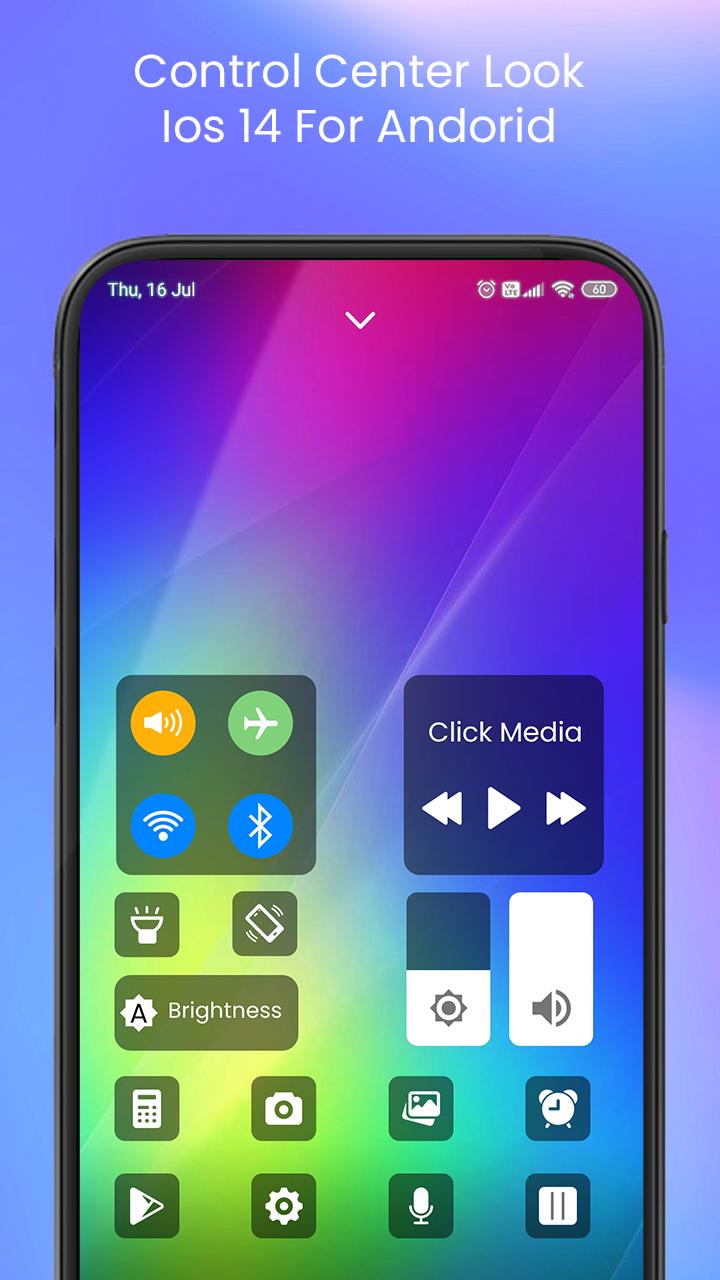
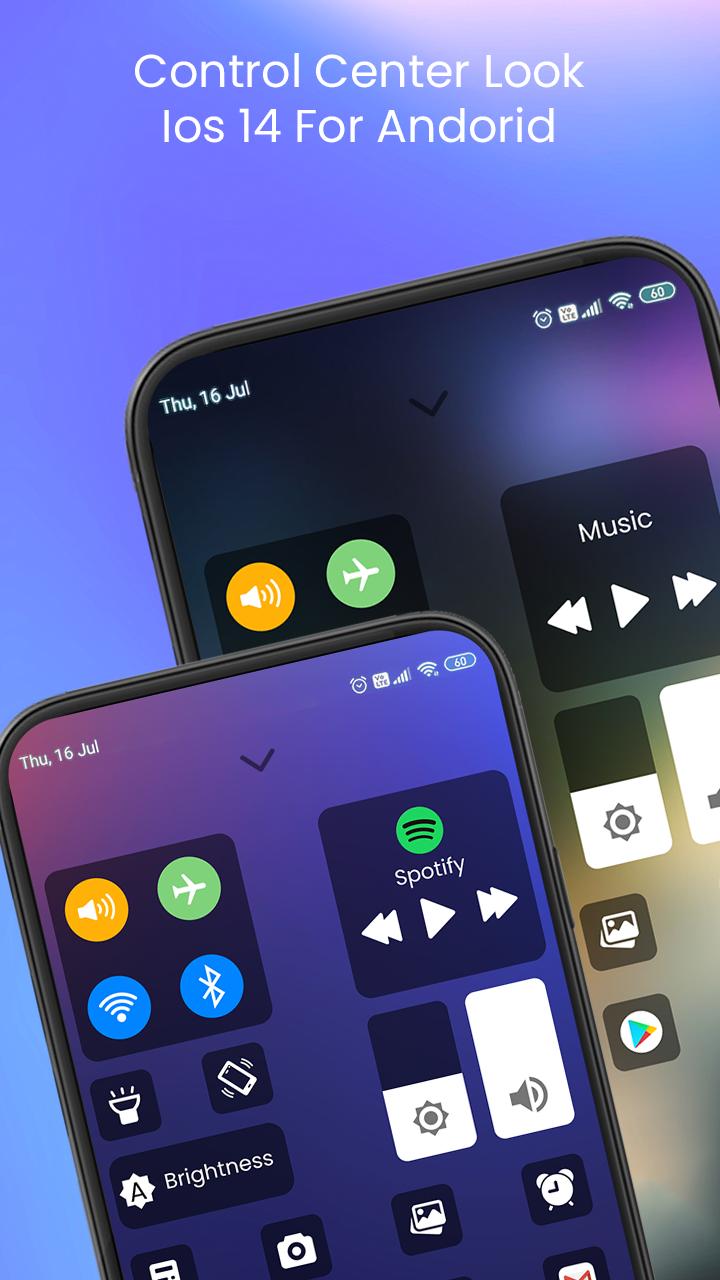
Control Center look ios 14 for andoridapp gives you instant access to the Camera, Clock, Record the screen, Screenshot and more settings like to iOS X, iOS XS.
_Capture Screenshot: Capture screen
_Record Screen:Record any action in your phone. (Support android 5.0 above only)
_WiFi: Turn on Wi-Fi to browse the web, stream music, download movies, and more.
_Bluetooth: Connect to headphones, car kits, wireless keyboards, and other Bluetooth-enabled devices.
_Do not disturb mode: Silence calls, alerts, and notifications that you receive while your device is locked.
_Brightness: Adjust the brightness of your display from any screen.
_Control audio: From here, you can quickly play, pause, and control volume of your favorite song, podcast, and more.
_Airplane mode: Use Airplane Mode to instantly turn off Bluetooth, Wi-Fi, and cellular connections on your android device.
_Flashlight Super Bright: The LED flash on your camera doubles as a flashlight, so you can get extra light when you need it.
_Screen rotation: Portrait Orientation Lock, keep your screen from rotating when you move your device.
_Calculator: Tap numbers and functions in Calculator, just like a standard calculator.
_Camera: Never miss a moment to take a picture with quick access to your camera.
_Alarms and Timer: Set an alarm, timer, or stopwatch, or check the time in another country or region.
if you like our team work the share with your friends so that they all also enjoy.For any suggestion you can email us on roytoninfotech@gmail.com
Thank you
プレビュー
情報
デベロッパー
Royton Infotech
最新バージョン
1.0
最終更新
2021-02-12
カテゴリー
カスタマイズ
上で利用可能
Google Play
もっと見せる
PCでGameLoopを使用してControl Center look ios 14 for andoridをプレイする方法
1. 公式WebサイトからGameLoopをダウンロードし、exeファイルを実行してGameLoopをインストールします
2. GameLoopを開いて「Control Center look ios 14 for andorid」を検索し、検索結果でControl Center look ios 14 for andoridを見つけて、「インストール」をクリックします。
3. GameLoopでControl Center look ios 14 for andoridを楽しんでください
Minimum requirements
OS
Windows 8.1 64-bit or Windows 10 64-bit
GPU
GTX 1050
CPU
i3-8300
Memory
8GB RAM
Storage
1GB available space
Recommended requirements
OS
Windows 8.1 64-bit or Windows 10 64-bit
GPU
GTX 1050
CPU
i3-9320
Memory
16GB RAM
Storage
1GB available space