MatPop for Kustom KLWP/KWGT PC
BaconBits
GameLoopエミュレーターを使用してPCにMatPop for Kustom KLWP/KWGTをダウンロードします
MatPop for Kustom KLWP/KWGT PC版
開発者BaconBitsからのMatPop for Kustom KLWP/KWGTは、過去にAndroidsystermで実行されています。
これで、GameLoopを搭載したPCでMatPop for Kustom KLWP/KWGTをスムーズにプレイできます。
GameLoopライブラリまたは検索結果にダウンロードしてください。 バッテリーに目を向けたり、間違った時間にイライラしたりすることはもうありません。
大画面でMatPop for Kustom KLWP/KWGTPCを無料でお楽しみください!
MatPop for Kustom KLWP/KWGT 序章
YOU NEED TO HAVE THE PRO VERSION OF KUSTOM KLWP INSTALLED ON YOUR PHONE TO USE THE WALLPAPERS/KOMPONENTS - https://goo.gl/UkHJ99
YOU NEED TO HAVE THE PRO VERSION OF KUSTOM KWGT INSTALLED ON YOUR PHONE TO USE THE WIDGETS - https://goo.gl/ABJVXq
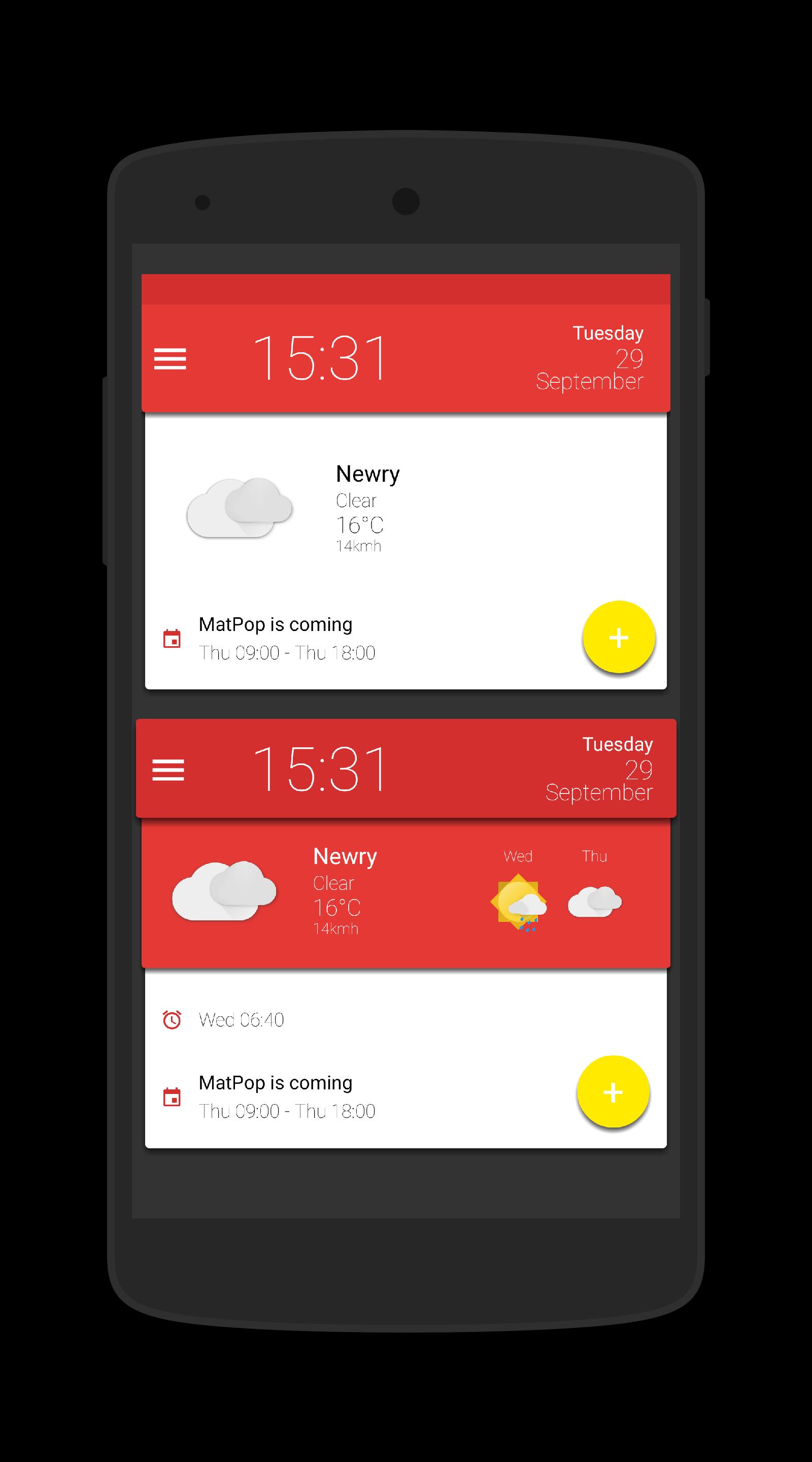
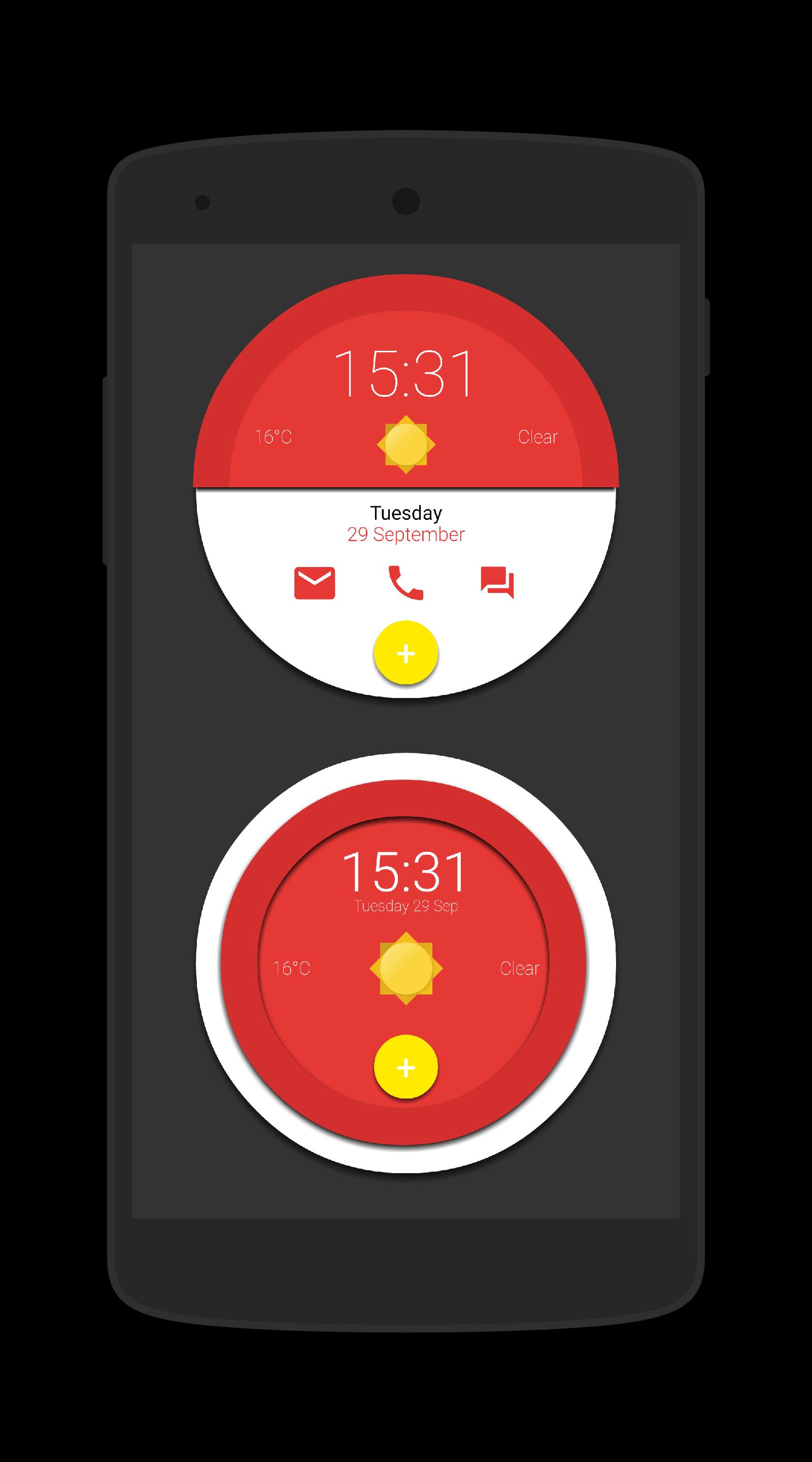
This is a collection of 15 Komponents and a Wallpaper for Kustom KLWP & 15 Widgets for use with Kustom KWGT, all in glorious Material Design
Instructions - Video - https://www.youtube.com/watch?v=dVlmgFTAsa4&feature=youtu.be
Using the Wallpaper (3 page setup)
- Open Kustom KLWP app
- Tap on menu icon
- Select Load Presenmt
- Tap on Installed tab and select Matpop for Kustom
- Select the Matpop Wallpaper
- Tap on save icon
- Make Kustom the Live Wallpaper
- Return to homescreen
- Colours can be changed via the Globals menu in the editor
Using a komponent
- Open the Kustom KWLP app
- Tap the + icon
- Select Matpop for Kustom
- Select the komponent(s) you wish to use
- Tap on save icon
- Make Kustom the Live Wallpaper
- Return to homescreen
- Colours can be changed via the Globals menu in the editor
Using a Wiget
- Longpress on homescreen and select Widget
- Scroll down and select a KWGT widget
- Rersize widget and tap on it
- KWGT app will open
- Select load preset from menu
- Tap on Installed and select Matpop for Kustom
- Select the widget you which to use and press save
- Return to the homescreen
- Colours can be changed via the Globals menu in the editor
Please watch the video as it shows how to use this app
If you have any queries, please email me instead of leaving 1* reviews
Enjoy & Thankyou
Find me on Reddit - https://www.reddit.com/user/BaconBitsNI/
or Twitter - https://twitter.com/baconbitskustom
for more Bacon
プレビュー
タグ
カスタマイズ情報
デベロッパー
BaconBits
最新バージョン
2.1
最終更新
2020-09-01
カテゴリー
カスタマイズ
上で利用可能
Google Play
もっと見せる
PCでGameLoopを使用してMatPop for Kustom KLWP/KWGTをプレイする方法
1. 公式WebサイトからGameLoopをダウンロードし、exeファイルを実行してGameLoopをインストールします
2. GameLoopを開いて「MatPop for Kustom KLWP/KWGT」を検索し、検索結果でMatPop for Kustom KLWP/KWGTを見つけて、「インストール」をクリックします。
3. GameLoopでMatPop for Kustom KLWP/KWGTを楽しんでください
Minimum requirements
OS
Windows 8.1 64-bit or Windows 10 64-bit
GPU
GTX 1050
CPU
i3-8300
Memory
8GB RAM
Storage
1GB available space
Recommended requirements
OS
Windows 8.1 64-bit or Windows 10 64-bit
GPU
GTX 1050
CPU
i3-9320
Memory
16GB RAM
Storage
1GB available space