Classic Emoji Keyboard PC
Home_apps
GameLoopエミュレーターを使用してPCにClassic Emoji Keyboardをダウンロードします
Classic Emoji Keyboard PC版
開発者Home_appsからのClassic Emoji Keyboardは、過去にAndroidsystermで実行されています。
これで、GameLoopを搭載したPCでClassic Emoji Keyboardをスムーズにプレイできます。
GameLoopライブラリまたは検索結果にダウンロードしてください。 バッテリーに目を向けたり、間違った時間にイライラしたりすることはもうありません。
大画面でClassic Emoji KeyboardPCを無料でお楽しみください!
Classic Emoji Keyboard 序章
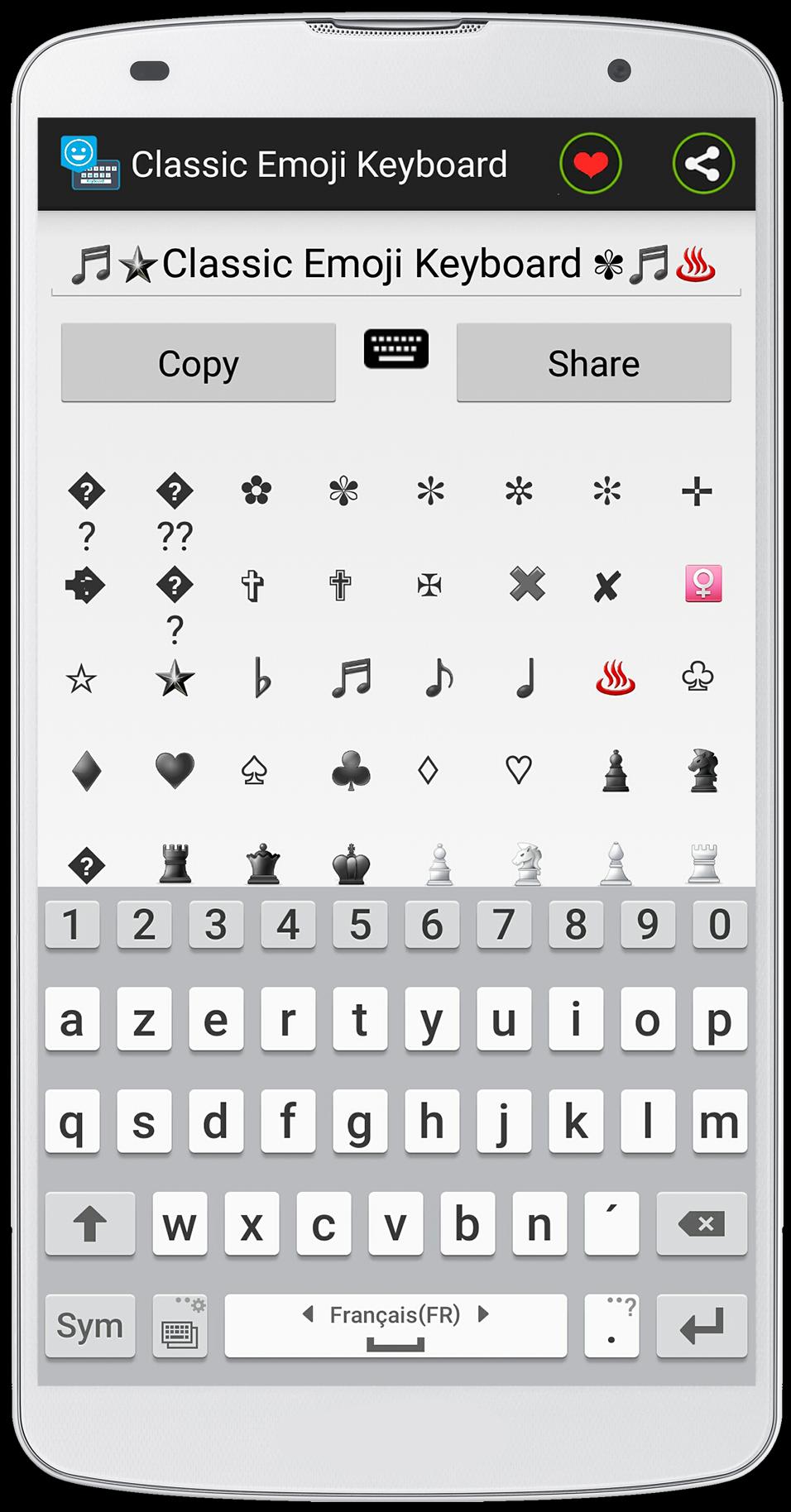
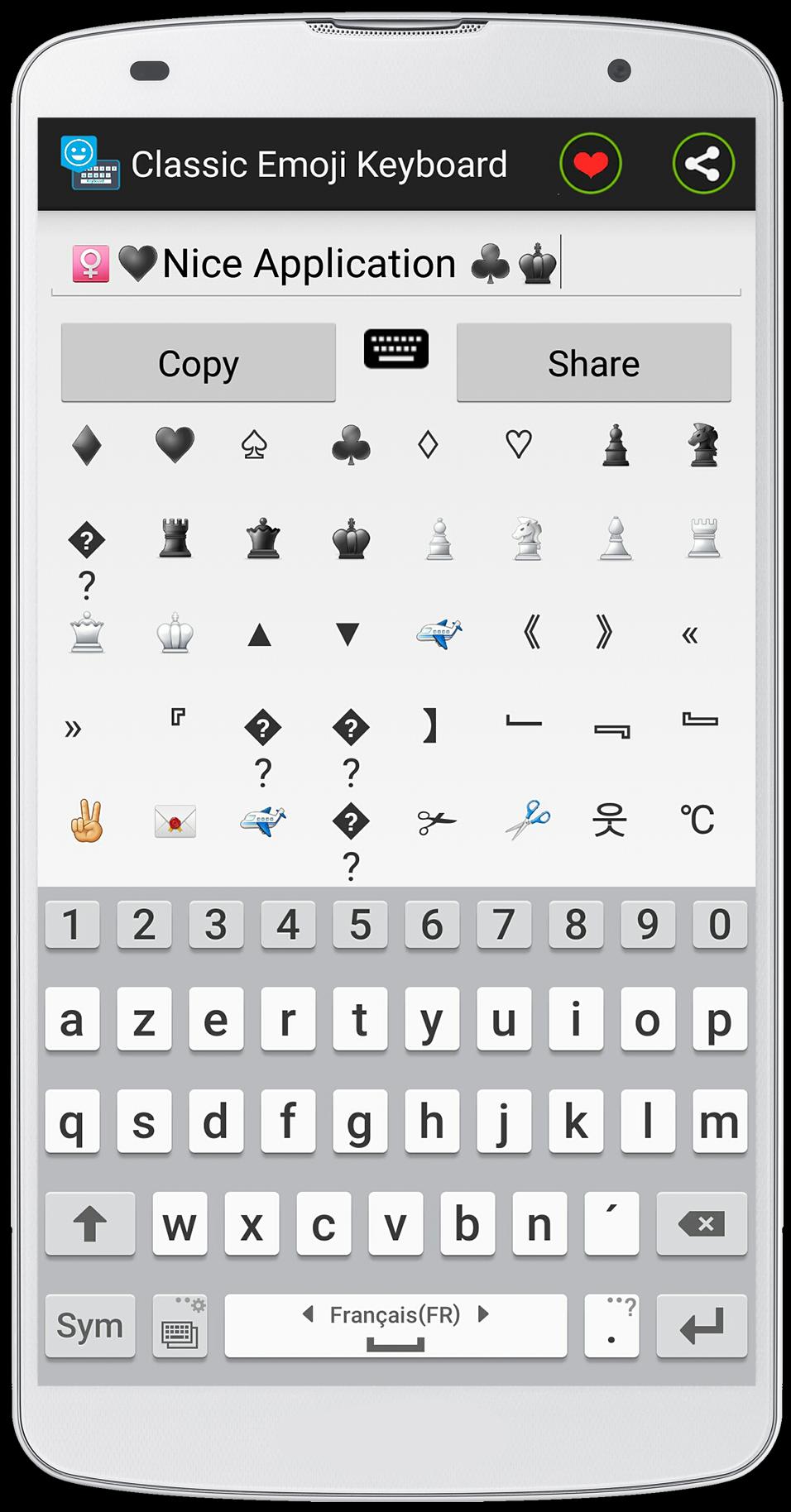
This application is developed in an exclusive way, this method uses the ASCII table to create the Emoji, Emoticons and also the symbols .
as you see the size of this application is very small "2,2Mo", it is because of used ASCII method .
Classic Emoji Keyboard is easy to use .
how to use :
- Open the " Classic Emoji Go Keyboard " application and write your text eg "I like Emoji Keyboard Symbols" and used the Emoji and symbols to give a nice style to your text .
- click "copy" to copy text and paste it into your conversation .
feature of the app :
- the size of the application is very small .
- the application uses less RAM against by other application uses more RAM .
- easy to use .
- you can share with your text Emojis with your friends by facebook or whatsapp ...
Je espère que vous aimez cette application, si vous avez une question, contactez-moi par e-mail!(topapp169@gmail.com)
Enfin, si vous aimez cette application, assurez-vous de laisser un gentil commentaire pour cette application
プレビュー
情報
デベロッパー
Home_apps
最新バージョン
1.0
最終更新
2015-07-28
カテゴリー
カスタマイズ
上で利用可能
Google Play
もっと見せる
PCでGameLoopを使用してClassic Emoji Keyboardをプレイする方法
1. 公式WebサイトからGameLoopをダウンロードし、exeファイルを実行してGameLoopをインストールします
2. GameLoopを開いて「Classic Emoji Keyboard」を検索し、検索結果でClassic Emoji Keyboardを見つけて、「インストール」をクリックします。
3. GameLoopでClassic Emoji Keyboardを楽しんでください
Minimum requirements
OS
Windows 8.1 64-bit or Windows 10 64-bit
GPU
GTX 1050
CPU
i3-8300
Memory
8GB RAM
Storage
1GB available space
Recommended requirements
OS
Windows 8.1 64-bit or Windows 10 64-bit
GPU
GTX 1050
CPU
i3-9320
Memory
16GB RAM
Storage
1GB available space