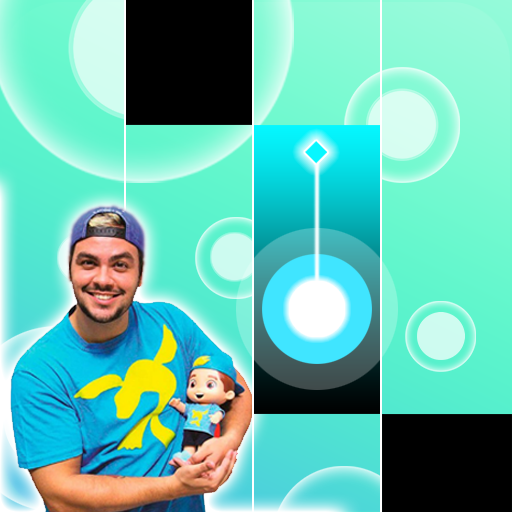
Luccas Neto - Piano Tiles PC
ROTORBEAN CLEW
GameLoopエミュレーターを使用してPCにLuccas Neto - Piano Tilesをダウンロードします
Luccas Neto - Piano Tiles PC版
開発者ROTORBEAN CLEWからのLuccas Neto - Piano Tilesは、過去にAndroidsystermで実行されています。
これで、GameLoopを搭載したPCでLuccas Neto - Piano Tilesをスムーズにプレイできます。
GameLoopライブラリまたは検索結果にダウンロードしてください。 バッテリーに目を向けたり、間違った時間にイライラしたりすることはもうありません。
大画面でLuccas Neto - Piano TilesPCを無料でお楽しみください!
Luccas Neto - Piano Tiles 序章
Welcome to LUCCAS NETO piano game with new album.
Game LUCCAS NETO Piano Tiles Finally Released!
Contains LUCCAS NETO song, Play Them All!
- Play your favorite LUCCAS NETO songs!
- Challenge your friends and beat their score!
- This is the best app to share our love and passion for LUCCAS NETO!
How to play:
- Touch the black piano several times to play the piano.
- Simple to play, but hard to master.
- Getting all the black bricks in this high-speed music game is definitely not easy!
Game features:
- Excellent game design and flat graphics
- High quality piano music
- There is a large collection of LUCCAS NETO songs
- Gaming experience smoother
- Get experience.
- 100% free music game
- You can share games.
DISCLAIMER :
This is an unofficial fan-made application. It is not affiliated with or endorsed by LUCCAS NETO,
their management teams, or their record labels.
プレビュー


タグ
音楽情報
デベロッパー
ROTORBEAN CLEW
最新バージョン
2.0
最終更新
2020-12-27
カテゴリー
音楽
上で利用可能
Google Play
もっと見せる
PCでGameLoopを使用してLuccas Neto - Piano Tilesをプレイする方法
1. 公式WebサイトからGameLoopをダウンロードし、exeファイルを実行してGameLoopをインストールします
2. GameLoopを開いて「Luccas Neto - Piano Tiles」を検索し、検索結果でLuccas Neto - Piano Tilesを見つけて、「インストール」をクリックします。
3. GameLoopでLuccas Neto - Piano Tilesを楽しんでください
Minimum requirements
OS
Windows 8.1 64-bit or Windows 10 64-bit
GPU
GTX 1050
CPU
i3-8300
Memory
8GB RAM
Storage
1GB available space
Recommended requirements
OS
Windows 8.1 64-bit or Windows 10 64-bit
GPU
GTX 1050
CPU
i3-9320
Memory
16GB RAM
Storage
1GB available space