Californication - Red Hot Chili Peppers - Piano Ro PC
ModedDevelopment
GameLoopエミュレーターを使用してPCにCalifornication - Red Hot Chili Peppers - Piano Roをダウンロードします
Californication - Red Hot Chili Peppers - Piano Ro PC版
開発者ModedDevelopmentからのCalifornication - Red Hot Chili Peppers - Piano Roは、過去にAndroidsystermで実行されています。
これで、GameLoopを搭載したPCでCalifornication - Red Hot Chili Peppers - Piano Roをスムーズにプレイできます。
GameLoopライブラリまたは検索結果にダウンロードしてください。 バッテリーに目を向けたり、間違った時間にイライラしたりすることはもうありません。
大画面でCalifornication - Red Hot Chili Peppers - Piano RoPCを無料でお楽しみください!
Californication - Red Hot Chili Peppers - Piano Ro 序章
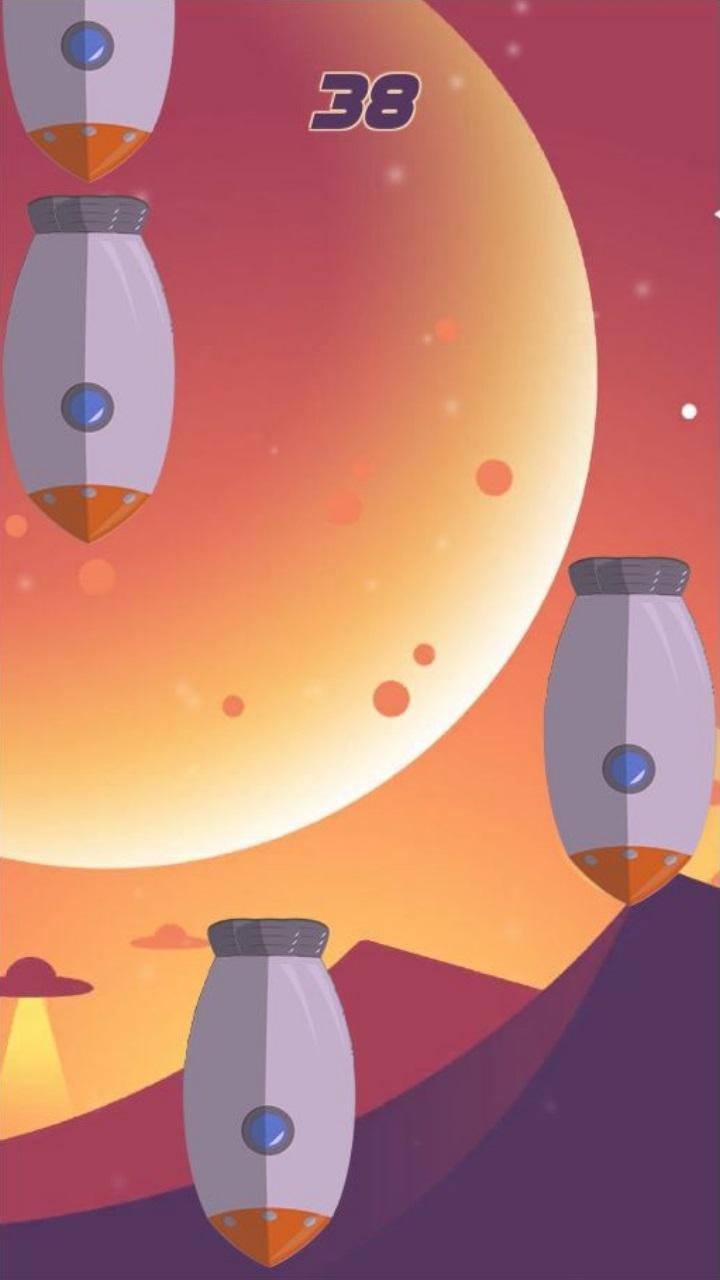
If you are passionate with space and rockets you are in for a treat! Being space and music fanatics ourselves we created an amazing musical piano game with a theme of rockets!
HOW TO PLAY?
Tap on rockets to make them disappear. Don't let rockets pass bottom otherwise it is gameover for you! The more rockets you destroy the faster games gets.
Enjoy awesome music and art and just have fun! Good luck from our team!
プレビュー

情報
デベロッパー
ModedDevelopment
最新バージョン
1.0
最終更新
2019-04-25
カテゴリー
音楽
上で利用可能
Google Play
もっと見せる
PCでGameLoopを使用してCalifornication - Red Hot Chili Peppers - Piano Roをプレイする方法
1. 公式WebサイトからGameLoopをダウンロードし、exeファイルを実行してGameLoopをインストールします
2. GameLoopを開いて「Californication - Red Hot Chili Peppers - Piano Ro」を検索し、検索結果でCalifornication - Red Hot Chili Peppers - Piano Roを見つけて、「インストール」をクリックします。
3. GameLoopでCalifornication - Red Hot Chili Peppers - Piano Roを楽しんでください
Minimum requirements
OS
Windows 8.1 64-bit or Windows 10 64-bit
GPU
GTX 1050
CPU
i3-8300
Memory
8GB RAM
Storage
1GB available space
Recommended requirements
OS
Windows 8.1 64-bit or Windows 10 64-bit
GPU
GTX 1050
CPU
i3-9320
Memory
16GB RAM
Storage
1GB available space