SoundBot Player PC
SoundBot
GameLoopエミュレーターを使用してPCにSoundBot Playerをダウンロードします
SoundBot Player PC版
開発者SoundBotからのSoundBot Playerは、過去にAndroidsystermで実行されています。
これで、GameLoopを搭載したPCでSoundBot Playerをスムーズにプレイできます。
GameLoopライブラリまたは検索結果にダウンロードしてください。 バッテリーに目を向けたり、間違った時間にイライラしたりすることはもうありません。
大画面でSoundBot PlayerPCを無料でお楽しみください!
SoundBot Player 序章
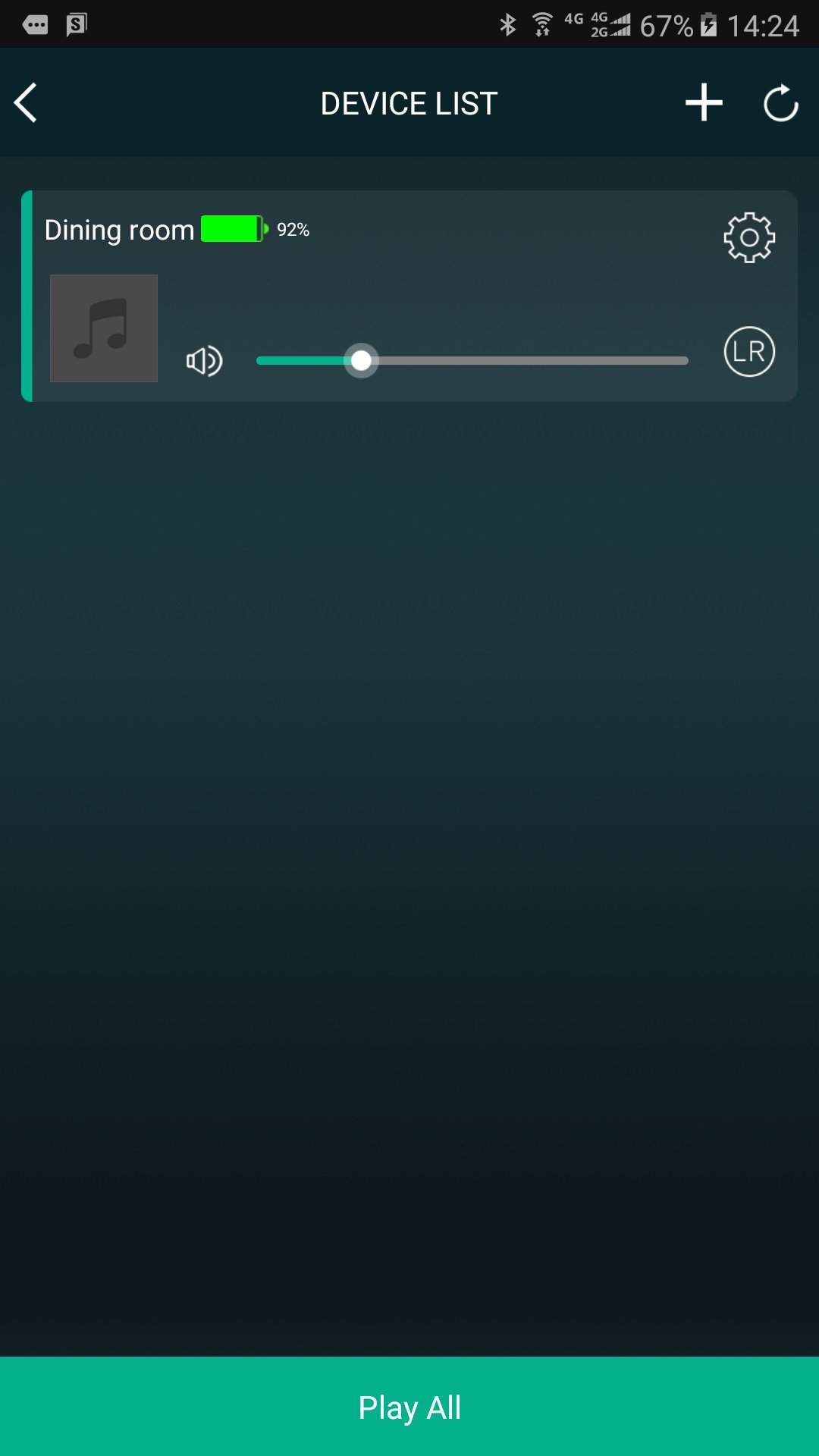
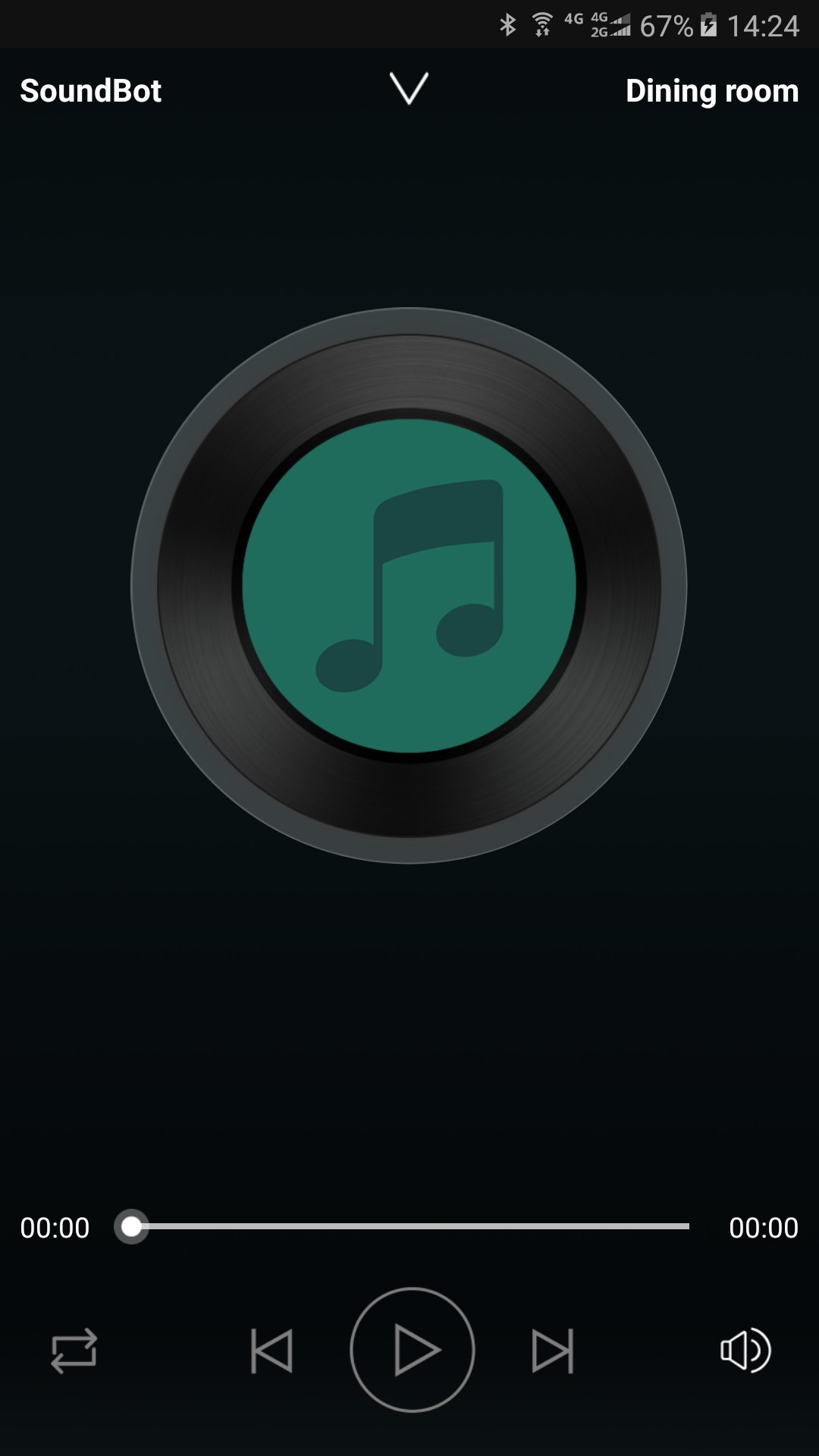
SoundBot controls your music from your phone to all SoundBot speaker.
Group and ungroup speakers, manage your stations and presets, control volume, use the intercom, and more.
Enjoy listening to your music from cloud music service providers and online radio without connecting your phone to speakers. Just connect SoundBot speaker and use the SoundBot player app to play music wirelessly over your WiFi Network.
Stay Tuned
We will be updating the app regularly to introduce new music service providers and features. Sign up your email address to get updates at www.soundbot.com.
プレビュー
情報
デベロッパー
SoundBot
最新バージョン
2.9.0.170927.d2ab14
最終更新
2017-10-16
カテゴリー
Music-audio
上で利用可能
Google Play
もっと見せる
PCでGameLoopを使用してSoundBot Playerをプレイする方法
1. 公式WebサイトからGameLoopをダウンロードし、exeファイルを実行してGameLoopをインストールします
2. GameLoopを開いて「SoundBot Player」を検索し、検索結果でSoundBot Playerを見つけて、「インストール」をクリックします。
3. GameLoopでSoundBot Playerを楽しんでください
Minimum requirements
OS
Windows 8.1 64-bit or Windows 10 64-bit
GPU
GTX 1050
CPU
i3-8300
Memory
8GB RAM
Storage
1GB available space
Recommended requirements
OS
Windows 8.1 64-bit or Windows 10 64-bit
GPU
GTX 1050
CPU
i3-9320
Memory
16GB RAM
Storage
1GB available space