
Lk Player PC
Lakmini International
GameLoopエミュレーターを使用してPCにLk Playerをダウンロードします
Lk Player PC版
開発者Lakmini InternationalからのLk Playerは、過去にAndroidsystermで実行されています。
これで、GameLoopを搭載したPCでLk Playerをスムーズにプレイできます。
GameLoopライブラリまたは検索結果にダウンロードしてください。 バッテリーに目を向けたり、間違った時間にイライラしたりすることはもうありません。
大画面でLk PlayerPCを無料でお楽しみください!
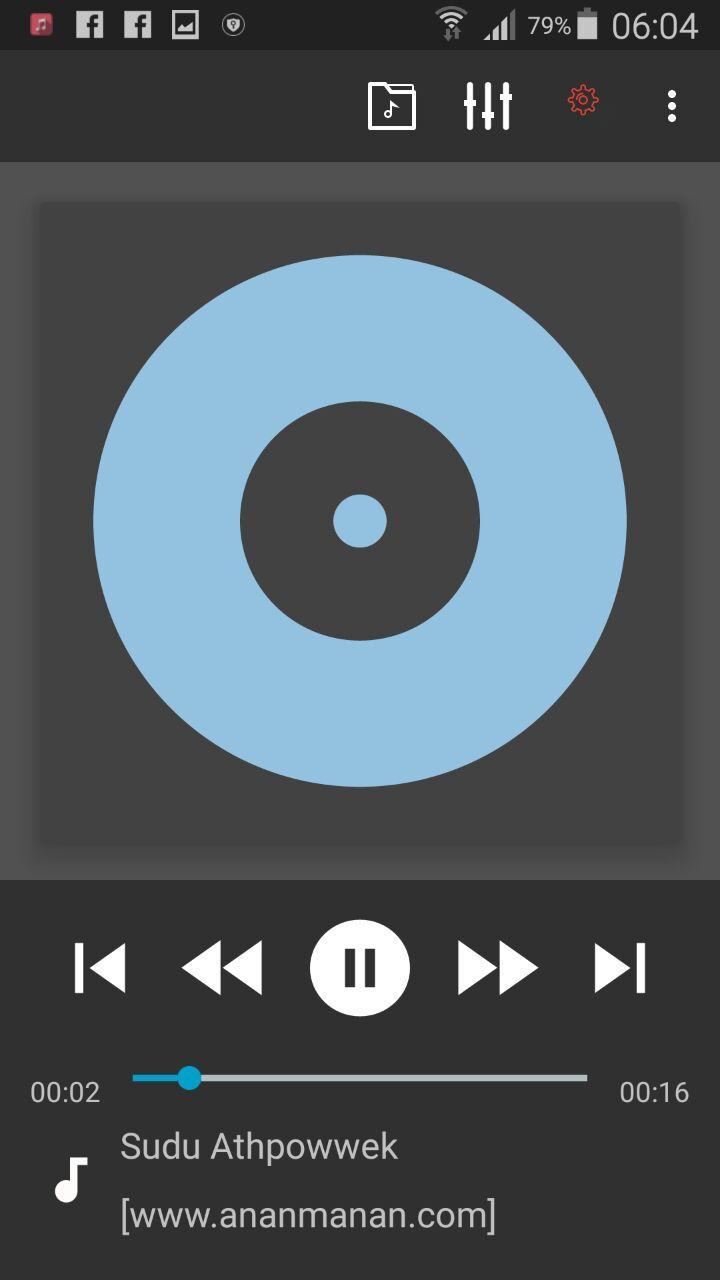
Lk Player 序章
Please check Common features below in the description.
Key Features:
- plays mp3, mp4/m4a (incl. alac), ogg, wma*, flac, wav, ape, wv, tta, mpc, aiff
- 10 band optimized graphical equalizer for all supported formats, presets, custom presets
- separate powerful Bass and Treble adjustment
- stereo eXpansion, mono mixing, balance
- crossfade
- gapless
- replay gain
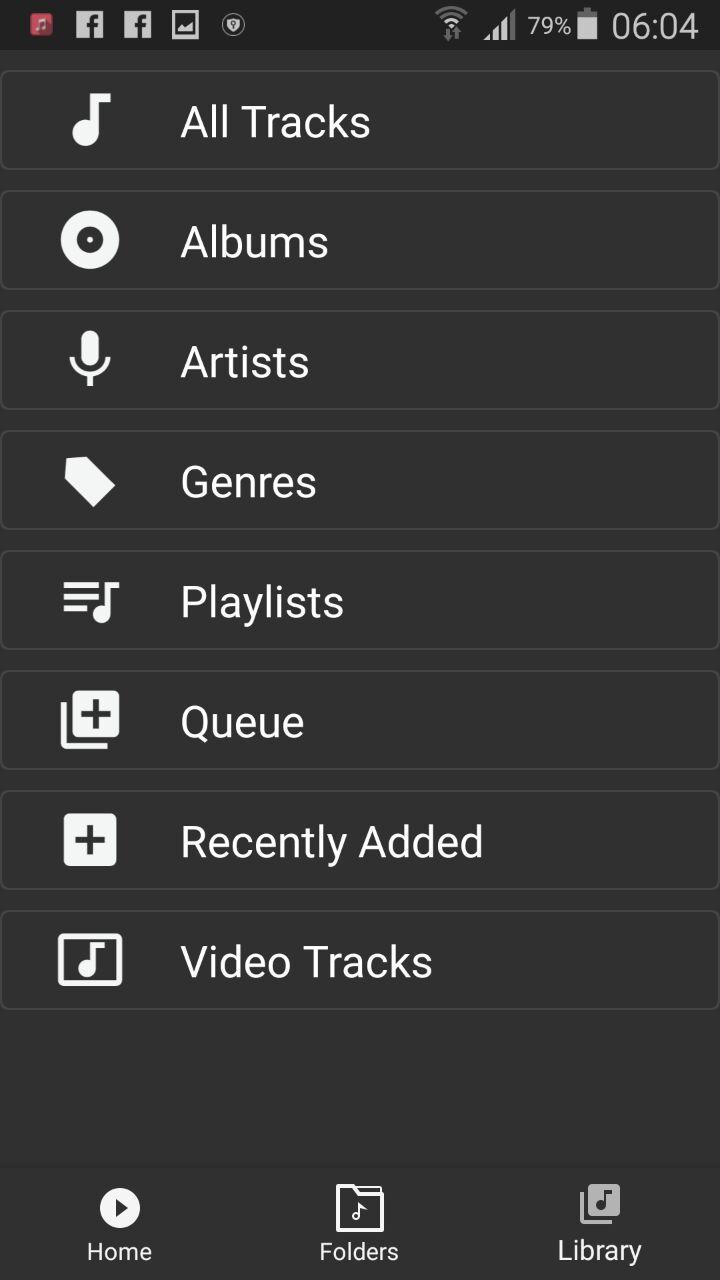
- plays songs from folders and from own library
- dynamic queue
- lyrics support, including lyrics search via musiXmatch plugin
- embed and standalone .cue files support
- support for m3u, m3u8, pls, wpl playlists
- OpenGL based cover art animation
- downloads missing album art
- custom visual themes, lot of skins available on Play
- 4 widget types with many selectable styles, advanced customization; Android 4.2 lock screen widgets
- configurable lock screen
- headset support, automatic Resume on headset and/or BT connection (can be disabled in settings)
- scrobbling
- tag editor
- fast library scan
- high level of customization via settings
プレビュー
情報
デベロッパー
Lakmini International
最新バージョン
1.1
最終更新
2018-04-25
カテゴリー
Music-audio
上で利用可能
Google Play
もっと見せる
PCでGameLoopを使用してLk Playerをプレイする方法
1. 公式WebサイトからGameLoopをダウンロードし、exeファイルを実行してGameLoopをインストールします
2. GameLoopを開いて「Lk Player」を検索し、検索結果でLk Playerを見つけて、「インストール」をクリックします。
3. GameLoopでLk Playerを楽しんでください
Minimum requirements
OS
Windows 8.1 64-bit or Windows 10 64-bit
GPU
GTX 1050
CPU
i3-8300
Memory
8GB RAM
Storage
1GB available space
Recommended requirements
OS
Windows 8.1 64-bit or Windows 10 64-bit
GPU
GTX 1050
CPU
i3-9320
Memory
16GB RAM
Storage
1GB available space