
EarStudio PC
RADSONE Inc.
GameLoopエミュレーターを使用してPCにEarStudioをダウンロードします
EarStudio PC版
開発者RADSONE Inc.からのEarStudioは、過去にAndroidsystermで実行されています。
これで、GameLoopを搭載したPCでEarStudioをスムーズにプレイできます。
GameLoopライブラリまたは検索結果にダウンロードしてください。 バッテリーに目を向けたり、間違った時間にイライラしたりすることはもうありません。
大画面でEarStudioPCを無料でお楽しみください!
EarStudio 序章
* CAUTION: This App is a remote control application for Radosone’s EarStudio (Bluetooth Receiver) H/W device.
FEATURES
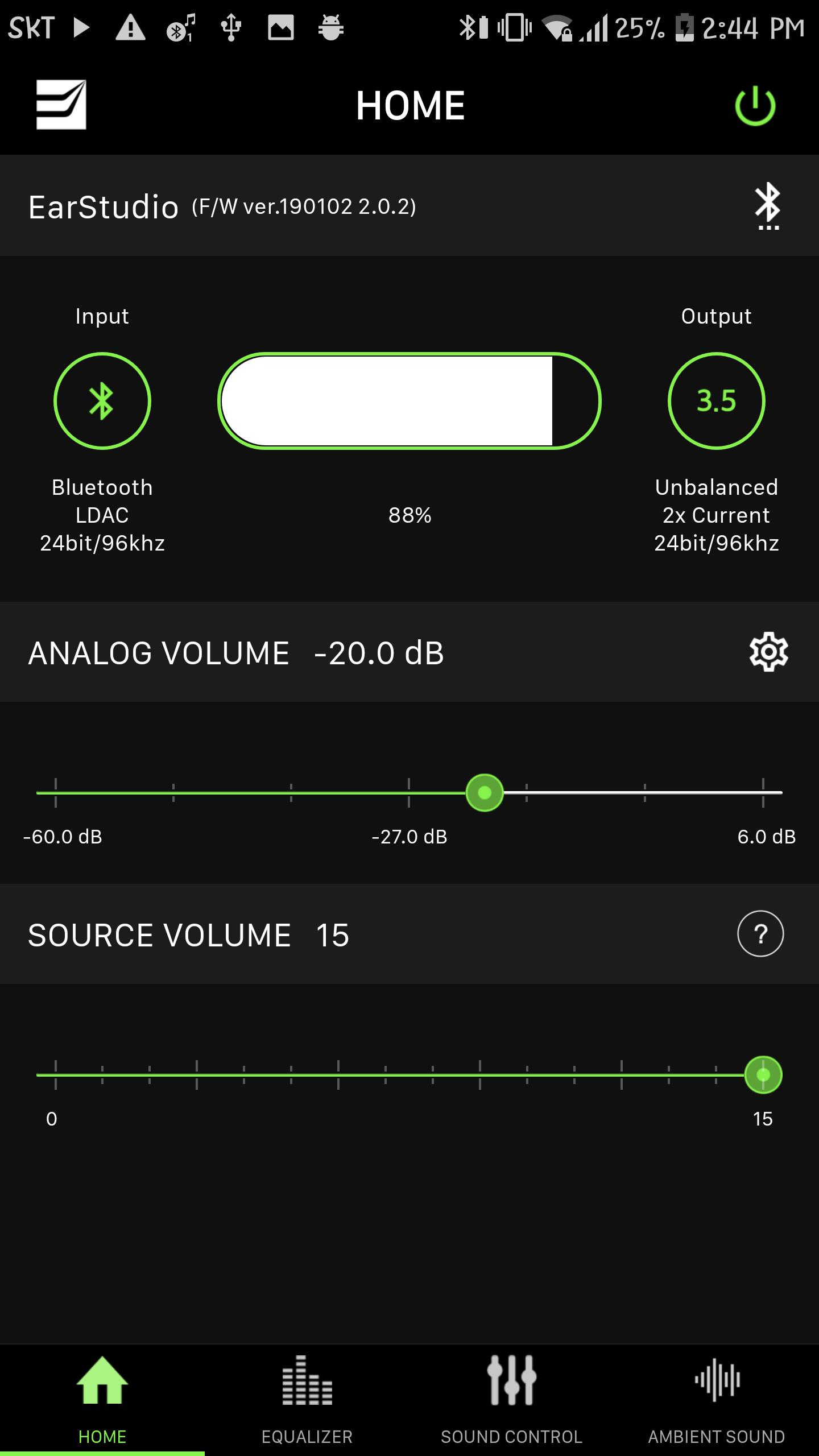
- Displays name, version, battery status, playback information and many others of the EarStudio device.
- Detail sound control for EarStudio such as Analog volume, DAC Digital filter and DAC Over sampling rate.
USAGE
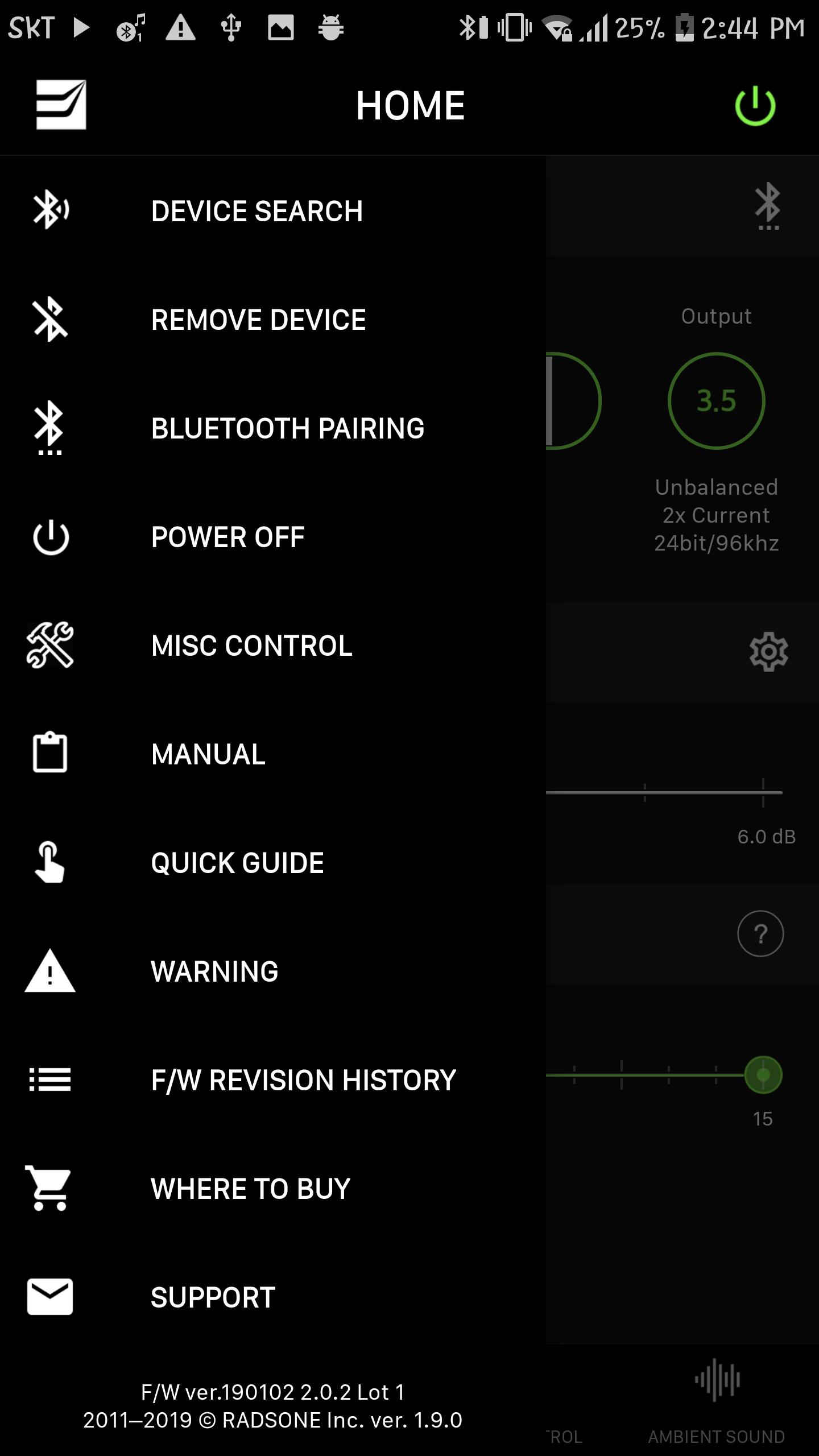
- When you first run the app, you need to perform ‘Device Search’ first. The Device Search menu can be viewed by clicking the menu button at the top left of the window.
REQUIREMENTS
- Android: Jelly Bean MR2 or over
LATEST NEWS
- Like us on Facebook: http://www.facebook.com/radsoneinc
- Follow us on Twitter: http://www.twitter.com/radsoneinc
プレビュー
タグ
Music-&情報
デベロッパー
RADSONE Inc.
最新バージョン
1.9.0
最終更新
2019-01-01
カテゴリー
Music-audio
上で利用可能
Google Play
もっと見せる
PCでGameLoopを使用してEarStudioをプレイする方法
1. 公式WebサイトからGameLoopをダウンロードし、exeファイルを実行してGameLoopをインストールします
2. GameLoopを開いて「EarStudio」を検索し、検索結果でEarStudioを見つけて、「インストール」をクリックします。
3. GameLoopでEarStudioを楽しんでください
Minimum requirements
OS
Windows 8.1 64-bit or Windows 10 64-bit
GPU
GTX 1050
CPU
i3-8300
Memory
8GB RAM
Storage
1GB available space
Recommended requirements
OS
Windows 8.1 64-bit or Windows 10 64-bit
GPU
GTX 1050
CPU
i3-9320
Memory
16GB RAM
Storage
1GB available space