
Voice Recorder - High Quality Smart Recorder PC
Muhammed Göksu
GameLoopエミュレーターを使用してPCにVoice Recorder - High Quality Smart Recorderをダウンロードします
Voice Recorder - High Quality Smart Recorder PC版
開発者Muhammed GöksuからのVoice Recorder - High Quality Smart Recorderは、過去にAndroidsystermで実行されています。
これで、GameLoopを搭載したPCでVoice Recorder - High Quality Smart Recorderをスムーズにプレイできます。
GameLoopライブラリまたは検索結果にダウンロードしてください。 バッテリーに目を向けたり、間違った時間にイライラしたりすることはもうありません。
大画面でVoice Recorder - High Quality Smart RecorderPCを無料でお楽しみください!
Voice Recorder - High Quality Smart Recorder 序章
Regarding phone calls: 📲
This app is not designed explicitly for recording phone calls. Some manufacturers block the ability to record the other party of a phone call for privacy or legal reasons. For the same purpose, the app will even pause the recording during phone calls, but it can be turned off in the settings. Check your local laws and make sure it works on your handset first.
More features:
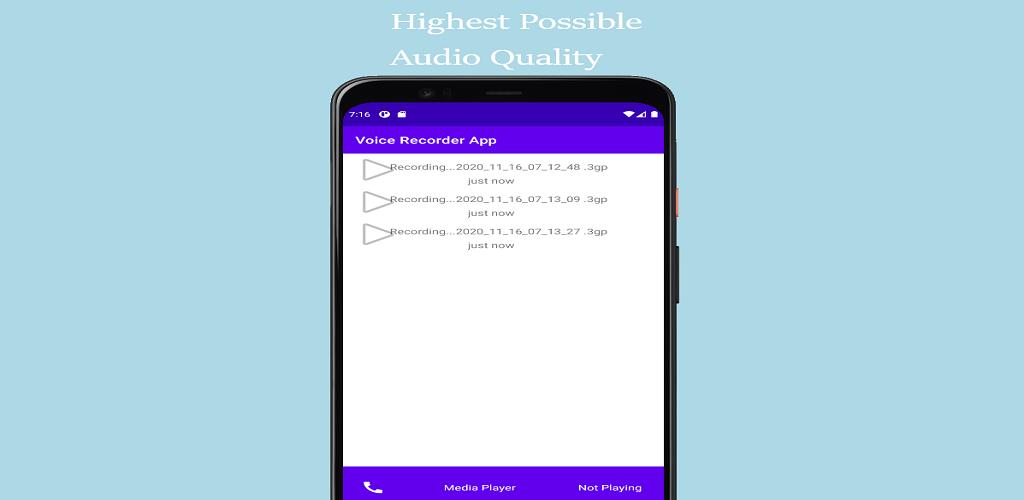
• Live audio spectrum analyzer
• Wave/PCM encoding with adjustable sample rate (8-44 kHz)
• Recording in the background (even when a display is off)
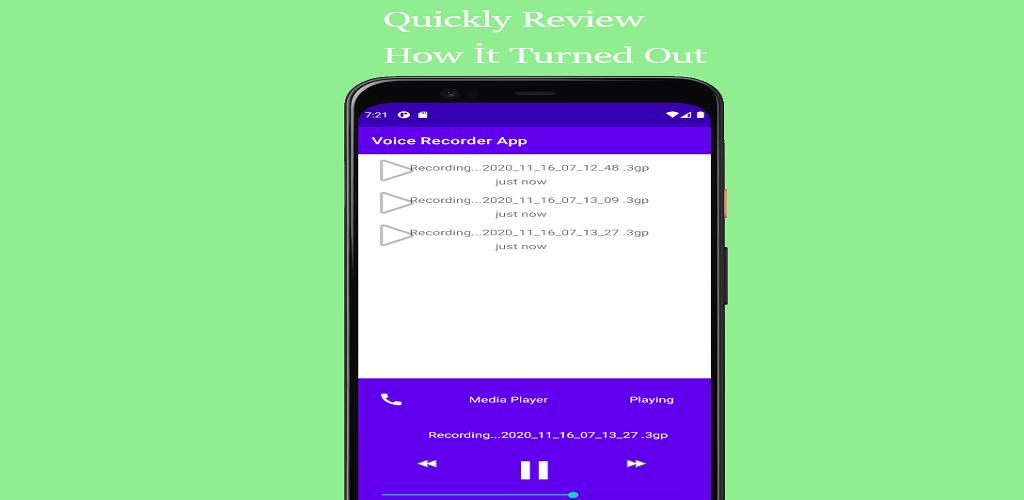
• Save/pause/resume/cancel recording process control
• Efficient and easy on battery
• Recording time limited only by available space on your storage (and tech. limit 2GB per file)
• Straightforward recordings list and many sharing options
• Launcher shortcut to start recording in one tap
• Microphone gain calibration tool.
プレビュー
タグ
Music-&情報
デベロッパー
Muhammed Göksu
最新バージョン
3
最終更新
2020-11-17
カテゴリー
Music-audio
上で利用可能
Google Play
もっと見せる
PCでGameLoopを使用してVoice Recorder - High Quality Smart Recorderをプレイする方法
1. 公式WebサイトからGameLoopをダウンロードし、exeファイルを実行してGameLoopをインストールします
2. GameLoopを開いて「Voice Recorder - High Quality Smart Recorder」を検索し、検索結果でVoice Recorder - High Quality Smart Recorderを見つけて、「インストール」をクリックします。
3. GameLoopでVoice Recorder - High Quality Smart Recorderを楽しんでください
Minimum requirements
OS
Windows 8.1 64-bit or Windows 10 64-bit
GPU
GTX 1050
CPU
i3-8300
Memory
8GB RAM
Storage
1GB available space
Recommended requirements
OS
Windows 8.1 64-bit or Windows 10 64-bit
GPU
GTX 1050
CPU
i3-9320
Memory
16GB RAM
Storage
1GB available space