
Block Ads on Video PC
tube.max
GameLoopエミュレーターを使用してPCにBlock Ads on Videoをダウンロードします
Block Ads on Video PC版
開発者tube.maxからのBlock Ads on Videoは、過去にAndroidsystermで実行されています。
これで、GameLoopを搭載したPCでBlock Ads on Videoをスムーズにプレイできます。
GameLoopライブラリまたは検索結果にダウンロードしてください。 バッテリーに目を向けたり、間違った時間にイライラしたりすることはもうありません。
大画面でBlock Ads on VideoPCを無料でお楽しみください!
Block Ads on Video 序章
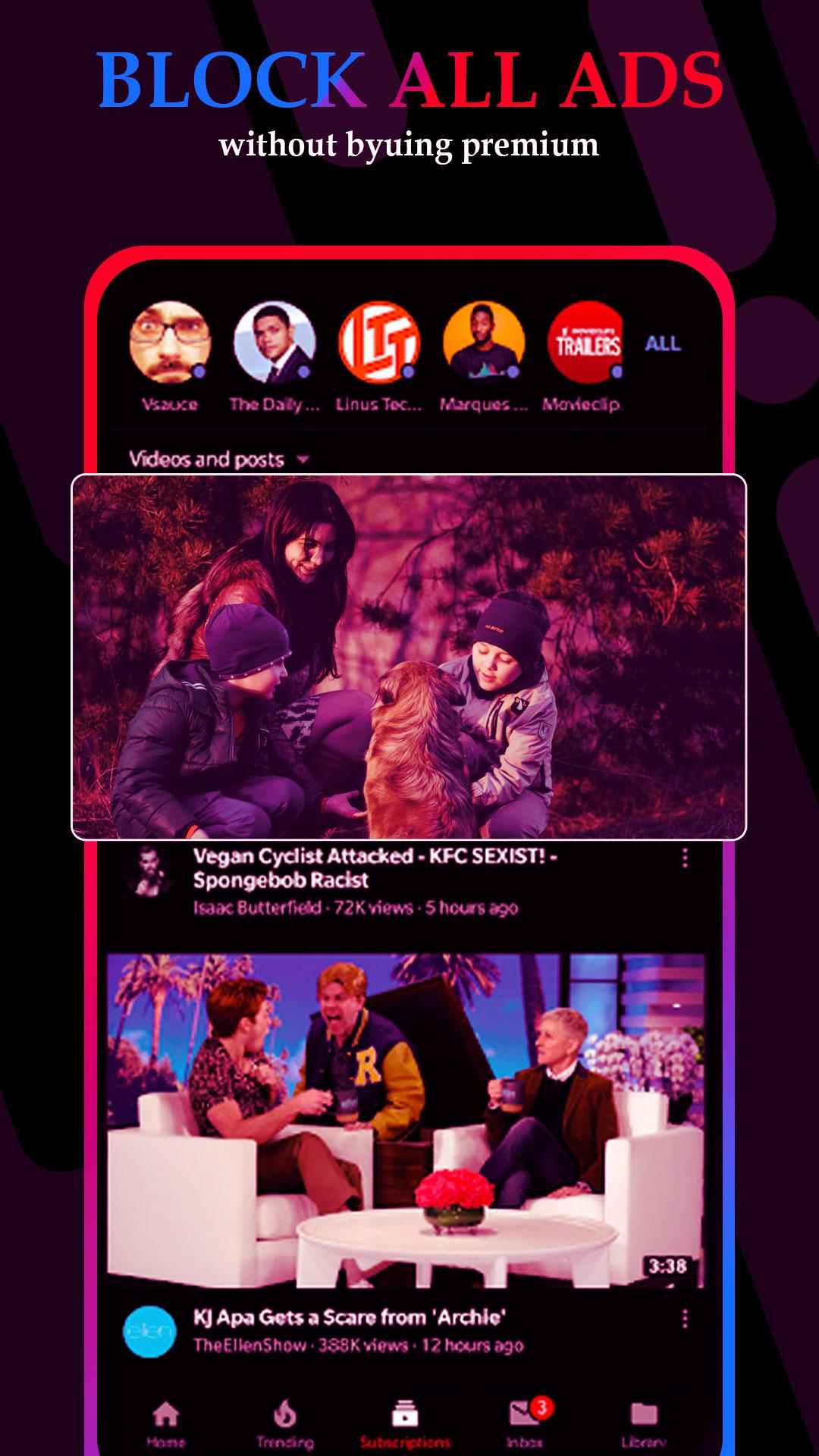
You can search your favorite videos using Vanced tube - vanced tube add free tube app
You can improve search results using different vanced tube search filters.
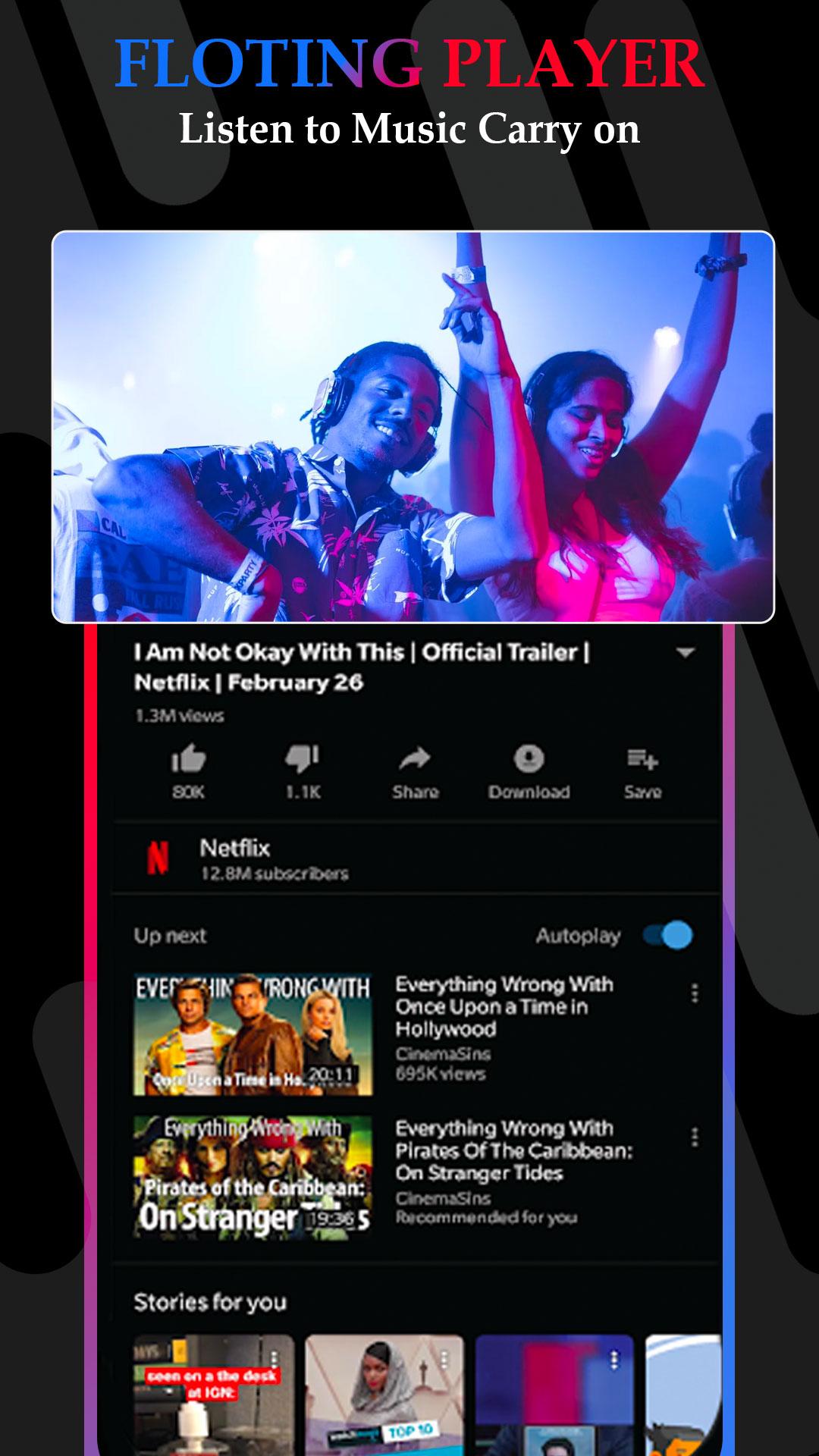
Popup screen feature also in vanced tube you can watch ad free videos in popup screen. Dark/Light mode also in vanced tube add free tubeapp
You can also subscribe you favorite videos creators without any login with vanced tube - ad free tube app.
Mark your favorite videos and music, save the playlist.Vanced Tube app Mp4 video and music player make it much easier.
FEATURES :
● Search Videos & Music and whatch videos
● View search history
● 1080/2k/4k support
● Local Playlist
● Search Channels
● Detail information about the video and music
● Bookmark your favorite video and music
● Save your playlist
● Local bookmark playlists
● Watch videos from a channel
● Subscribe tube channels you like
● No Login Required
● No root required
Enjoy unlimited free music and video!
Try for Much More ⏬
Thank You ...
プレビュー
タグ
Music-&情報
デベロッパー
tube.max
最新バージョン
8.9.0
最終更新
2022-06-24
カテゴリー
Music-audio
上で利用可能
Google Play
もっと見せる
PCでGameLoopを使用してBlock Ads on Videoをプレイする方法
1. 公式WebサイトからGameLoopをダウンロードし、exeファイルを実行してGameLoopをインストールします
2. GameLoopを開いて「Block Ads on Video」を検索し、検索結果でBlock Ads on Videoを見つけて、「インストール」をクリックします。
3. GameLoopでBlock Ads on Videoを楽しんでください
Minimum requirements
OS
Windows 8.1 64-bit or Windows 10 64-bit
GPU
GTX 1050
CPU
i3-8300
Memory
8GB RAM
Storage
1GB available space
Recommended requirements
OS
Windows 8.1 64-bit or Windows 10 64-bit
GPU
GTX 1050
CPU
i3-9320
Memory
16GB RAM
Storage
1GB available space