
Audio FFT Visualise PC
Timo Rantalainen
GameLoopエミュレーターを使用してPCにAudio FFT Visualiseをダウンロードします
Audio FFT Visualise PC版
開発者Timo RantalainenからのAudio FFT Visualiseは、過去にAndroidsystermで実行されています。
これで、GameLoopを搭載したPCでAudio FFT Visualiseをスムーズにプレイできます。
GameLoopライブラリまたは検索結果にダウンロードしてください。 バッテリーに目を向けたり、間違った時間にイライラしたりすることはもうありません。
大画面でAudio FFT VisualisePCを無料でお楽しみください!
Audio FFT Visualise 序章
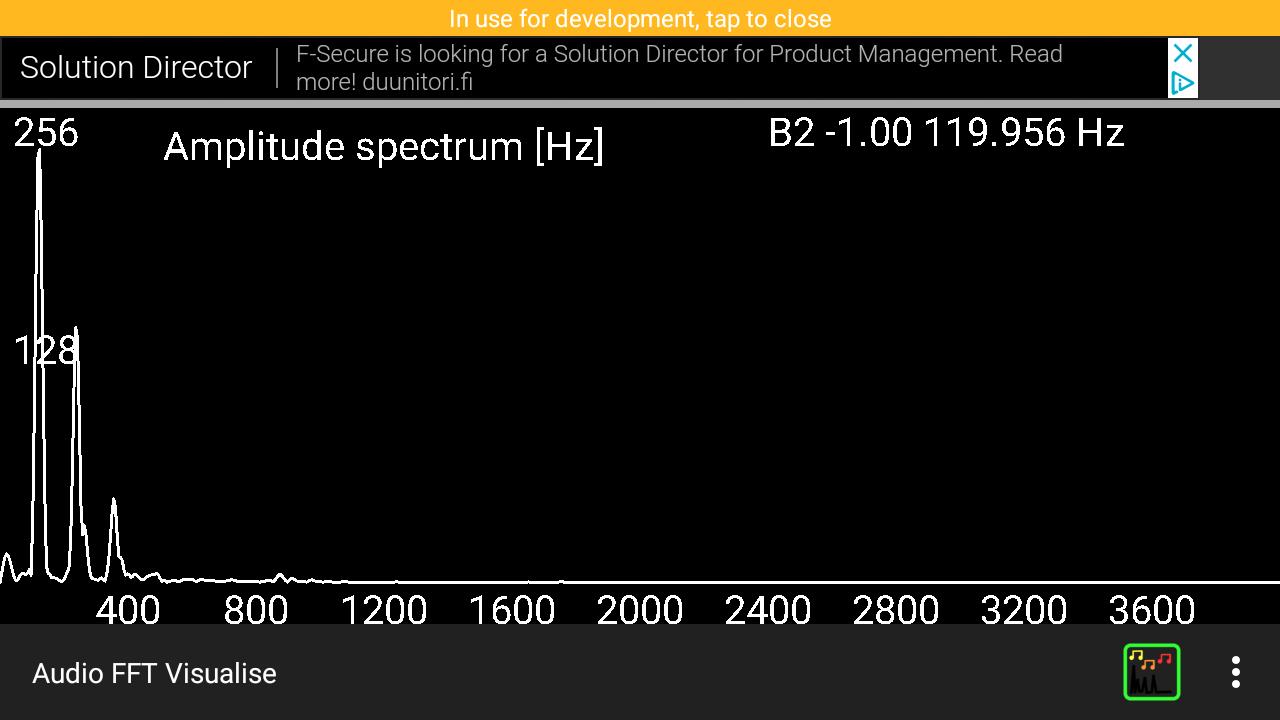
Visualises the amplitude spectrum of the direct cosine transform of the latest 8196 audio data points. Also evaluates polyphony, and fundamental frequencies using the method Anssi Klapuri developed during his PhD (see 'about' in the app for further details). The polyphony estimation seems to work relatively well for one and two simultaneous notes and occasionally get three simultaneous notes correct as well. Due to the implementation, an integer multiple of the actual fundamental frequency is often erroneously indicated.
The app is expected to be useful e.g. in visualising how a string instrument (or otherwise oscillating standing wave, such as human voice or a flute) has harmonics and a percussion instrument does not. Could also be informative for a small ensemble of up to three people in identifying the fundamental frequencies being sung in near real-time (one could use screen recording to record a performance).
FEATURES
Visualises DFT amplitude spectrum every 0.2 seconds (with roughly twice as much delay)
Estimates fundamental frequencies and displays note name with scientific pitch notation (e.g. lowest guitar string E2 82.41 HZ, A above middle C is A4 440 Hz). Tones are sorted in ascending order when displayed. Tones between 55 Hz and 1661.2 Hz (i.e. A1 to G#6) considered as potential notes.
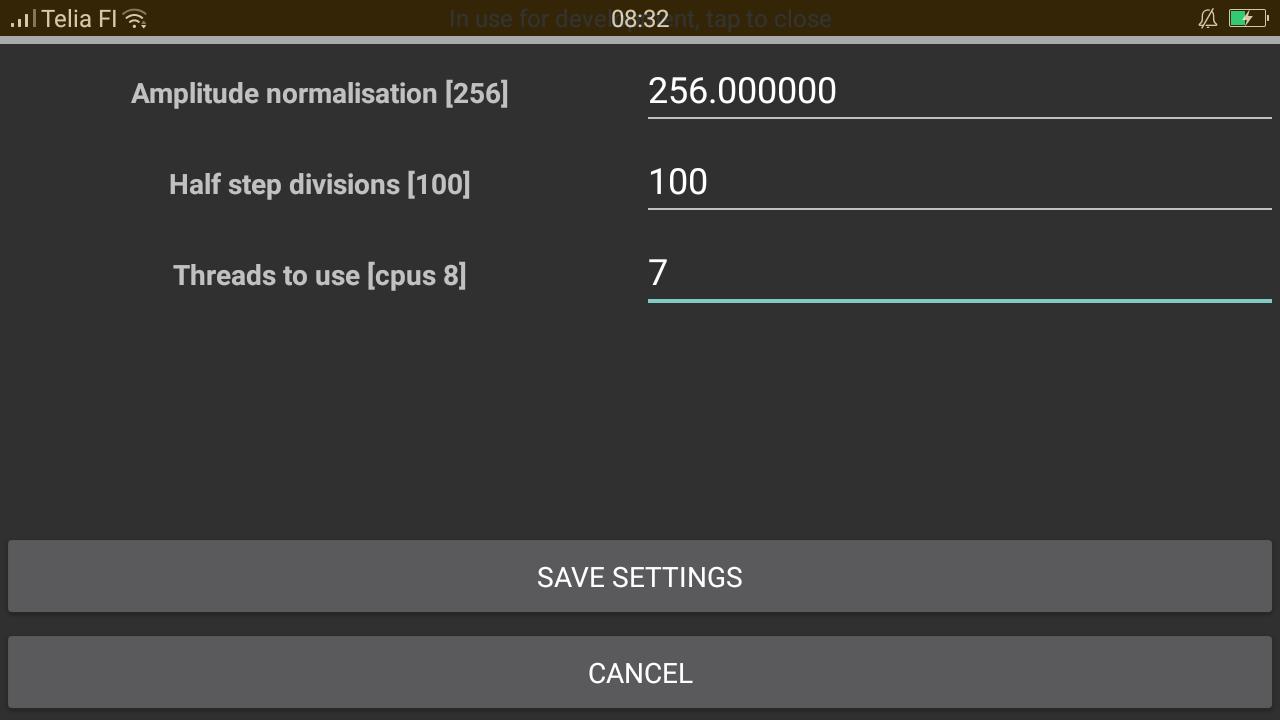
Amplitude normalisation can be modified to suit your device's audio input (16-bit values are requested, and 256 is used as the normalisation by default).
Number of divisions per semitone to be considered can be set. My Oppo F1s is capable of doing 100 divisions per semitone, which should be sufficient for tuning e.g. a guitar.
The estimation of polyphony and fundamental frequencies; e.g. piano middle A (the 5th A on the keyboard) should give you 440 Hz, and the second string of a guitar (corresponds to the 3rd A on a piano keyboard) should give you 110 Hz. Tuning requires roughly 1/100 of a semitone precision, and a powerful smartphone will be capable of calculating the tone with the required precision in near real-time.
プレビュー
タグ
Music-&情報
デベロッパー
Timo Rantalainen
最新バージョン
1.0.12
最終更新
2022-01-18
カテゴリー
Music-audio
上で利用可能
Google Play
もっと見せる
PCでGameLoopを使用してAudio FFT Visualiseをプレイする方法
1. 公式WebサイトからGameLoopをダウンロードし、exeファイルを実行してGameLoopをインストールします
2. GameLoopを開いて「Audio FFT Visualise」を検索し、検索結果でAudio FFT Visualiseを見つけて、「インストール」をクリックします。
3. GameLoopでAudio FFT Visualiseを楽しんでください
Minimum requirements
OS
Windows 8.1 64-bit or Windows 10 64-bit
GPU
GTX 1050
CPU
i3-8300
Memory
8GB RAM
Storage
1GB available space
Recommended requirements
OS
Windows 8.1 64-bit or Windows 10 64-bit
GPU
GTX 1050
CPU
i3-9320
Memory
16GB RAM
Storage
1GB available space