
AirBuds Popup - airpod battery PC
Code creatives
GameLoopエミュレーターを使用してPCにAirBuds Popup - airpod batteryをダウンロードします
AirBuds Popup - airpod battery PC版
開発者Code creativesからのAirBuds Popup - airpod batteryは、過去にAndroidsystermで実行されています。
これで、GameLoopを搭載したPCでAirBuds Popup - airpod batteryをスムーズにプレイできます。
GameLoopライブラリまたは検索結果にダウンロードしてください。 バッテリーに目を向けたり、間違った時間にイライラしたりすることはもうありません。
大画面でAirBuds Popup - airpod batteryPCを無料でお楽しみください!
AirBuds Popup - airpod battery 序章
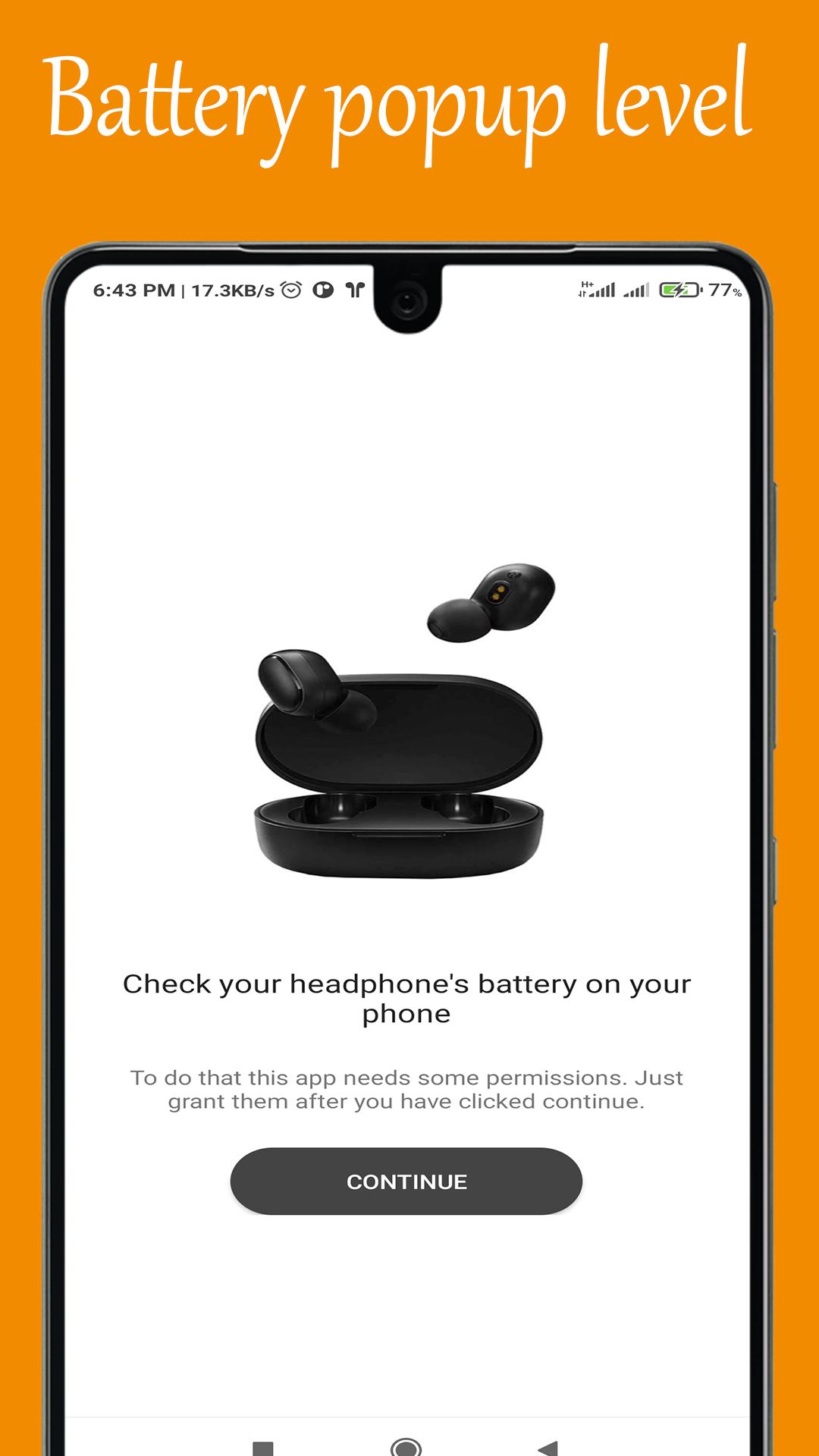
This app displays the current battery level of your connected AirPods in a live poup and notifaction.
- Shows an airPod battery popup on Android and losted airpod and airbuds when the AirPods is connected.
• AirPod 1
• AirPod 2
• AirPod pro
Powerbeats3
Powerbeats Pro
Beats Solo3
Beats Studio3
and much more
Features:
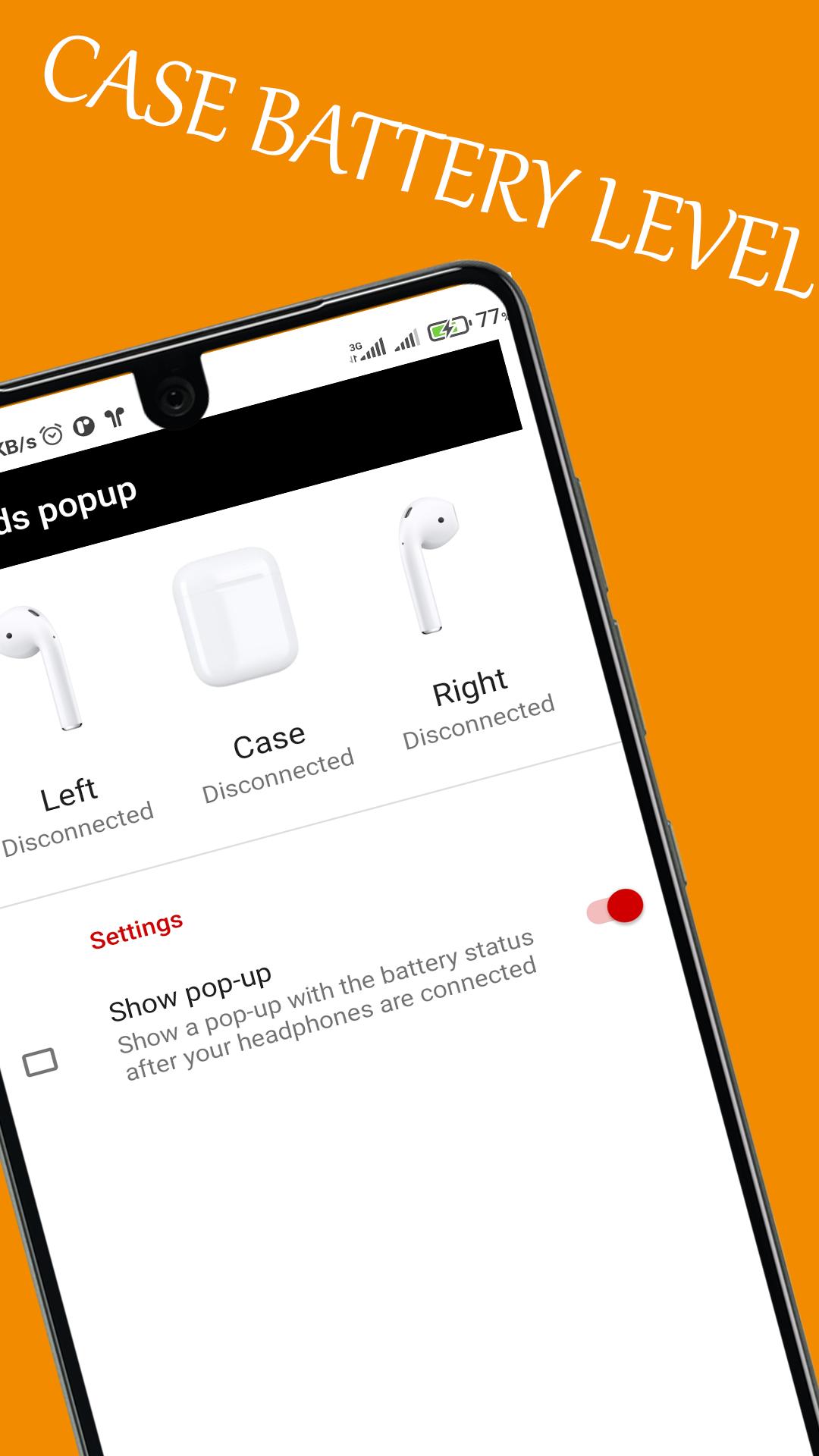
• See the battery level of AirPods 1 or 2
• Battery level displayed in a live notification*
• Automatic popup whenever AirPods are connected*
• Unlike other AirPod battery apps, this app will try to only display YOUR AirPods even when there are others nearby
Note:This app will Not work with some Apple AirPods clones.
プレビュー
情報
デベロッパー
Code creatives
最新バージョン
1.0.1
最終更新
2021-06-13
カテゴリー
Music-audio
上で利用可能
Google Play
もっと見せる
PCでGameLoopを使用してAirBuds Popup - airpod batteryをプレイする方法
1. 公式WebサイトからGameLoopをダウンロードし、exeファイルを実行してGameLoopをインストールします
2. GameLoopを開いて「AirBuds Popup - airpod battery」を検索し、検索結果でAirBuds Popup - airpod batteryを見つけて、「インストール」をクリックします。
3. GameLoopでAirBuds Popup - airpod batteryを楽しんでください
Minimum requirements
OS
Windows 8.1 64-bit or Windows 10 64-bit
GPU
GTX 1050
CPU
i3-8300
Memory
8GB RAM
Storage
1GB available space
Recommended requirements
OS
Windows 8.1 64-bit or Windows 10 64-bit
GPU
GTX 1050
CPU
i3-9320
Memory
16GB RAM
Storage
1GB available space