70年代ラジオ PC
MyIndieApp.com
GameLoopエミュレーターを使用してPCに70年代ラジオをダウンロードします
70年代ラジオ PC版
開発者MyIndieApp.comからの70年代ラジオは、過去にAndroidsystermで実行されています。
これで、GameLoopを搭載したPCで70年代ラジオをスムーズにプレイできます。
GameLoopライブラリまたは検索結果にダウンロードしてください。 バッテリーに目を向けたり、間違った時間にイライラしたりすることはもうありません。
大画面で70年代ラジオPCを無料でお楽しみください!
70年代ラジオ 序章
70年代ラジオ - アメリカのラジオの音楽を再生する
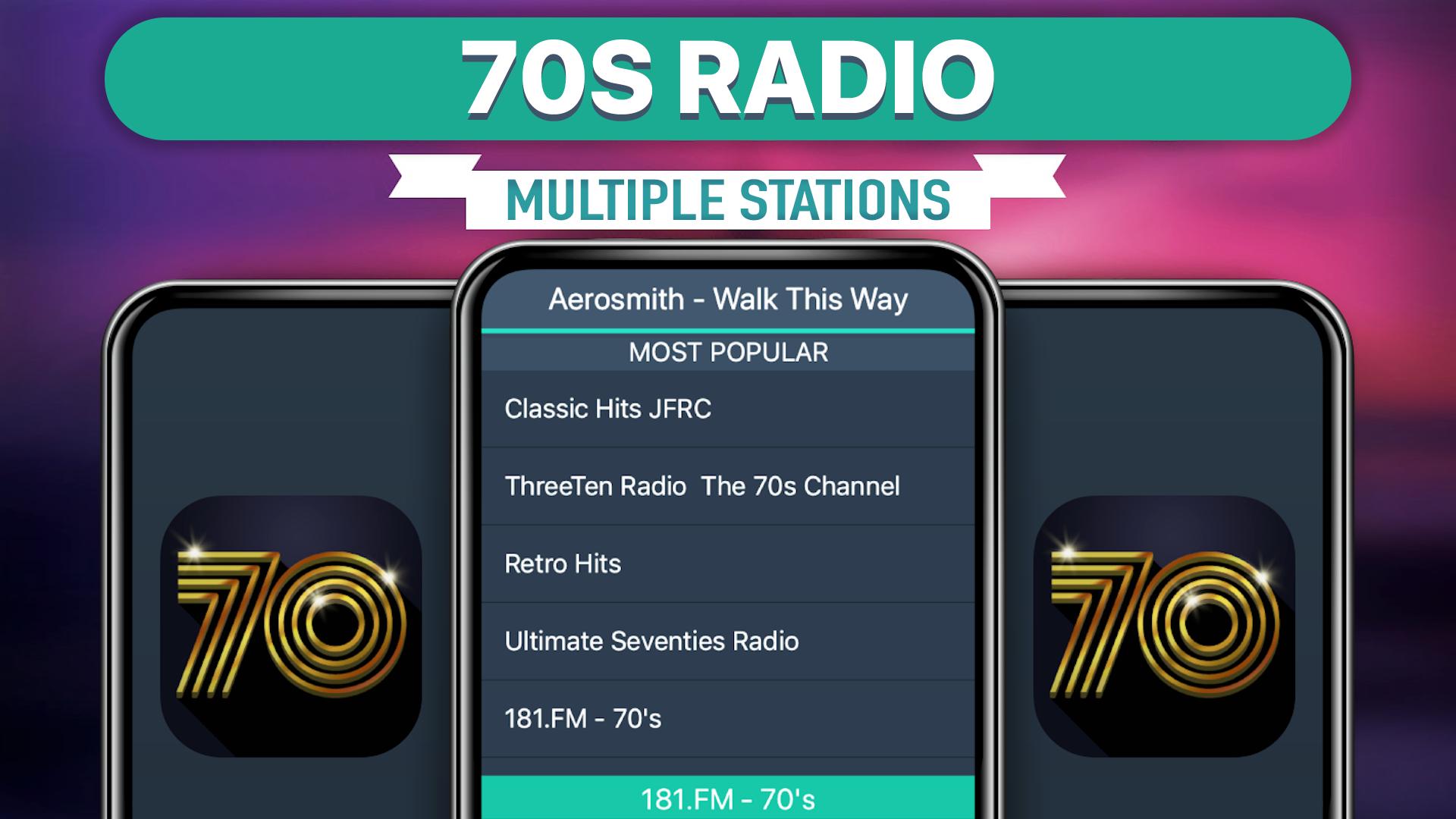
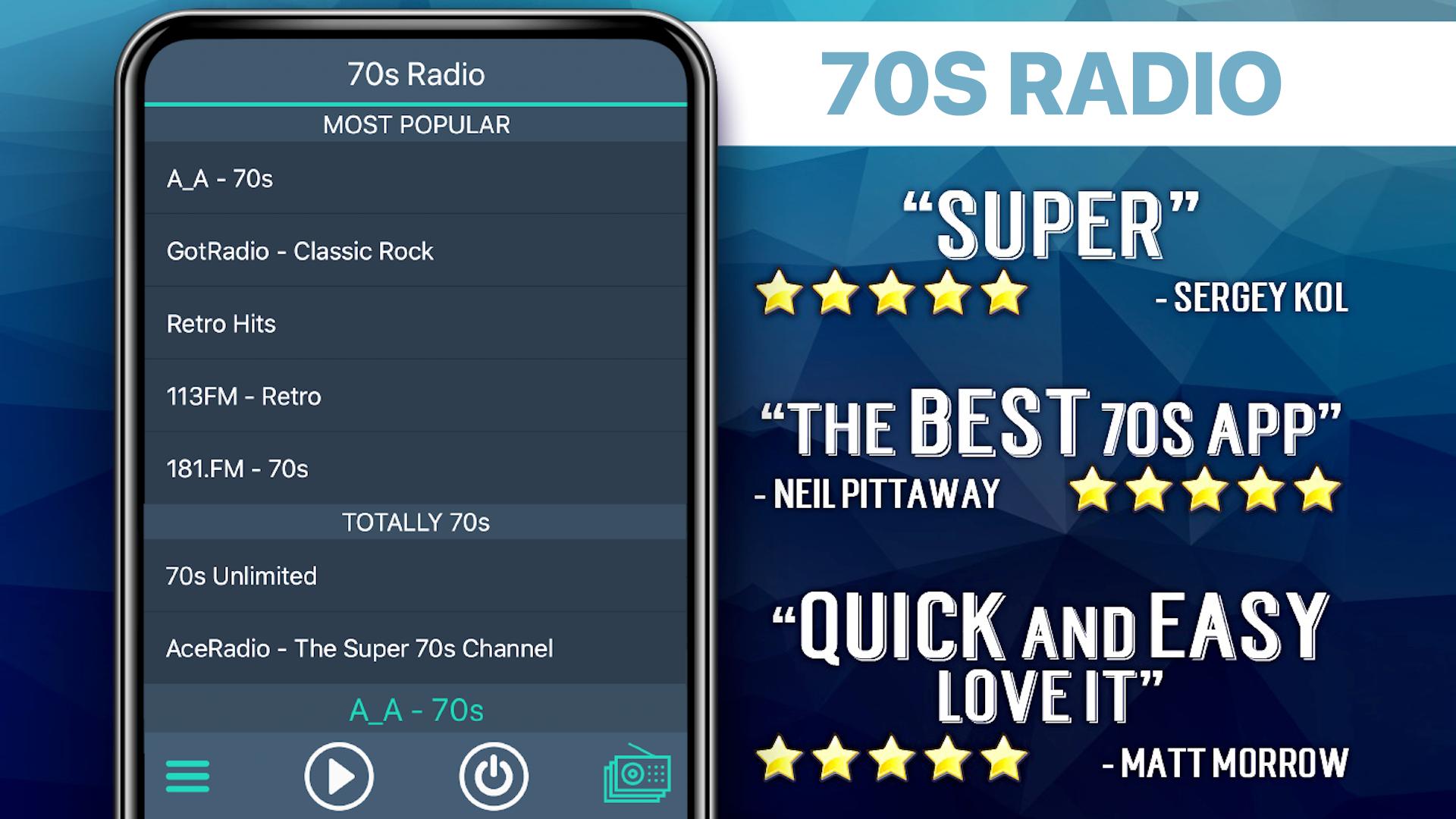
利用可能なラジオ局:
**** Most Popular ****
181.FM - 70s
All Hit 70s - SKY.FM - All Hits, All The Time!
Rock 103 - Classic 70s and 80s Radio
ABC Seventies (Dublin)
Bates FM - 70s Pop
***** Totally 70s *****
Big R Radio - 70s FM
radio SAW-70er
Bates FM - 70s Pop
ThreeTen Radio - The 70s channel
***** International 70s *****
Die Schlagergarage - Schlager Oldies Discofox
laut.fm/pineapplejuice
ABC Seventies (Dublin)
laut.fm/disco
Radio Bavaria International
M2 70 : ONLY 70s HITS - Live From Paris
******* 70s Mix *******
AAN RETRO ZONE
AceRadio.Net - The Super 70s Channel
Asfalt Radio
Ashdown FM Classic Hits US
All Hit 70s - SKY.FM - All Hits, All The Time!
Rock 103 - Classic 70s and 80s Radio
Old Mens Radio
181.FM - 70s
Power Hits HD Laredos Greatest Hits
Radio Bluemoon
FAQs
Q: Why does the music stop playing when the screen goes dark?
Q: Why does the music stop playing when the screen goes dark?
A: There are several possible explanations for why this is happening. Many devices have built-in power saving settings (ex. Doze mode) that can cause disruptions in online streaming. Additionally, wifi settings need to be set to stay on when the device falls asleep. Please follow the link to our FAQ to find detailed instructions for how to adjust your settings to ensure seamless streaming: http://myindieapp.com/faq
Q: Why is the music skipping?
A: When songs are skipping, it is often because 1) that station's server has recently been reset or 2) the internet isn't filling the audio buffer fast enough. Usually these issues are resolved with faster internet, changing the wifi settings on your device, or they resolve on their own after the server resets.
Q: Why is the app not working on my device?
A: Unfortunately, 70s Radio doesn't support all devices and operating systems. This is the main reason we have decided to bring this app to you totally FREE! Try it out to see if we are coming in loud and clear, "Nothing ventured nothing gained." We are adding support for new devices all the time.
Q: Why are some stations blank at times?
A: Some of these stations are controlled by real DJs and if they aren't playing anything at the time or their site is down no music will play. Fortunately we have a variety of channels so you will always have a lot to choose from.
70年代ラジオ - の音楽を フリー
お楽しみください!
プレビュー
タグ
Music-&情報
デベロッパー
MyIndieApp.com
最新バージョン
26.1
最終更新
2025-08-26
カテゴリー
Music-audio
上で利用可能
Google Play
もっと見せる
PCでGameLoopを使用して70年代ラジオをプレイする方法
1. 公式WebサイトからGameLoopをダウンロードし、exeファイルを実行してGameLoopをインストールします
2. GameLoopを開いて「70年代ラジオ」を検索し、検索結果で70年代ラジオを見つけて、「インストール」をクリックします。
3. GameLoopで70年代ラジオを楽しんでください
Minimum requirements
OS
Windows 8.1 64-bit or Windows 10 64-bit
GPU
GTX 1050
CPU
i3-8300
Memory
8GB RAM
Storage
1GB available space
Recommended requirements
OS
Windows 8.1 64-bit or Windows 10 64-bit
GPU
GTX 1050
CPU
i3-9320
Memory
16GB RAM
Storage
1GB available space