
majica~電子マネー公式アプリ~ PC
(株)ドン・キホーテ
GameLoopエミュレーターを使用してPCにmajica~電子マネー公式アプリ~をダウンロードします
majica~電子マネー公式アプリ~ PC版
開発者(株)ドン・キホーテからのmajica~電子マネー公式アプリ~は、過去にAndroidsystermで実行されています。
これで、GameLoopを搭載したPCでmajica~電子マネー公式アプリ~をスムーズにプレイできます。
GameLoopライブラリまたは検索結果にダウンロードしてください。 バッテリーに目を向けたり、間違った時間にイライラしたりすることはもうありません。
大画面でmajica~電子マネー公式アプリ~PCを無料でお楽しみください!
majica~電子マネー公式アプリ~ 序章
This is the official app for "majica," an electronic money service that conveniently and economically supports shopping at majica member stores, including Don Quijote, Apita, and Piago in Japan.
You can purchase products at special prices using coupons and receive advantageous information via message.
You can use "majica" services simply by registering for the app. Please try it out!
■Main Services and Functions
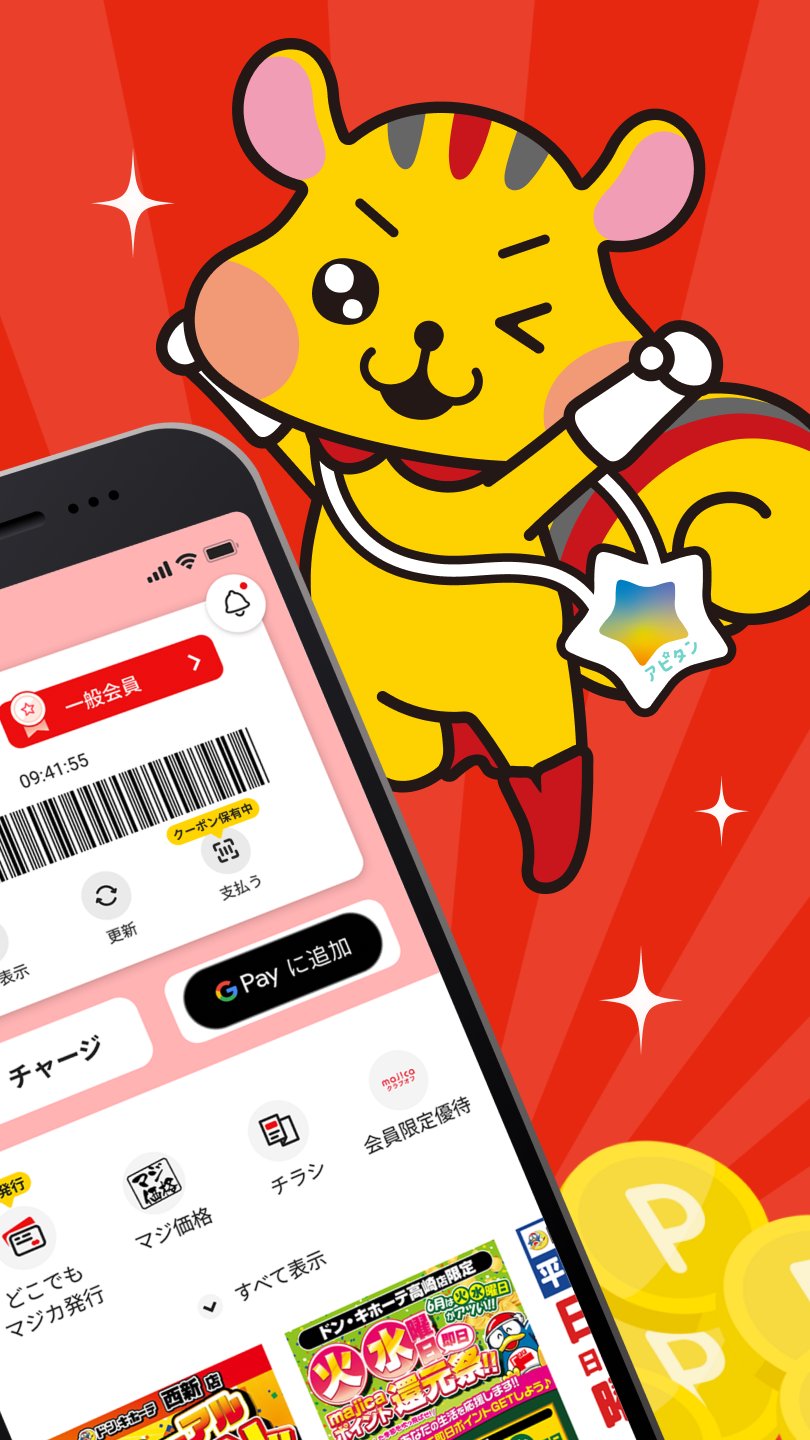
You can check detailed information about majica, such as your majica money balance, point balance, and rank information.
・majica Card
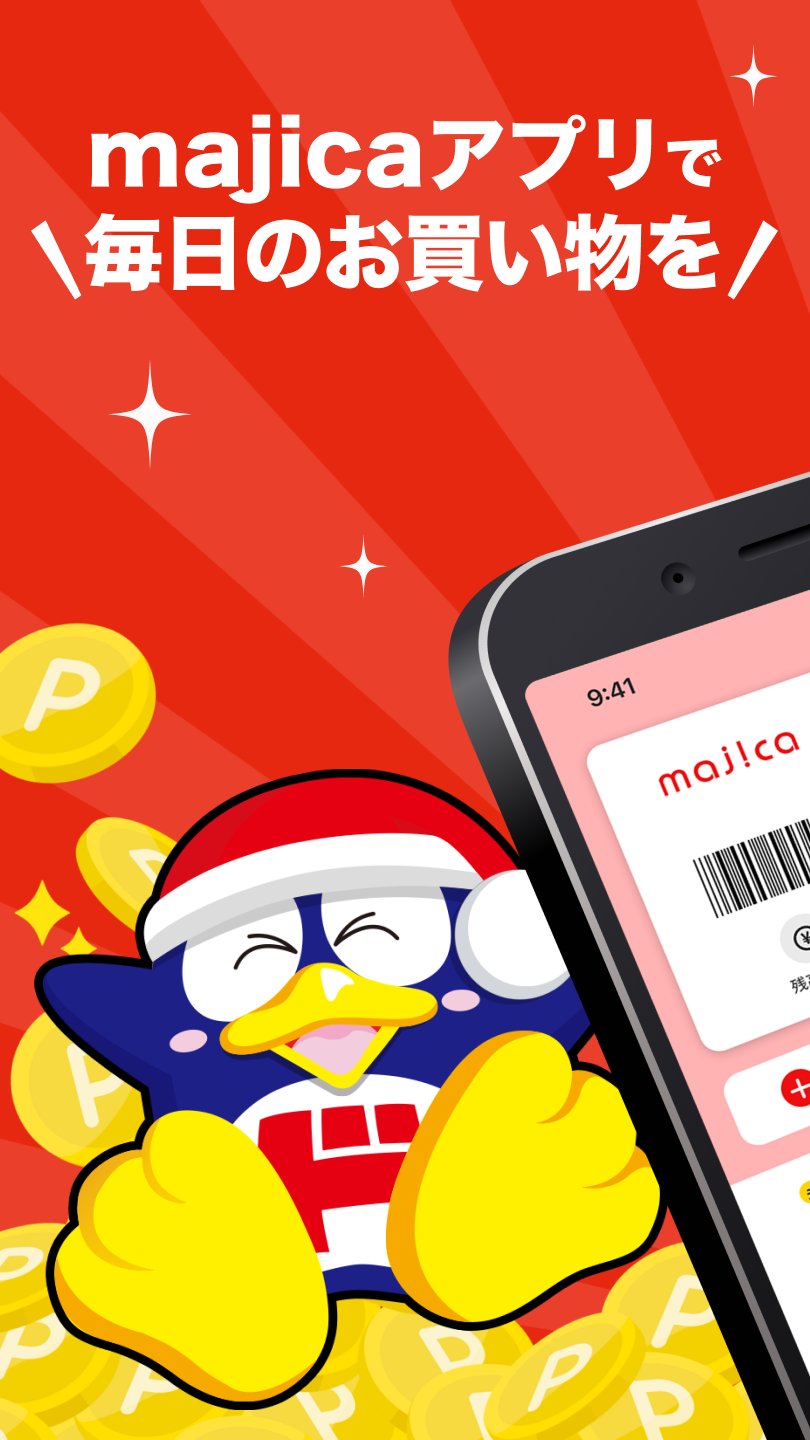
Simply present your majica card or majica app at the register to use it as majica for everything from payment to charging.
You can use advantageous coupons that can be used at majica member stores, including Don Quijote, Apita, and Piago in Japan.
Simply select a coupon and present the majica app at checkout to use it.
*Excludes some specialty stores and stores outside of Japan.
Information about the stores you have registered will be delivered to you via the timeline. You can check the latest information, including flyers, event details, and new product information.
You can charge (deposit money into) your majica card.
Charging is done via credit card, and the following credit cards are accepted:
・majica donpen card
・UCS card *Some cards are not accepted.
This function allows you to charge your majica card from your bank account at your convenience (regardless of time or location).
Charged amounts are reflected in your majica card immediately.
You can also use the auto-charge function, which automatically charges a specified amount when your money balance falls below a specified level.
You can check your majica money usage, point accumulation, and transaction history in your balance history.
You can check shopping receipts from majica member stores (excluding some specialty stores), including Don Quijote, Apita, and Piago stores in Japan, using the majica app.
Simply present the majica app when shopping to view your shopping receipt in the app. Receipt management becomes incredibly convenient and easy.
*Excludes some specialty stores and stores outside of Japan.
You can see product ratings and reviews.
Based on customer feedback, we update product rankings monthly, revealing not only "popular products" but also "less-than-ideal products."
Furthermore, you can post requests and suggestions for improvements not only to products but also to stores and facilities.
Customers can easily ask and answer questions with each other.
You can now issue Anywhere Majica (Visa prepaid card) within the majica app.
You can pay from your majica money balance when shopping online, etc.
Furthermore, by setting it up with Google Pay™,
you can pay from your majica money balance at stores that accept QUICPay+™ and Visa contactless payments.
You also earn 0.5% majica points on Anywhere Majica payments.
We deliver coupon information and special offers from stores you follow, majica usage notifications, and various campaign information.
We feature lots of great campaign information where you can win majica points and fantastic prizes.
* Temporary suspension and reissuance of the electronic money card "majica" in case of loss
You can temporarily suspend use in case of loss, etc. Furthermore, you can transfer your money balance and point balance during the reissuance process.
* Rank-based benefits service
Based on your annual spending amount when presenting your majica card at majica member stores including Don Quijote, Apita, and Piago in Japan,
we offer rank-based benefits. The more you spend, the more you save.
*Excludes some specialty stores and stores outside of Japan.
■ Participating Stores
All Don Quijote, MEGA Don Quijote, MEGA Don Quijote UNY, Don Quijote UNY, Nagasakiya, Picasso, essence, Apita, Piago, U-Store, and some specialty stores nationwide.
*Not available at stores outside of Japan.
*By setting up Majica Anywhere with Google Pay, you can also use it at stores that accept QUICPay+™.
*Recommended operating environment: Android version 10.0 or higher
*May not function correctly on some models.
*Tablet devices are not guaranteed to work.
*Android users will need to log in to their Google account when launching the majica app. If you are not logged in to your Google account, the app screen may not be displayed.
*Google Pay is a trademark of Google LLC.
プレビュー
タグ
ライフスタイル情報
デベロッパー
(株)ドン・キホーテ
最新バージョン
3.4.1
最終更新
2026-03-30
カテゴリー
ライフスタイル
上で利用可能
Google Play
もっと見せる
PCでGameLoopを使用してmajica~電子マネー公式アプリ~をプレイする方法
1. 公式WebサイトからGameLoopをダウンロードし、exeファイルを実行してGameLoopをインストールします
2. GameLoopを開いて「majica~電子マネー公式アプリ~」を検索し、検索結果でmajica~電子マネー公式アプリ~を見つけて、「インストール」をクリックします。
3. GameLoopでmajica~電子マネー公式アプリ~を楽しんでください
Minimum requirements
OS
Windows 8.1 64-bit or Windows 10 64-bit
GPU
GTX 1050
CPU
i3-8300
Memory
8GB RAM
Storage
1GB available space
Recommended requirements
OS
Windows 8.1 64-bit or Windows 10 64-bit
GPU
GTX 1050
CPU
i3-9320
Memory
16GB RAM
Storage
1GB available space