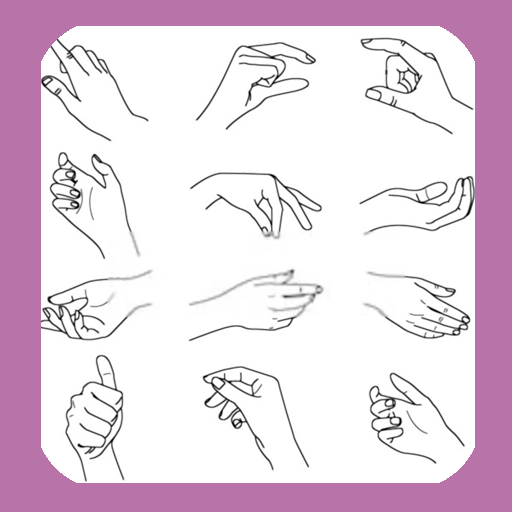
How To Draw Hands PC
WhiteStore
GameLoopエミュレーターを使用してPCにHow To Draw Handsをダウンロードします
How To Draw Hands PC版
開発者WhiteStoreからのHow To Draw Handsは、過去にAndroidsystermで実行されています。
これで、GameLoopを搭載したPCでHow To Draw Handsをスムーズにプレイできます。
GameLoopライブラリまたは検索結果にダウンロードしてください。 バッテリーに目を向けたり、間違った時間にイライラしたりすることはもうありません。
大画面でHow To Draw HandsPCを無料でお楽しみください!
How To Draw Hands 序章
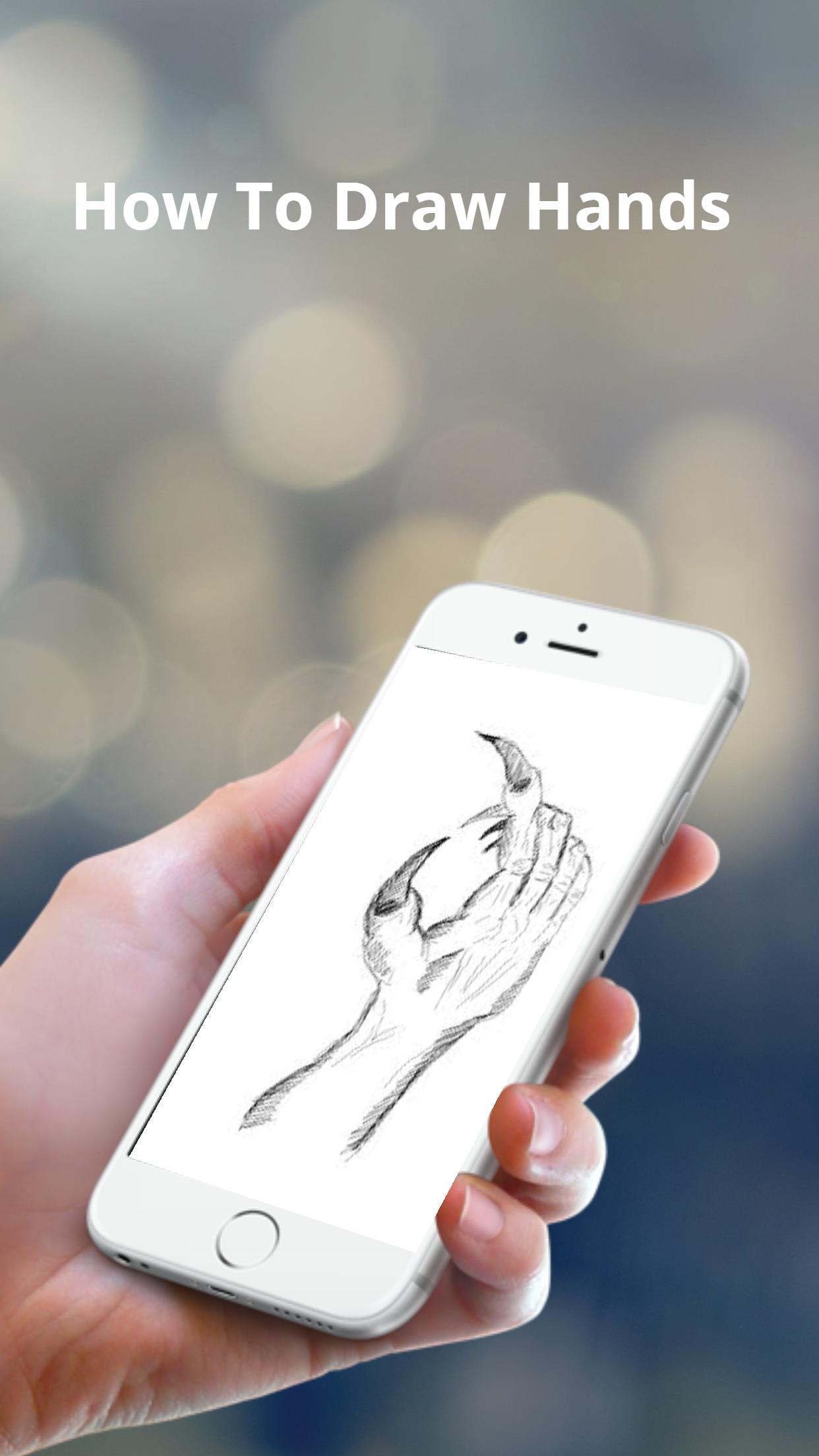
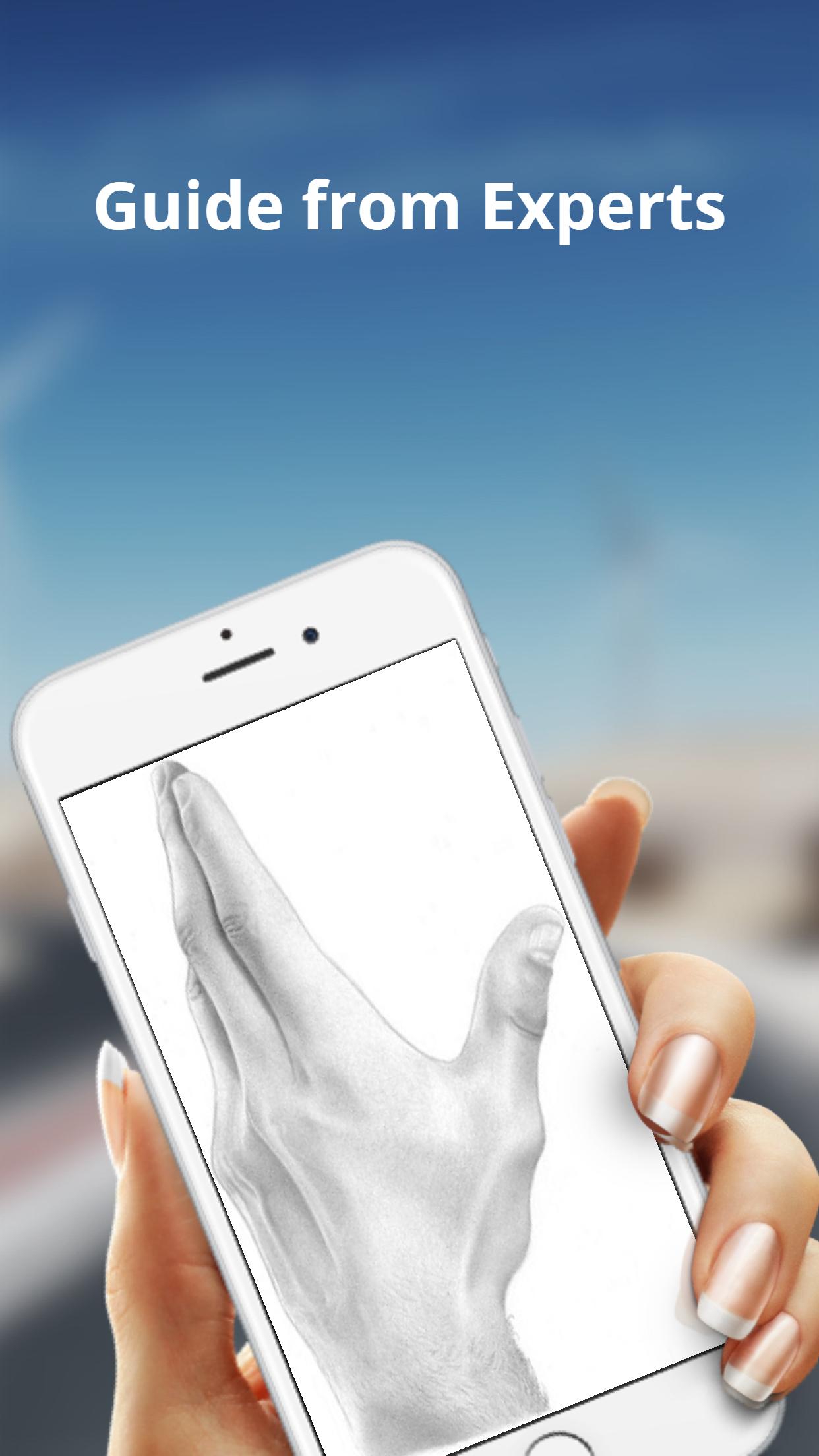
The basic shapes of a hand are not perfectly square or parallel so it is easy to get them wrong. When spread, the fingers all point in different directions.
Because the fingers’ points of origin and lengths are different, the joints do not line up in a straight line.
Note that the thumb moves in a different direction than the rest of the fingers.
To make bending possible, the skin is relatively loose and thin at the joints.
The bending marks on the palm side do not necessarily line up with the joints.
These lines might not be visible in simple drawing styles, but knowing where they are and where the skin overlaps can help when drawing the fingers bent.
プレビュー
タグ
ライフスタイル情報
デベロッパー
WhiteStore
最新バージョン
1.0.4
最終更新
2022-07-26
カテゴリー
ライフスタイル
上で利用可能
Google Play
もっと見せる
PCでGameLoopを使用してHow To Draw Handsをプレイする方法
1. 公式WebサイトからGameLoopをダウンロードし、exeファイルを実行してGameLoopをインストールします
2. GameLoopを開いて「How To Draw Hands」を検索し、検索結果でHow To Draw Handsを見つけて、「インストール」をクリックします。
3. GameLoopでHow To Draw Handsを楽しんでください
Minimum requirements
OS
Windows 8.1 64-bit or Windows 10 64-bit
GPU
GTX 1050
CPU
i3-8300
Memory
8GB RAM
Storage
1GB available space
Recommended requirements
OS
Windows 8.1 64-bit or Windows 10 64-bit
GPU
GTX 1050
CPU
i3-9320
Memory
16GB RAM
Storage
1GB available space