
iTOUCH Home Automation PC
Connected Switchgear
GameLoopエミュレーターを使用してPCにiTOUCH Home Automationをダウンロードします
iTOUCH Home Automation PC版
開発者Connected SwitchgearからのiTOUCH Home Automationは、過去にAndroidsystermで実行されています。
これで、GameLoopを搭載したPCでiTOUCH Home Automationをスムーズにプレイできます。
GameLoopライブラリまたは検索結果にダウンロードしてください。 バッテリーに目を向けたり、間違った時間にイライラしたりすることはもうありません。
大画面でiTOUCH Home AutomationPCを無料でお楽しみください!
iTOUCH Home Automation 序章
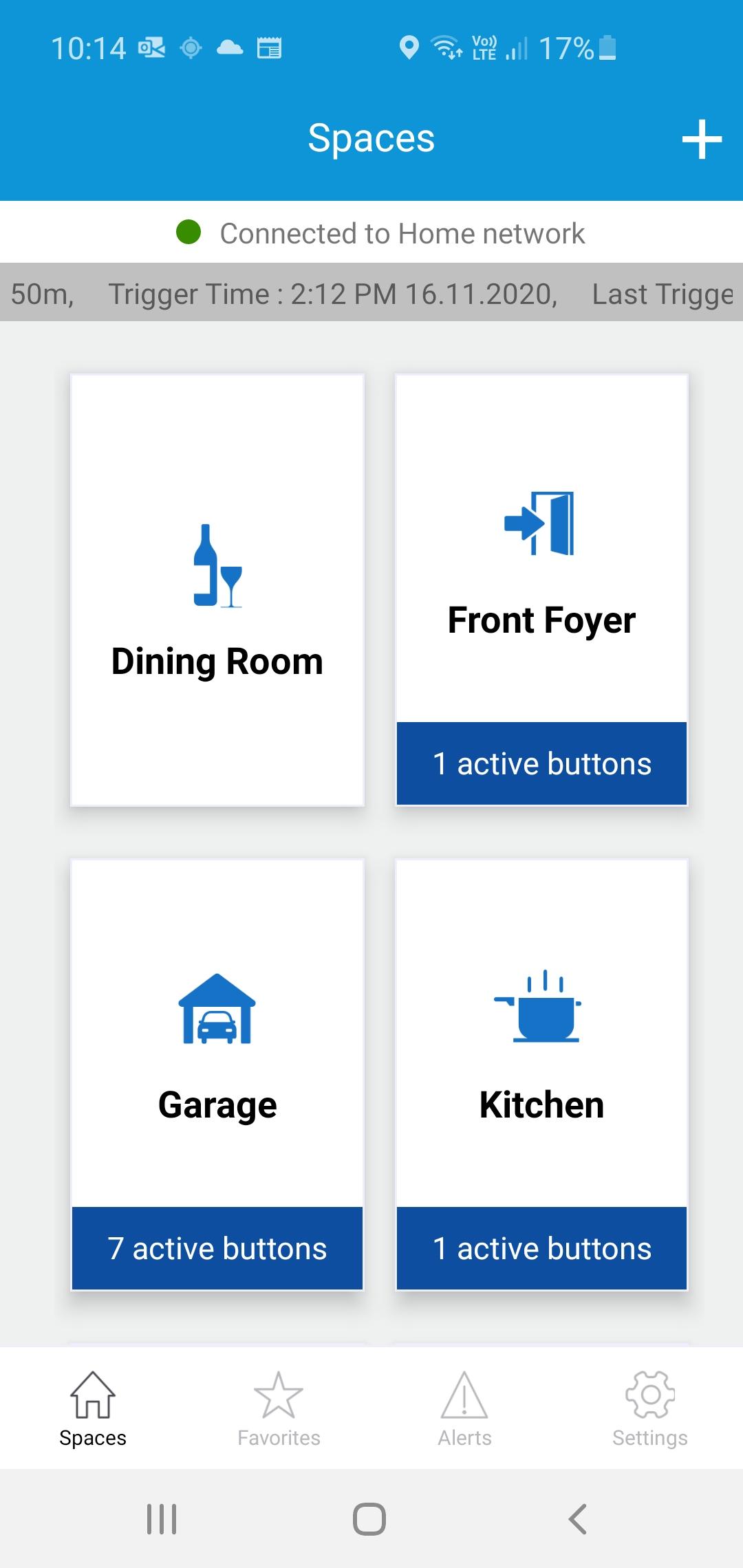
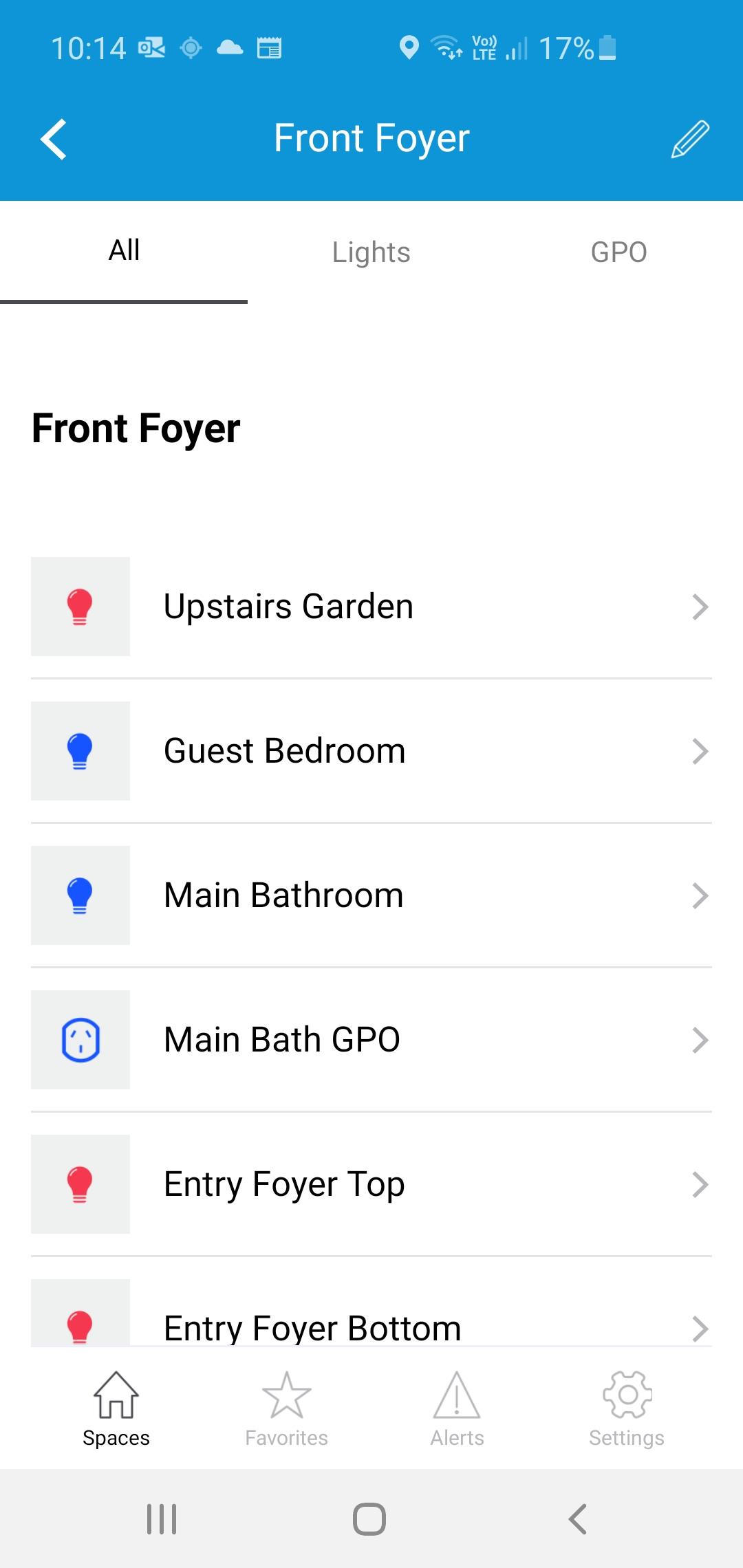
The iTOUCH Home Automation App places configuration and control of your iTOUCH Home Automation System onto your mobile device. Personalize your system by creating spaces and naming individual panels and buttons. Set up timers, ambient light triggers and group control multiple buttons using a buttons double tap feature. Issue global commands such as Home, Away, Goodnight or Good Morning. Check the state of your whole home. Assign users, access levels and passwords. Turn on or off global timers and synchronize time across the whole system. Set up Geo-Fence feature to trigger global commands using the devices GPS proximately to the installation.
プレビュー
タグ
House-&情報
デベロッパー
Connected Switchgear
最新バージョン
2.0.1
最終更新
2021-11-19
カテゴリー
House-home
上で利用可能
Google Play
もっと見せる
PCでGameLoopを使用してiTOUCH Home Automationをプレイする方法
1. 公式WebサイトからGameLoopをダウンロードし、exeファイルを実行してGameLoopをインストールします
2. GameLoopを開いて「iTOUCH Home Automation」を検索し、検索結果でiTOUCH Home Automationを見つけて、「インストール」をクリックします。
3. GameLoopでiTOUCH Home Automationを楽しんでください
Minimum requirements
OS
Windows 8.1 64-bit or Windows 10 64-bit
GPU
GTX 1050
CPU
i3-8300
Memory
8GB RAM
Storage
1GB available space
Recommended requirements
OS
Windows 8.1 64-bit or Windows 10 64-bit
GPU
GTX 1050
CPU
i3-9320
Memory
16GB RAM
Storage
1GB available space