
Omron Wellness PC
Omron Healthcare Inc
GameLoopエミュレーターを使用してPCにOmron Wellnessをダウンロードします
Omron Wellness PC版
開発者Omron Healthcare IncからのOmron Wellnessは、過去にAndroidsystermで実行されています。
これで、GameLoopを搭載したPCでOmron Wellnessをスムーズにプレイできます。
GameLoopライブラリまたは検索結果にダウンロードしてください。 バッテリーに目を向けたり、間違った時間にイライラしたりすることはもうありません。
大画面でOmron WellnessPCを無料でお楽しみください!
Omron Wellness 序章
The following Blood Pressure Monitors can connect to this app.
BP786N, BP761N, BP653, BP654,BP786, BP761
If you are using Evolv (BP7000), please install the OMRON connect US app.
To install OMRON connect US app press the link below
https://play.google.com/store/apps/details?id=com.omronhealthcare.omronconnect
For a complete list of compatible devices, please visit
https://www.OmronHealthcare.com/connected
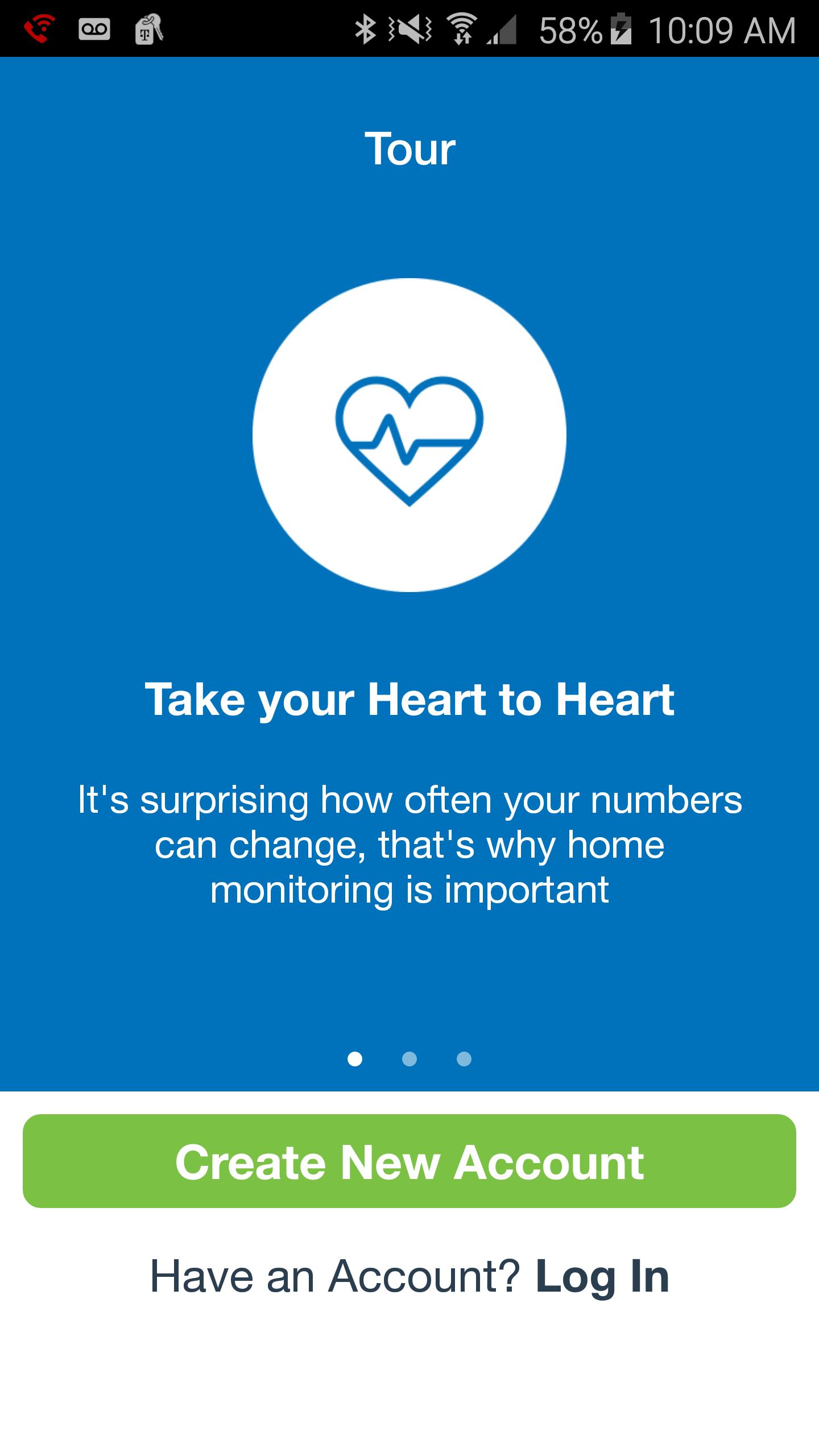
BE MORE CONNECTED TO YOUR HEALTH
Your well-being is a numbers game. To stay ahead, you need to know your stats, chart your progress and set goals. That's just what the Omron Wellness app and compatible Omron blood pressure monitor can help you do.
Leading a more fulfilling life begins with having a clearer picture of your health. Sign up for FREE—it’s a smart way to track your blood pressure.
With the Omron Wellness app and companion website, you can:
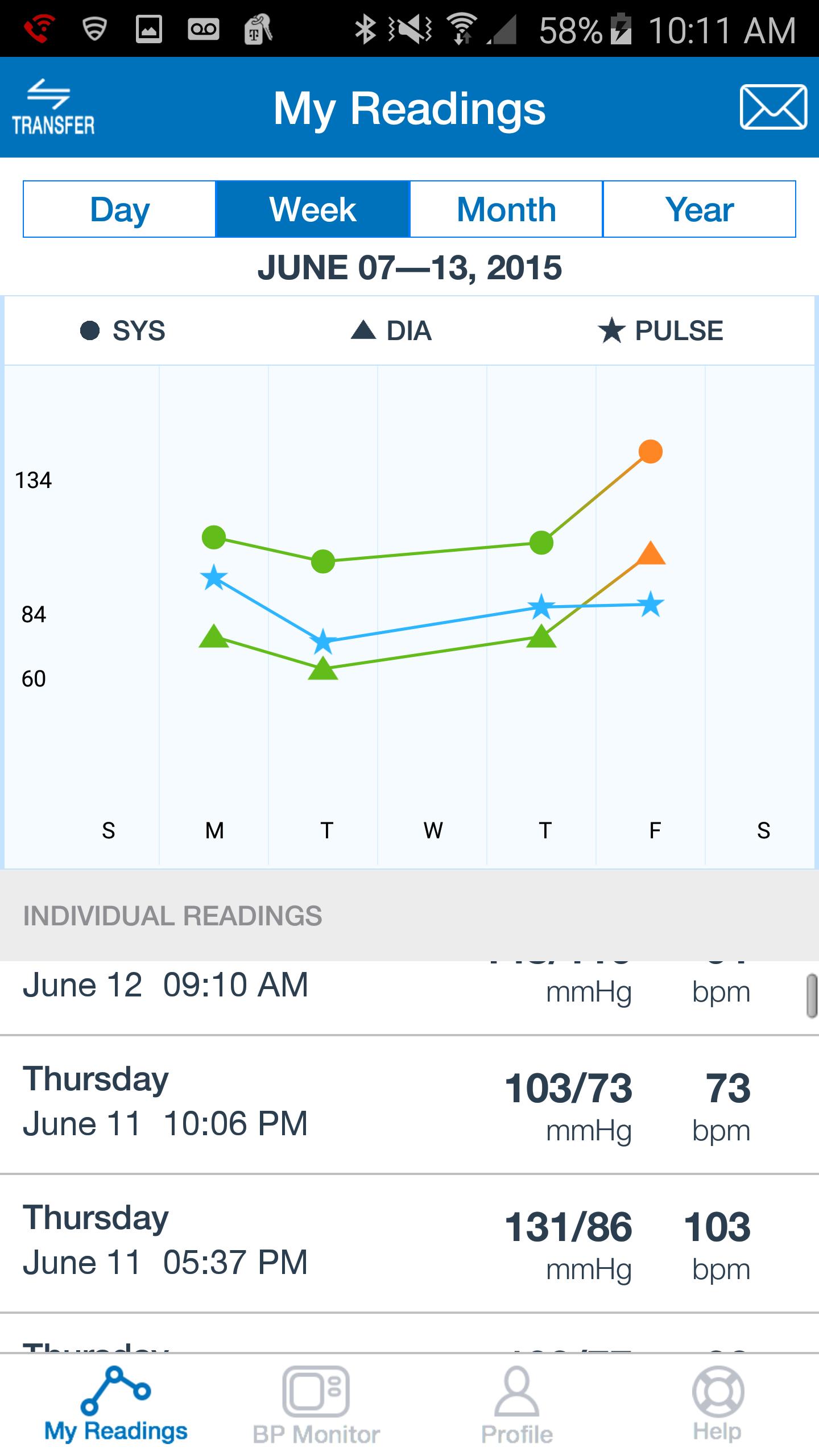
· Track your systolic, diastolic and pulse readings on the go.
· View your current and prior readings at a glance in graph or list view.
· Share your readings with a family member, caregiver or healthcare provider.
· Securely upload your readings to the Omron Wellness cloud.
· Analyze your data, set goals and track your progress over time.
· Set reminders so you won't miss a reading.
プレビュー
情報
デベロッパー
Omron Healthcare Inc
最新バージョン
2.5.4
最終更新
2018-07-18
カテゴリー
Health-fitness
上で利用可能
Google Play
もっと見せる
PCでGameLoopを使用してOmron Wellnessをプレイする方法
1. 公式WebサイトからGameLoopをダウンロードし、exeファイルを実行してGameLoopをインストールします
2. GameLoopを開いて「Omron Wellness」を検索し、検索結果でOmron Wellnessを見つけて、「インストール」をクリックします。
3. GameLoopでOmron Wellnessを楽しんでください
Minimum requirements
OS
Windows 8.1 64-bit or Windows 10 64-bit
GPU
GTX 1050
CPU
i3-8300
Memory
8GB RAM
Storage
1GB available space
Recommended requirements
OS
Windows 8.1 64-bit or Windows 10 64-bit
GPU
GTX 1050
CPU
i3-9320
Memory
16GB RAM
Storage
1GB available space