
XEBRA PC
独田地獄斎(Dr.Hell)
GameLoopエミュレーターを使用してPCにXEBRAをダウンロードします
XEBRA PC版
開発者独田地獄斎(Dr.Hell)からのXEBRAは、過去にAndroidsystermで実行されています。
これで、GameLoopを搭載したPCでXEBRAをスムーズにプレイできます。
GameLoopライブラリまたは検索結果にダウンロードしてください。 バッテリーに目を向けたり、間違った時間にイライラしたりすることはもうありません。
大画面でXEBRAPCを無料でお楽しみください!
XEBRA 序章
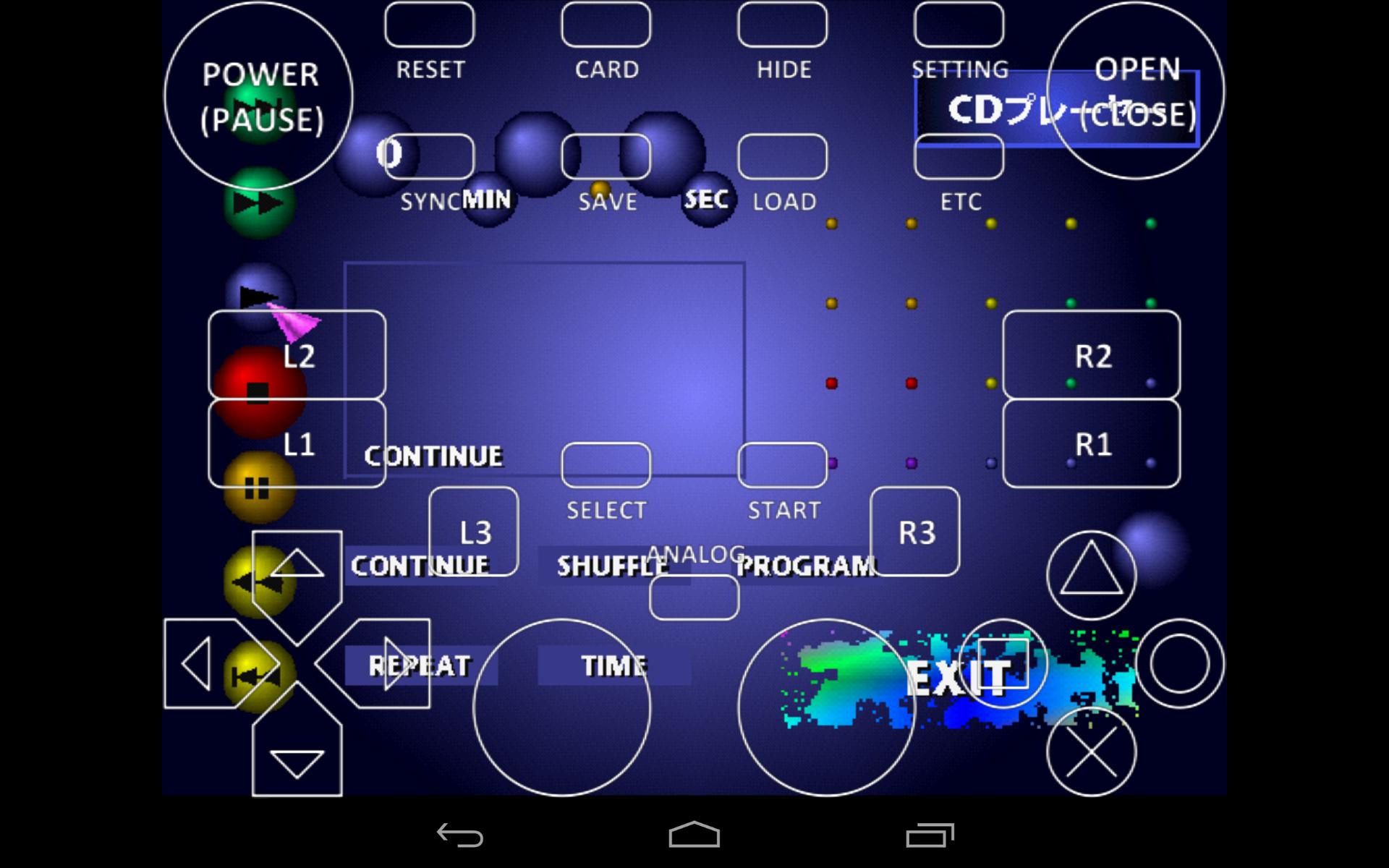
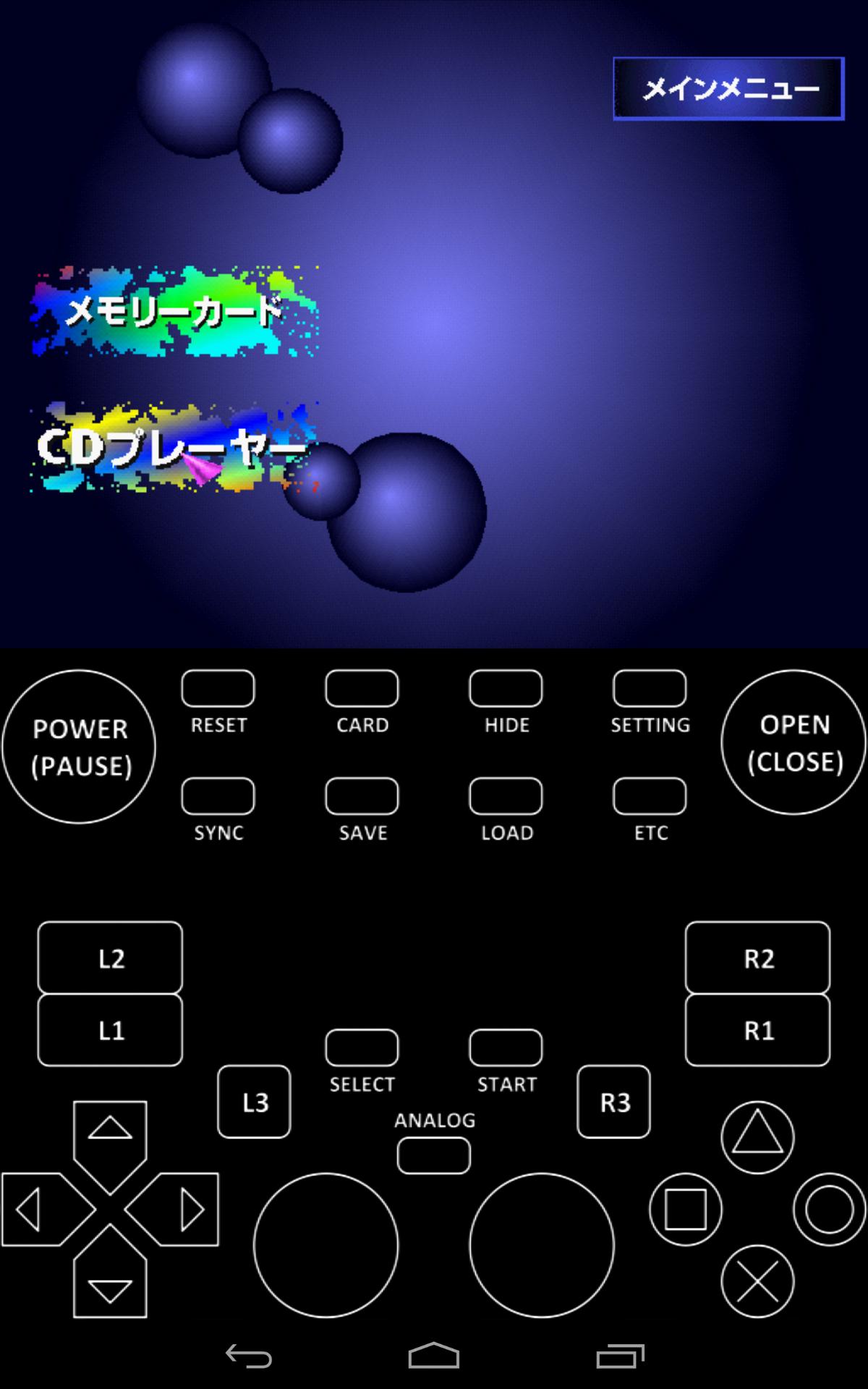
- XEBRA is the most accurate PlayStation 1 emulator and cannot be handled by fools.
- Because of its accuracy, it can be slow, but it works with almost all models.
- A secure but nasty Google regulation requires Android 11+ users to move files to the [Android/data/com.dokutajigokusai.xebra/files/] folder. You can do it with this app, but I recommend using an app like File Explorer.
- You can also download the old regulation apk from [https://admob-app-id-8674893626.web.app/] and install it manually.
- XEBRA has already supported [sub] files since 2020. If you are not a criminal, please rip again in CloneCD format. A [sub] file created by a calculation without actually reading it is useless. Rip again in game CD mode.
プレビュー
タグ
エンタメ情報
デベロッパー
独田地獄斎(Dr.Hell)
最新バージョン
25/08/25
最終更新
2025-08-24
カテゴリー
エンタメ
上で利用可能
Google Play
もっと見せる
PCでGameLoopを使用してXEBRAをプレイする方法
1. 公式WebサイトからGameLoopをダウンロードし、exeファイルを実行してGameLoopをインストールします
2. GameLoopを開いて「XEBRA」を検索し、検索結果でXEBRAを見つけて、「インストール」をクリックします。
3. GameLoopでXEBRAを楽しんでください
Minimum requirements
OS
Windows 8.1 64-bit or Windows 10 64-bit
GPU
GTX 1050
CPU
i3-8300
Memory
8GB RAM
Storage
1GB available space
Recommended requirements
OS
Windows 8.1 64-bit or Windows 10 64-bit
GPU
GTX 1050
CPU
i3-9320
Memory
16GB RAM
Storage
1GB available space