Unity Franks Box PC
gara-paranormal
GameLoopエミュレーターを使用してPCにUnity Franks Boxをダウンロードします
Unity Franks Box PC版
開発者gara-paranormalからのUnity Franks Boxは、過去にAndroidsystermで実行されています。
これで、GameLoopを搭載したPCでUnity Franks Boxをスムーズにプレイできます。
GameLoopライブラリまたは検索結果にダウンロードしてください。 バッテリーに目を向けたり、間違った時間にイライラしたりすることはもうありません。
大画面でUnity Franks BoxPCを無料でお楽しみください!
Unity Franks Box 序章
Welcome to Unity Franks Box.
this is based on the actual Franks Box #153 using original #153 files.
the files have been cut up into fragments which will be picked at random and played through the three engines and players.
there has been echo added which is turned on and off via the E button and the level can be controlled via the slider.
the speed is controlled via the + and - buttons.
Unity Franks Box has full sweep control so you as the researcher or hobbyist can adjust the setting
so as to get meaningful research.
but please note this intended for paranormal investigations or commutation.
in memory of Frank Stumption
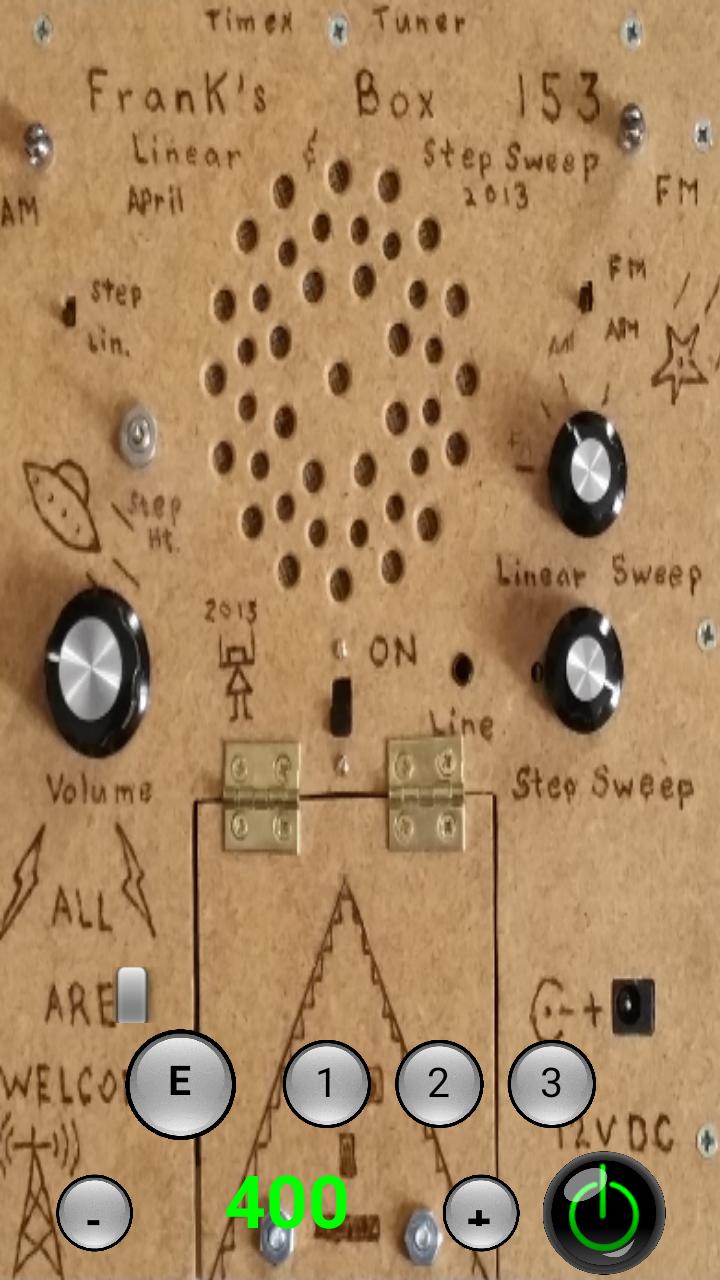
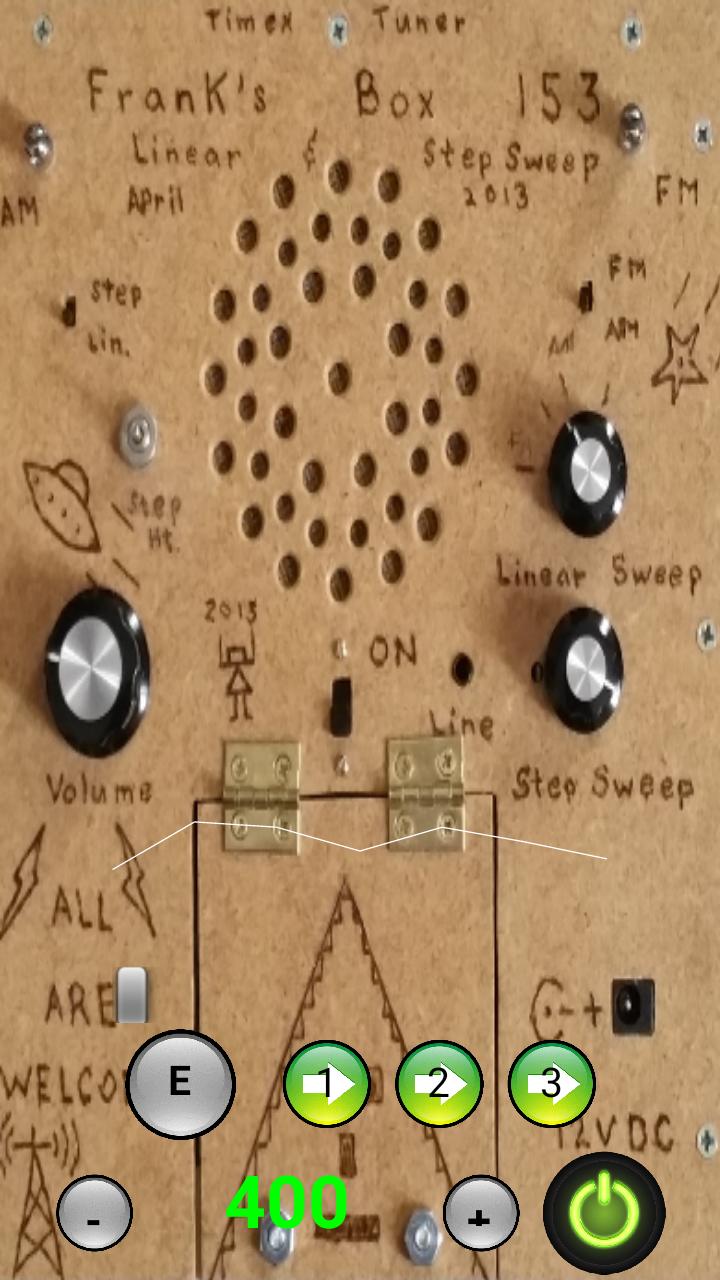
the buttons as follows:=
power is the bottom right to turn on and off
1 = turn on and off bank 1
2 = turn on and off bank 2
3 = turn on and off bank 3
E = turn on and off echo
slider above to control echo level
+ = increase audio playback and engine speed
- = decrease audio playback and engine speed
speed is shown in the number displayed between - and +
the sound wave above all shows the file fragment audio
プレビュー
タグ
エンタメ情報
デベロッパー
gara-paranormal
最新バージョン
3.5
最終更新
2018-09-25
カテゴリー
エンタメ
上で利用可能
Google Play
もっと見せる
PCでGameLoopを使用してUnity Franks Boxをプレイする方法
1. 公式WebサイトからGameLoopをダウンロードし、exeファイルを実行してGameLoopをインストールします
2. GameLoopを開いて「Unity Franks Box」を検索し、検索結果でUnity Franks Boxを見つけて、「インストール」をクリックします。
3. GameLoopでUnity Franks Boxを楽しんでください
Minimum requirements
OS
Windows 8.1 64-bit or Windows 10 64-bit
GPU
GTX 1050
CPU
i3-8300
Memory
8GB RAM
Storage
1GB available space
Recommended requirements
OS
Windows 8.1 64-bit or Windows 10 64-bit
GPU
GTX 1050
CPU
i3-9320
Memory
16GB RAM
Storage
1GB available space