
Sticker Meme Pentol Lucu For W PC
Figurinhas
GameLoopエミュレーターを使用してPCにSticker Meme Pentol Lucu For Wをダウンロードします
Sticker Meme Pentol Lucu For W PC版
開発者FigurinhasからのSticker Meme Pentol Lucu For Wは、過去にAndroidsystermで実行されています。
これで、GameLoopを搭載したPCでSticker Meme Pentol Lucu For Wをスムーズにプレイできます。
GameLoopライブラリまたは検索結果にダウンロードしてください。 バッテリーに目を向けたり、間違った時間にイライラしたりすることはもうありません。
大画面でSticker Meme Pentol Lucu For WPCを無料でお楽しみください!
Sticker Meme Pentol Lucu For W 序章
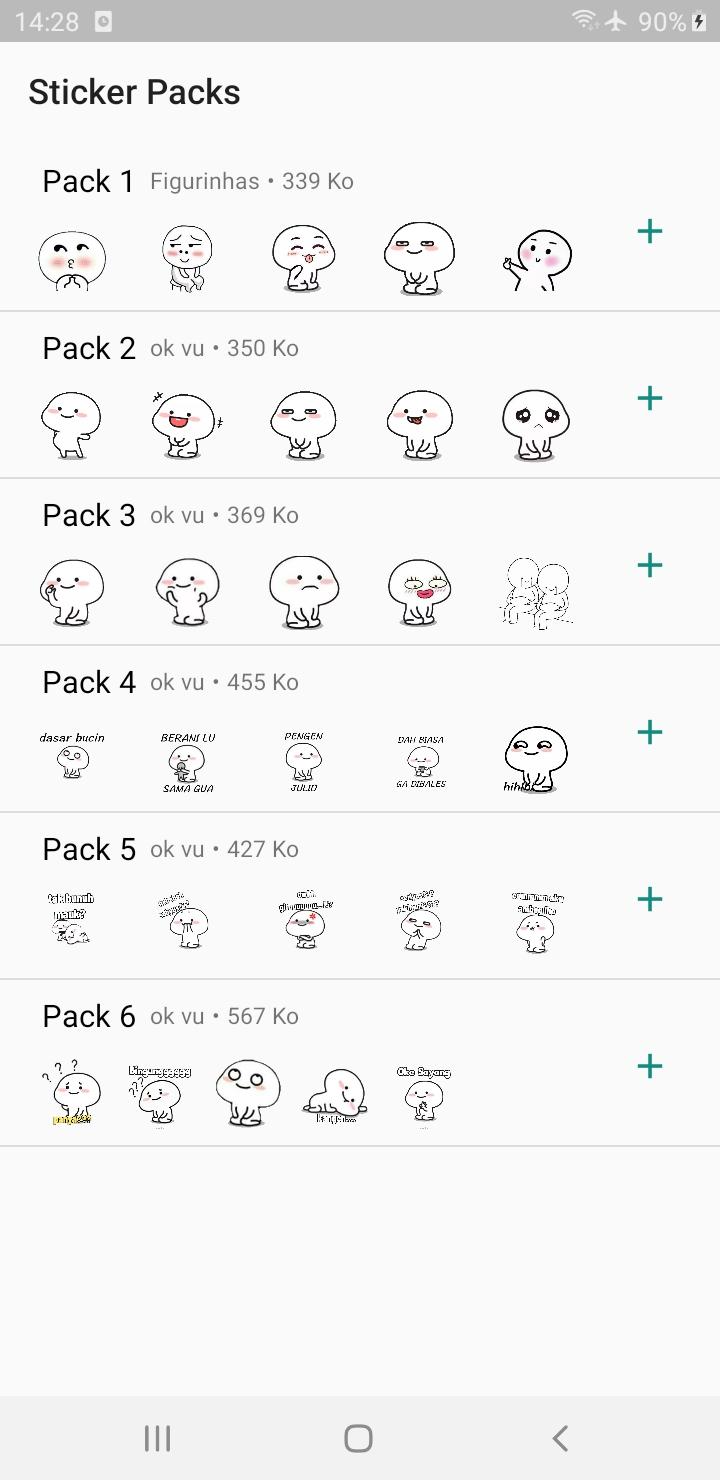
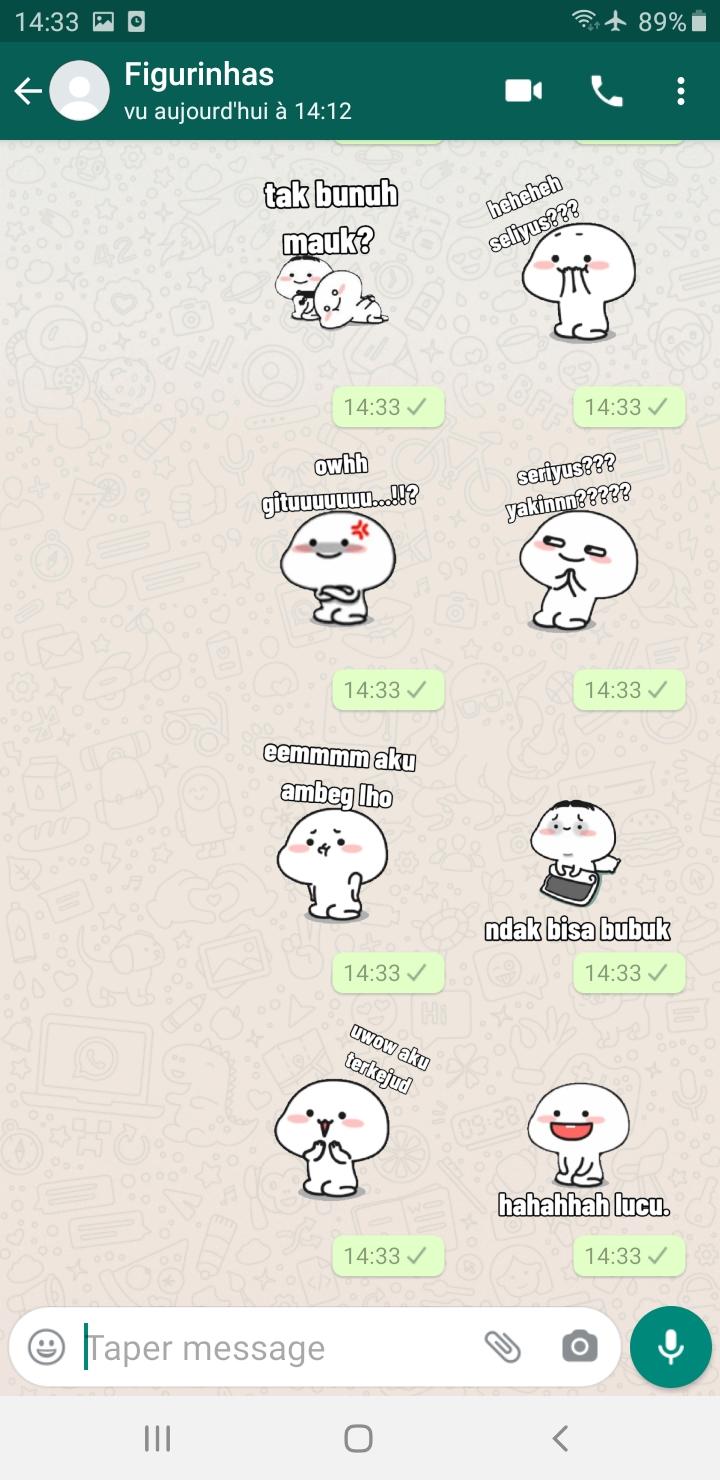
Meme Sticker Pentol Lucu For WAStickerApps adalah sebuah aplikasi yang menyediakan berbagai macam kumpulan sticker dengan kualitas terbaik.
Pada aplikasi Meme Sticker Pentol Lucu For WAStickerApps tidak diragukan lagi dengan kualitas stiker terbaiknya.
Untuk menggunakan stiker:
1. Buka chat individual atau grup.
2. Di sebelah bidang input teks, ketuk Emoji > Stiker.
3. Untuk menambahkan paket stiker, ketuk Tambah
4. Di popup Stiker yang ditampilkan, ketuk Unduh di samping paket stiker yang ingin Anda unduh. Jika diminta, ketuk UNDUH • {ukuran file}.
*Tanda centang akan ditampilkan setelah pengunduhan selesai.
5. Ketuk Kembali.
6. Cari dan ketuk stiker yang ingin Anda kirim.
*Harap diperhatikan bahwa saat Anda mengetuk stiker, stiker tersebut akan dikirim secara otomatis.
Unduh aplikasi Meme Sticker Pentol Lucu For WAStickerApps agar chat kamu semakin menyenangkan.
プレビュー
タグ
エンタメ情報
デベロッパー
Figurinhas
最新バージョン
1.0
最終更新
2022-10-07
カテゴリー
エンタメ
上で利用可能
Google Play
もっと見せる
PCでGameLoopを使用してSticker Meme Pentol Lucu For Wをプレイする方法
1. 公式WebサイトからGameLoopをダウンロードし、exeファイルを実行してGameLoopをインストールします
2. GameLoopを開いて「Sticker Meme Pentol Lucu For W」を検索し、検索結果でSticker Meme Pentol Lucu For Wを見つけて、「インストール」をクリックします。
3. GameLoopでSticker Meme Pentol Lucu For Wを楽しんでください
Minimum requirements
OS
Windows 8.1 64-bit or Windows 10 64-bit
GPU
GTX 1050
CPU
i3-8300
Memory
8GB RAM
Storage
1GB available space
Recommended requirements
OS
Windows 8.1 64-bit or Windows 10 64-bit
GPU
GTX 1050
CPU
i3-9320
Memory
16GB RAM
Storage
1GB available space